
iJoy IJ10231-AMZN
iJoy Portable Washing Machine User Manual
Model: IJ10231-AMZN
Introduction
The iJoy Portable Washing Machine is designed for efficient and convenient laundry care in compact spaces. With its 11-liter capacity and multiple cleaning modes, it offers a versatile solution for small loads, delicate items, and on-the-go washing needs. Its durable and collapsible design ensures portability and long-lasting performance, while conserving water and energy.
Important Safety Information
Please read all instructions carefully before operating the appliance.
- Ensure the power supply matches the appliance's requirements.
- Do not immerse the main unit in water.
- Keep out of reach of children.
- Do not overload the machine. Refer to capacity guidelines.
- Always unplug the appliance before cleaning or maintenance.
- Ensure the drain hose is properly secured to prevent leaks during operation.
- Avoid using harsh chemicals or abrasive cleaners.
What's in the Box
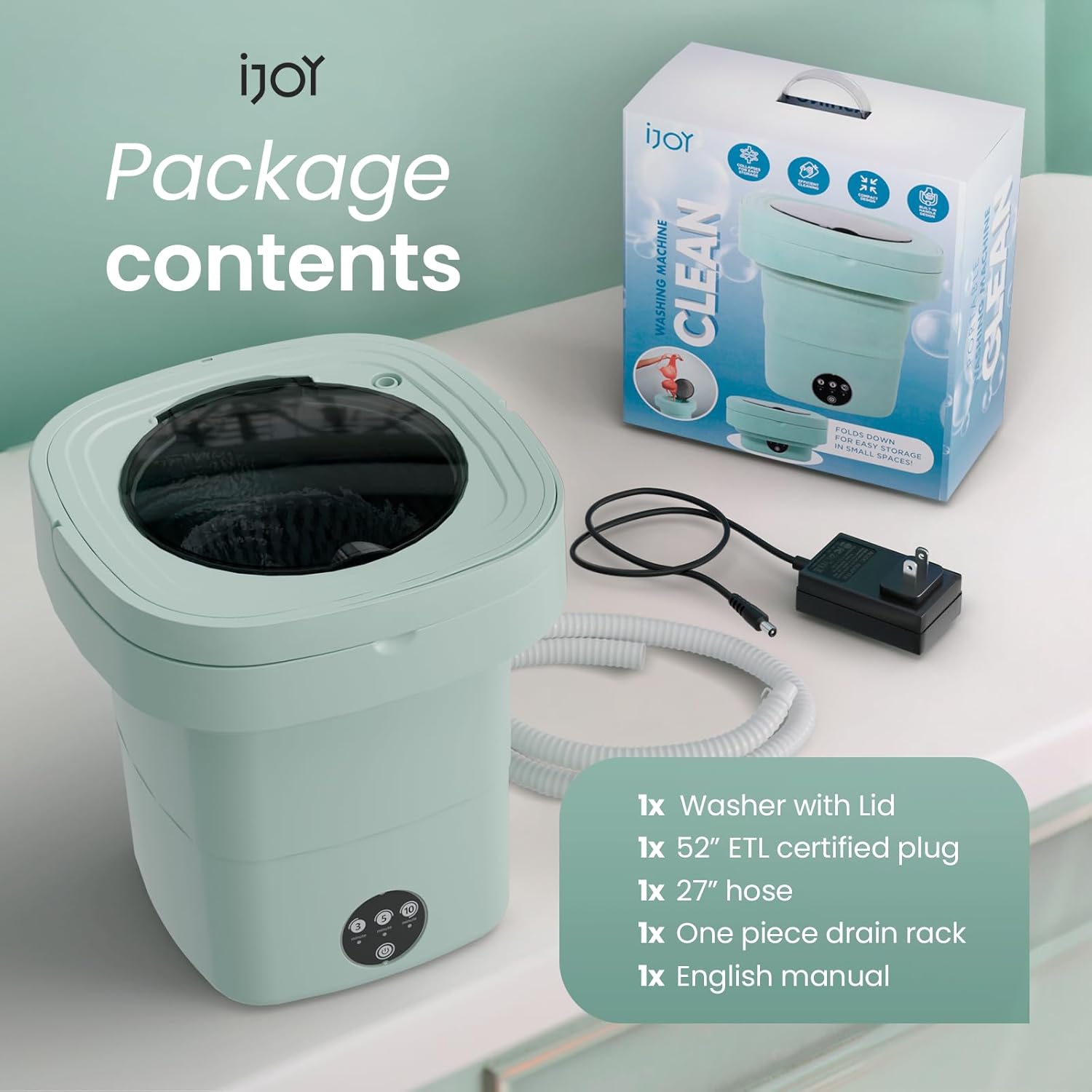
Image: Contents of the iJoy Portable Washing Machine package.
- 1x Washer with Lid
- 1x 52" ETL Certified Plug
- 1x 27" Hose
- 1x Drain Rack
- 1x English Manual
Setup Instructions
- Unpack the Washer: Carefully remove all components from the packaging.

Image: The iJoy Portable Washing Machine shown in its compact, folded state and expanded for use.
- Expand the Unit: Gently pull the top and bottom sections apart until the flexible body is fully extended and locked into place.
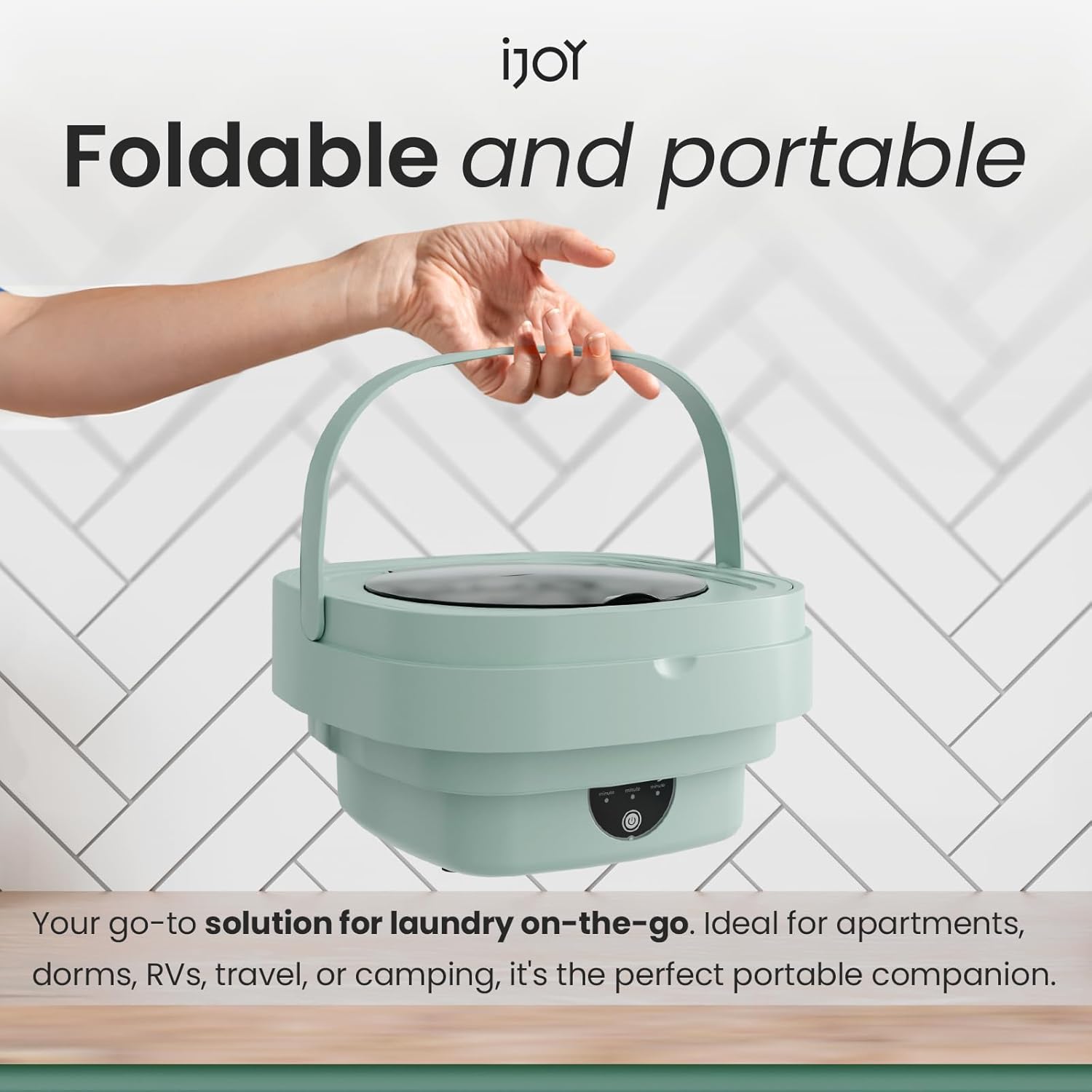
Image: The portable washing machine being held by its handle, highlighting its compact and foldable nature for easy transport.
- Connect the Drain Hose: Attach the 27-inch drain hose to the designated outlet on the side of the washer. Ensure it is securely fastened to prevent leaks. Position the other end of the hose into a sink or drain.

Image: The portable washing machine set up on a kitchen counter, demonstrating the connection of the drain hose to a sink for water disposal.
- Place the Drain Rack: If desired, place the drain rack inside the washer for specific items or to aid in water circulation.
- Power Connection: Plug the 52" ETL Certified Plug into a suitable power outlet.
Operating Instructions
The iJoy Portable Washing Machine features intuitive touch controls for easy operation.

Image: Detailed view of the control panel, showing the three time settings and power button.
- Add Water and Detergent: Open the lid and fill the washer with the appropriate amount of water. Add a small amount of liquid detergent suitable for delicate or small loads.
- Load Laundry: Place small items such as underwear, socks, baby clothes, or a single t-shirt into the washer. Do not overload the machine. The maximum capacity is 11 liters.
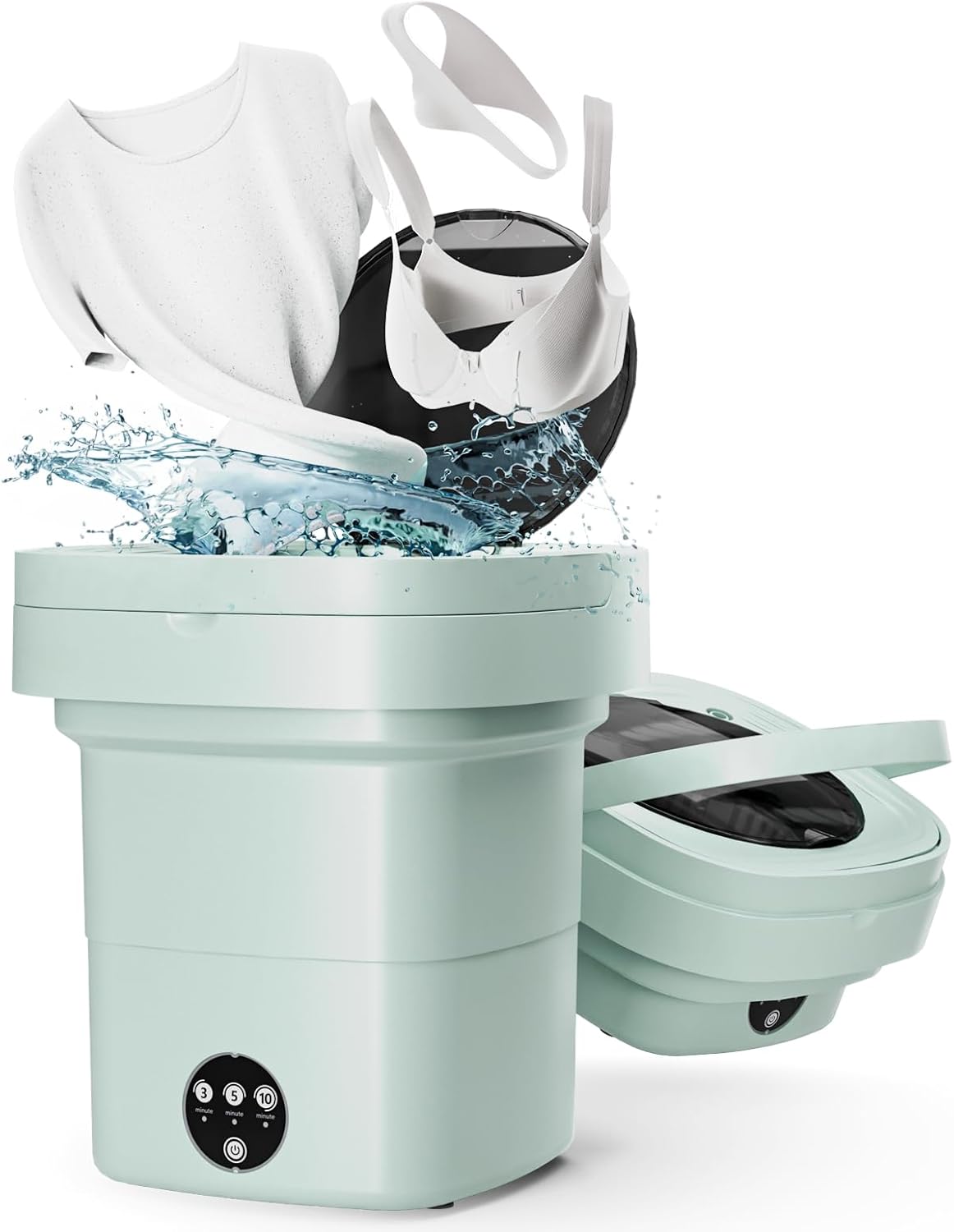
Image: The portable washing machine in operation, showing clothes being washed inside the unit.
- Select Wash Mode: Press the power button to turn on the unit. Select one of the three time modes:
- 3 minutes: Quick wash for lightly soiled items.
- 5 minutes: Standard wash for everyday items.
- 10 minutes: Deep clean for more soiled items.
- Draining: Once the wash cycle is complete, the machine will stop. Pull out the drain plug from the side of the unit to allow the water to drain into your sink or drain.
- Rinsing (Optional but Recommended): For best results, after draining the wash water, refill the machine with clean water and run a short cycle (e.g., 3 minutes) to rinse off any remaining soap. Drain the rinse water.
- Remove Laundry: Carefully remove your clean items from the washer.
Maintenance and Care
- Cleaning: After each use, wipe down the interior and exterior of the washer with a soft, damp cloth. Ensure no water remains in the unit.
- Storage: To store, ensure the unit is completely dry. Gently push down on the top section to collapse the washer into its compact form. Store in a cool, dry place away from direct sunlight.
- Avoid Harsh Chemicals: Do not use abrasive cleaners, solvents, or strong detergents that could damage the plastic or silicone components.
- Drain Hose Care: Periodically check the drain hose for any blockages or damage. Clean if necessary.
Troubleshooting
| Problem | Possible Cause | Solution |
|---|---|---|
| Machine does not turn on. | Not plugged in; power outlet issue; faulty power button. | Check power connection. Try a different outlet. Contact customer support if buttons are unresponsive. |
| Water leaks from the unit. | Drain hose not properly attached; drain plug not sealed; unit damaged. | Ensure drain hose is securely attached. Verify drain plug is fully inserted. Inspect unit for cracks or damage. |
| Machine is excessively noisy or wobbles. | Uneven surface; overloaded; items tangled. | Place on a flat, stable surface. Reduce laundry load. Untangle items inside. |
| Clothes not clean after cycle. | Overloaded; insufficient detergent; incorrect wash mode. | Reduce load size. Use appropriate amount of detergent. Select a longer wash cycle (e.g., 10 minutes). |
Specifications
| Feature | Detail |
|---|---|
| Brand Name | iJoy |
| Model Info | IJ10231-AMZN |
| Item Weight | 4.1 pounds |
| Product Dimensions (Expanded) | 12.2 x 13.9 x 12.2 inches |
| Country of Origin | China |
| Efficiency | Energy Efficiency |
| Capacity | 11 Liters |
| Installation Type | Countertop |
| Special Features | Collapsible |
| Color | Green |
| Control Console | Push Button |
| Standard Cycles | 3 (3, 5, 10 minute options) |
| Access Location | Top Load |
Warranty and Support
For warranty information and customer support, please refer to the contact details provided in the included English Manual or visit the official iJoy website. Keep your purchase receipt for warranty claims.
Ask a question about this manual
Ask about setup, troubleshooting, compatibility, parts, safety, or missing instructions. Manuals+ will review the question and use this page’s manual context to help answer it.