
DEWINNER 1
DEWINNER Cordless Electric Mop User Manual
Model: 1
Brand: DEWINNER
Introduction
Thank you for choosing the DEWINNER Cordless Electric Mop. This powerful and versatile cleaning tool is designed to make floor cleaning effortless and efficient. With its cordless design, water spray function, and rotating mop heads, it provides a deep clean for various hard floor surfaces. Please read this manual carefully before use to ensure proper operation, maintenance, and to maximize the lifespan of your device.

Figure 1: Overview of the DEWINNER Cordless Electric Mop and its accessories.
Safety Information
WARNING: Do not expose the product to children alone to avoid injury!
Always ensure the product is used on appropriate surfaces and avoid using it near open flames or in excessively wet environments. Do not immerse the main unit in water. Use only the provided charger and accessories. Keep hands and loose clothing away from rotating parts during operation.
Package Contents
Please check the package contents to ensure all items are present and in good condition:
- 1 x Mop Head Attachment
- 1 x Mop Handle
- 1 x Extendable Pipe
- 1 x Charger
- 1 x Measuring Cup
- 6 x Mopping Pads (reusable)
- 1 x User Manual
- 1 x Funnel

Figure 2: All components included in the DEWINNER Cordless Electric Mop package.
Setup
Follow these steps to assemble your DEWINNER Cordless Electric Mop:
- Link the Mop Bar: Connect the sections of the mop handle until the button pops up, securing the connection.
- Connect Mop Base and Head: Attach the mop handle assembly to the mop head. Ensure it clicks securely into place.
- Attach Mop Pads: Secure the mopping pads to the hook-and-loop fasteners on the bottom of the mop head. Ensure they are centered and firmly attached.
- Adjust Handle Length: Adjust the handle to a comfortable length for your height. The handle is adjustable from 37.4 to 48.4 inches (approximately 95 cm to 123 cm).

Figure 3: Step-by-step assembly instructions for the electric mop.
Operating Instructions
Charging the Battery
Before first use, fully charge the mop. Connect the charger to the charging port on the mop and plug it into a power outlet. The 2000mAh rechargeable battery typically takes 3-4 hours to fully charge, providing up to 60 minutes of cleaning time.
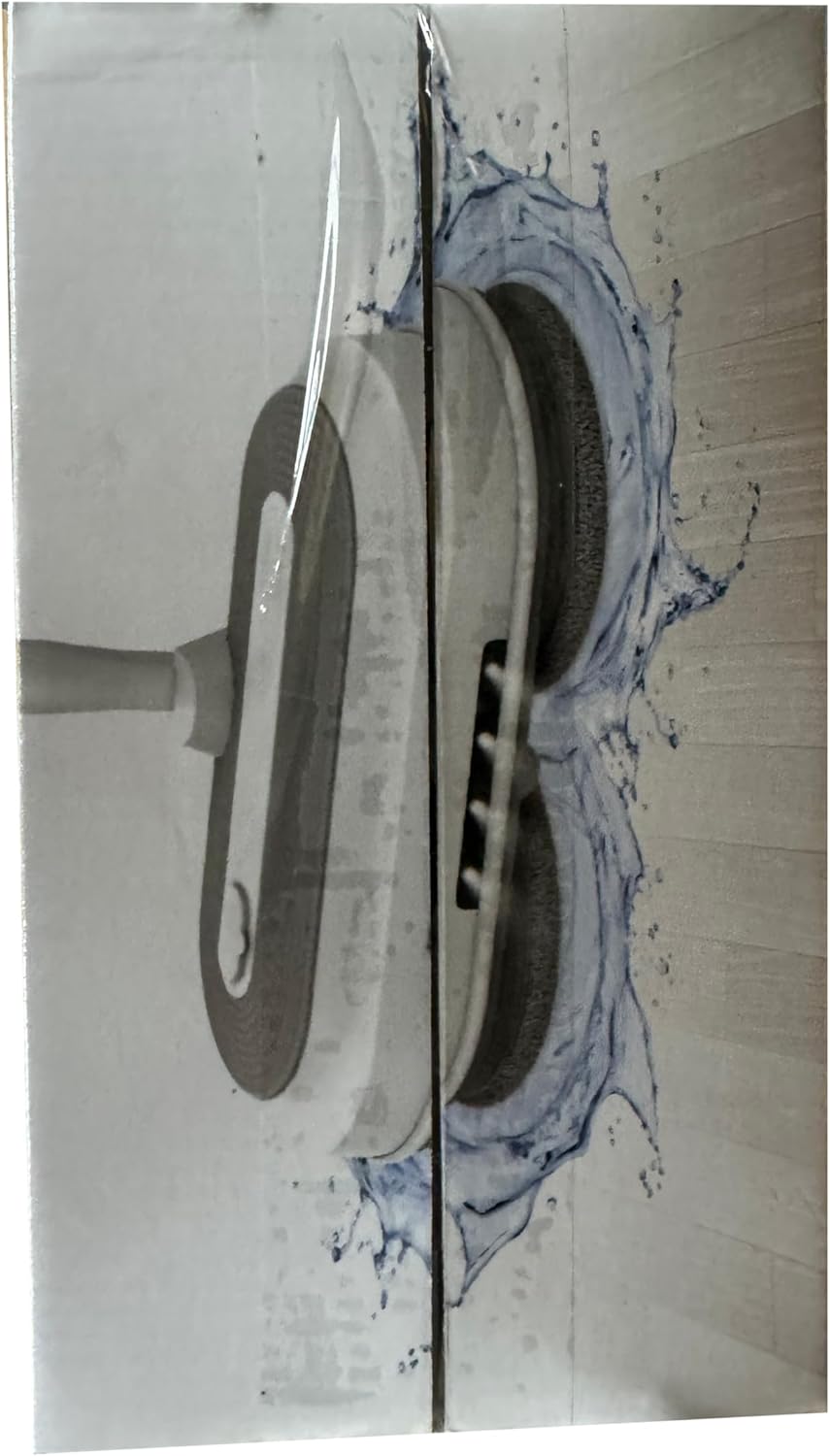
Figure 4: Charging the electric mop's 2000mAh battery.
Filling the Water Tank
The mop features a 300ML large water tank. To fill, open the water tank cap, use the provided measuring cup and funnel to pour clean water or a suitable floor cleaning solution into the tank. Do not overfill. Close the cap securely.
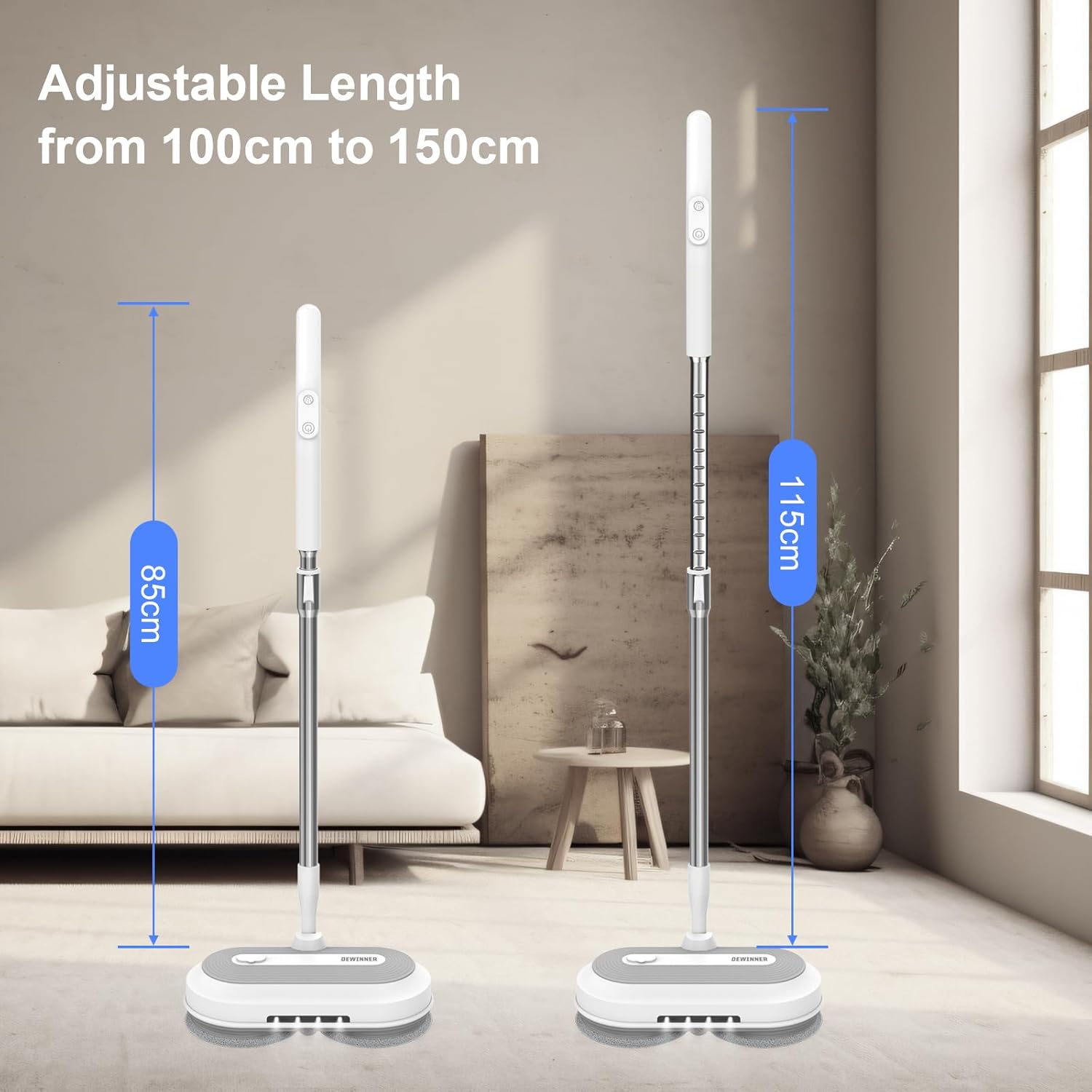
Figure 5: Filling the 300ML water tank.
Power On/Off and Cleaning
Press the power button on the handle to turn the mop on. The dual spin heads will begin rotating at 150 RPM, providing powerful cleaning action. To spray water, press the spray button on the handle. The mop head can swivel 180 degrees, allowing you to reach under furniture and into tight spaces. The integrated LED lights illuminate dark areas, ensuring no spot is missed.

Figure 6: Mop head swivel and LED lights for enhanced cleaning.
Suitable Floor Types
The DEWINNER Cordless Electric Mop is suitable for a variety of hard floor surfaces, including:
- Hardwood Floors
- Tile Floors
- Marble Floors
- Laminate Floors
- Vinyl Floors

Figure 7: The mop effectively cleans various hard floor types.
Maintenance
Cleaning Mop Pads
The six reusable microfiber mop pads are designed for easy cleaning. They can be washed by hand or machine. For best results, rinse pads after each use and machine wash regularly with similar colors. Air dry or tumble dry on low heat. Do not use bleach or fabric softener.

Figure 8: Reusable and washable microfiber mop pads.
Storage
After use, empty any remaining water from the tank. Clean the mop pads and allow them to dry completely before storing. Store the mop in a cool, dry place away from direct sunlight and extreme temperatures. The adjustable handle allows for compact storage.
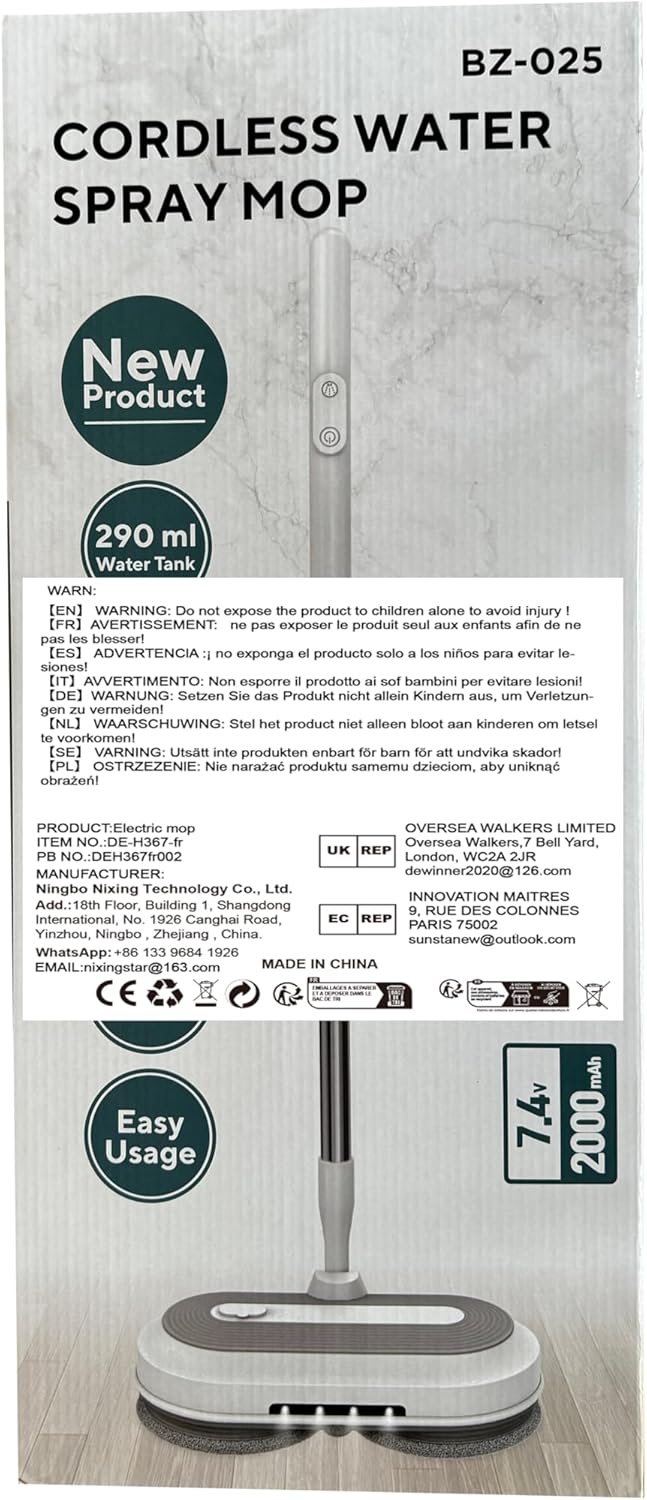
Figure 9: Adjustable handle for comfortable use and compact storage.
Troubleshooting
If you encounter any issues with your DEWINNER Cordless Electric Mop, please refer to the following common solutions:
- Mop not turning on: Ensure the battery is fully charged. Check that the handle sections are securely connected and the power button is pressed firmly.
- No water spray: Check if the water tank is filled. Ensure the spray nozzle is not clogged.
- Reduced cleaning performance: Clean or replace the mop pads. Ensure the mop pads are properly attached.
- Unusual noise: Turn off the mop immediately and check for any obstructions around the rotating heads.
If the problem persists, please contact DEWINNER customer support for assistance.
Specifications
| Feature | Specification |
|---|---|
| Brand | DEWINNER |
| Model Number | 1 |
| Colour | White |
| Product Dimensions | 54 x 23.5 x 12.8 cm |
| Item Weight | 2 kg |
| Water Tank Capacity | 300 ml |
| Battery Capacity | 2000 mAh |
| Voltage | 11 Volts |
| Material | Plastic |
| Special Features | Convenient, Quiet, LED Headlights, Adjustable Handle |
| Included Components | 6 reusable mops |
Warranty and Support
For warranty information or technical support, please refer to the contact details provided with your purchase documentation or visit the official DEWINNER website. Keep your purchase receipt as proof of purchase for any warranty claims.
Ask a question about this manual
Ask about setup, troubleshooting, compatibility, parts, safety, or missing instructions. Manuals+ will review the question and use this page’s manual context to help answer it.