1. Introduction
Thank you for choosing the MOSSCO Model 7001 Caged Ceiling Fan with Light. This manual provides essential information for the safe installation, operation, and maintenance of your new ceiling fan. Please read these instructions thoroughly before beginning installation or use, and retain this manual for future reference.
This ceiling fan features a unique caged design, integrated lighting, a quiet DC motor, and multiple wind speed settings, making it suitable for various indoor spaces.
2. Safety Information
WARNING: To reduce the risk of fire, electric shock, or personal injury, always follow these safety precautions:
- Disconnect Power: Before installation, servicing, or cleaning, turn off power at the main circuit breaker or fuse box to prevent electrical shock.
- Qualified Electrician: All electrical wiring must be performed by a qualified electrician in accordance with national and local electrical codes.
- Mounting Structure: Ensure the mounting structure (ceiling junction box) is securely attached and capable of supporting the fan's weight (approximately 4.01 kg / 8.84 lbs).
- Bulb Requirements: Use only the specified type and wattage of bulbs. This fixture requires 4 bulbs (not included). Do not exceed the maximum wattage indicated on the fixture.
- Blade Clearance: Ensure there is adequate clearance between the fan blades and any objects or walls.
- Avoid Contact: Do not insert objects into the fan blades while the fan is operating.
- Cleaning: Clean the fan only with a soft, damp cloth. Do not use abrasive cleaners or solvents.
3. Package Contents
Please verify that all components are present before beginning installation. If any parts are missing or damaged, contact customer support.
- Caged Ceiling Fan Unit (with integrated motor and light sockets)
- Mounting Bracket
- Remote Control
- Hardware Pack (screws, wire nuts, washers)
- User Manual (this document)
Note: Light bulbs are not included and must be purchased separately.
4. Specifications
| Brand | MOSSCO |
| Model Number | 7001 |
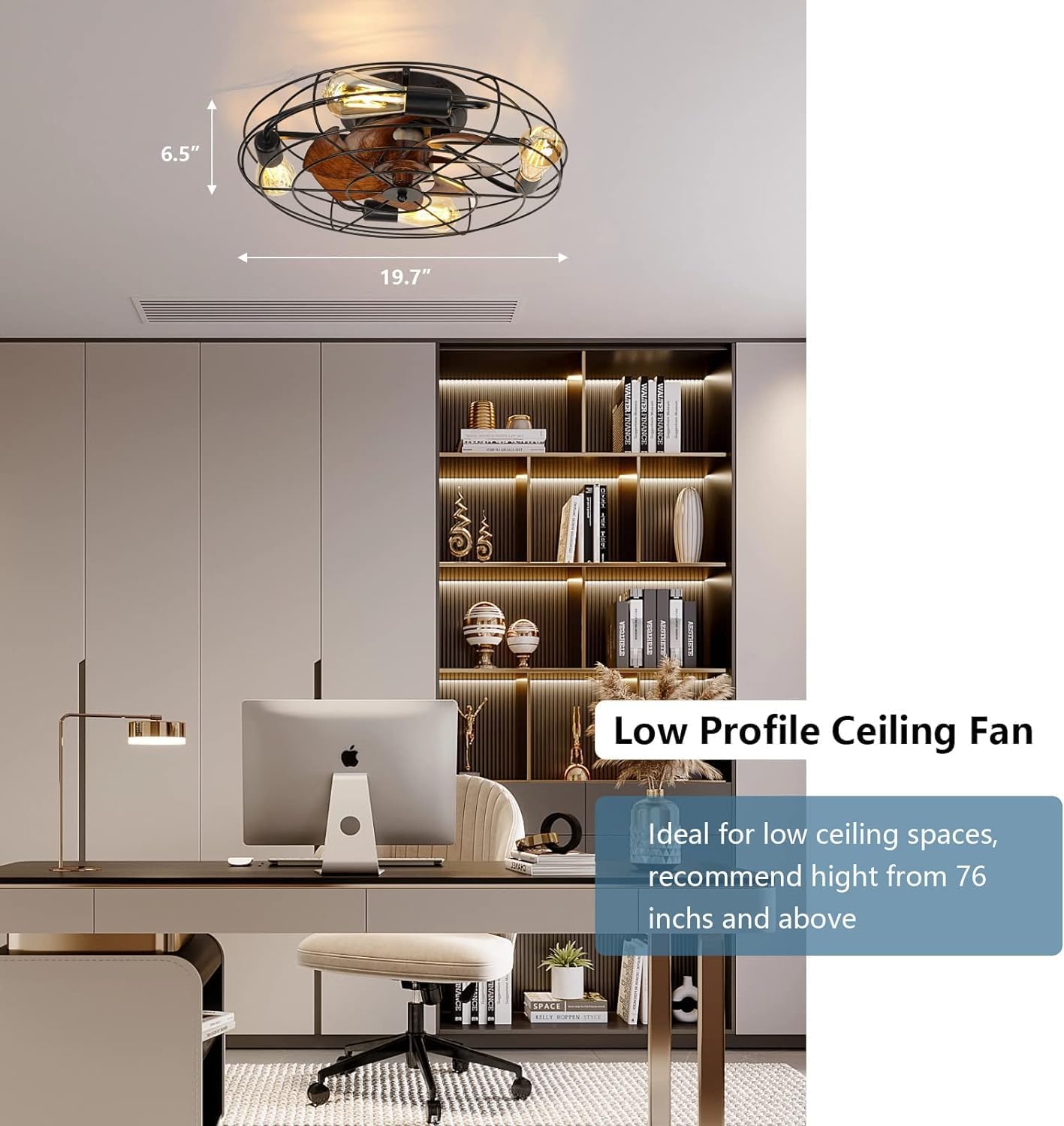
| Dimensions (Diameter x Height) | 19.7 inches x 6.5 inches (50.04 cm x 16.51 cm) |
| Weight | 4.01 kg (8.84 lbs) |
| Voltage | 120 Volts (AC) |
| Material | Iron |
| Fan Speeds | 6 Wind Speeds |
| Motor Type | Quiet DC Motor (<35dB) |
| Rotation Modes | Forward (Summer), Reverse (Winter) |
| Light Source | 4 Bulbs (not included, Edison style recommended) |
| Control Method | Remote Control |
| Timer Function | 1H, 2H, 4H |
| Recommended Room Size | Up to approximately 14x16 feet (224 sq ft) |
| Color | Black |

5. Installation
This ceiling fan is designed for quick and easy installation. Most parts are pre-assembled. However, professional installation by a qualified electrician is recommended to ensure safety and compliance with electrical codes.
5.1 Pre-Installation Checklist
- Ensure power is OFF at the circuit breaker.
- Confirm all package contents are present.
- Gather necessary tools (screwdriver, wire strippers, ladder, etc.).
5.2 Mounting the Fan
- Secure Mounting Bracket: Attach the mounting bracket to the ceiling junction box using the provided screws. Ensure the bracket is firmly secured and can support the fan's weight.
- Wiring Connections: Connect the fan's electrical wires to the household wiring according to local electrical codes (typically black to black, white to white, and ground to ground). Use the provided wire nuts to secure connections.
- Attach Fan Unit: Carefully lift the fan unit and attach it to the mounting bracket. Secure it with the screws as instructed in the detailed diagram.
- Install Light Bulbs: Insert 4 compatible light bulbs (not included) into the sockets. Ensure bulbs are fully seated.


5.3 Post-Installation
Once the fan is securely mounted and wired, restore power at the circuit breaker. Test the fan and light functions using the remote control.
6. Operation
Your MOSSCO ceiling fan is operated via the included remote control. Ensure the remote has working batteries installed.
6.1 Remote Control Functions
- Power On/Off: Turns the fan and light on or off.
- Fan Speed: Adjusts the fan speed through 6 levels (1-6).
- Light On/Off: Controls the light independently.
- Rotation Mode (Forward/Reverse): Changes the direction of the fan blades.
- Timer: Sets the fan to turn off automatically after 1, 2, or 4 hours.
6.2 Fan Rotation Modes
The fan offers two rotation modes to optimize comfort throughout the year:
- Forward (Summer Mode): Blades rotate counter-clockwise, pushing air downwards to create a cooling breeze.
- Reverse (Winter Mode): Blades rotate clockwise, drawing air upwards to circulate warm air near the ceiling, helping to distribute heat more evenly.

7. Maintenance
Regular maintenance ensures the longevity and optimal performance of your ceiling fan.
- Cleaning: Periodically wipe the fan and light fixture with a soft, dry, or slightly damp cloth. Do not use harsh chemicals or abrasive materials, as they may damage the finish. Ensure power is off before cleaning.
- Bulb Replacement: Turn off power at the circuit breaker before replacing light bulbs. Allow bulbs to cool completely before handling. Replace with bulbs of the same type and wattage.
- Tighten Fasteners: Check all screws and fasteners periodically to ensure they are secure. Loose connections can cause noise or malfunction.
8. Troubleshooting
If you encounter issues with your MOSSCO ceiling fan, refer to the following troubleshooting guide:
| Problem | Possible Cause | Solution |
|---|---|---|
| Fan does not start | No power; Remote control battery low/dead; Incorrect wiring. | Check circuit breaker; Replace remote battery; Verify wiring connections (consult electrician). |
| Light does not work | Bulbs are loose or burnt out; Incorrect wiring. | Tighten or replace bulbs; Verify wiring connections (consult electrician). |
| Fan makes excessive noise | Loose screws or mounting hardware; Fan not balanced. | Check and tighten all screws; Ensure fan is securely mounted. |
| Remote control not responding | Remote battery low/dead; Remote not paired (if applicable). | Replace remote battery; Refer to remote pairing instructions (if provided separately). |
| Fan turns on spontaneously | Electrical interference; Remote signal issues. | Ensure no other devices are using similar frequencies. If the problem persists, contact MOSSCO customer support. |
9. Warranty and Support
For warranty information, please refer to the documentation provided at the time of purchase or contact your retailer. MOSSCO is committed to providing quality products and customer satisfaction.
If you require further assistance, have questions, or encounter issues not covered in this manual, please contact MOSSCO customer support through your Amazon order details page. Please have your model number (7001) and purchase date available when contacting support.