1. Introduction
Thank you for choosing the Babymoov Swoon Evolution Smart Baby Swing. This manual provides essential information for the safe and proper assembly, operation, maintenance, and troubleshooting of your baby swing. Please read all instructions carefully before use and retain this manual for future reference.

Image 1.1: The Babymoov Swoon Evolution Smart Baby Swing.
2. Safety Information
Your child's safety is paramount. Always follow these safety guidelines:
- Always use the 5-point harness to secure your baby in the swing.
- Never leave your child unattended in the swing.
- Do not use the swing if any components are damaged or missing.
- Ensure the swing is placed on a flat, stable surface.
- Keep children and pets away from the swing during operation.
- Maximum weight recommendation: 25 pounds.
- This product is intended for infants from birth until they can sit up unassisted or attempt to climb out.
3. What's in the Box
Verify that all components are present before assembly:
- Babymoov Swoon Evolution Smart Baby Swing unit
- Newborn insert
- Play arch with 3 sensory toys
- Power adapter
- Instruction Manual (this document)
4. Setup and Assembly
Assembly of the Babymoov Swoon Evolution Smart Baby Swing is designed to be straightforward, typically taking less than 15 minutes.
- Unpack Components: Carefully remove all parts from the packaging.
- Assemble Base: Connect the swing's main support frame to the base unit. Ensure it clicks securely into place.
- Attach Seat: Mount the seat onto the support frame. The seat should rotate freely once attached.
- Install Newborn Insert: Place the newborn insert into the seat for optimal comfort and support for newborns.
- Attach Play Arch: Secure the play arch to the designated slots on the swing. Ensure the 3 sensory toys are attached.
- Connect Power: Plug the power adapter into the swing and then into a wall outlet. The swing does not operate on batteries.

Image 4.1: Baby secured in the swing with the infant insert.
5. Operating Instructions
The Babymoov Swoon Evolution offers multiple features for your baby's comfort and entertainment. Control can be managed via the integrated control panel or the mobile application.
5.1 Power On/Off
Press the power button on the control panel or within the mobile app to turn the swing on or off.

Image 5.1: Control panel on the swing base.
5.2 Swing Motions and Speeds
The swing features 8 ultra-smooth movements and 5 adjustable speeds. Select your desired motion and speed using the control panel or the mobile app.

Image 5.2: Visual representation of the 8 soothing motions.
5.3 360° Rotating Seat
The seat can rotate 360 degrees, allowing you to easily adjust your baby's orientation without moving the entire swing unit. This feature promotes interaction with the surrounding environment.

Image 5.3: The 360° rotating seat in use.
5.4 Adjustable Seating Positions
The swing offers 5 reclining positions (2 backrest, 3 seat) that can be adjusted with one hand. This allows for comfortable positioning whether your baby is resting or playing.
5.5 Programmable Swing Time
Set the swing to operate for 10, 20, or 30 minutes using the timer function on the control panel or through the mobile app.
5.6 Bluetooth Connectivity & Mobile App Control
Connect your smartphone via Bluetooth to control the swing remotely. The mobile app allows you to:
- Manage swing movements and speed.
- Access 12 built-in lullabies with adjustable volume.
- Stream music from your device.
- Record and play personalized lullabies or voice messages.

Image 5.4: Smartphone app for controlling the swing's features.

Image 5.5: Remote control of the swing via smartphone.
5.7 Play Arch with Sensory Toys
The removable play arch includes 3 sensory toys designed to engage and entertain your baby.

Image 5.6: Play arch with sensory toys.
5.8 Ergonomic Design
The swing is designed to be waist-high, reducing the need for excessive bending when placing or removing your baby.

Image 5.7: Ergonomic height of the Babymoov Swoon Evolution.
6. Maintenance
Proper maintenance ensures the longevity and hygiene of your baby swing.
- Cleaning the Cover: The newborn insert and main seat cover are removable and machine washable. Follow the care instructions on the fabric label.
- Spot Cleaning: For minor spills, spot clean with a damp cloth and mild soap.
- Frame Cleaning: Wipe the frame and plastic components with a damp cloth. Do not use abrasive cleaners.
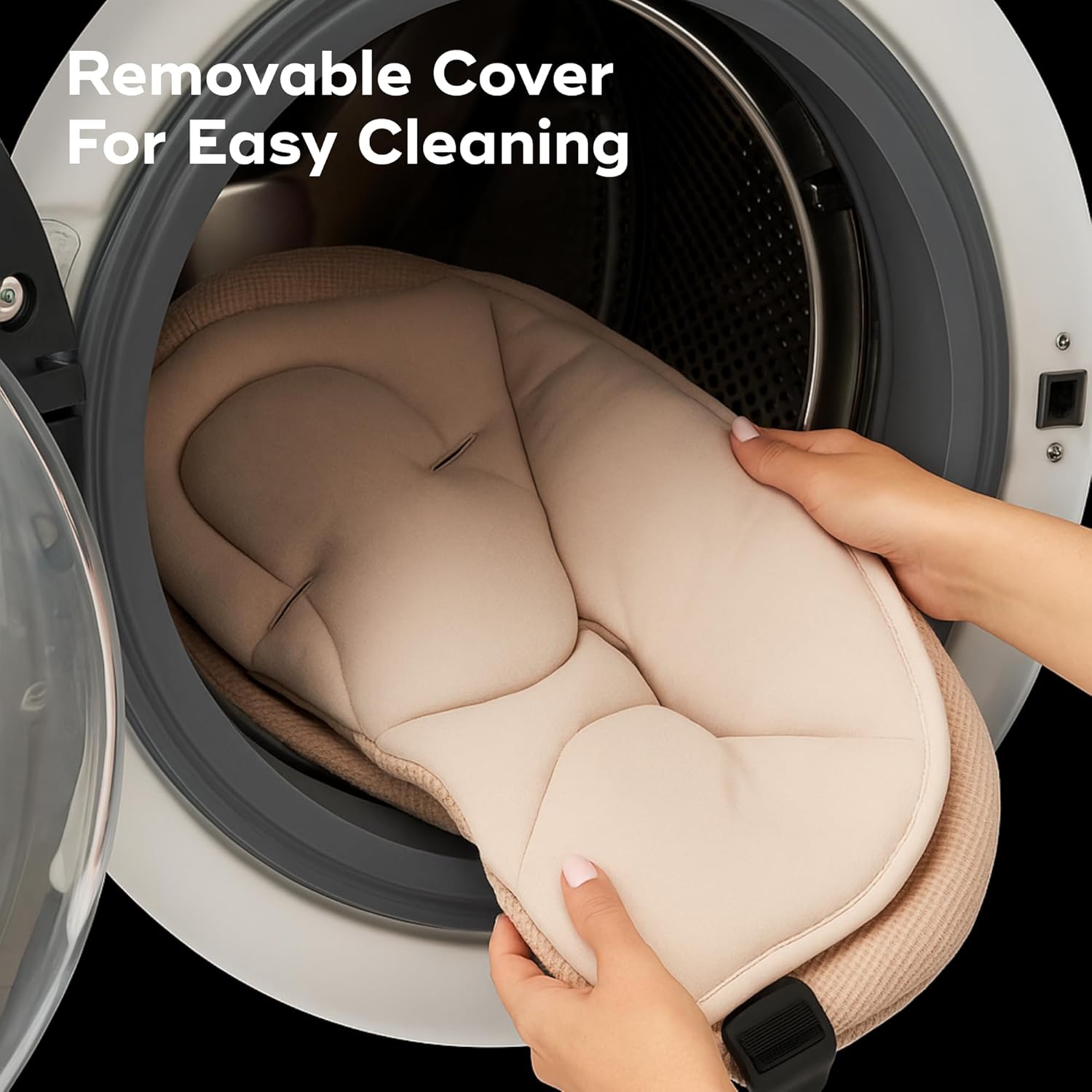
Image 6.1: Removable cover for easy cleaning.
7. Troubleshooting
If you encounter issues with your Babymoov Swoon Evolution, refer to the following common problems and solutions:
| Problem | Possible Cause | Solution |
|---|---|---|
| Swing does not turn on. | Not plugged in, power outlet issue, power adapter fault. | Ensure the power adapter is securely plugged into the swing and a working wall outlet. Test the outlet with another device. |
| Swing movements are not smooth or are making unusual noises. | Obstruction, uneven surface, mechanical issue. | Check for any obstructions around the swing mechanism. Ensure the swing is on a flat, level surface. If the issue persists, contact customer support. |
| Music/sounds are distorted or not playing. | Bluetooth connection issue, volume setting, app malfunction. | Verify Bluetooth connection. Adjust volume on the swing and your connected device. Restart the mobile app or your device. |
| Mobile app not connecting to the swing. | Bluetooth off, app not updated, swing not in pairing mode. | Ensure Bluetooth is enabled on your device and the swing is powered on. Update the Babymoov app to the latest version. Follow app instructions for pairing. |
If these solutions do not resolve the issue, please contact Babymoov customer support.
8. Specifications
| Feature | Detail |
|---|---|
| Product Dimensions | 27.2 x 24.8 x 36.6 inches (69.1 x 63 x 93 cm) |
| Item Weight | 23.4 pounds (10.63 kg) |
| Maximum Weight Recommendation | 25 Pounds |
| Material Type | Polyester |
| Material Composition | Newborn insert: 100% Polyester - Filling: 100% Polyester. Cover: Behind: 85% Polyester, 15% Cotton - Back and Filling: 100% Polyester - Toys: 100% Polyester. |
| Care Instructions | Machine washable cover, Spot wash |
| Additional Product Features | Bluetooth connectivity, adjustable seat |
| Batteries Required | No |
| Is Portable | Yes |
| Model Number | A055021_US |
9. Official Product Videos
Watch these official videos for a visual guide to the Babymoov Swoon Evolution Smart Baby Swing's features and usage.
Video 9.1: Presentation of the Babymoov Swoon Evolution. This video provides an overview of the swing's design and key functionalities.
Video 9.2: Lifestyle with Babymoov Swoon Evolution. This video demonstrates the swing's integration into daily family life.
10. Warranty and Support
For warranty information, product registration, or further assistance, please visit the official Babymoov website or contact their customer support directly. Keep your proof of purchase for warranty claims.


