
1. Introduction
Thank you for choosing the AddAcc Portable Travel Fan A10. This fan is designed for versatility and convenience, offering powerful airflow, extended battery life, and a compact, foldable design. Please read this manual carefully before use to ensure proper operation and maintenance.
2. Product Overview
The AddAcc Portable Travel Fan A10 is a rechargeable, foldable fan equipped with a 20000mAh battery, 9-speed settings, auto-oscillation, a remote control, and an ambient light feature. Its design allows for easy portability and use in various environments, from home to outdoor adventures.
Key Features:
- 9 Speed Settings & Auto Oscillating: Offers 8 wind speeds and one natural wind mode, with 180° adjustable pivot and 45°/90° auto oscillation.
- Digital Display & Fast Charging: Features a digital display for settings and power, and charges fully in 8-9 hours via 5V/3A USB-C.
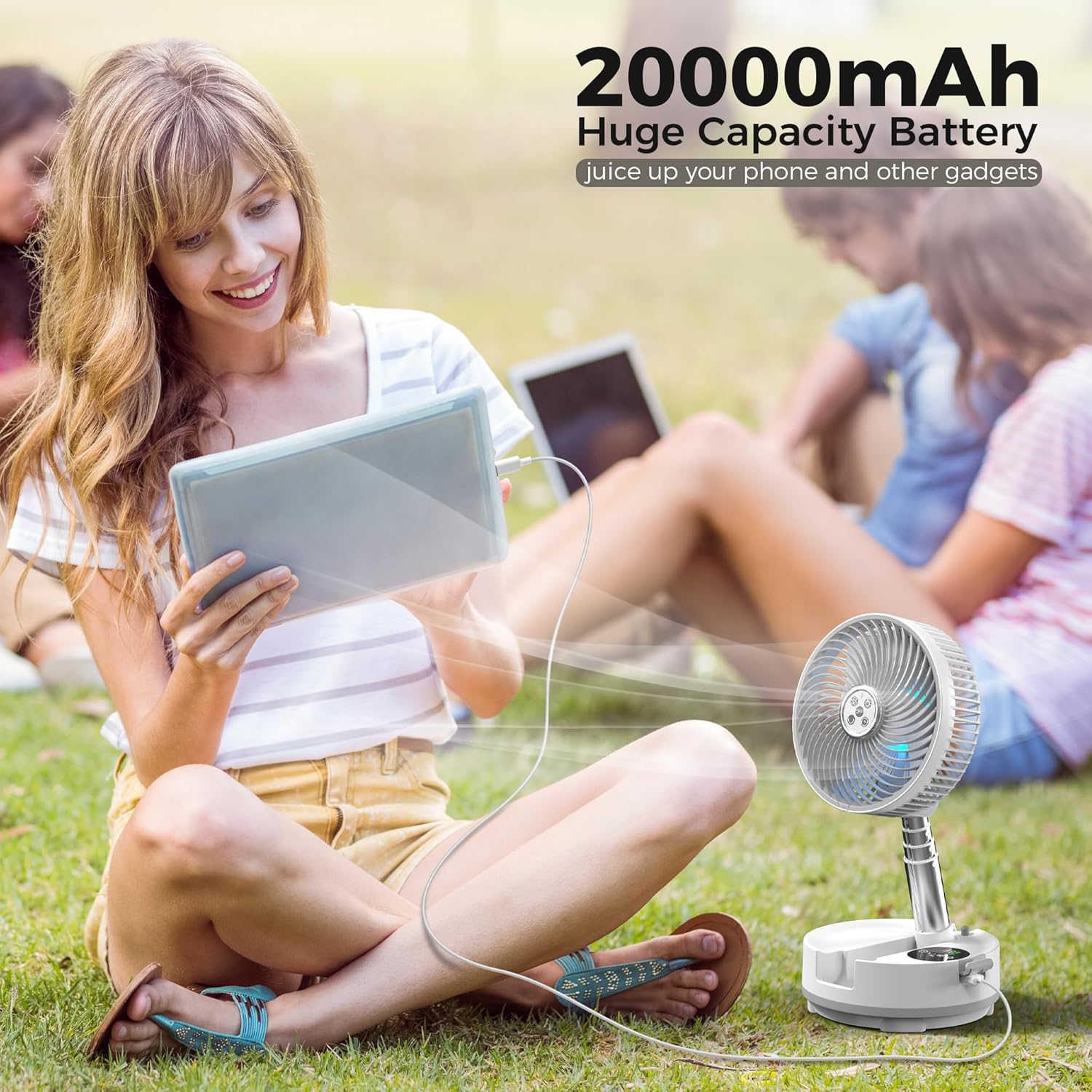
- Long Battery Life: 20000mAh built-in battery provides up to 112 hours of operation. Functions as a power bank with a 5V/3A output port.
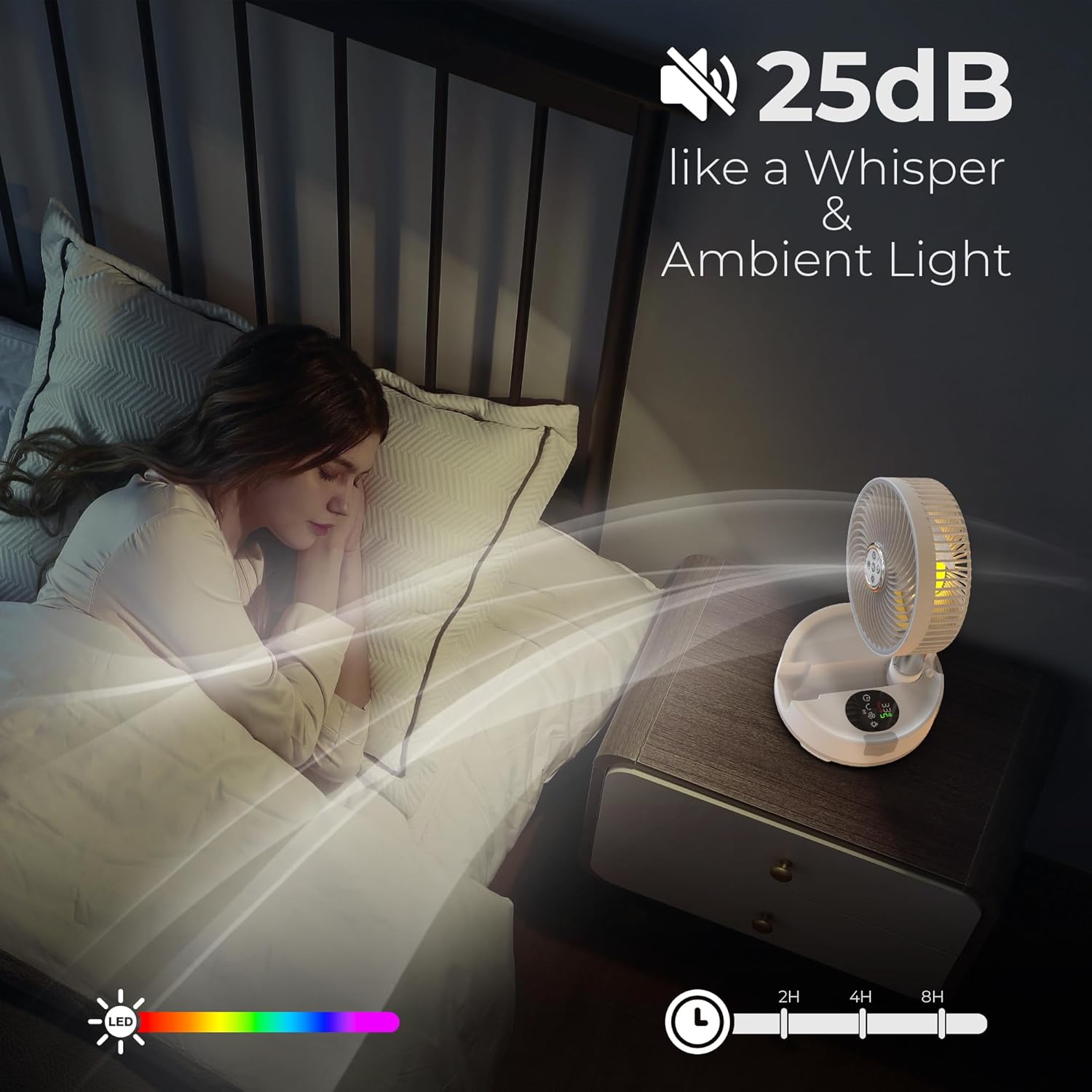
- Remote Control & Ambient Light: Wireless remote control (16.4ft range) and colorful ambient lights with a timer function (1, 2, 4, or 8 hours).
- Easy to Carry & Clean: Lightweight (3.42 lbs), adjustable height (5.6 to 22.8 inches), folds to 5.62*7.87 inches, and has a detachable front cover for easy cleaning.
Product Images:




3. Setup
Unfolding and Adjusting Height:
- Place the fan base on a flat, stable surface.
- Gently pull the fan head upwards from the base to extend the telescopic rod.
- Adjust the rod to your desired height, ranging from 5.6 inches (folded) to 22.8 inches (fully extended). Ensure the rod is securely locked in place at the chosen height.
- Adjust the fan head's angle by pivoting it up to 180 degrees to direct airflow.
Initial Charging:
Before first use, fully charge the fan. Connect the provided 5V/3A USB-C charging cable to the fan's charging port and a compatible power adapter. The digital display will indicate the charging status. A full charge typically takes 8-9 hours.
4. Operating Instructions
Power On/Off:
Press the power button on the fan's base or the remote control to turn the fan on or off.
Adjusting Wind Speed:
The fan offers 9 wind speed settings, including a natural wind mode. Press the speed adjustment button on the fan or remote to cycle through the speeds. The digital display will show the current speed level.
Oscillation:
Press the oscillation button on the fan or remote to activate the auto-oscillation feature. The fan can oscillate 45° or 90° to distribute air across a wider area.
Timer Function:
Use the timer button on the fan or remote to set an automatic shut-off time. Options include 1, 2, 4, or 8 hours. The digital display will show the selected timer duration.
Ambient Light:
Press the light button on the fan or remote to turn on the ambient light. Cycle through different light colors or turn it off using the same button.
Power Bank Function:
The fan features a 5V/3A USB output port. Connect your mobile device or other gadgets to this port using a compatible cable to charge them in emergencies.
Digital Display:
The digital display provides real-time information on battery level, current wind speed, oscillation status, and timer settings.
Instructional Videos:
5. Maintenance
Cleaning the Fan:
To ensure optimal performance and hygiene, regular cleaning is recommended.
- Ensure the fan is turned off and unplugged before cleaning.
- Rotate the front cover counter-clockwise to detach it from the fan body.
- Wipe the fan blades and the inside of the cover with a soft, damp cloth. For stubborn dirt, a mild soap solution can be used, followed by wiping with a clean, damp cloth.
- Ensure all parts are completely dry before reassembling.
- Align the front cover with the fan body and rotate clockwise until it clicks securely into place.
6. Troubleshooting
| Problem | Possible Cause | Solution |
|---|---|---|
| Fan does not turn on. | Low battery or no power. | Charge the fan using the USB-C cable. Ensure the power adapter is working. |
| Weak airflow. | Low speed setting or dirty blades. | Increase the speed setting. Clean the fan blades as per maintenance instructions. |
| Remote control not working. | Remote battery depleted or obstruction. | Replace the remote control battery. Ensure no objects are blocking the signal path between the remote and the fan. |
| Fan makes unusual noise. | Obstruction in blades or loose parts. | Turn off and unplug the fan. Check for any foreign objects obstructing the blades. Ensure the front cover is securely attached. |
| Oscillation not working. | Oscillation feature not activated. | Press the oscillation button on the fan or remote control. |
7. Specifications
| Feature | Detail |
|---|---|
| Brand | AddAcc |
| Model Name | A10 |
| Color | White |
| Power Source | Battery Powered |
| Product Dimensions | 7.87"D x 5.75"W x 7.87"H |
| Adjustable Height Range | 5.6 to 22.8 inches |
| Number of Speeds | 9 |
| Noise Level | 25 Decibels |
| Battery Capacity | 20000mAh |
| Charging Port | USB Type C (5V/3A) |
| Output Port | USB (5V/3A) |
| Controller Type | Remote Control |
| Oscillation | 45°/90° Auto Oscillation |
| Pivot Adjustment | 180° |
| Material | Plastic |
8. Warranty and Support
AddAcc is committed to providing high-quality products and customer satisfaction. For any issues or inquiries, please contact our support team.
- Returns: Enjoy 360-day free returns.
- Customer Service: 24-hour online service is available for assistance.
