
1. Introduction
This manual provides instructions for the proper use and maintenance of your Gedaye MT-915 Digital Handheld Anemometer. This device is designed for accurate measurement of air velocity and temperature, offering multiple units and advanced functions for various applications. Please read this manual thoroughly before operating the device.
2. Product Features
- Measures air velocity and wind temperature.
- Five selectable wind speed measurement units: m/s, ft/min, mph, km/h, knots.
- Temperature unit selection: Celsius (℃) or Fahrenheit (℉).
- High accuracy with a response time of 300ms.
- Max/Min value measurement for wind speed.
- Data Hold function to stabilize readings.
- Backlit color LCD display for easy viewing in various lighting conditions.
- Low battery indicator.
- Automatic power-off feature to conserve battery life.
- Compact and lightweight design for portability.
3. Package Contents
- 1x Gedaye MT-915 Digital Handheld Anemometer
- 3x 1.5V AAA Batteries
- 1x User Manual
4. Product Overview
Familiarize yourself with the components of your anemometer:

Image: The Gedaye MT-915 Digital Handheld Anemometer, highlighting its display, wind vane, and control buttons.
The device features a wind vane at the top for air velocity measurement, a clear LCD display, and control buttons for power, hold, unit selection, and Max/Min functions.
5. Battery Installation
The anemometer requires 3x 1.5V AAA batteries (included). To install or replace batteries:
- Locate the battery compartment on the back of the device.
- Open the battery cover.
- Insert the three AAA batteries, ensuring correct polarity (+/-).
- Close the battery cover securely.
The device is ready for use once batteries are installed.
Video: A user unboxes the Gedaye MT-915 anemometer, installs the AAA batteries, and demonstrates powering it on and blowing on the sensor to show initial readings. This video illustrates the initial setup process.
6. Basic Operation
6.1 Power On/Off
- To power on: Press the Power button () once. The display will light up.
- To power off: Press and hold the Power button for a few seconds until the display turns off. The device also features an auto power-off after 15 minutes of inactivity.
6.2 Display Information

Image: Close-up of the anemometer's backlit LCD display, indicating temperature in Celsius and wind speed in m/s, along with icons for hold, max, and min functions.
The LCD display shows:
- Temperature Value: Displayed at the top in Celsius (℃) or Fahrenheit (℉).
- Air Velocity Value: Displayed prominently in the center.
- Velocity Unit: Indicates the current unit (m/s, ft/min, mph, km/h, knots).
- Icons: HOLD, MAX, MIN, low battery, and auto power off indicators.
7. Measurement Modes
7.1 Wind Speed Measurement
Point the wind vane directly into the airflow. The current wind speed will be displayed on the screen.
7.2 Temperature Measurement
The device continuously measures ambient temperature, displayed at the top of the screen.

Image: The Gedaye MT-915 anemometer held by a person on a boat, displaying temperature and wind speed, illustrating its use in outdoor environments.
7.3 Changing Units
- Wind Speed Units: Press the UNITS button to cycle through m/s, ft/min, mph, km/h, and knots.
- Temperature Units: In the power-off state, press and hold the HOLD button, then press and hold the Power button until the device turns on. The temperature unit will switch between ℃ and ℉.
8. Advanced Functions
8.1 Max/Min Measurement
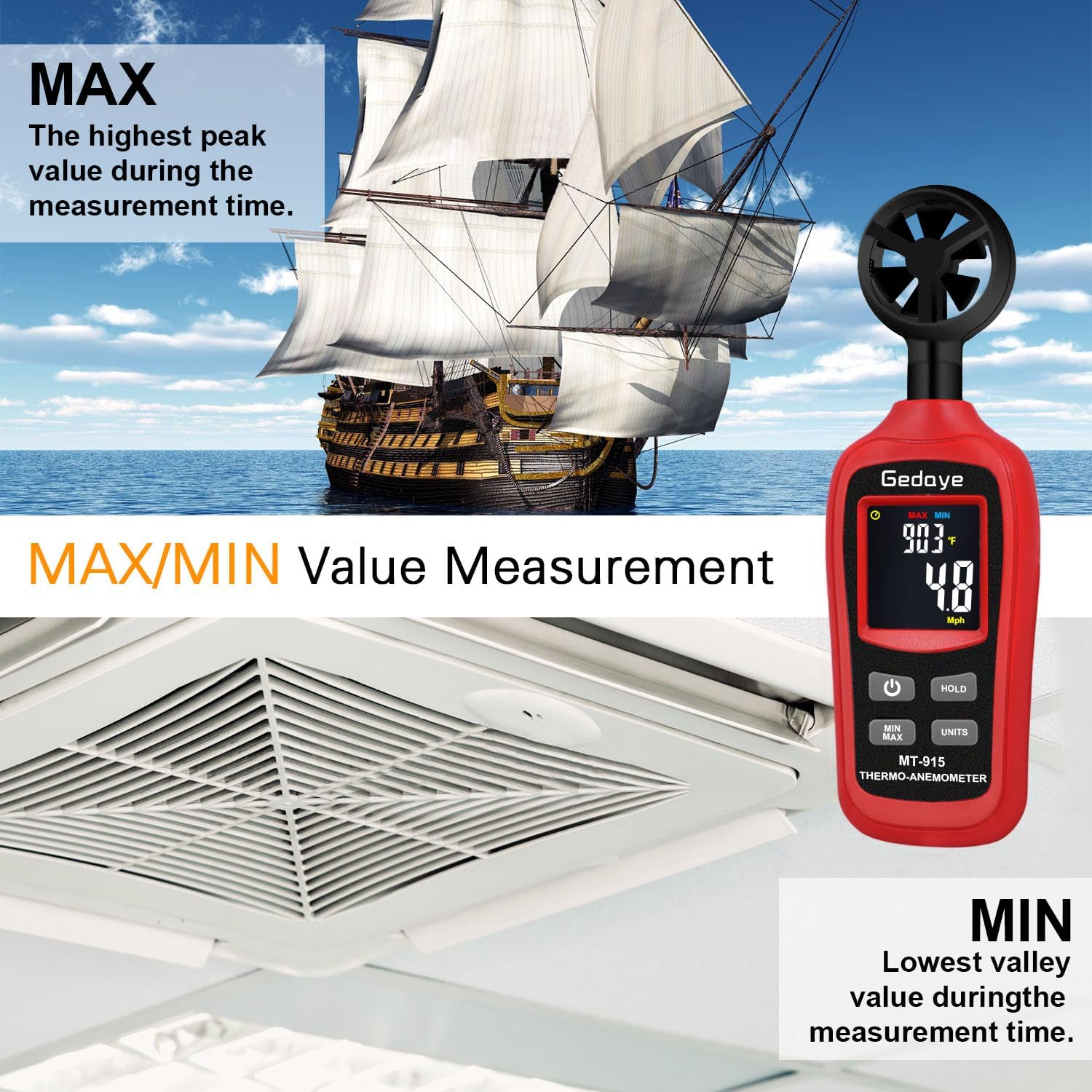
Image: The anemometer showing MAX and MIN wind speed values on its display, with illustrations of a sailing ship and an HVAC vent, representing high and low airflow scenarios.
Press the MIN/MAX button to view the maximum or minimum wind speed recorded during the current measurement session. Press again to cycle through MAX, MIN, and current readings.
8.2 Data Hold

Image: The anemometer displaying a frozen wind speed reading due to the Data Hold function, set against a scenic outdoor background with a tent and ocean.
Press the HOLD button to freeze the current reading on the display. Press it again to release the hold and resume live measurements.
9. Applications
The Gedaye MT-915 Digital Handheld Anemometer is suitable for a wide range of applications, including but not limited to:
- Sailing and windsurfing
- Drone and RC plane flying
- Kiting and frisbee
- Golf and shooting
- HVAC system testing and duct ventilation
- Marine navigation
- Wind power assessment
- General outdoor weather condition monitoring
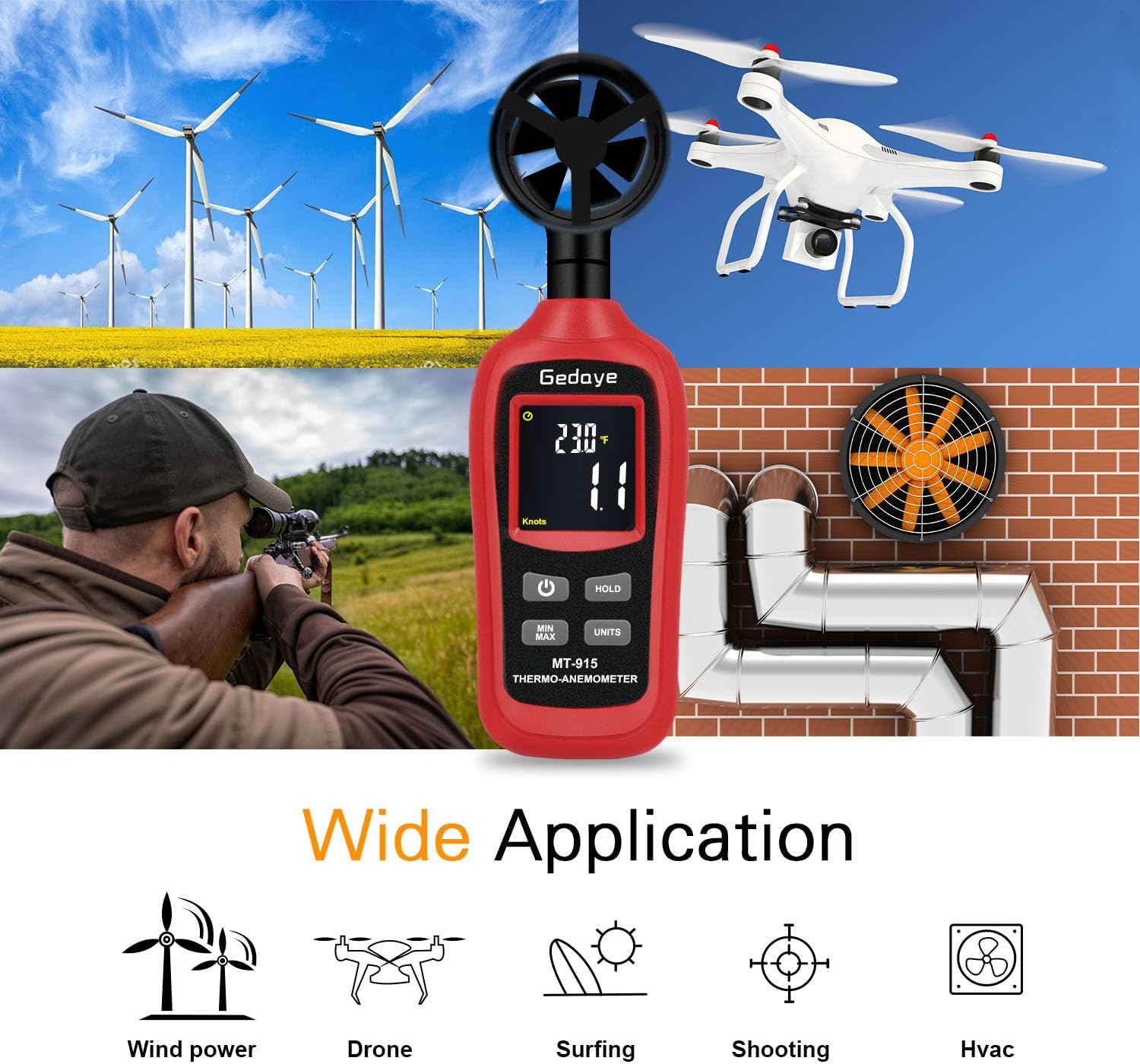
Image: The anemometer centrally placed amidst various activity icons, including wind power turbines, a drone, a surfer, a person shooting, and an HVAC system, illustrating its diverse applications.
Video: A user demonstrates the Gedaye MT-915 anemometer by testing it against a fan, showing how it measures air velocity and temperature. This video highlights the device's functionality in a practical setting.
10. Specifications
| Parameter | Value |
|---|---|
| Brand | Gedaye |
| Model Number | MT-915 |
| Material | Acrylonitrile Butadiene Styrene (ABS) |
| Wind Speed Range | 0.9~67.0 MPH (0.4~30.0 m/s) |
| Wind Speed Accuracy | ±(3% + 0.4 MPH) |
| Temperature Range | -20℃~70℃ / -4℉~158℉ |
| Temperature Accuracy | ±2.7℉ (±1.5℃) |
| Resolution | 0.1 m/s |
| Response Time | 300ms |
| Power Supply | 3x 1.5V AAA Batteries |
| Item Dimensions (L x W x H) | 2.2 x 1.2 x 7 inches |
| Item Weight | 0.3 Pounds |
11. Troubleshooting
11.1 Display is dim or not visible
- Issue: Screen is difficult to read in direct sunlight.
- Solution: Move to a shaded area or shield the screen from direct sunlight for better visibility. The backlit display is optimized for low-light conditions.
- Issue: Display is completely off or very dim.
- Solution: Check battery levels. Replace with fresh AAA batteries if necessary. Ensure batteries are inserted with correct polarity.
11.2 Inaccurate readings
- Issue: Wind speed readings seem incorrect.
- Solution: Ensure the wind vane is unobstructed and facing directly into the airflow. Avoid holding the device in a way that blocks the airflow to the sensor.
- Issue: Temperature readings seem incorrect.
- Solution: Allow the device to acclimate to the ambient temperature for a few minutes before taking a reading. Avoid direct sunlight on the device itself if measuring ambient air temperature.
12. Maintenance
- Keep the device clean and dry. Use a soft, damp cloth to wipe the exterior. Do not use abrasive cleaners or solvents.
- Avoid exposing the device to extreme temperatures, humidity, or direct sunlight for prolonged periods.
- If the device will not be used for an extended period, remove the batteries to prevent leakage and damage.
- Handle the wind vane carefully to prevent damage to the blades.
13. Warranty and Support
For warranty information or technical support, please refer to the contact details provided with your purchase or visit the official Gedaye website. Keep your purchase receipt as proof of purchase for any warranty claims.