
Introduction
Thank you for choosing the Yanmis J66 Voice Translation Earbuds. These earbuds are designed to provide seamless communication across language barriers with advanced features like Bluetooth 5.3 connectivity, intelligent noise suppression, and support for 144 languages. This manual will guide you through the setup, operation, and maintenance of your new device to ensure an optimal user experience.
Package Contents
Please verify that all items listed below are included in your package:
- 2 x Language Translation Earbuds (Left and Right)
- 1 x Charging Case
- 1 x Charging Cable
- 4 x Silicone Eartips (various sizes)
- 1 x Headset User Manual
- 1 x Translation Application User Manual

Image: The Yanmis J66 Voice Translation Earbuds, showing both earbuds and their charging case.
Product Overview
The Yanmis J66 earbuds are designed for comfort and functionality, integrating advanced translation technology with high-quality audio features.

Image: A person wearing one Yanmis J66 earbud, demonstrating its ergonomic fit. Two separate earbuds are also shown for detail.

Image: The Yanmis J66 earbuds and charging case depicted in a dynamic, floating arrangement against a blue background, highlighting their sleek design.
Setup
1. Charging the Device
Before first use, fully charge the earbuds and the charging case. Connect the charging cable to the case and a power source. The indicator light on the case will show charging status.
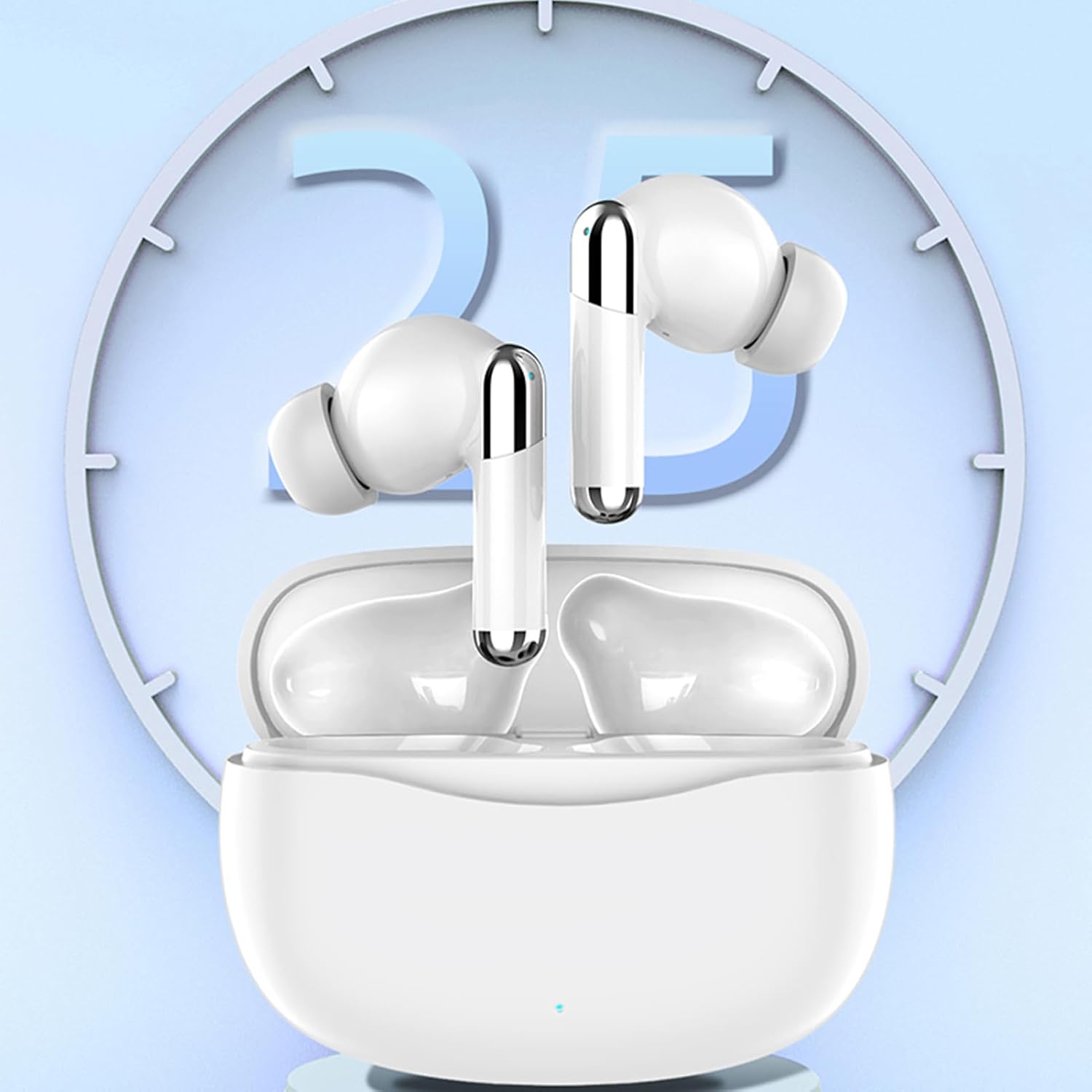
Image: The Yanmis J66 earbuds inside their charging case, with a clock graphic indicating charging time.
2. Pairing with Your Device
- Ensure earbuds are charged and placed in the charging case.
- Open the charging case lid. The earbuds will automatically enter pairing mode.
- On your smartphone or tablet (iOS or Android), go to Bluetooth settings.
- Select "J66" from the list of available devices to connect.
- Once connected, you will hear an audio prompt.
3. Installing the Translation Application
To utilize the translation features, you must download the dedicated application. Refer to the separate "Translation Application User Manual" included in your package for detailed instructions on downloading and setting up the app on your iOS or Android device.
Operating Instructions
The Yanmis J66 earbuds offer three primary translation modes and intuitive touch controls for various functions.
Translation Modes
The earbuds support 144 languages for online translation. The translation speed is approximately 0.2 seconds.
- Touch Mode: Designed for two people, each wearing one earbud. Tap or double-tap the earbud to initiate real-time translation of spoken words. This mode is ideal for direct conversations.
- Outgoing Mode: One person wears an earbud, and the other person speaks into the phone. The earbud wearer hears the translation, and their speech is translated and played through the phone's speaker.
- Voice Mode: One earbud is used by two people. This mode allows for shared listening and translation in a single earbud setup.

Image: Illustrates the "Touch Mode" where two individuals, each wearing an earbud, can engage in real-time translated conversation by tapping their earbuds.
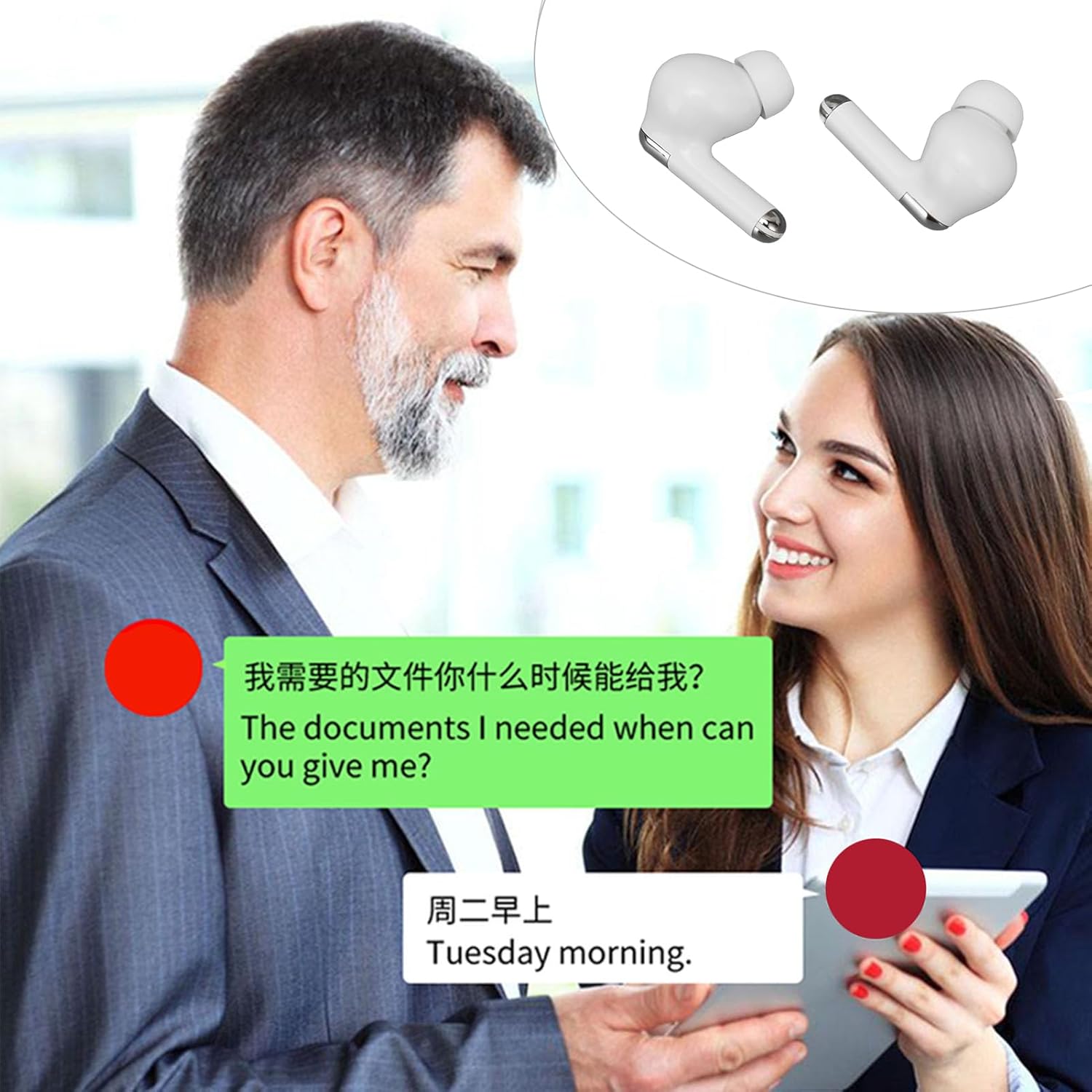
Image: Depicts two individuals communicating with speech bubbles showing original text and its translation, demonstrating the real-time translation capability of the J66 earbuds.
Intelligent Noise Suppression
The J66 earbuds feature intelligent noise suppression technology, enhancing clarity for both translation and audio playback. This ensures a clear listening experience even in noisy environments.

Image: Highlights the intelligent noise cancellation and stereo sound system of the Yanmis J66 earbuds, promising enhanced audio for listening, talking, and gaming.
Touch Controls (Binaural Finger Control)
The earbuds are equipped with touch-sensitive surfaces for easy control of various functions:
- Single Tap: Play/Pause music, Answer/End call.
- Double Tap: (Specific to translation app) Initiate translation in Touch Mode.
- Long Press: Reject call, Activate voice assistant (if supported by your device).
- Triple Tap (Left/Right): Previous/Next track (music playback).
Note: Specific touch functions may vary slightly depending on the translation application settings and your connected device.
Maintenance
To ensure the longevity and optimal performance of your Yanmis J66 earbuds, follow these maintenance guidelines:
- Cleaning: Regularly wipe the earbuds and charging case with a soft, dry, lint-free cloth. Do not use abrasive cleaners, alcohol, or chemical solvents.
- Storage: When not in use, store the earbuds in their charging case to protect them from dust and damage.
- Charging: Use only the provided charging cable. Avoid exposing the device to extreme temperatures.
- Water Exposure: The earbuds are not waterproof. Avoid contact with water or excessive moisture.
- Eartips: Clean the silicone eartips periodically with a damp cloth and mild soap, then dry thoroughly before reattaching.
Troubleshooting
If you encounter any issues with your Yanmis J66 earbuds, please refer to the following common solutions:
| Problem | Possible Solution |
|---|---|
| Earbuds not pairing |
|
| No sound from earbuds |
|
| Translation not working |
|
| Poor sound quality / Noise |
|
If the problem persists, please consult the dedicated translation application manual or contact customer support.
Specifications
| Feature | Detail |
|---|---|
| Product Model | J66 |
| Brand | Yanmis |
| Bluetooth Version | 5.3 |
| Bluetooth Distance | Approx. 10 m / 32.8 ft |
| Playback Format | Mono, Binaural |
| Earbud Battery Capacity | 2 x 30 mAh Lithium-ion (built-in) |
| Charging Case Battery Capacity | 250 mAh Lithium-ion (built-in) |
| Playback Time | 5-6 hours |
| Charging Time | 1 hour |
| Standby Time | 7-10 days |
| Supported Protocols | HSP, HFP, A2DP, AVRCP |
| System Languages Supported | Chinese, Traditional Chinese, English (American), French, Russian, Thai, Japanese, Korean, German, Spanish, Arabic |
| Translation Languages Supported | 144 languages (online translation) |
| Material | Plastic, Electronic Components |
| Color | White |
Warranty and Support
For warranty information and customer support, please refer to the documentation included in your product packaging or visit the official Yanmis website. If you require further assistance, please contact the retailer from whom you purchased the product.