
radtel RT-600
Radtel RT-600 User Manual
Air Band Portable VHF/UHF Walkie Talkie
1. Introduction
Thank you for choosing the Radtel RT-600 Air Band Portable VHF/UHF Walkie Talkie. This device is designed for reliable two-way communication, offering a wide range of features including air band reception, frequency copying, and multiple operating modes. This manual provides essential information for the safe and efficient use of your RT-600 radio.
Please read this manual thoroughly before operating the device to ensure proper functionality and to maximize your user experience.
2. What's in the Box
Upon unpacking, please verify that all items listed below are present and in good condition:
- Radtel RT-600 Walkie Talkie Unit
- Antenna
- Belt Clip
- Rechargeable Lithium-Ion Battery
- Desktop Charger Cradle
- Power Adapter for Charger
- Wrist Strap
- User's Manual (this document)

Image: All components included in the Radtel RT-600 package.
3. Product Overview
The Radtel RT-600 features a robust design with an intuitive keypad and clear display for easy operation. Familiarize yourself with the various parts of your radio:

Image: Front view of the Radtel RT-600 radio.

Image: Various angles of the Radtel RT-600, highlighting its compact design.
4. Setup
4.1 Battery Installation and Charging
The RT-600 comes with a high-capacity 2200mAh Lithium-Ion battery, providing extended standby time for long outdoor use.
- Align the battery pack with the grooves on the back of the radio.
- Slide the battery upwards until it clicks into place.
- To charge, place the radio with the battery installed into the charging cradle. Ensure the charging contacts align.
- Connect the power adapter to the charging cradle and plug it into a wall outlet. The charging indicator light will show the charging status.
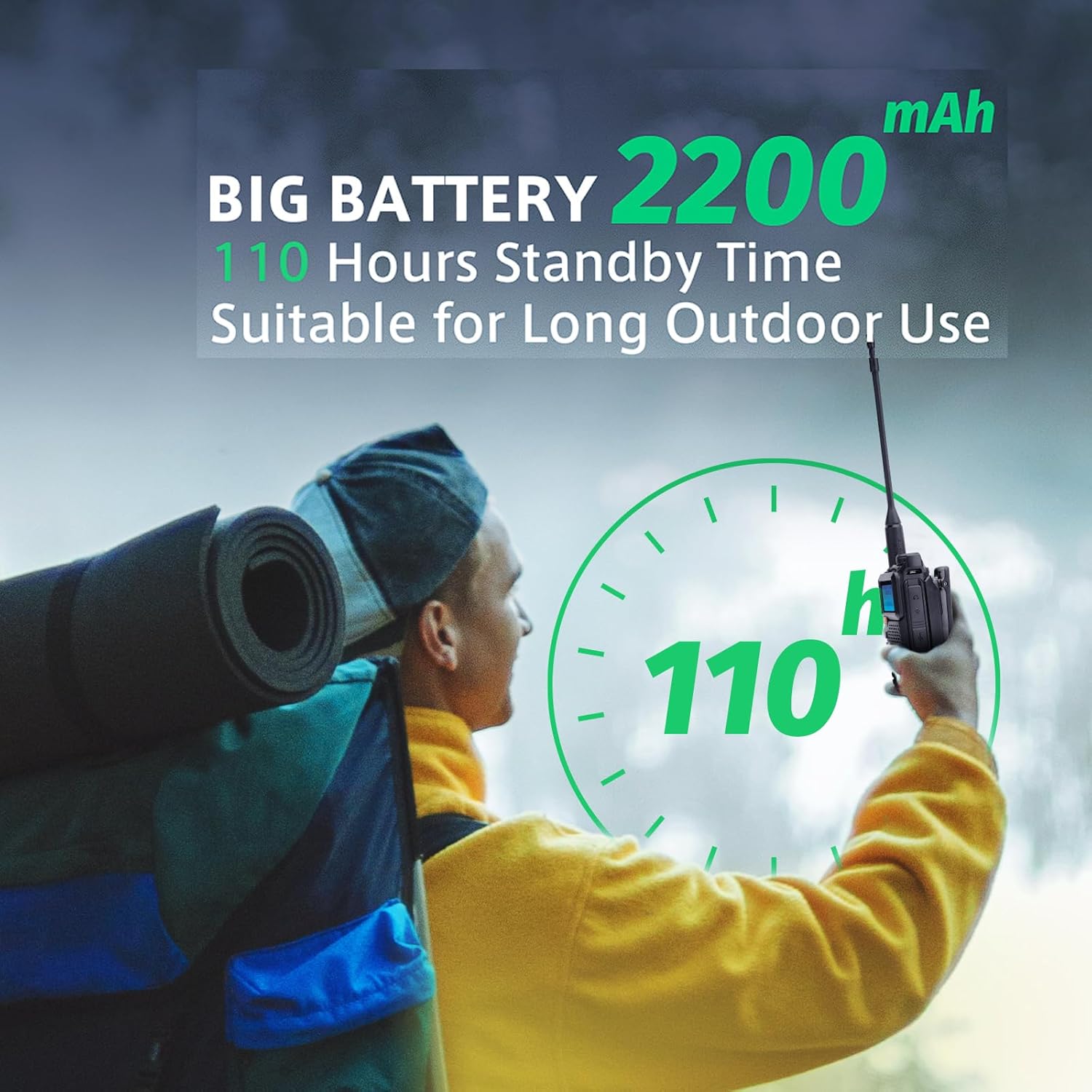
Image: The 2200mAh battery offers approximately 110 hours of standby time.
4.2 Antenna Attachment
Screw the antenna clockwise into the connector on the top of the radio until it is firmly seated. Do not overtighten.
4.3 Initial Power-On and Security
Press and hold the power button to turn on the radio. The RT-600 supports a power-on password feature for enhanced security.

Image: The power-on password feature helps secure your device.
5. Operating Instructions
5.1 Power On/Off
To power on, press and hold the power button (usually located on the side or top). To power off, repeat the action.
5.2 One-Key Frequency Copy (Automatic Frequency Acquisition)
This feature allows the RT-600 to quickly copy the frequency and CTCSS/DCS tone from another radio, enabling immediate communication without manual programming. Place the RT-600 within 1 meter of the target radio and activate the one-key copy function (refer to your radio's specific button layout for the 'FC' or 'Copy' button).
5.3 Channel Selection and Memory
The RT-600 supports 200 memory channels (128x2 groups). Use the keypad or navigation buttons to select channels or enter frequencies directly in VFO mode. Channels can be programmed with specific frequencies and settings for quick access.
5.4 VOX (Voice Operated Exchange)
VOX allows for hands-free operation. When enabled, the radio will automatically transmit when it detects your voice, eliminating the need to press the PTT (Push-To-Talk) button. Adjust VOX sensitivity in the menu.
5.5 Voice Scrambler
The voice scrambler feature encrypts your voice transmission, providing a level of privacy for your communications. Activate or deactivate this function through the radio's menu settings.
5.6 Scan Function
The scan function allows the radio to automatically sweep through frequencies or channels to detect active transmissions. This is useful for finding active conversations or available channels.
5.7 DTMF (Dual-Tone Multi-Frequency)
DTMF signaling is used for various functions, including remote control of repeaters or selective calling. Refer to advanced programming guides for specific DTMF applications.
5.8 Emergency Warning
The RT-600 includes an automatic/manual emergency warning feature. In case of an emergency, activate this function to send an alert signal. Consult the menu for configuration details.
5.9 NOAA US Weather Alert
The radio supports NOAA weather alerts, providing timely warnings for severe weather conditions. Ensure this feature is enabled and configured for your region to receive critical updates.

Image: The NOAA US Weather Alert feature provides important weather updates.
6. Maintenance
6.1 Cleaning
Wipe the radio's surface with a soft, damp cloth. Do not use harsh chemicals or abrasive cleaners. Ensure the radio is dry before use.
6.2 Battery Care
To prolong battery life, avoid overcharging or completely discharging the battery. Store the battery in a cool, dry place when not in use for extended periods.
6.3 Storage
Store the radio in a dry, dust-free environment away from direct sunlight and extreme temperatures. Remove the battery if storing for a long duration.
7. Troubleshooting
| Problem | Possible Cause | Solution |
|---|---|---|
| Radio does not power on | Low or dead battery; Incorrect battery installation | Charge the battery; Reinstall battery correctly |
| Cannot transmit or receive | Wrong frequency/channel; Antenna not attached; Out of range | Verify frequency/channel; Attach antenna; Move closer to other radio |
| Poor audio quality | Low battery; Interference; Antenna issue | Charge battery; Move away from interference sources; Check antenna connection |
| One-key copy fails | Radios too far apart; Target radio not transmitting | Ensure radios are within 1 meter; Ensure target radio is transmitting |
8. Specifications

Image: Physical dimensions of the Radtel RT-600.
| Feature | Detail |
|---|---|
| Model Number | RT-600 |
| Frequency Range | 144-146MHz / 430-440MHz (UHF/VHF/AM/FM Tuner Technology) |
| Output Power | 3W-5W |
| Max. Talk Range | 3km-5km |
| Number of Channels | 200 |
| Battery | 1 Lithium-Ion Battery (2200mAh) |
| Voltage | 7.4 Volts |
| Product Dimensions | 3T x 11B x 28H cm (approx. 3 x 11 x 28 cm; 456 grams) |
| Water Resistance | Not waterproof |
| Special Features | 200 Channel Memory, High Capacity Battery, Long Standby Time, One-Key Frequency Copy, Voice Scrambler, VOX, Scan, TOT, Voice Prompt, DTMF, Dual Sleep, Firmware Update, Roger Beep Frog Sound, Automatic/Manual Emergency Warning |
9. Warranty and Support
For warranty information and technical support, please refer to the documentation provided with your purchase or contact Radtel customer service. Software updates are provided as available.
For further assistance, you may visit the official Radtel store: Radtel Store on Amazon.
Related documentsRT-600


Ask a question about this manual
Ask about setup, troubleshooting, compatibility, parts, safety, or missing instructions. Manuals+ will review the question and use this page’s manual context to help answer it.