
Introduction
This manual provides detailed instructions for the safe and efficient use of your UGREEN Qi2 15W Wireless Car Charger. Please read this manual thoroughly before using the product and retain it for future reference.

Image: The UGREEN Qi2 15W Wireless Car Charger, featuring a circular charging pad with a blue LED ring and an air vent mount.
Product Features
- 15W Qi2 Wireless Charging: Provides fast wireless charging up to 15W, compatible with Qi2 enabled devices.
- Strong Magnetic Alignment: Equipped with 17 N52 magnets for secure attachment, especially designed for iPhone 12-17 series and MagSafe-compatible cases.
- LED Soft Light Design: Features a gradient LED light for improved visibility in low-light conditions.
- Security Protection: Integrated smart chip offers over-heat, short-circuit, and foreign object detection (FOD) protection.
- Flexible Angle Adjustment: 360° rotation allows for easy switching between landscape and portrait orientations.

Image: A visual representation of the 15W wireless fast charging capability of the UGREEN car charger.

Image: An illustration highlighting the super strong magnetic attraction provided by 17 N52 magnets for stable phone mounting.
Package Contents
Please verify that all items are present in the package:
- 1x UGREEN Qi2 15W Wireless Car Charger
- 1x USB-C to USB-C Cable
- 1x User Manual (this document)
Note: A USB-C power adapter for the car is not included and must be purchased separately.

Image: The package contents including the charger, USB-C cable, and user manual.
Setup Instructions
- Attach the Universal Ball: Insert the universal ball joint of the air vent clip into the groove on the back of the charger. Tighten the nut securely to fix the charger to the clip.
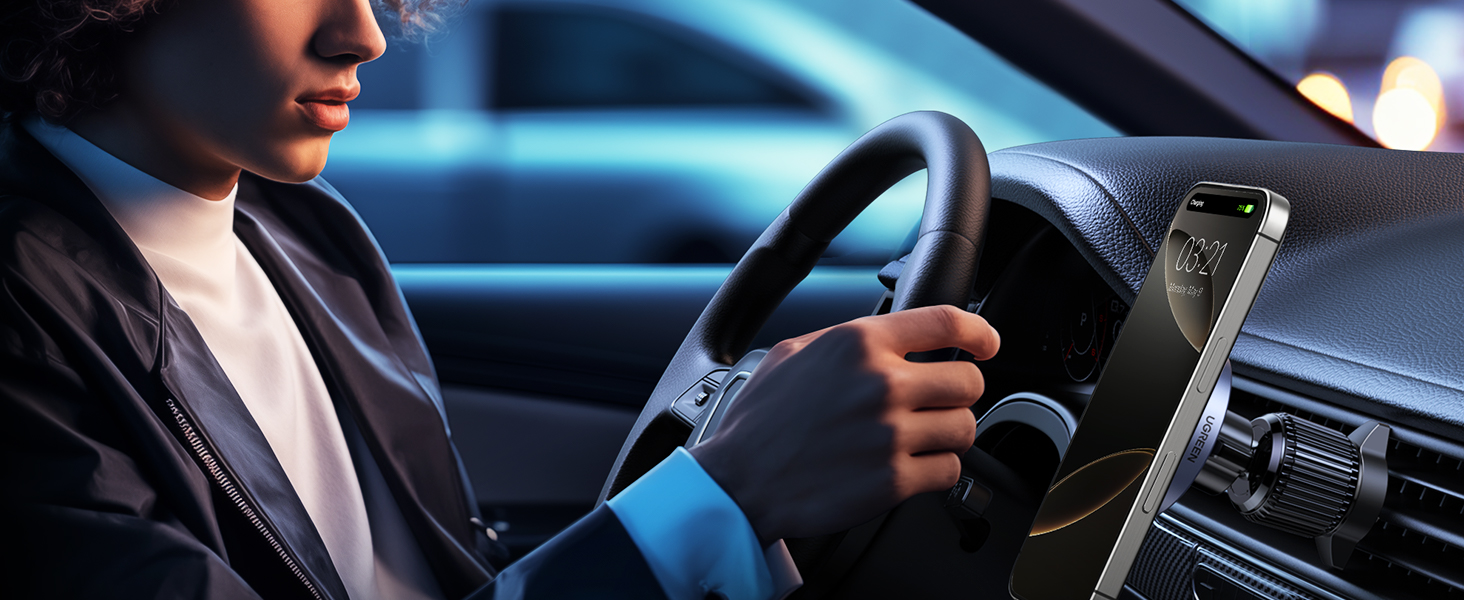
Image: Step 1 of installation, showing the universal ball being inserted into the charger's back and the nut being tightened.
- Release the Hook: Press the release button or lever on the air vent clip to extend the hook.
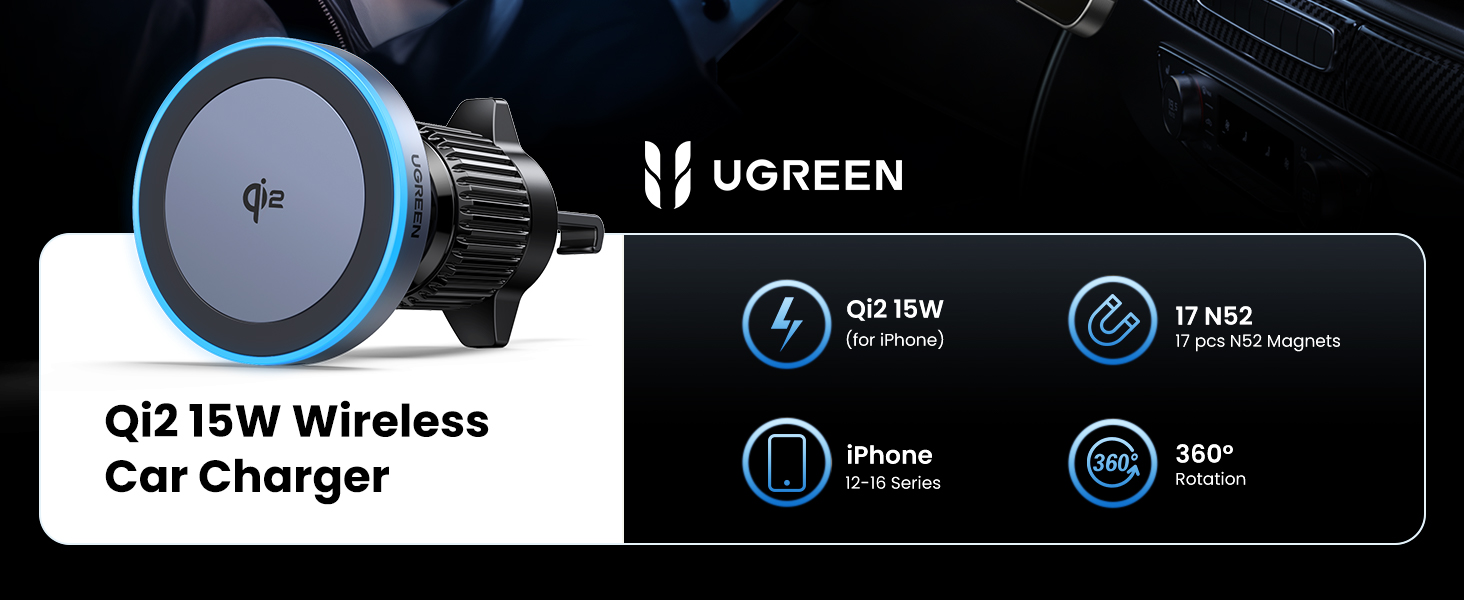
Image: Step 2 of installation, demonstrating how to release the hook mechanism on the air vent clip.
- Insert into Air Vent: Carefully insert the hook into a suitable car air vent slat. Turn the knob firmly to secure the clip in place. Ensure the mount is stable and does not obstruct airflow or driver's view.

Image: Step 3 of installation, showing the hook being inserted into a car air vent and the knob being tightened for stability.
- Connect Power: Connect the provided USB-C to USB-C cable to the charger and to a compatible USB-C car power adapter (not included).

Image: Step 4 of installation, depicting a smartphone being placed onto the mounted charger, initiating wireless charging.
Compatibility Note: The charger is compatible with most car air vents, but not all. Refer to the compatibility image below for examples of supported and unsupported vent types.
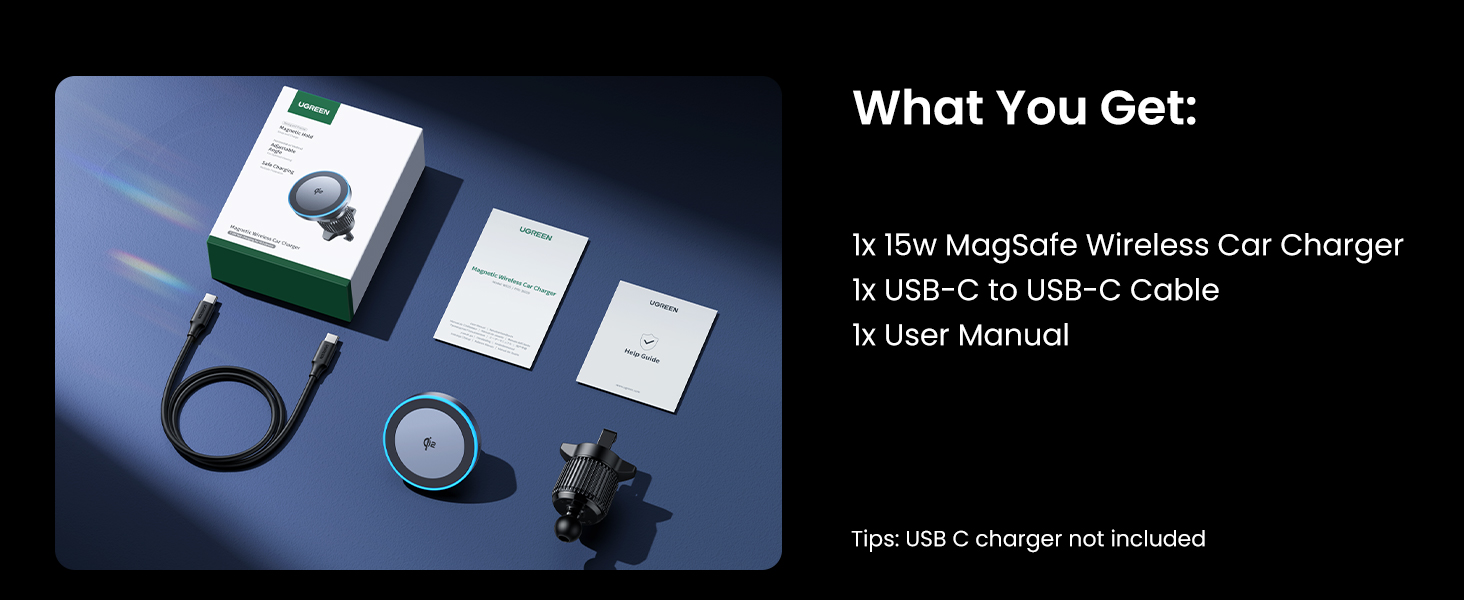
Image: A chart illustrating various car air vent designs, indicating which types are compatible (checked) and incompatible (crossed) with the charger's mounting mechanism.
Operating Instructions
- Attaching Your Phone: Place your iPhone (12-17 series) or MagSafe-compatible phone case directly onto the charging pad. The strong magnets will automatically align and secure your device.
- Wireless Charging: Once your phone is properly aligned, wireless charging will begin automatically. The LED light on the charger will indicate charging status.
- Adjusting Viewing Angle: The charger features a 360° rotatable ball joint. Adjust the angle to your preferred viewing orientation (portrait or landscape) for optimal navigation or hands-free use.

Image: A smartphone mounted on the UGREEN charger, demonstrating its 360-degree rotation capability for flexible viewing angles.
- LED Light Function: The integrated LED light provides a soft, gradual glow, cycling from dark to bright and back to dark over approximately 12 seconds per cycle. This enhances visibility in low-light conditions.

Image: The UGREEN car charger with its blue LED light softly glowing in a dark car interior, illustrating its ambient lighting feature.
Maintenance
- Cleaning: Use a soft, dry cloth to wipe the surface of the charger. Avoid using abrasive cleaners or solvents.
- Storage: When not in use for extended periods, store the charger in a cool, dry place away from direct sunlight.
- Cable Care: Do not bend or crimp the USB-C cable excessively to prevent damage.
Troubleshooting
- Problem: Phone is not charging.
- Ensure the USB-C cable is securely connected to both the charger and the car power adapter.
- Verify that the car power adapter is functioning correctly and providing sufficient power (12V input, 3A amperage recommended).
- Check if your phone is properly aligned on the charging pad.
- Remove any non-MagSafe cases or metal objects between the phone and the charger.
- Confirm your phone supports Qi2 wireless charging.
- Problem: Phone is charging slowly.
- Ensure you are using a car power adapter that supports fast charging (e.g., PD or QC 3.0).
- Check for proper alignment of the phone on the charging pad.
- High temperatures can reduce charging speed; ensure the car's air conditioning is not directly blowing hot air onto the charger.
- Problem: Phone is not holding securely.
- Ensure your phone is an iPhone 12-17 series or has a MagSafe-compatible case.
- Remove any thick or non-magnetic phone cases.
- Verify the air vent clip is securely tightened to the vent slat.
Specifications
| Feature | Detail |
|---|---|
| Model Number | W708 |
| Brand | UGREEN |
| Input Voltage | 12 Volts |
| Amperage | 3 Amps |
| Wattage | 15 Watts |
| Connector Type | Proprietary (USB-C cable included) |
| Compatible Devices | iPhone 17/16/15/14/13/12 Series, and other Qi-enabled devices with MagSafe-compatible cases. |
| Special Features | Fast Charging, Magnetic, LED Light, 360° Rotation |
| Item Weight | 6.7 ounces |
| Package Dimensions | 5.31 x 3.94 x 1.73 inches |

Image: The rear view of the UGREEN car charger, showing regulatory markings and model information.
Warranty and Support
UGREEN products come with a standard manufacturer's warranty. For specific warranty details, product support, or technical assistance, please refer to the warranty card included in your package or visit the official UGREEN website.
UGREEN Official Website: www.ugreen.com