1. Introduction
Thank you for choosing the AOBOCAM Mini 1080p HD Wireless WiFi Hidden Security Camera A12. This manual provides essential information for setting up, operating, and maintaining your camera. Please read it thoroughly before use to ensure optimal performance and safety.
The AOBOCAM A12 is a compact and discreet security solution designed for indoor surveillance. It features 1080p HD video, a 120° wide-angle lens, night vision capabilities, and intelligent motion detection. With dual WiFi and Bluetooth connectivity, setup is quick and easy, allowing remote monitoring via a dedicated mobile application.
2. Product Overview
2.1 Package Contents
- Mini Camera (A12)
- USB Cable
- Instruction Manual
- Mounting Bracket / Support
2.2 Key Features
- Dual Connectivity: Supports both WiFi and Bluetooth for faster and simpler pairing.
- 1080p HD Video: Crystal-clear 1080p resolution with an upgraded high-resolution sensor and premium lenses.
- 120° Ultra Wide-Angle Lens: Captures a broad view of your environment.
- Enhanced Night Vision: Integrated infrared LEDs provide clear footage in low-light conditions up to 10 meters.
- Smart Motion Detection: Identifies changes in the scene and sends instant notifications to your mobile device.
- Flexible Storage Options: Supports local storage via SD card (8-256GB, not included) and optional cloud storage. Loop recording ensures continuous coverage.
- 24/7 Monitoring: Built-in battery provides up to 90 minutes of continuous operation, or connect directly to a power source for uninterrupted surveillance.
- Compact Design: Miniature size (30x30x30mm) for discreet placement.

Figure 1: AOBOCAM A12 Mini Camera and its compact size, demonstrating remote viewing capabilities.
3. Setup Guide
3.1 Charging the Camera
Before initial use, fully charge the camera using the provided USB cable. Connect the USB cable to the camera's charging port and a standard USB power adapter (not included). The charging indicator light will typically show the charging status.
3.2 Inserting a Micro SD Card (Optional)
If you plan to use local storage, insert a compatible Micro SD card (8GB to 256GB, Class 10 or higher recommended) into the designated slot on the camera. Ensure the camera is powered off before inserting or removing the SD card.
3.3 Downloading the Mobile Application
Search for the official AOBOCAM application on your smartphone's app store (iOS App Store or Google Play Store). Download and install the application.
3.4 Pairing the Camera with Your Smartphone
- Power on the AOBOCAM A12 camera.
- Open the installed mobile application on your smartphone.
- Follow the in-app instructions to add a new device. The camera supports both WiFi and Bluetooth for a faster connection process.
- Select your 2.4 GHz WiFi network and enter the password when prompted. (Note: 5 GHz WiFi networks are not supported).
- Once connected, the camera's indicator light will confirm successful pairing.

Figure 2: The compact design of the AOBOCAM A12 allows for discreet placement in various indoor settings.
4. Operating Instructions
4.1 Live View and Recording
After successful pairing, open the mobile application to access the live video feed from your camera. You can initiate manual recordings, take snapshots, and view real-time footage.
4.2 Motion Detection and Alerts
The AOBOCAM A12 features intelligent motion detection. When movement is detected, the camera will automatically begin recording and send a notification to your smartphone.
- Enable/Disable: Adjust motion detection sensitivity and enable/disable alerts within the app settings.
- Event Playback: Access recorded motion events through the app's event log or playback feature.

Figure 3: The camera's motion detection feature alerts you to activity in the monitored area.
4.3 Night Vision
The camera automatically switches to night vision mode in low-light conditions, utilizing its infrared LEDs to provide clear black-and-white video footage.
4.4 Two-Way Talk (if supported by app)
If the mobile application supports two-way audio, you can use this feature to communicate through the camera. Press and hold the microphone icon in the app to speak, and release to listen.
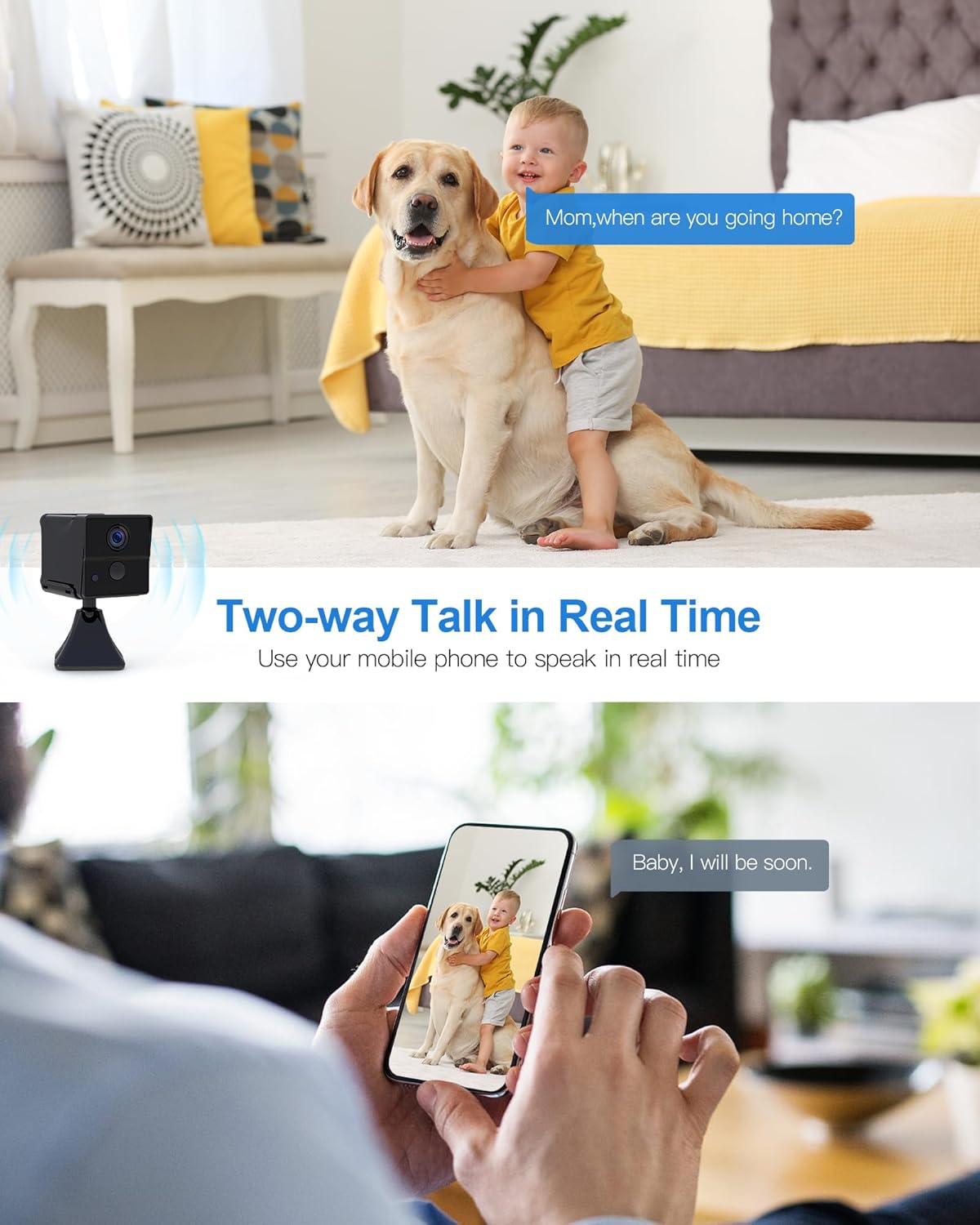
Figure 4: Two-way talk allows real-time communication through the camera.
4.5 Power Management
The camera can operate on its internal battery for up to 90 minutes. For continuous 24/7 surveillance, connect the camera to a power source using the USB cable and a power adapter. The app may also offer remote power ON/OFF functionality.

Figure 5: The camera offers extended standby time and remote power control for flexible use.
5. Maintenance
- Cleaning: Use a soft, dry cloth to clean the camera lens and body. Avoid abrasive cleaners or solvents.
- Placement: Ensure the camera is placed in a stable, dry indoor environment, away from direct sunlight, extreme temperatures, and moisture.
- Firmware Updates: Regularly check the mobile application for any available firmware updates for your camera to ensure optimal performance and security.
- SD Card Management: If using an SD card, periodically back up important recordings and format the card through the app to maintain performance.
6. Troubleshooting
- Camera not connecting to WiFi:
- Ensure your WiFi network is 2.4 GHz. The camera does not support 5 GHz networks.
- Check that the WiFi password is entered correctly.
- Move the camera closer to your WiFi router.
- Restart the camera and your router.
- Poor video quality:
- Check your internet connection speed. A stable connection is required for HD streaming.
- Ensure the camera lens is clean and free from dust or smudges.
- Motion detection alerts not received:
- Verify that motion detection is enabled in the app settings.
- Check app notification settings on your smartphone to ensure they are not blocked.
- Adjust motion detection sensitivity if alerts are too frequent or too few.
- SD card not recording:
- Ensure the SD card is inserted correctly and is not full.
- Format the SD card through the app.
- Check if the SD card is damaged or incompatible (use Class 10 or higher).
- Camera not powering on:
- Ensure the camera is fully charged or connected to a working power source.
- Try a different USB cable or power adapter.
7. Specifications
| Model Name | A12 |
| Brand | AOBOCAM |
| Video Recording Resolution | 1080p |
| Viewing Angle | 120 Degrees |
| Night Vision Range | 10 Meters |
| Frame Rate | 30fps |
| Wireless Communication Technology | Wi-Fi (2.4 GHz), Bluetooth |
| Power Source | Battery Powered (Lithium-polymer, 1 A included) |
| Battery Life (continuous) | Up to 90 minutes |
| Material | Plastic |
| Dimensions (L x W x H) | 30 x 30 x 30 millimeters (3 x 3 x 3 cm) |
| Weight | 200 grams |
| Storage Support | Micro SD Card (8-256GB, not included), Cloud Storage (optional) |
| Special Features | Motion Detector, Portable, HD Resolution, Night Vision |
| Usage | Indoor Surveillance, Home Security |
8. Warranty and Support
For warranty information and technical support, please refer to the contact details provided with your product packaging or visit the official AOBOCAM website. Keep your purchase receipt as proof of purchase for warranty claims.
If you encounter any issues not covered in this manual, please contact AOBOCAM customer service for assistance.


