Introduction
This manual provides essential information for the assembly, operation, and maintenance of your HOMCOM 4-Tier Media Cabinet. Designed for organizing audio-visual equipment, vinyl records, and other media, this cabinet features adjustable shelves, tempered glass doors, and integrated cable management. Please read these instructions thoroughly before assembly and use to ensure safe and proper functionality.
Safety Information
- Weight Capacity: Do not exceed the maximum weight capacity of 66 lbs (total) or 11 lbs per single tier. Overloading can cause instability and damage.
- Anti-Toppling Device: An anti-toppling device is included to enhance stability and prevent accidental tipping. It is highly recommended to install this device securely to a wall, especially in households with children or pets.
- Tempered Glass: Handle glass components with care. Tempered glass is designed to be safer than regular glass, but it can still break if subjected to sharp impacts.
- Assembly: Follow all assembly instructions carefully. Ensure all fasteners are tightened securely before use. Do not use power tools for tightening screws unless explicitly instructed, as this may strip threads or damage components.
- Placement: Place the cabinet on a level, stable surface. Avoid placing it in areas with high humidity or direct sunlight, which can affect the material's integrity.
- Proposition 65 Warning: This product may contain chemicals known to the State of California to cause cancer and birth defects or other reproductive harm.
Package Contents
Before beginning assembly, verify that all components are present and undamaged. Refer to the included assembly manual for a detailed list of parts and hardware. Typically, the package includes:
- Wood panels (top, bottom, side, back, shelves)
- Tempered glass doors
- Hardware pack (screws, pegs, cam locks, anti-toppling kit, push-to-open latches)
- Assembly instructions
Assembly Instructions
Assembly is required for this media cabinet. Please follow the step-by-step instructions provided in the separate assembly manual included with your product. Ensure you have adequate space and the necessary tools (typically a Phillips head screwdriver) before starting.
- Unpack Components: Carefully unpack all parts and lay them out on a soft, clean surface to prevent scratches. Identify each part using the labels in the assembly manual.
- Assemble Frame: Connect the side panels to the top and bottom panels using the provided hardware (e.g., cam locks and dowels). Ensure all connections are secure.
- Install Shelves: Insert the fixed middle shelf. The upper and lower shelves are adjustable. Install shelf support pegs into the desired holes, then place the adjustable shelves on top. There are three levels of adjustment for these shelves.
- Attach Back Panel: Secure the back panel to the frame. Ensure the cable management holes are correctly oriented.
- Install Glass Doors: Attach the tempered glass doors using the provided hinges and push-to-open latches. Test the door mechanism to ensure smooth operation.
- Secure Anti-Toppling Device: Attach the anti-toppling device to the top rear of the cabinet and then securely fasten it to a wall stud using appropriate hardware (not always included, depending on wall type).

Figure 1: Product Dimensions and Internal Shelf Spacing.
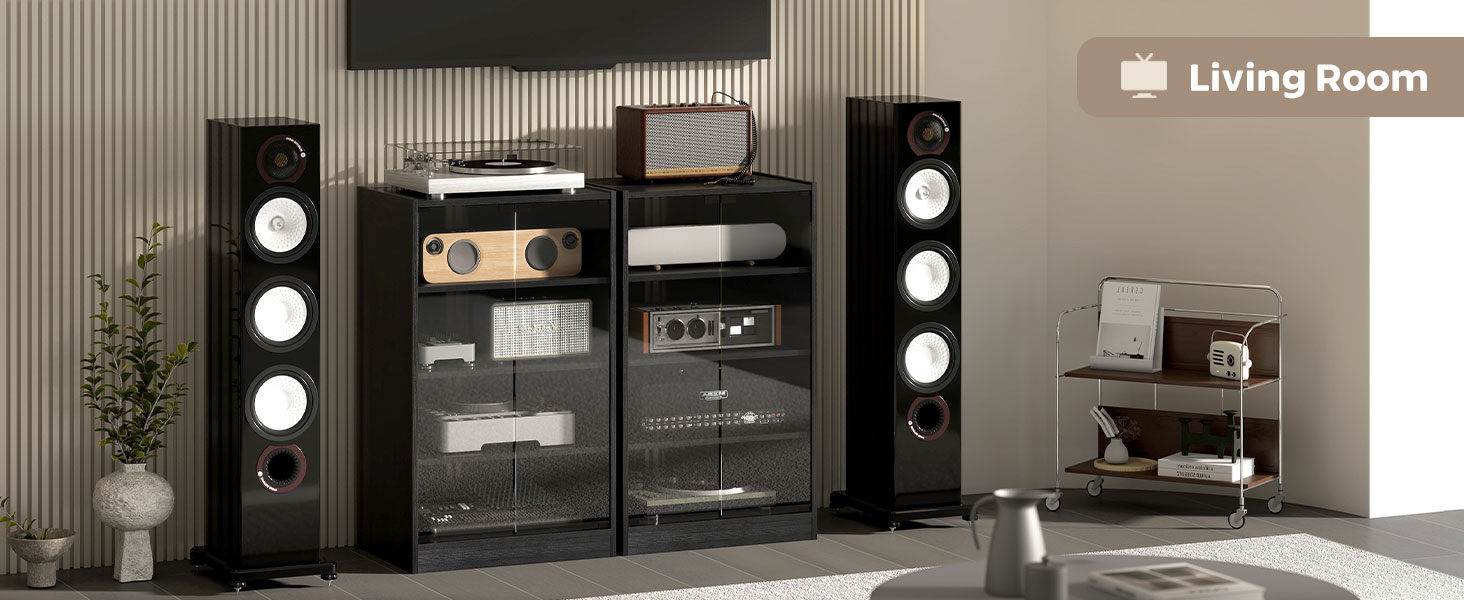
Figure 2: Adjustable Shelf Mechanism.
Operating Instructions
Adjustable Shelves
The upper and lower shelves of the media cabinet are adjustable to three different height levels. To adjust a shelf:
- Remove any items from the shelf.
- Carefully lift the shelf to remove it from its current support pegs.
- Relocate the shelf support pegs to the desired set of holes on the side panels. Ensure pegs are inserted evenly on both sides.
- Place the shelf back onto the support pegs, ensuring it is level and stable.
Tempered Glass Doors
The cabinet features tempered glass doors with a push-to-open latch mechanism. To open a door, gently push on the door panel. The latch will release, allowing the door to swing open. To close, push the door firmly until the latch engages.
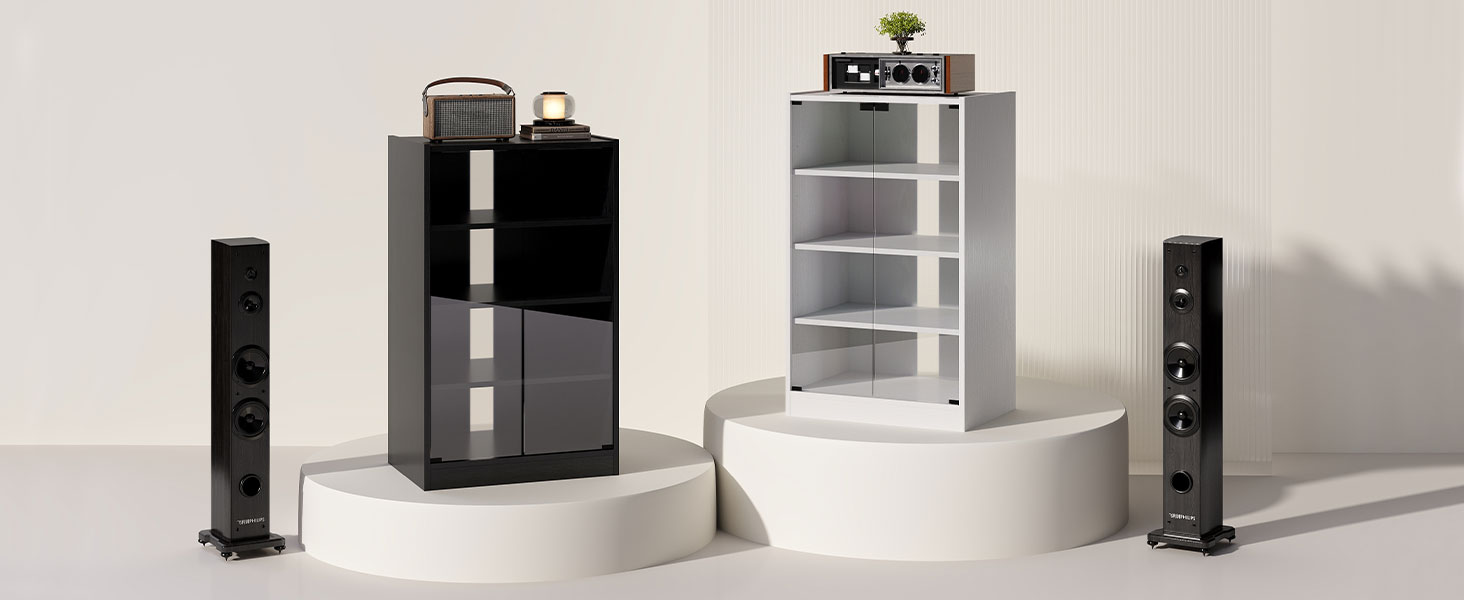
Figure 3: Push-to-Open Door Operation.
Cable Management
The cabinet includes cable management holes on the back panel to help organize and conceal wires from your electronic devices. Route cables through these openings to maintain a tidy appearance and prevent tangles.
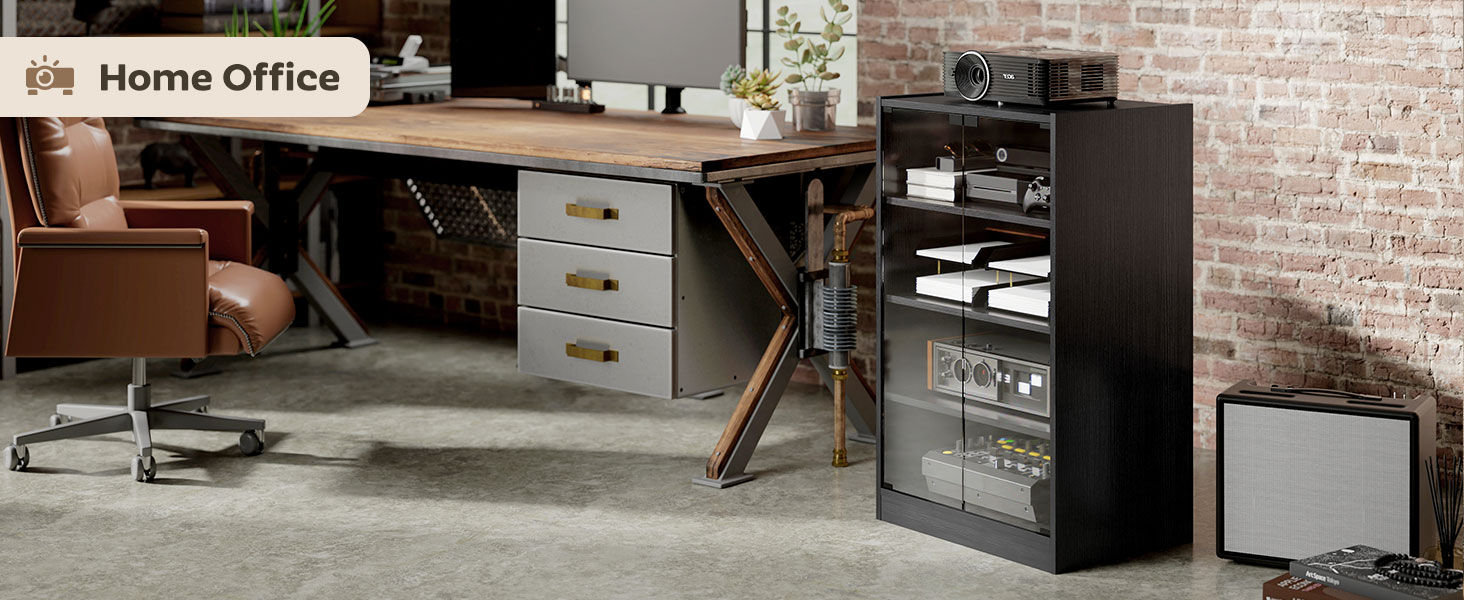
Figure 4: Cable Management Slots.
Maintenance
- Cleaning Wood Surfaces: Wipe wood surfaces with a soft, damp cloth. Avoid using harsh chemicals, abrasive cleaners, or excessive moisture, which can damage the finish.
- Cleaning Glass Doors: Use a standard glass cleaner and a soft, lint-free cloth to clean the tempered glass doors. Spray cleaner onto the cloth, not directly onto the glass, to prevent overspray onto wood components.
- Hardware Check: Periodically check all screws and fasteners to ensure they remain tight. Retighten if necessary to maintain stability.
- Avoid Direct Sunlight: Prolonged exposure to direct sunlight can cause fading or warping of the wood finish.
Troubleshooting
- Cabinet is Wobbly: Ensure the cabinet is placed on a level surface. Check that all assembly screws and cam locks are fully tightened. If an anti-toppling device is installed, ensure it is securely fastened to the wall.
- Doors Not Closing Properly: Check that the push-to-open latches are correctly installed and aligned. Ensure hinges are securely fastened and not bent. Adjust the position of the latches if needed.
- Shelves Not Level: Verify that the shelf support pegs are inserted completely and evenly into the corresponding holes on both side panels.
- Missing Parts or Damaged Components: If you find any missing parts or damaged components upon unpacking, do not proceed with assembly. Contact HOMCOM customer support or your retailer for assistance.
Specifications
| Brand | HOMCOM |
| Model Number | 838-082V80RB |
| Color | Rustic Brown |
| Material | Engineered Wood, Tempered Glass |
| Overall Dimensions (W x D x H) | 21.25" x 15.75" x 35.75" |
| Total Weight Capacity | 66 lbs |
| Single Tier Weight Capacity | 11 lbs |
| Number of Tiers | 4 |
| Adjustable Shelves | 2 (3 height levels) |
| Special Features | Adjustable Shelf, Cable Management, Push-to-open Latch, Tempered Glass Doors, Anti-toppling Device |
| Assembly Required | Yes |
Warranty and Support
For specific warranty information, please refer to the documentation included with your purchase or contact the retailer where the product was acquired. For technical support, missing parts, or any inquiries regarding your HOMCOM Media Cabinet, please contact HOMCOM customer service directly through their official website or the contact information provided in your purchase documentation.