
1. Introduction
This manual provides essential instructions for the safe and effective use of your Generic AC DC Adapter Charger, designed as a compatible replacement for the Zebra TC520K-1HEZU4P-NA barcode scanner. Please read this manual thoroughly before use to ensure proper operation and to prevent damage to the adapter or your device.
2. Product Overview
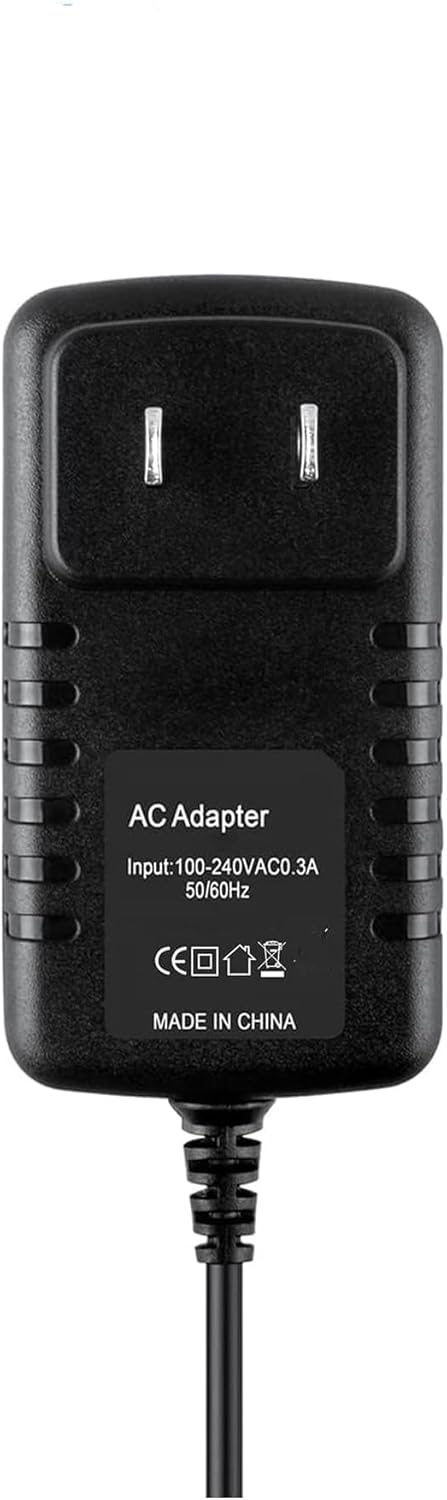
Figure 1: Front view of the AC DC Adapter Charger, showing input specifications and certification marks.
The AC DC Adapter Charger is a high-quality power supply designed to provide stable and safe charging for compatible devices. It features over-voltage, over-current, and short-circuit protection to safeguard your equipment.
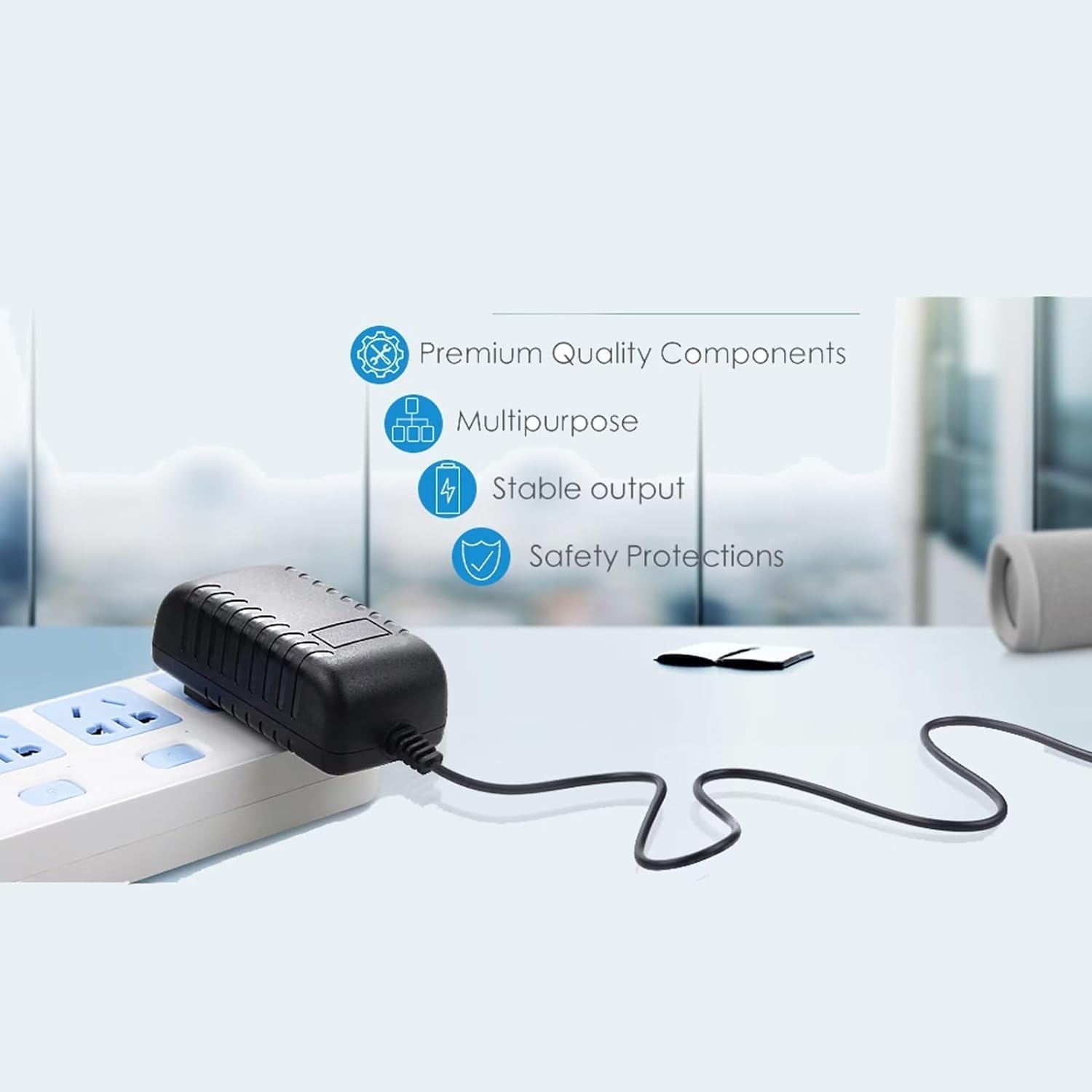
Figure 2: Illustration highlighting key features: Premium Quality Components, Multipurpose design, Stable output, and Safety Protections.

Figure 3: Visual representation of the 5-foot cable length and the presence of an LED indicator light.
3. Setup
- Verify Compatibility: Ensure your device is the Zebra TC520K-1HEZU4P-NA barcode scanner. This adapter is specifically designed for this model.
- Inspect the Adapter: Before use, visually inspect the adapter and its cable for any signs of damage. Do not use if damaged.
- Connect to Device: Insert the barrel connector end of the adapter cable firmly into the charging port of your Zebra TC520K-1HEZU4P-NA barcode scanner.
- Connect to Power Outlet: Plug the AC adapter into a standard 100V-240V wall power outlet. The adapter is designed for worldwide input voltage.
- Power Indicator: If equipped, an LED light on the adapter will illuminate to indicate that power is being supplied.
4. Operating Instructions
Once connected, the adapter will begin supplying power to your device, either operating it directly or charging its internal battery. The charging status of your device will typically be indicated by the device itself (e.g., a battery icon on the screen or an LED indicator on the scanner).
Important Safety Precautions:
- Use only with compatible devices as specified.
- Do not expose the adapter to water, moisture, or extreme temperatures.
- Avoid dropping or subjecting the adapter to strong impacts.
- Do not attempt to open or modify the adapter.
- Unplug the adapter from the wall outlet when not in use for extended periods.
5. Maintenance
- Cleaning: Disconnect the adapter from power and the device before cleaning. Use a soft, dry cloth to wipe the surface. Do not use liquid cleaners.
- Storage: Store the adapter in a cool, dry place away from direct sunlight and extreme temperatures. Avoid tightly winding the cable to prevent damage.
- Cable Care: Do not pull the cable forcefully or bend it sharply, especially near the connectors, as this can damage internal wires.
6. Troubleshooting
- Device Not Charging:
- Ensure the adapter is securely plugged into both the wall outlet and the device.
- Verify the wall outlet is functional by testing it with another device.
- Battery Condition: Rechargeable batteries have a limited lifespan (typically 1 to 3 years). If the device's battery is old or dead, it may not accept a charge, even with a functional adapter. This is not an adapter fault. If unsure, a voltmeter can be used to test the adapter's output voltage.
- Adapter Feels Warm: It is normal for the adapter to feel slightly warm during operation. If it becomes excessively hot, disconnect it immediately and contact support.
- No Power Indicator Light: If your adapter has an LED indicator and it does not light up when plugged in, check the power connections and the wall outlet.
7. Specifications
| Feature | Specification |
|---|---|
| Brand | Generic |
| Model Number (Mfr Part) | A5497 |
| Compatible Devices | Zebra TC520K-1HEZU4P-NA (Barcode Scanner) |
| Input Voltage | 100V - 240V AC (Worldwide) |
| Output Voltage | 12 Volts DC |
| Output Current | 2 Amps |
| Connector Type | Barrel Connector |
| Cable Length | 5 Feet |
| Special Features | Over Voltage Protection, Over Current Protection, Short Circuit Protection, Travel-friendly |
| Material | Copper, Plastic |
| Color | Black |
| Weight | 4 Ounces |
| Certifications | CE |
8. Warranty Information
This product comes with a 30-day refund warranty from the date of purchase. This warranty covers manufacturing defects. It does not cover damage caused by misuse, accidents, unauthorized modifications, or normal wear and tear. Please retain your proof of purchase for warranty claims.
9. Support
If you encounter any issues that cannot be resolved using the troubleshooting guide, or if you have questions regarding the product, please contact the seller through the platform where you made your purchase. Provide your order details and a clear description of the issue for prompt assistance.