
Introduction
The JVC Rover Portable Indoor/Outdoor Bluetooth Speaker (Model XSS521PB) is designed to deliver powerful sound and long-lasting battery life in a compact, portable form factor. Engineered for both indoor and outdoor environments, this speaker is built to withstand various conditions, including splashes of water, making it a versatile audio companion.
This manual provides essential information on setting up, operating, maintaining, and troubleshooting your JVC Rover speaker to ensure optimal performance and longevity.
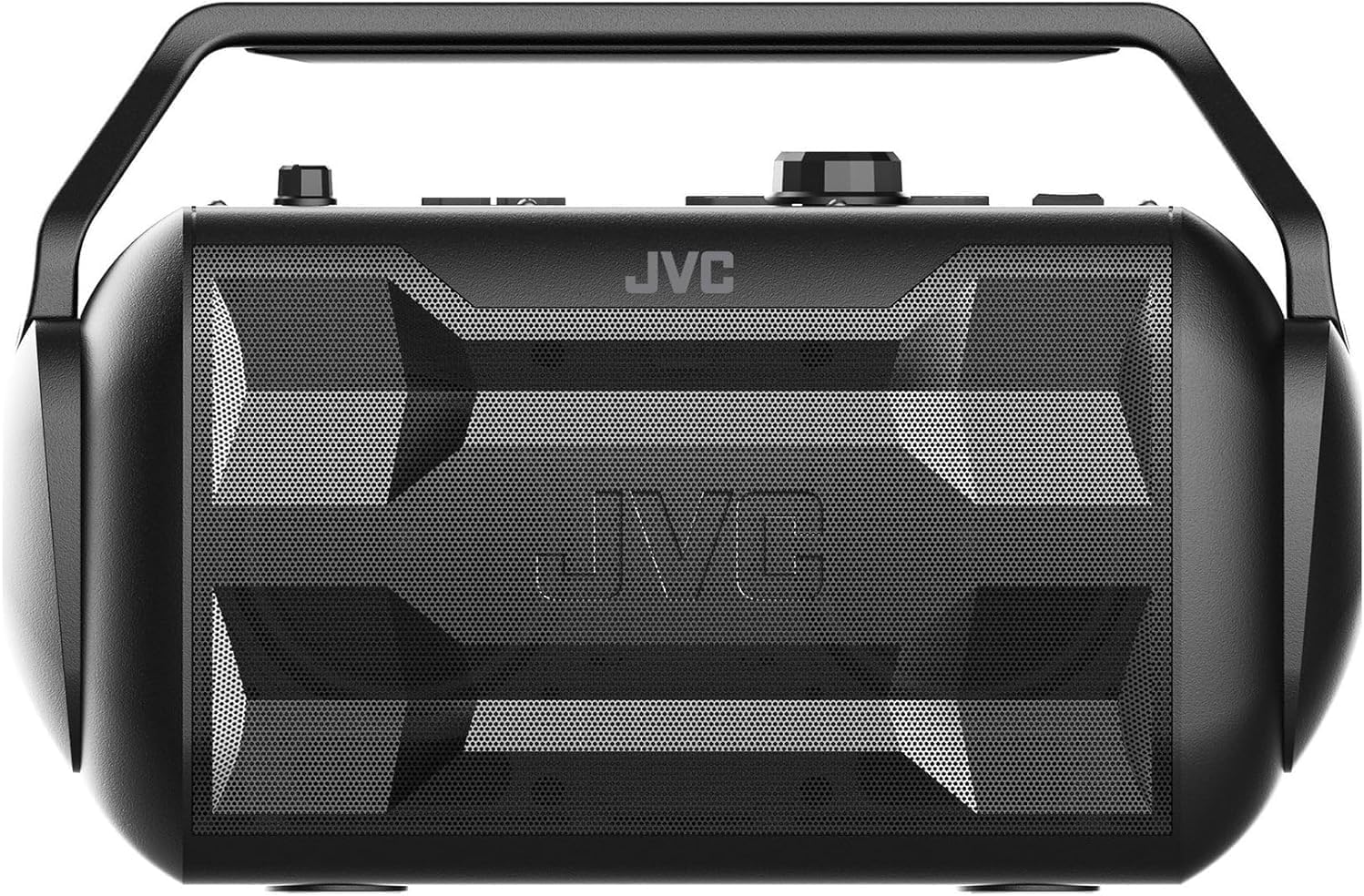
Image: Front view of the JVC Rover Portable Bluetooth Speaker, showcasing its robust design and speaker grille.
Getting Started
What's in the Box
- JVC Rover Portable Bluetooth Speaker
- User Manual (this document)
- USB Charging Cable
Charging the Speaker
Before first use, fully charge the JVC Rover speaker. A full charge provides up to 30 hours of playtime.
- Locate the charging port on the speaker.
- Connect the supplied USB Charging Cable to the speaker's charging port.
- Connect the other end of the USB cable to a compatible USB power adapter (not included) or a powered USB port.
- The charging indicator light will illuminate during charging and turn off when fully charged.
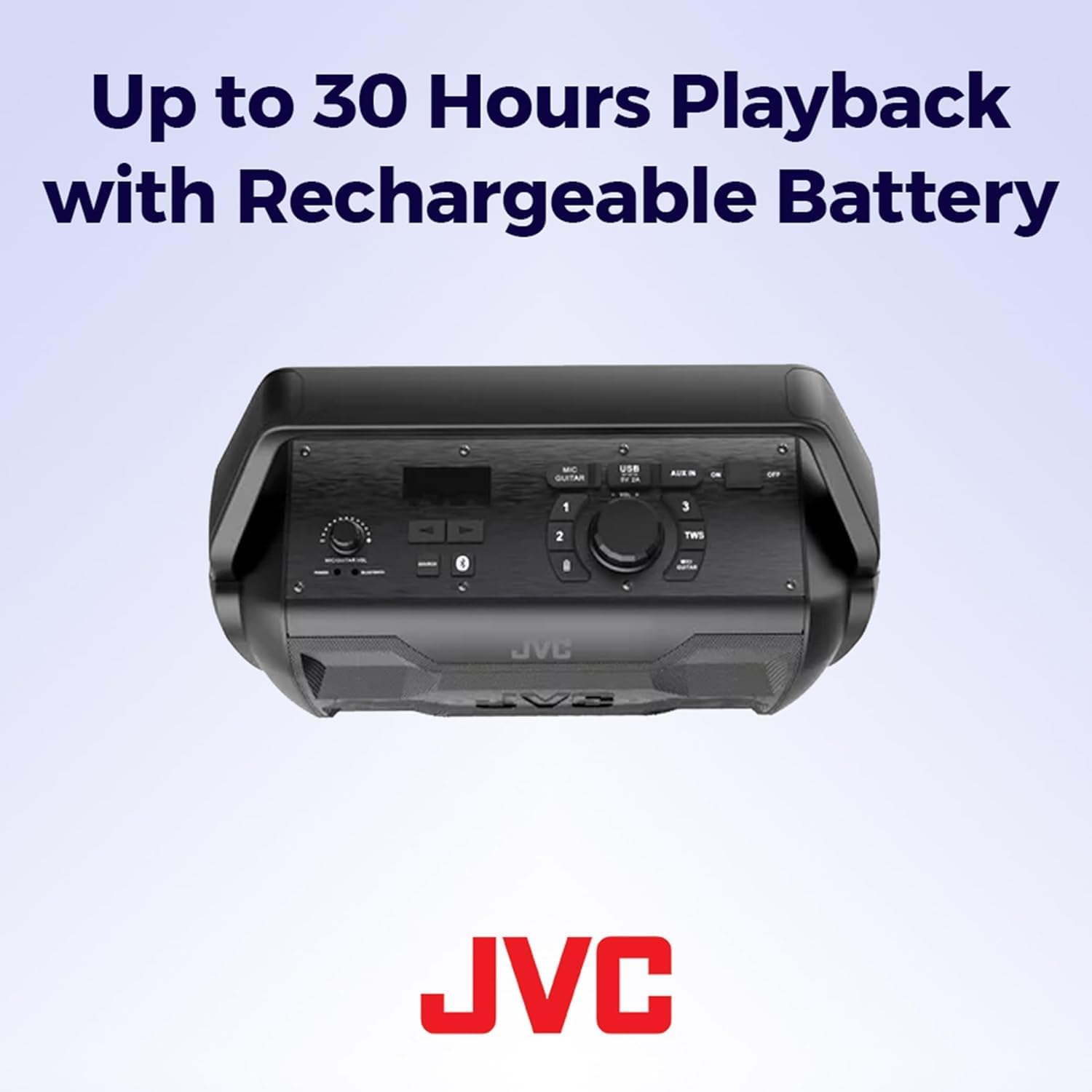
Image: Top view of the JVC Rover speaker, highlighting the control panel and the USB charging port.
Powering On/Off
To power on the speaker, press and hold the Power button located on the control panel until the indicator light illuminates. To power off, press and hold the Power button again until the indicator light turns off.
Operation
Bluetooth Pairing
The JVC Rover speaker is equipped with Bluetooth technology for wireless audio streaming.
- Ensure the speaker is powered on and in Bluetooth pairing mode (indicated by a flashing Bluetooth light).
- On your mobile device (smartphone, tablet, laptop), enable Bluetooth and search for available devices.
- Select "JVC ROVER" from the list of devices.
- Once paired, the Bluetooth indicator light on the speaker will become solid, and you will hear a confirmation tone.
- You can now play audio wirelessly from your device through the JVC Rover speaker.
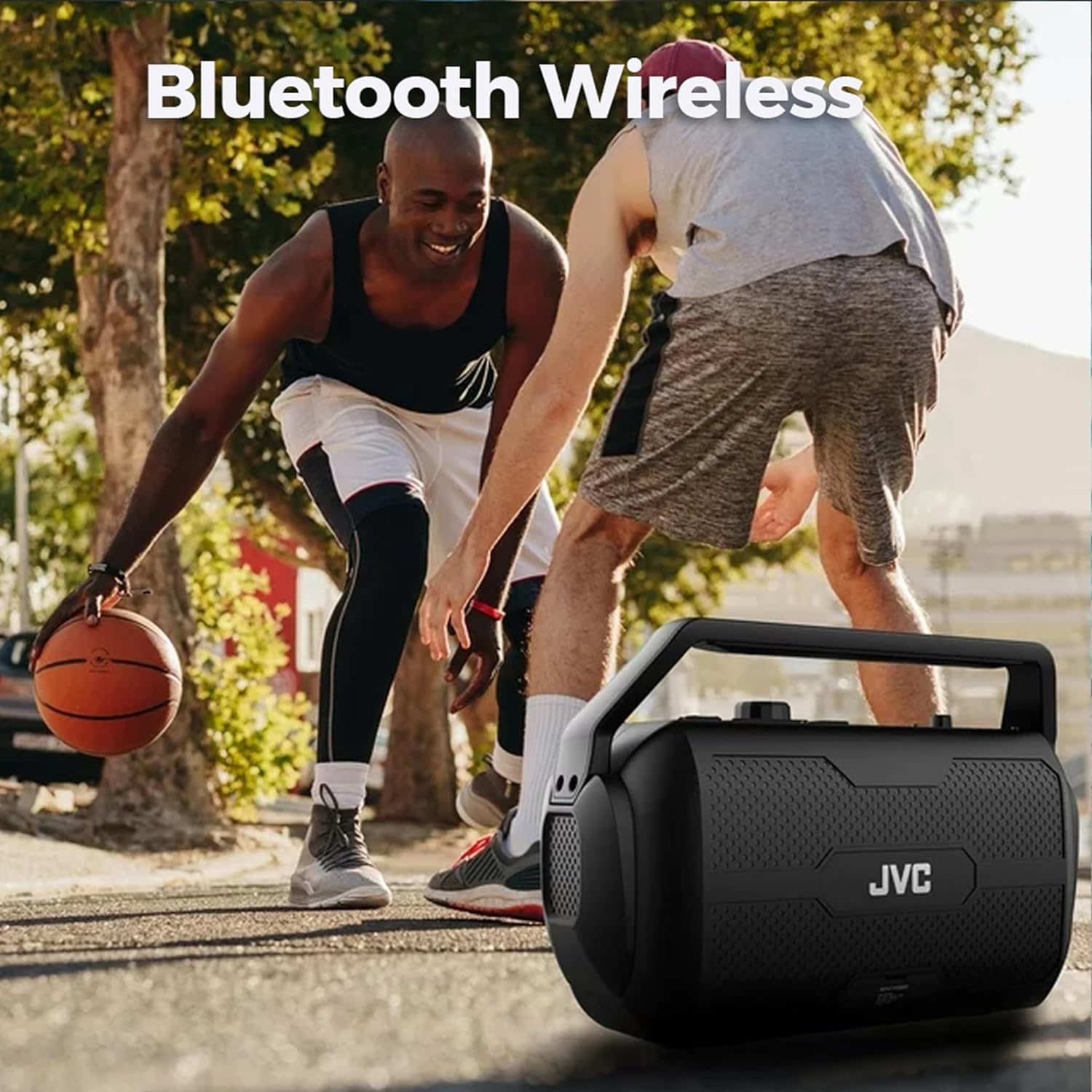
Image: The JVC Rover speaker in an outdoor setting, demonstrating its wireless Bluetooth capability for portable music.
Using AUX Input
For devices without Bluetooth capability, use the 3.5mm AUX input.
- Connect one end of a 3.5mm audio cable (not included) to the AUX IN port on the speaker.
- Connect the other end of the cable to the headphone jack or audio output of your device.
- The speaker will automatically switch to AUX mode, or you may need to select it manually using the mode button.
Using Microphone/Guitar Input
The JVC Rover features a 3.5mm input for a microphone or guitar, allowing for amplified sound.
- Connect your microphone or guitar cable to the MIC/GUITAR input port on the speaker.
- Adjust the dedicated Mic/Guitar volume dial on the control panel to control the input level.
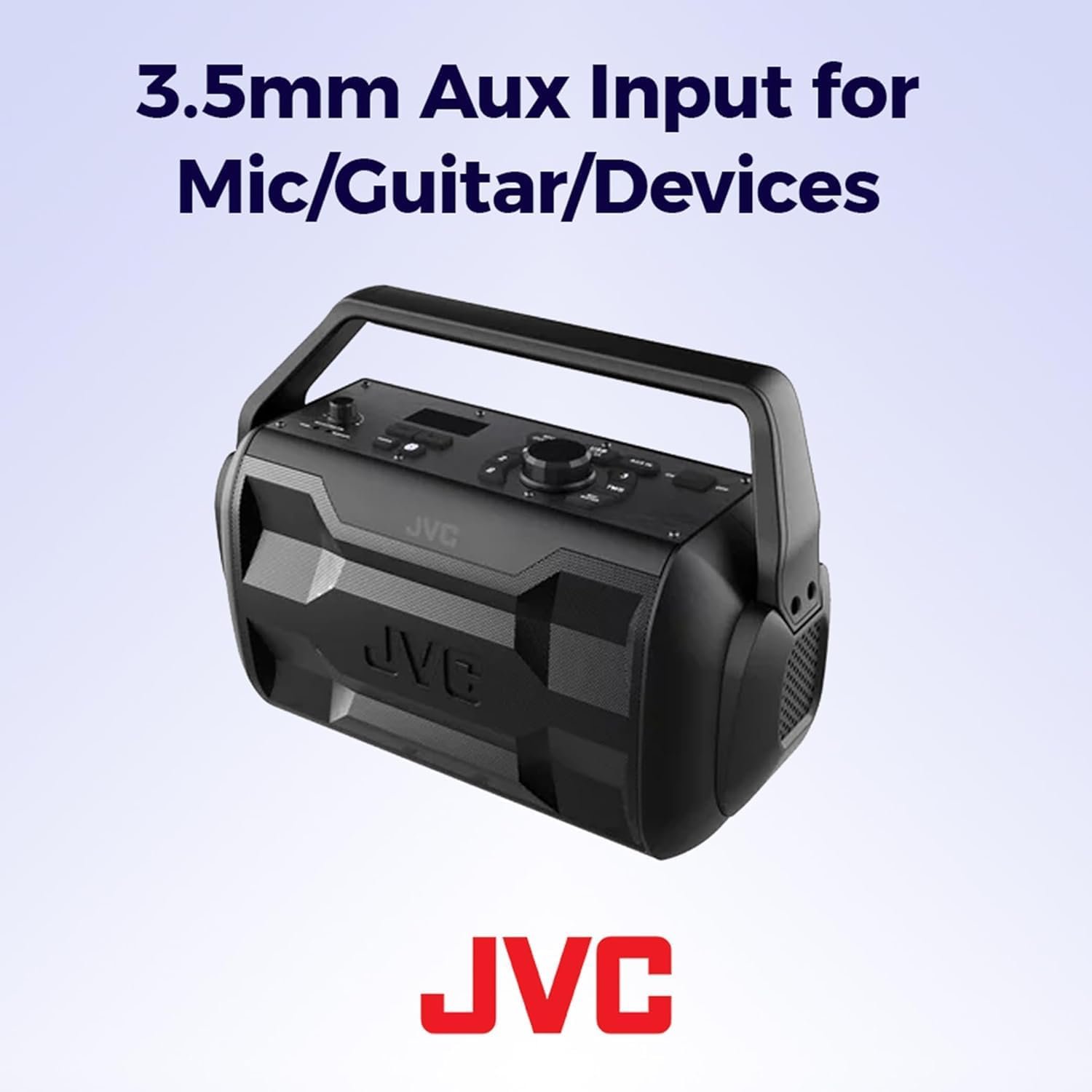
Image: Angled view of the JVC Rover speaker, highlighting the 3.5mm AUX and Microphone/Guitar input ports.
FM Radio
The speaker includes an FM radio function. To use it, switch to FM mode using the mode button. Use the tuning controls to scan for and select radio stations.
Volume Control
Adjust the main volume using the large rotary dial on the top control panel of the speaker. For Bluetooth connected devices, you can also control the volume from your source device.
IPX4 Water Resistance
The JVC Rover is IPX4 water resistant, meaning it is protected against splashing water from any direction. This makes it suitable for outdoor use and areas where it might encounter light rain or splashes. Note: Do not submerge the speaker in water.
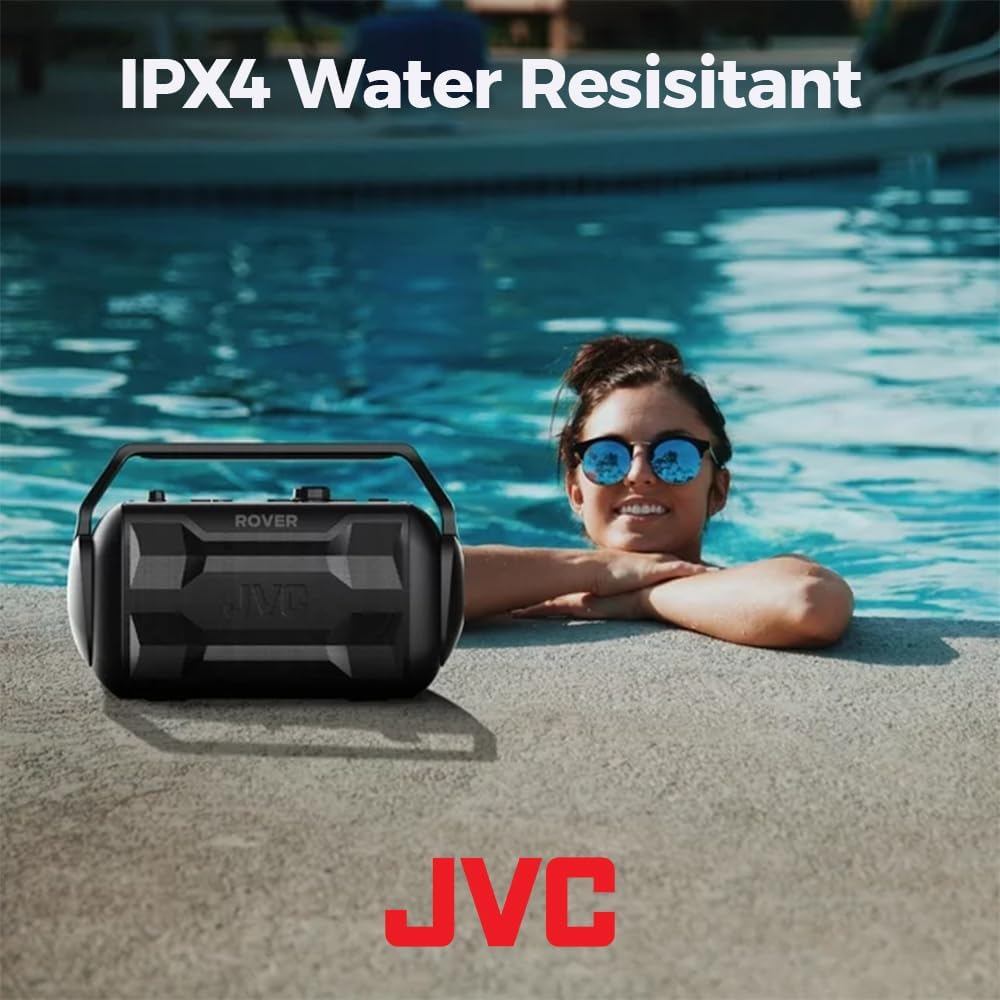
Image: The JVC Rover speaker positioned near a swimming pool, illustrating its IPX4 water-resistant design.
Maintenance
Proper maintenance ensures the longevity and optimal performance of your JVC Rover speaker.
- Cleaning: Use a soft, dry cloth to clean the exterior of the speaker. Do not use abrasive cleaners, waxes, or solvents.
- Storage: When not in use for extended periods, store the speaker in a cool, dry place away from direct sunlight and extreme temperatures.
- Battery Care: To preserve battery life, avoid fully discharging the battery frequently. Charge the speaker regularly, even if not in constant use.
- Water Exposure: While IPX4 rated, avoid prolonged exposure to heavy rain or submersion in water. Ensure all port covers are securely closed when near water.
Troubleshooting
| Problem | Possible Cause | Solution |
|---|---|---|
| No Power | Battery is depleted. | Charge the speaker using the supplied USB cable. |
| No Sound | Volume is too low or muted. Incorrect input mode. | Increase volume on speaker and source device. Ensure correct input mode (Bluetooth, AUX, FM) is selected. |
| Bluetooth Disconnection | Device is out of range. Interference. | Move device closer to speaker (within 10 meters). Turn off other Bluetooth devices. Re-pair the device. |
| Poor Sound Quality | Low battery. Source audio quality. | Ensure speaker is fully charged. Try a different audio source or file. |
| Microphone/Guitar Input Not Working | Volume dial too low. Cable not fully inserted. | Increase the MIC/GUITAR volume dial. Ensure the cable is securely connected. |
Specifications
- Model Name: JVC ROVER (XSS521PB)
- Brand: JVC
- Speaker Type: Surround Sound
- Speaker Maximum Output Power: 30 Watts
- Connectivity Technology: Bluetooth, USB
- Wireless Communication Technology: Bluetooth
- Bluetooth Range: 10 Meters (33 Feet)
- Battery Life: Up to 30 Hours
- Power Source: Battery Powered (1 Lithium Ion battery included)
- Water Resistance Level: IPX4 Water Resistant
- Product Dimensions: 7"D x 12.5"W x 8.6"H
- Item Weight: 7.63 pounds
- Material: Plastic
- Color: Black
- Included Components: User manual, USB Charging cable
- Inputs: 3.5mm AUX, 3.5mm Microphone/Guitar, USB Port
- Special Features: Portable, Waterproof, Lightweight, FM Radio, USB Port
- Frequency Response: 20000 Hz
- Impedance: 52 Ohm
- Signal-to-Noise Ratio: 71 dB
- UPC: 046838500312
- Country of Origin: China
Warranty and Support
Warranty Information
The JVC Rover Portable Bluetooth Speaker comes with a 1-year limited warranty from the date of purchase. This warranty covers manufacturing defects in materials and workmanship under normal use. It does not cover damage caused by misuse, accident, unauthorized modification, or external causes.
Please retain your proof of purchase for warranty claims.
Customer Support
For technical assistance, warranty service, or general inquiries, please visit the official JVC support website or contact their customer service department. Contact information can typically be found on the JVC official website or on the product packaging.
For more information and support, please visit the JVC Store on Amazon.


