
49S305
Instruction Manual for OEM Part - Remote Control Compatible with TCL Roku TV Model 49S305
Model: 49S305
1. Introduction
This manual provides essential information for the proper setup, operation, and maintenance of your new replacement remote control for TCL Roku TVs. This remote is designed to be a direct replacement, offering seamless compatibility and ease of use.
1.1. Product Overview
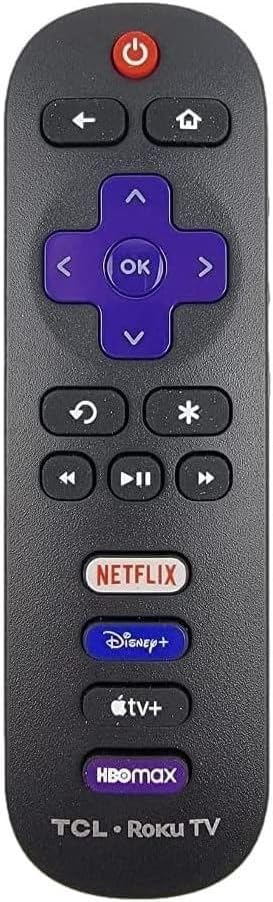
Image: Front view of the remote control, showing its ergonomic design and button layout.
The remote control features a standard layout with dedicated buttons for power, navigation, playback, and popular streaming services. It is designed for intuitive control of your compatible TCL Roku TV.
1.2. Compatibility
This remote control is compatible with a wide range of TCL Roku TV models. It is specifically designed to work with TCL Roku TV Smart 4K Ultra HDTVs. Please ensure your television is a Roku TV for proper functionality.

Image: A visual reminder that the remote is exclusively for Roku TVs, shown on a TV screen.
For a comprehensive list of compatible models, refer to the product description on the original purchase platform or contact customer support.
2. Setup
2.1. Battery Installation
This remote control requires two (2) AAA alkaline batteries (not included). No programming or pairing is needed for operation.
- Locate the battery compartment on the back of the remote control.
- Slide the battery compartment cover downwards to open it.
- Insert two AAA batteries, ensuring the positive (+) and negative (-) terminals align correctly with the markings inside the compartment.
- Slide the battery compartment cover back into place until it clicks securely.

Image: Step-by-step visual guide for battery insertion.
Once batteries are installed, the remote is ready for immediate use with your compatible TCL Roku TV.
3. Operating Instructions
3.1. Button Functions
Familiarize yourself with the remote control's buttons and their corresponding functions:
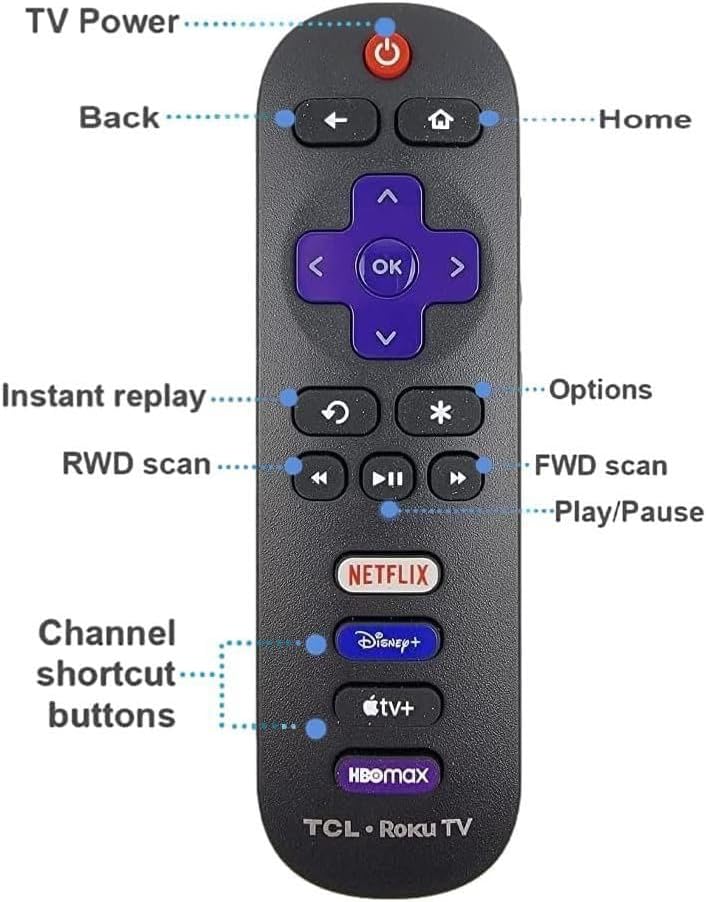
Image: Labeled diagram of the remote control buttons.
| Button | Function |
|---|---|
| Power (Ⓞ) | Turns the TV on or off. |
| Back (←) | Returns to the previous screen or menu. |
| Home (⌂) | Navigates to the Roku TV Home screen. |
| Directional Pad (Up, Down, Left, Right) | Navigates through menus and content. |
| OK | Selects an item or confirms an action. |
| Instant Replay (↺) | Jumps back a few seconds in video playback. |
| Options (*) | Accesses additional options for selected content or app. |
| Rewind (◀◀) | Rewinds video playback. |
| Play/Pause (▶⏸) | Plays or pauses video playback. |
| Fast Forward (▶▶) | Fast forwards video playback. |
| Channel Shortcut Buttons (Netflix, Disney+, Apple TV+, HBO Max) | Directly launches the corresponding streaming application. |
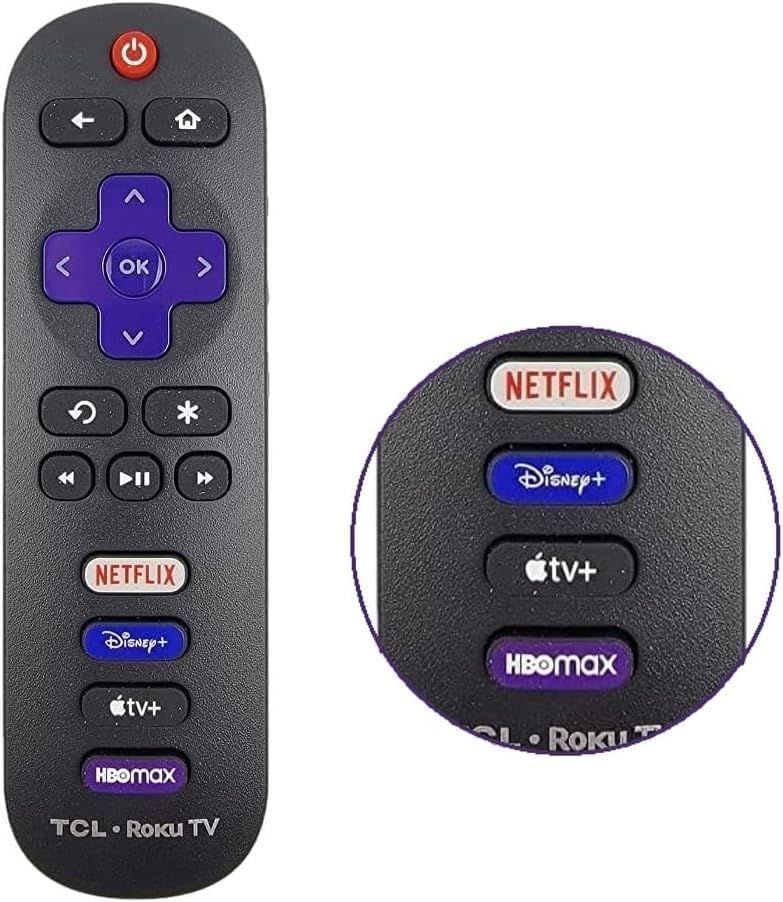
Image: Close-up of the dedicated streaming service buttons.
4. Maintenance
4.1. Cleaning the Remote
To maintain the remote control's appearance and functionality, follow these cleaning guidelines:
- Use a soft, dry cloth to wipe the surface of the remote.
- For stubborn dirt, slightly dampen the cloth with water or a mild, non-abrasive cleaner. Avoid excessive moisture.
- Do not use harsh chemicals, solvents, or abrasive cleaning pads, as these can damage the remote's finish or internal components.
- Ensure the remote is completely dry before re-inserting batteries or using it.
4.2. Battery Care
- Replace batteries when the remote's response becomes sluggish or stops working.
- Remove batteries if the remote will not be used for an extended period to prevent leakage and potential damage.
- Dispose of used batteries responsibly according to local regulations.
5. Troubleshooting
If you experience issues with your remote control, try the following solutions:
| Problem | Possible Solution |
|---|---|
| Remote is not responding. |
|
| Buttons are sticky or unresponsive. |
|
| Remote works intermittently. |
|
6. Specifications
| Feature | Detail |
|---|---|
| Model | Replacement Remote Control for TCL Roku TV |
| Compatibility | TCL Roku TV Smart 4K Ultra HDTVs (various models, refer to product description for full list) |
| Power Source | 2 x AAA Alkaline Batteries (not included) |
| Connectivity | Infrared (IR) |
| Special Feature | Ergonomic design, 4 Shortcut APP Keys |
| Color | Black |
| Max Number of Supported Devices | 1 (TCL Roku TV) |
7. Warranty and Support
For information regarding warranty coverage, returns, or technical support, please refer to the seller's policy on the platform where the product was purchased. Keep your purchase receipt as proof of purchase.
If you encounter issues not covered in this manual, please contact the seller or manufacturer directly for assistance.
Related documents49S305


Ask a question about this manual
Ask about setup, troubleshooting, compatibility, parts, safety, or missing instructions. Manuals+ will review the question and use this page’s manual context to help answer it.