
1. Introduction
The Radtel RT-470X is a versatile multi-band ham radio walkie talkie designed for reliable two-way communication across various frequency ranges. This manual provides detailed instructions for the proper setup, operation, and maintenance of your device, ensuring optimal performance and user safety.
2. Safety Information
- Do not operate the radio in explosive atmospheres (e.g., flammable gases, dust particles, metallic powders).
- Do not expose the radio to direct sunlight for extended periods or place it near heating appliances.
- Avoid using the radio in areas with strong electromagnetic interference.
- Keep the radio dry. Do not expose it to rain or moisture.
- Use only Radtel approved accessories and chargers.
- Do not attempt to disassemble or modify the radio. Refer all servicing to qualified personnel.
3. Package Contents
Verify that all items are present in your package:
- Radtel RT-470X Multi-Bands Ham Radio
- Antenna
- Battery Pack
- Belt Clip
- Desktop Charger (with AC Adapter)
- Radtel USB Programming Cable
- User Manual (this document)

Image: Radtel RT-470X packaging and the back of the radio, showing model and FCC ID information.

Image: The included Radtel USB Programming Cable, essential for advanced radio configuration.
4. Product Overview
Familiarize yourself with the various parts and controls of your Radtel RT-470X radio.

Image: Detailed diagram illustrating the key buttons and components of the Radtel RT-470X radio.
- Antenna: For transmitting and receiving signals.
- Strong LED Flashlight: Located at the top for illumination.
- Alarm Button: Activates an emergency alarm function.
- PTT Launch Key (Push-to-Talk): Press and hold to transmit, release to receive.
- Volume/Power Knob: Rotates to adjust volume and turns to power the device on/off.
- Headphone Jack: For connecting external audio accessories.
- Liquid Crystal Display (LCD) Screen: Displays frequency, channel, and status information.
- Microphone: For voice input during transmission.
- Speaker: For audio output.
- Keypad: For entering frequencies, channels, and accessing menu functions.
- Return/Exit Key: Used to go back or exit menus.
- Type-C Port: For charging the radio.
- SOS Button: Activates an emergency signal.
- PTT1 / PTT2: Additional programmable Push-to-Talk buttons. PTT2 may require software programming.

Image: Side view of the Radtel RT-470X, highlighting the SOS button, PTT buttons, and the integrated flashlight.
5. Setup
5.1 Attaching the Antenna
Screw the antenna clockwise into the connector on the top of the radio until it is firmly seated. Do not overtighten.
5.2 Installing the Battery
Align the battery pack with the grooves on the back of the radio. Slide the battery upwards until it clicks into place. To remove, press the release latch (if present) and slide the battery downwards.
5.3 Charging the Battery
Connect the Type-C charging cable to the port on the radio, or place the radio in the desktop charger. Connect the charger to a power source. The charging indicator will show the charging status. Ensure the battery is fully charged before first use.
6. Operating Instructions
6.1 Power On/Off and Volume Adjustment
To power on the radio, rotate the Volume/Power knob clockwise until you hear a click. To power off, rotate it counter-clockwise until it clicks. Continue rotating the knob clockwise to increase volume and counter-clockwise to decrease it.
6.2 Channel/Frequency Selection
Use the up/down keys or the keypad to select desired channels or enter specific frequencies. The LCD screen will display the current selection.
6.3 Transmitting and Receiving (PTT)
To transmit, press and hold the PTT (Push-to-Talk) button on the side of the radio. Speak clearly into the microphone. Release the PTT button to return to receive mode.
6.4 Frequency Measurement (Auto Frequency Capture)
The RT-470X features a one-key copy frequency function. This allows the radio to automatically scan and capture the frequency and CTCSS/DCS tone of another radio within approximately 1 meter, enabling immediate communication without manual programming.
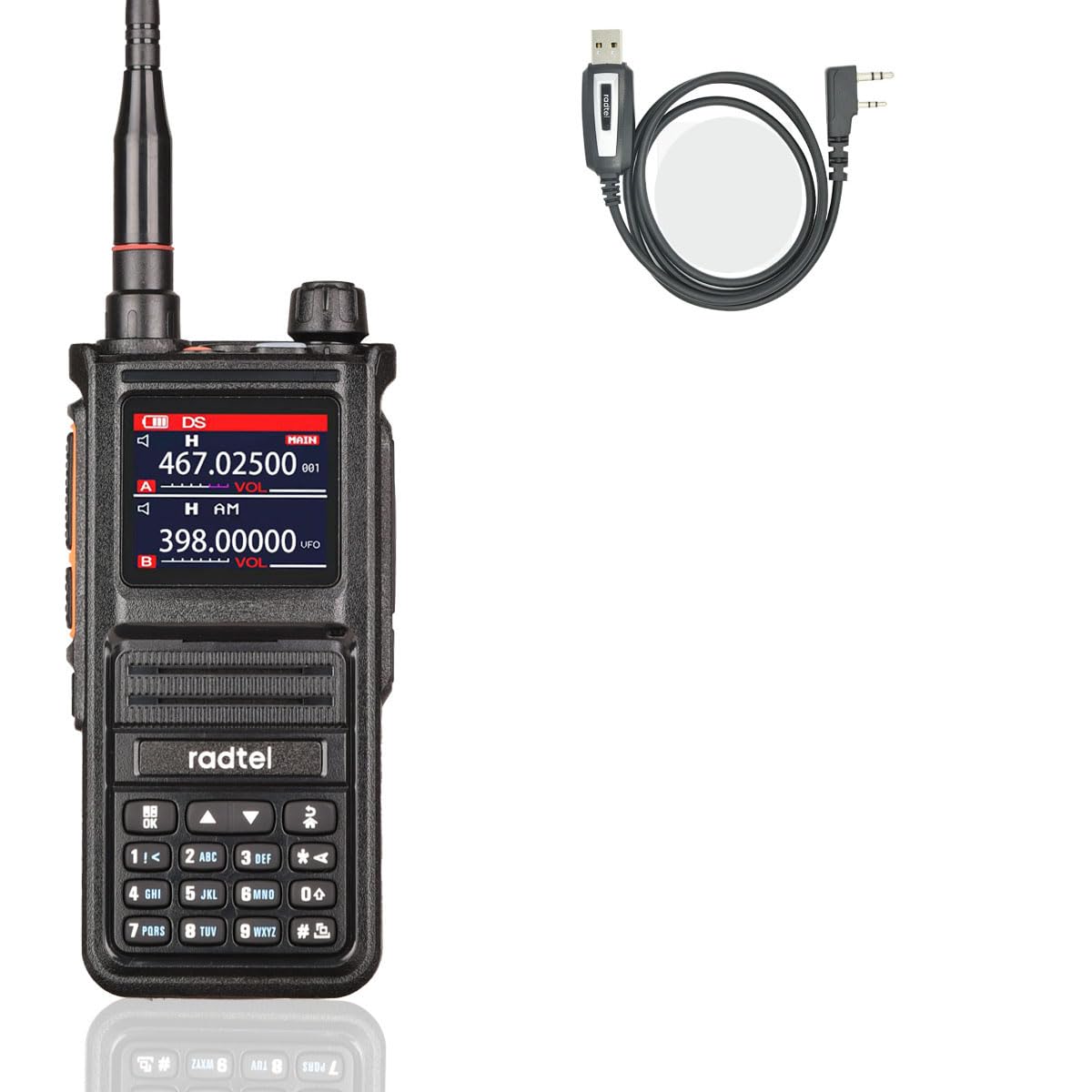
Image: Illustration of the Radtel RT-470X's frequency measurement capability, showing how it can quickly identify and match another radio's frequency.
7. Advanced Features
7.1 Voice Scrambler Function
When activated, the Voice Scrambler function encrypts your voice transmission, preventing unauthorized listeners from understanding your conversation, even if they are on the same frequency and sub-tone. Both radios must have the scrambler activated to communicate.

Image: A visual explanation of the Voice Scrambler function, demonstrating secure communication when activated on both radios.
7.2 NOAA U.S. Weather Channel Receive
The RT-470X supports receiving NOAA U.S. Weather Channels, providing access to real-time weather alerts and forecasts.
7.3 AM Air Band Frequency Receive
The radio is capable of receiving AM air band frequencies, allowing users to listen to air traffic control communications.

Image: The Radtel RT-470X radio in use, demonstrating its capability to receive air band frequencies, with an airplane visible in the background.
7.4 VOX (Voice Operated Transmission)
The VOX function allows for hands-free transmission. When enabled, the radio will automatically transmit when it detects your voice, eliminating the need to press the PTT button.
7.5 Strong LED Flashlight
The integrated LED flashlight provides illumination in low-light conditions, useful for various situations such as camping or navigating dark areas.
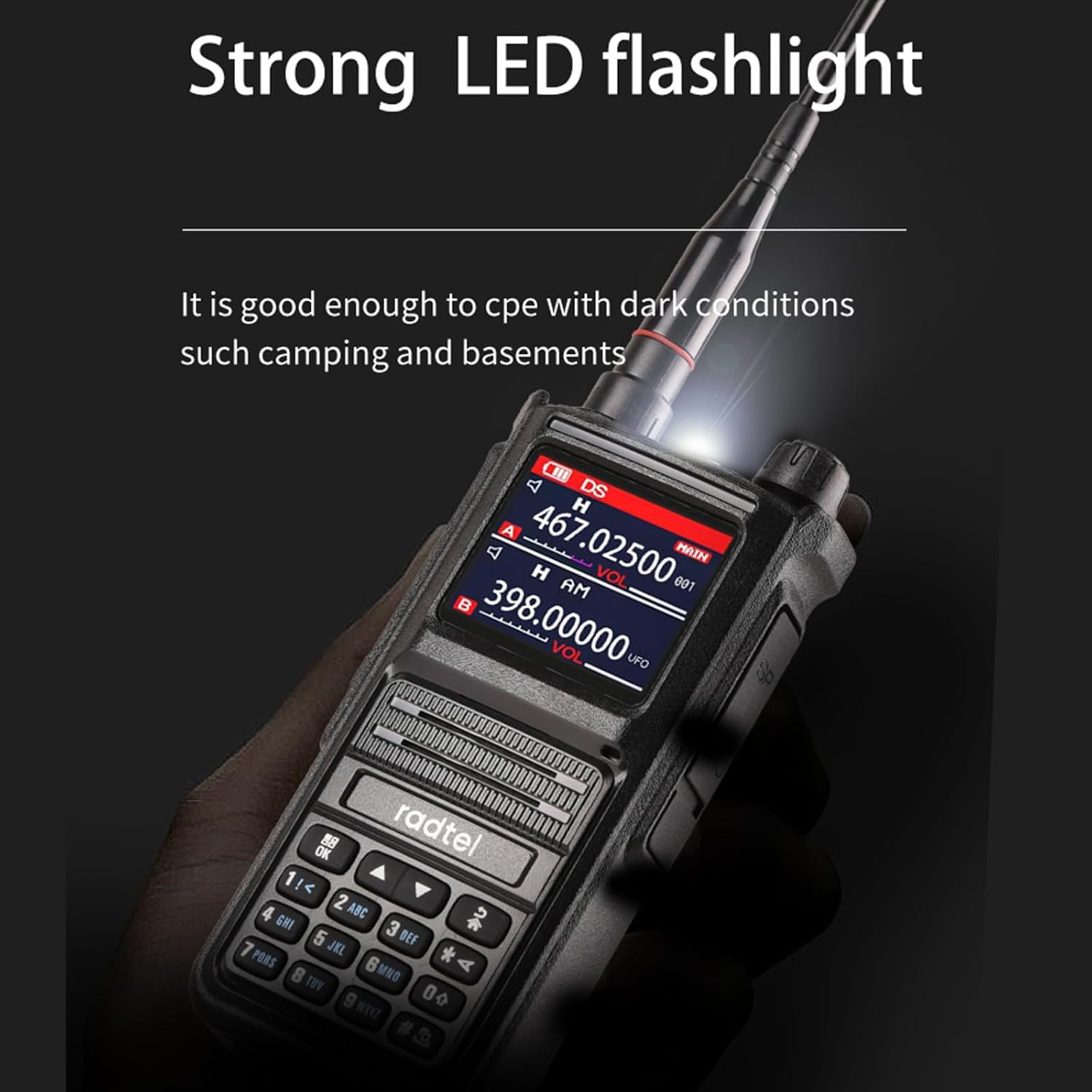
Image: The Radtel RT-470X radio with its strong LED flashlight activated, demonstrating its utility in dark environments.
8. Programming
For advanced configuration, such as setting up custom channels, CTCSS/DCS tones, or programming the PTT2 button, the Radtel RT-470X can be connected to a computer using the included USB Programming Cable. Refer to the programming software manual (available for download from the Radtel website) for detailed instructions on using the software.
9. Maintenance
- Cleaning: Use a soft, damp cloth to clean the radio's surface. Do not use harsh chemicals or solvents.
- Battery Care: To prolong battery life, avoid overcharging or completely discharging the battery. Store the radio and battery in a cool, dry place when not in use for extended periods.
- Antenna: Ensure the antenna is securely attached. Do not bend or force the antenna, as this can damage the connector.
10. Troubleshooting
| Problem | Possible Cause | Solution |
|---|---|---|
| Radio does not power on | Battery discharged or improperly installed | Charge the battery; ensure battery is correctly installed. |
| Cannot transmit or receive | Incorrect frequency/channel; antenna loose; low battery | Verify frequency/channel settings; check antenna connection; charge battery. |
| Poor audio quality | Volume too low/high; interference; antenna issue | Adjust volume; move away from interference sources; check antenna. |
| Squelch tail is loud/annoying | Squelch settings may need adjustment or firmware update | Check squelch level settings in the radio menu. Consult Radtel support for potential firmware updates if the issue persists. |
If the problem persists after attempting these solutions, please contact Radtel customer support.
11. Specifications
- Model: Radtel RT-470X
- Frequency Ranges:
- 144-148MHz (RX/TX)
- 420-450MHz (RX/TX)
- 18-108MHz CB/SSB (RX)
- 108-136MHz AM (RX)
- 136-630MHz UHF/VHF (RX)
- 840-999MHz UHF (RX)
- 66-108MHz FM Radio (RX)
- Number of Channels: 256 (128x2 groups)
- Special Features: Noise Reduction, Voice Operated Transmission (VOX), Voice Scrambler Function, One-key Copy Frequency, Dual PTT, NOAA U.S. Weather Channel Receive, AM Air Band Frequency Receive, Type-C Charging, Strong LED Flashlight.
- Voltage: 5 Volts (DC)
- Water Resistance Level: Not Water Resistant
- Included Components: Radtel USB Programming Cable
- Compatible Devices: Radtel two-way radios and other two-way radios that support the specified frequencies.
12. Warranty and Support
Radtel products are designed for reliability and performance. For warranty information, technical support, or service inquiries, please refer to the warranty card included with your product or visit the official Radtel website. Please have your model number (RT-470X) and purchase details ready when contacting support.


