1. Introduction
This manual provides essential instructions for setting up, operating, maintaining, and troubleshooting your BOSGAME M2 Mini PC. Please read this manual thoroughly before using the device to ensure proper functionality and longevity.

Image: Front view of the BOSGAME M2 Mini PC, showcasing its compact design, front ports, and integrated speaker grilles.
2. Package Contents
Verify that all items listed below are included in your package:
- 1x M2 Mini PC
- 1x HDMI Cable
- 1x VESA Mount & Screws
- 1x Power Adapter
- 1x User Manual (this document)
3. Setup Instructions
3.1 Connecting Peripherals
- Connect Display: Use the provided HDMI cable or a DisplayPort (DP) cable to connect your monitor to the corresponding port on the Mini PC. For 4K or 8K resolution, ensure your cable and monitor support the required specifications.
- Connect Keyboard and Mouse: Plug your USB keyboard and mouse into the available USB ports on the Mini PC.
- Connect Network (Optional): For a wired internet connection, connect an Ethernet cable from your router or modem to one of the 2.5G LAN ports on the Mini PC. For wireless connectivity, ensure your Wi-Fi network is available during initial setup.
- Connect Power: Plug the power adapter into the DC input port on the Mini PC, then connect the adapter to a power outlet.
3.2 Initial Power On
Press the power button located on the front of the Mini PC. The power indicator light will illuminate, and the system will begin to boot. Follow the on-screen instructions to complete the operating system setup (e.g., Windows 11 Pro, Ubuntu, or Linux).

Image: A detailed diagram illustrating the various input/output ports available on the BOSGAME M2 Mini PC, including USB, HDMI, DisplayPort, and LAN connections.
4. Operating Instructions
4.1 Power Management
- Power On: Press the power button.
- Shut Down: Access the operating system's power options to perform a proper shutdown.
- Restart: Access the operating system's power options to restart the system.
4.2 Network Connectivity
- Wired LAN: The Mini PC features dual 2.5Gbps LAN ports for high-speed wired network connections.
- Wi-Fi 6: For wireless connectivity, the integrated Wi-Fi 6 module provides fast and stable internet access. Configure Wi-Fi settings through your operating system.
- Bluetooth 5.2: Connect wireless peripherals such as keyboards, mice, or headphones using Bluetooth 5.2.

Image: A close-up view of the rear panel of the BOSGAME M2 Mini PC, emphasizing the two 2.5Gbps Ethernet ports for high-speed network connections.
4.3 Display Configuration
The BOSGAME M2 supports up to four displays simultaneously via HDMI 2.0, DisplayPort 1.4, and two USB4 ports. This allows for multi-monitor setups for enhanced productivity or immersive entertainment.
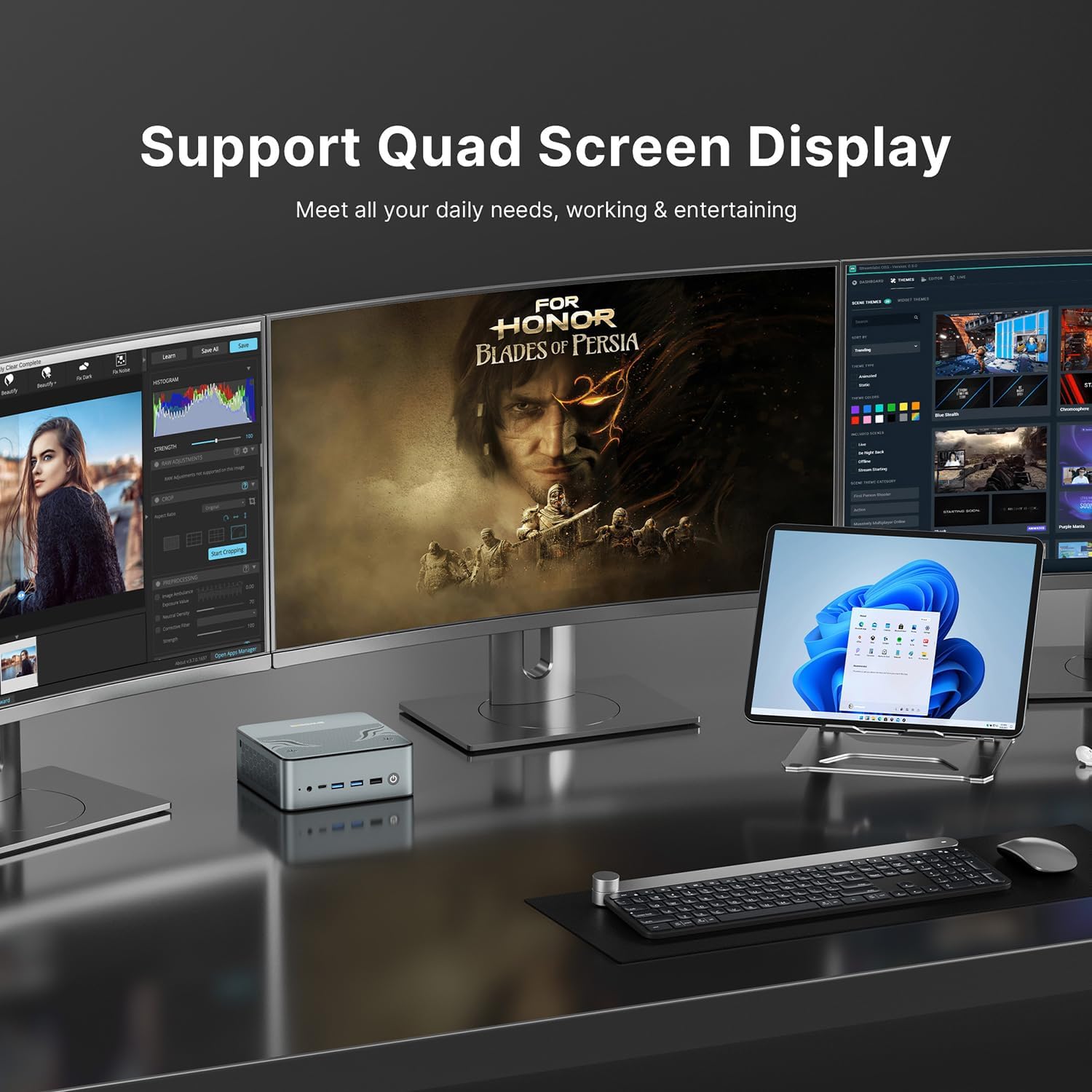
Image: The BOSGAME M2 Mini PC operating with a quad-screen display configuration, demonstrating its multi-monitor capabilities for various tasks.
4.4 USB4 Port Functionality
The two USB4 ports offer versatile functionality:
- High-Speed Data Transfer: Supports up to 40 Gbps data transfer speeds.
- 8K@60Hz Display Output: Connect compatible 8K monitors for high-resolution video output.
- Power Delivery (PD 3.0): Can provide up to 15W of power to compatible devices, such as portable touch displays.

Image: The BOSGAME M2 Mini PC connected to a laptop via a USB4 cable, demonstrating its multi-functional capabilities including power delivery and high-speed data transfer.
4.5 Integrated Audio
The Mini PC features built-in dual-channel DSP speakers, providing clear audio output without the need for external speakers. This is suitable for general use, including watching videos and listening to music.

Image: An internal view of the BOSGAME M2 Mini PC highlighting the integrated dual 26mm loudspeakers, designed for clear audio output.
5. Maintenance
5.1 Cleaning
Regularly clean the exterior of the Mini PC with a soft, dry cloth. Ensure ventilation openings are free from dust and debris to maintain optimal airflow. Do not use liquid cleaners directly on the device.
5.2 Storage and RAM Expansion
The BOSGAME M2 Mini PC supports upgrades for both RAM and storage:
- RAM: The device comes with 32GB DDR5 5600MHz RAM (2x16GB). It supports expansion up to 96GB RAM.
- Storage: It includes a 1TB M.2 2280 PCIe 4.0 SSD. The system supports dual slot expansion for PCIe 4.0x4 SSDs up to 2TB each, for a total of up to 8TB (additional SSDs not included).
For internal component upgrades, it is recommended to consult a qualified technician or refer to detailed service guides to avoid damaging the device.
5.3 Software Updates
Keep your operating system and drivers updated to ensure optimal performance, security, and compatibility. Refer to your operating system's documentation for instructions on checking and installing updates.
6. Troubleshooting
If you encounter issues with your BOSGAME M2 Mini PC, refer to the following common troubleshooting steps:
- No Power: Ensure the power adapter is securely connected to both the Mini PC and a working power outlet. Try a different power outlet if necessary.
- No Display: Verify that the monitor is powered on and the display cable (HDMI, DP, or USB4) is securely connected to both the Mini PC and the monitor. Try a different display cable or monitor if available.
- No Network Connection: For wired connections, check the Ethernet cable and router status. For Wi-Fi, ensure the Wi-Fi adapter is enabled in the operating system and you are connected to the correct network with the correct password.
- System Unresponsive: If the system becomes unresponsive, perform a hard reboot by pressing and holding the power button for 5-10 seconds until the device powers off. Wait a few seconds, then press the power button again to restart.
- Peripheral Issues: If a keyboard, mouse, or other USB device is not working, try connecting it to a different USB port or another computer to rule out device malfunction.
If problems persist after attempting these steps, please contact customer support for further assistance.
7. Specifications
Detailed technical specifications for the BOSGAME M2 Mini PC:
| Feature | Specification |
|---|---|
| Processor | AMD Ryzen 9 7940HS (8 Cores/16 Threads, up to 5.2GHz) |
| Graphics | AMD Radeon Graphics (Integrated) |
| RAM | 32GB DDR5 5600MHz (Dual Channel, expandable to 96GB) |
| Storage | 1TB M.2 2280 PCIe 4.0 SSD (Dual slot expansion up to 8TB) |
| Operating System Support | Windows, Ubuntu, Linux |
| Video Output | HDMI 2.0, DisplayPort 1.4, 2x USB4 (Supports Quad 4K or Dual 8K displays) |
| USB Ports | 2x USB4 (40Gbps, 8K@60Hz, PD 3.0), 4x USB 3.0, 1x USB 2.0 |
| Network | 2x 2.5G LAN, Wi-Fi 6 (802.11ax), Bluetooth 5.2 |
| Audio | Built-in Dual-channel DSP Speakers, Audio Jack |
| Dimensions | Approx. 5.35 x 5.2 x 1.99 inches |
| Weight | Approx. 3.59 pounds |
8. Warranty and Support
BOSGAME provides comprehensive support for your M2 Mini PC.
8.1 Warranty Information
Your BOSGAME M2 Mini PC comes with a 12-month service period. Please retain your proof of purchase for warranty claims.
8.2 Technical Support
BOSGAME offers lifetime technical support for its products. If you require assistance, please contact us through the following channels:
- Email: support@bosgamepc.com
- Online: Log in to your Amazon account, navigate to "Your Orders," and select "Ask Product Question" for your BOSGAME M2 Mini PC purchase.

Image: An overview of BOSGAME's customer support, including online inquiry via Amazon, email support, and lifetime technical assistance.
8.3 Return Policy
The product is eligible for a refund or replacement within 30 days of purchase, subject to Amazon's return policy.


