
WP-5G
M-VAVE WP-5G Wireless Audio System User Manual
Model: WP-5G | Brand: Generic
1. Product Overview
The M-VAVE WP-5G Wireless Audio Transmission System is engineered for seamless wireless connection of electronic instruments. This system delivers high-quality audio with minimal latency and interference, providing freedom from wired cables for enhanced performance and convenience.
Key features include:
- Ultra-low latency of 5.6ms for smooth, responsive performance.
- Effective transmission range of up to 30 meters (98.4 feet) outdoors or 15 meters (49.2 feet) through walls.
- Utilizes the 5.8GHz ISM band with 24bit/48KHz sample rate for professional, lossless sound quality, avoiding congested 2.4GHz/UHF bands.
- Supports up to 4 sets of devices operating simultaneously without interference, with a convenient one-key channel change function.
- Features a 190° rotatable 1/4" (6.35mm) plug, ensuring broad compatibility with various audio equipment.
- Equipped with a built-in 1100mAh battery, providing over 8 hours of continuous use and supporting 1.5-hour quick charging.

Figure 1: The M-VAVE WP-5G Wireless Audio System, showing both the transmitter and receiver units.
2. Package Contents
Upon opening the package, please verify that all the following items are included:
- 1 x WP-5G Transmitter Unit
- 1 x WP-5G Receiver Unit
- 1 x USB Charging Cable (1-in-2-out)
- 1 x Storage Bag
- 1 x User Manual (English & Chinese)

Figure 2: All items included in the M-VAVE WP-5G Wireless Audio System package: transmitter, receiver, USB charging cable, storage bag, and user manual.
3. Setup and Connection
Follow these steps to set up and connect your WP-5G Wireless Audio System:
- Charging the Units: Before first use, fully charge both the transmitter and receiver units using the provided 1-in-2-out USB charging cable. Connect the cable to a standard USB power adapter (not included). The charging indicator lights will show charging status. A full charge takes approximately 1.5 hours.
- Connecting the Transmitter: Plug the transmitter unit (labeled "TRANSMITTER") into the output jack of your electronic instrument (e.g., guitar, bass). The 1/4" plug can rotate 190° for optimal positioning.
- Connecting the Receiver: Plug the receiver unit (labeled "RECEIVER") into the input jack of your amplifier or audio interface. Ensure the plug is fully inserted.
- Powering On: Press and hold the power button on both the transmitter and receiver units until the indicator lights illuminate.
- Channel Pairing: The units should automatically pair. If they do not, or if you experience interference, you can manually change the channel. Press the "CHANNEL" button on either unit to cycle through the available 4 channels. Ensure both units are on the same channel for proper operation.
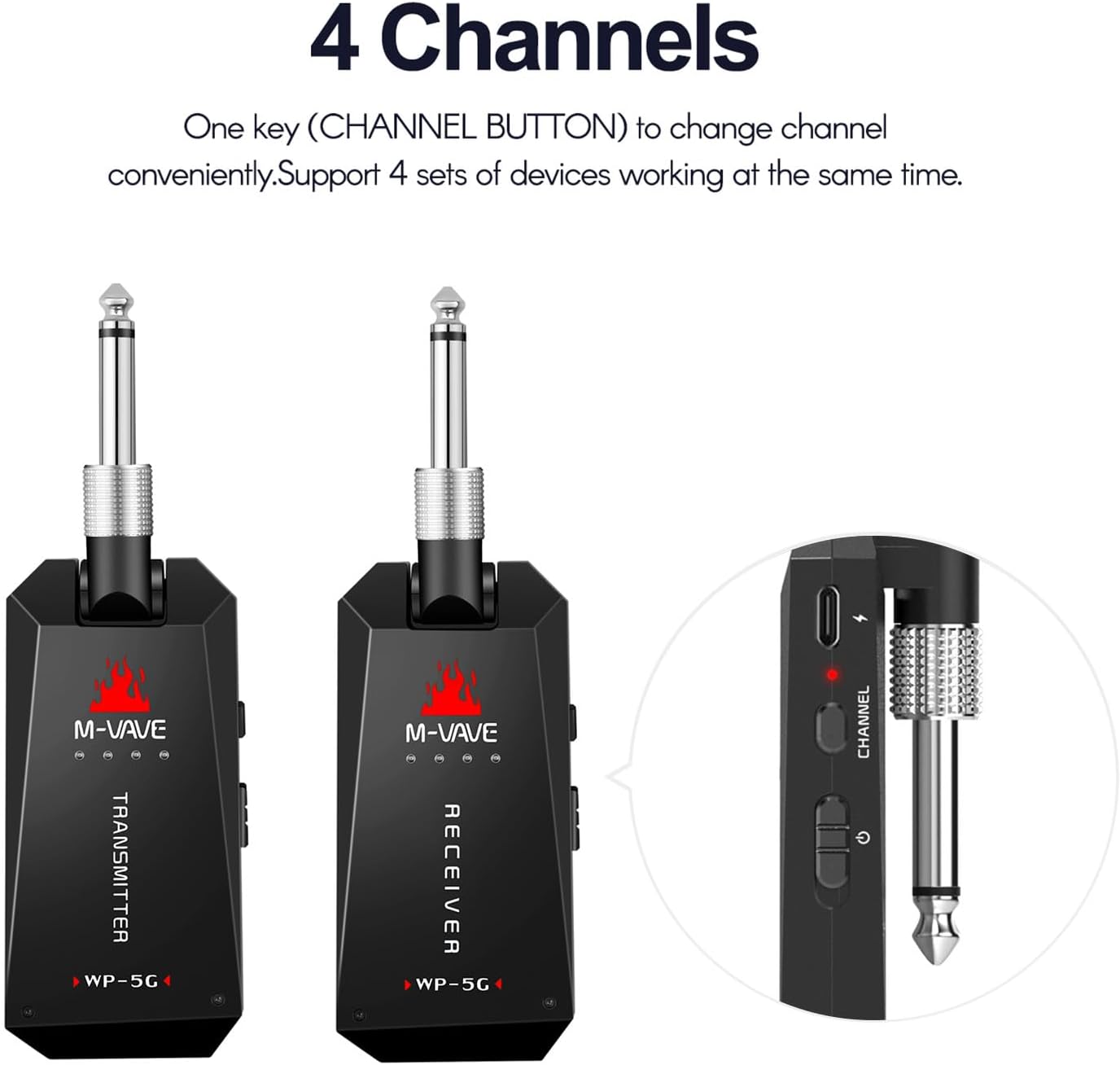
Figure 3: Diagram illustrating the connection process: the transmitter plugs into the instrument's output, and the receiver plugs into the amplifier's input.

Figure 4: The M-VAVE WP-5G transmitter connected to a guitar and the receiver connected to an amplifier, demonstrating a typical setup. Note: Guitar and amplifier are not included.
4. Operating Instructions
Once connected, operating the WP-5G system is straightforward:
- Power On/Off: Press and hold the power button on each unit for approximately 2 seconds to turn them on or off. The indicator lights will confirm the power status.
- Channel Selection: The WP-5G supports 4 distinct channels. To change the channel, briefly press the "CHANNEL" button located on the side of the unit. The indicator lights will show the currently selected channel. Ensure both the transmitter and receiver are set to the same channel for optimal performance and to avoid interference from other wireless devices.
- Battery Indicator: The LED indicators on the units also serve as battery level indicators. Refer to the specifications section for details on interpreting these lights.
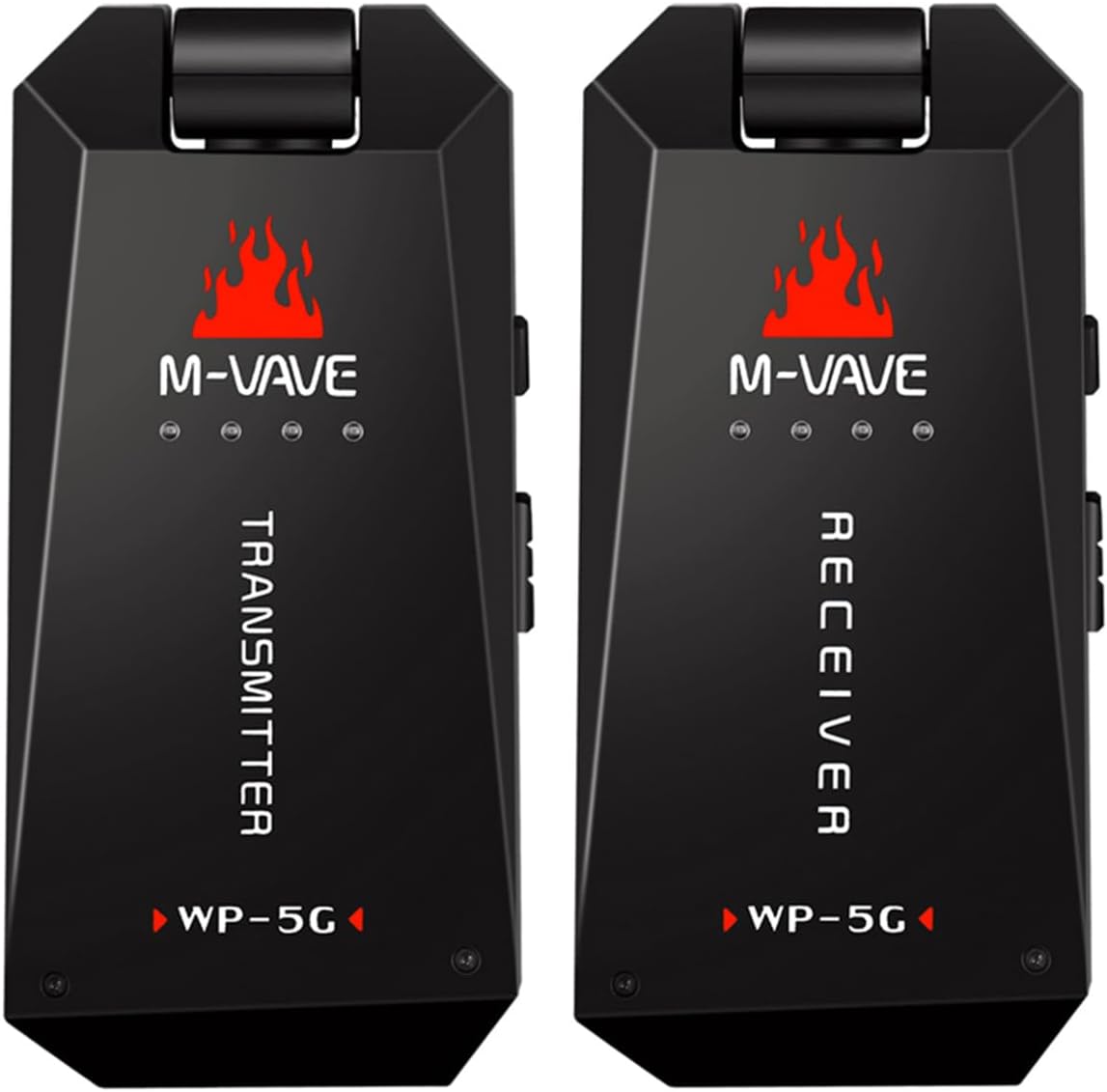
Figure 5: The M-VAVE WP-5G system supports 4 channels, allowing multiple units to operate simultaneously without interference. The channel can be changed with a single button press.

Figure 6: Side view of the M-VAVE WP-5G unit, highlighting the channel button and USB charging port.
5. Maintenance and Care
To ensure the longevity and optimal performance of your WP-5G Wireless Audio System, please observe the following maintenance guidelines:
- Charging: Recharge the units when the battery indicator shows low power. Avoid completely draining the battery frequently to prolong its lifespan. Use only the provided USB charging cable.
- Cleaning: Wipe the units with a soft, dry cloth. Do not use liquid cleaners or abrasive materials.
- Storage: When not in use for extended periods, store the units in the provided storage bag in a cool, dry place, away from direct sunlight and extreme temperatures.
- Handling: Handle the units with care. Avoid dropping them or subjecting them to strong impacts, which can damage internal components.
- Environmental Conditions: Do not expose the units to water, high humidity, or corrosive environments.
6. Troubleshooting
If you encounter issues with your WP-5G Wireless Audio System, please refer to the following common problems and solutions:
| Problem | Possible Cause | Solution |
|---|---|---|
| No sound or intermittent sound. |
|
|
| Short battery life. |
|
|
| Poor sound quality (noise, distortion). |
|
|
If the problem persists after trying these solutions, please contact customer support for further assistance.
7. Technical Specifications
| Feature | Specification |
|---|---|
| Sample Rate | 24bit/48KHz uncompressed professional sound quality |
| Wireless Band | 5.8GHz ISM Band |
| Latency | 5.6ms |
| Effective Range | 30m / 98.4ft (outdoor), 15m / 49.2ft (wall distance) |
| THD + Noise | -98dB |
| Dynamic Range | > 105dB A weighted |
| Frequency Response | 20-20KHz, +1dB/-3dB |
| Channels Supported | 4 sets of devices working at the same time |
| Battery Capacity (Transmitter) | 3.7V 780mAh |
| Battery Capacity (Receiver) | 3.7V 450mAh |
| Total Battery Capacity (Combined) | 1100mAh (as stated in description, likely combined or typical usage) |
| Playing Time | > 8 hours continuous use |
| Charging Device | 1-in-2-out USB charging cable (supports quick charge) |
| Item Size (unfold state, main body) | 90 * 43 * 14mm / 3.54 * 1.69 * 0.55in |
| Item Weight (single unit) | 51g / 1.80oz |
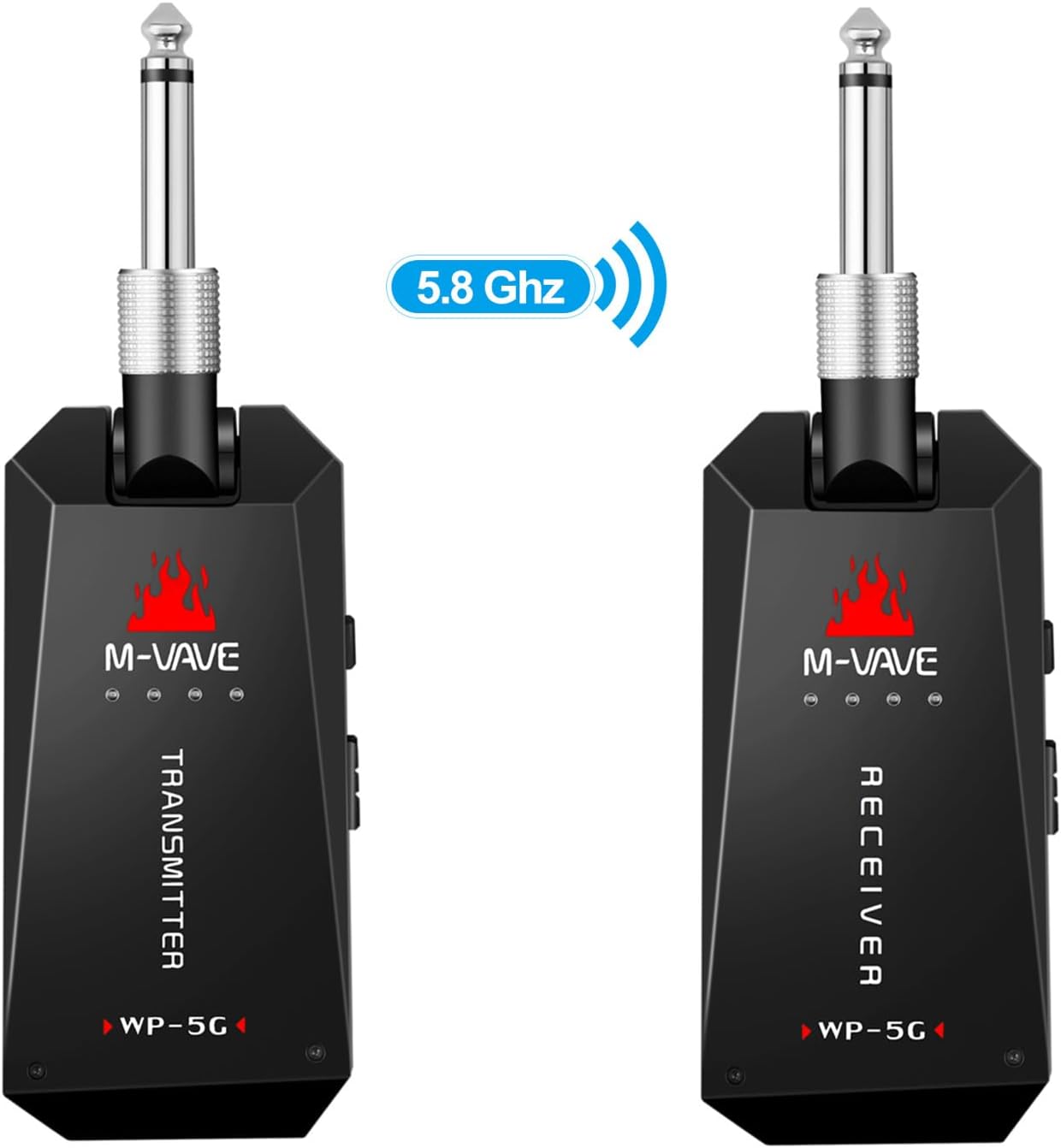
Figure 7: Visual summary of key specifications for the M-VAVE WP-5G Wireless Audio System.
8. Warranty and Support
For information regarding warranty coverage, terms, and conditions, please refer to the documentation provided with your purchase or contact the seller directly. Specific warranty details are typically provided by the manufacturer or authorized distributor at the time of purchase.
If you require technical support or have questions not covered in this manual, please reach out to the retailer or manufacturer's customer service department. Keep your purchase receipt or order number handy as it may be required for support or warranty claims.
Related Documents - WP-5G
 |
M-Vave WP-9 Wireless In-Ear Monitor System User Manual Comprehensive user manual for the M-Vave WP-9 Wireless In-Ear Monitor System, detailing features, specifications, setup, and disposal. Offers crystal clear audio and freedom for musicians and artists. |
 |
M-VAVE WP-9 Wireless In-Ear Monitor System User Manual Comprehensive user manual for the M-VAVE WP-9 Wireless In-Ear Monitor System, detailing features, specifications, setup instructions, and disposal guidelines. |
 |
WILPREP Gas Countertop Radiant Charbroiler User Manual User manual for the WILPREP Gas Countertop Radiant Charbroiler, covering safety information, specifications, preparation, installation, operation, adjustment, maintenance, and troubleshooting for models WP-CB12-M, WP-CB24-M, WP-CB36-M, and WP-CB48-M. |
 |
ENLIGHTEN™ Spectroscopy Software Operator's Manual Comprehensive operator's manual for Wasatch Photonics ENLIGHTEN™ spectroscopy software, covering installation, hardware compatibility, operation, troubleshooting, and advanced features for collecting and analyzing spectral data. |
 |
SKYZONE SteadyView X FPV Receiver User Manual - Specifications & Guide Comprehensive user manual for the SKYZONE SteadyView X FPV receiver, detailing specifications, features like fusion technology, band/channel tables, quick start guide, and firmware updates. Designed for FPV enthusiasts seeking stable and clear video reception. |
 |
Waterpik Waterflosser WP-660 Series Quick Start Guide A quick start guide for the Waterpik Waterflosser WP-660, WP-662, WP-663, WP-670, WP-672, WP-673, WP-674, WP-675, and WP-676 models. Learn how to prepare the unit and use it for water flossing. |