
Introduction
This manual provides detailed instructions for the assembly, operation, and maintenance of your ANCTOR Twin XL Bed Frame. Designed for durability and convenience, this bed frame features a storage headboard with integrated power outlets and USB ports, eliminating the need for a box spring. Please read these instructions carefully before beginning assembly to ensure proper setup and safe use.
Safety Information
- Always follow the assembly instructions carefully to ensure stability.
- Do not exceed the maximum weight recommendation of 1000 pounds.
- Keep all small parts away from children during assembly.
- Ensure all connections are securely tightened before use.
- Periodically check and re-tighten all bolts and screws to maintain structural integrity.
Setup and Assembly
Your ANCTOR Twin XL Bed Frame is designed for easy assembly and comes packaged in a single box with all necessary components and tools. Follow these steps for a smooth setup:
1. Unpack and Identify Parts
Carefully unpack all components from the box. Verify that all parts listed in the included installation manual are present and undamaged. Each part is typically labeled with a number for easy identification.

Image: Detailed diagram illustrating all components of the ANCTOR Twin XL Bed Frame, including dimensions for the Twin XL size (86.6"L x 40.7"W x 40.6"H) and the power outlet specifications.
2. Initial Frame Assembly
Begin by assembling the main frame components. Loosely hand-tighten all bolts first, ensuring proper alignment of holes. Fully tighten bolts only after all components for a specific step are in place.

Image: Close-up view of the bed frame's metal leg and connection points, highlighting the sturdy construction.
3. Headboard Attachment
Attach the headboard to the main frame. Pay close attention to the orientation of the headboard pieces as indicated in the manual. The storage shelf and integrated power unit will be part of this assembly.

Image: The storage headboard featuring a wooden shelf and an integrated power panel with two AC outlets and two USB ports.
4. Slat Installation
Install the metal slats across the bed frame. Ensure all slats are evenly spaced and securely fastened. Some slats may have anti-slip strips to prevent mattress movement.
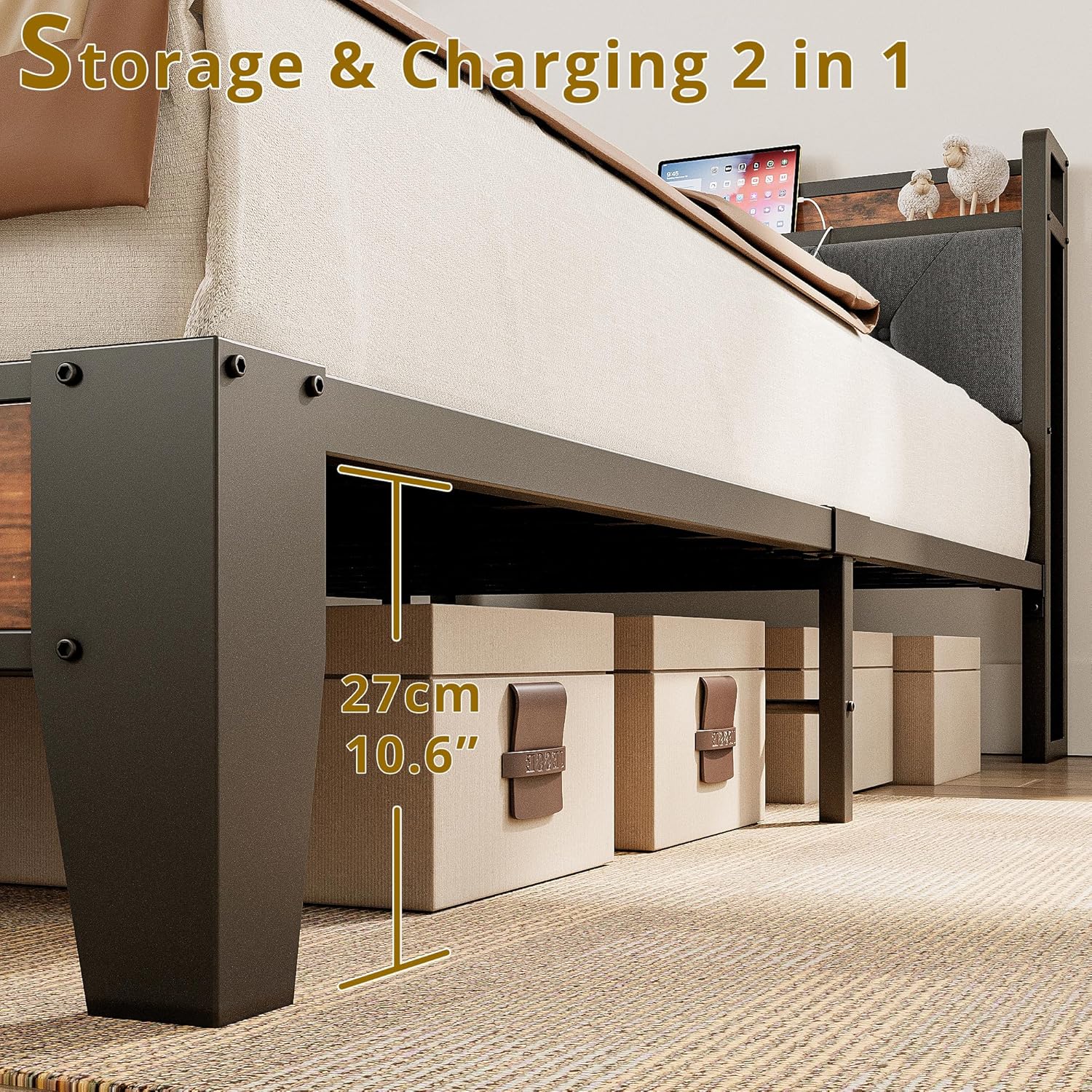
Image: A view of the robust metal slat support system, designed to provide strong mattress support without a box spring.
5. Final Tightening
Once all components are assembled, go back and fully tighten all bolts and screws using the provided tools. This ensures the bed frame's stability and prevents squeaking.

Image: The fully assembled ANCTOR Twin XL Bed Frame with a mattress, showcasing its overall design and functionality.
Operating Instructions
Using the Storage Headboard
The integrated storage headboard provides a convenient surface for placing small items such as books, glasses, or a mobile phone. The shelf dimensions are approximately 40.7 inches long and 5.5 inches deep.

Image: A close-up of the storage headboard, demonstrating its use for holding personal items and a tablet.
Utilizing the Integrated Charging Station
The headboard includes a built-in charging station with two standard AC outlets (110V/12A) and two 5V/2A USB ports. Connect the bed frame's power cord to a wall outlet to activate the charging station. This allows for convenient charging of electronic devices directly from your bed.
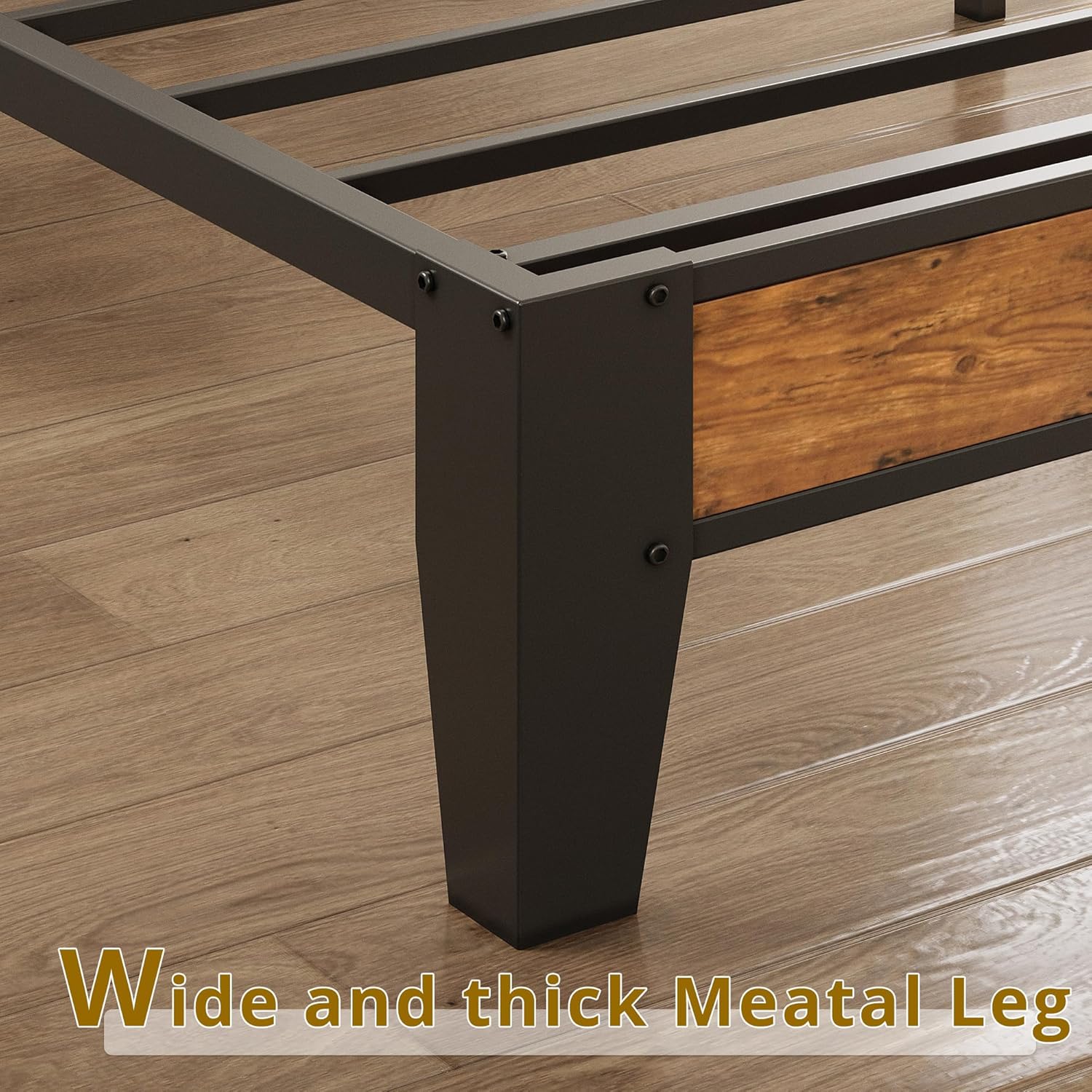
Image: A detailed view of the integrated power strip on the headboard, showing two AC outlets and two USB charging ports.
Mattress Placement
Place your Twin XL mattress directly onto the assembled metal slats. A box spring is not required for this bed frame. The frame is compatible with mattresses between 10-14 inches thick for optimal headboard visibility and comfort.

Image: A visual guide indicating recommended mattress thicknesses (8", 10", 12") for use with the bed frame, demonstrating that no box spring is needed.
Maintenance
- Cleaning: Wipe metal surfaces with a damp cloth. For the upholstered headboard, use a fabric cleaner suitable for linen, following product instructions.
- Tightening: Periodically check all bolts and screws (every 3-6 months) and re-tighten them to ensure the frame remains stable and noise-free.
- Weight Limit: Do not exceed the maximum weight capacity of 1000 pounds to prevent damage to the frame.
- Power Unit: Ensure the power cord is not pinched or damaged. Do not overload the outlets.
Troubleshooting
| Problem | Possible Cause | Solution |
|---|---|---|
| Bed frame is noisy or squeaks. | Loose bolts or connections. | Check and tighten all bolts and screws on the frame, especially at joints. |
| Bed frame feels unstable or wobbly. | Incomplete or incorrect assembly; loose connections. | Review the assembly instructions to ensure all parts are correctly installed and all fasteners are fully tightened. |
| Mattress slides on the frame. | Lack of anti-slip measures on slats. | Ensure any anti-slip strips on the slats are properly positioned. Consider adding additional non-slip pads between the mattress and slats if needed. |
| Power outlets/USB ports not working. | Power cord not plugged in; faulty connection. | Verify the bed frame's power cord is securely plugged into a functional wall outlet. Check for any visible damage to the cord or power unit. |
| Gap between mattress and headboard. | Mattress is too short or thin for the frame. | Ensure you are using a Twin XL mattress (80x38 inches). Consider a thicker mattress (10-14 inches recommended) or a bolster pillow to fill the gap. |
Specifications
- Model Number: USAN1048675
- Size: Twin XL
- Product Dimensions (L x W x H): 86.6" x 40.7" x 40.6"
- Material: Engineered Wood, Linen, Metal
- Headboard Material: Linen
- Style: Industrial
- Color: Vintage Brown and Gray
- Maximum Weight Recommendation: 1000 Pounds
- Special Features: Fade Resistant, Squeak Resistant, USB Port, Storage Headboard
- Included Components: Bed Frame, Headboard, Slats, Installation Manual
- Assembly Required: Yes
- Power Unit: 2 AC Outlets (110V/12A), 2 USB Ports (5V/2A)
- Power Cord Length: 6.56 ft
- Item Weight: 48 Pounds
Warranty and Support
For warranty information or technical support, please refer to the contact details provided in your original purchase documentation or visit the official ANCTOR website. Keep your proof of purchase for any warranty claims.