
Introduction
Thank you for choosing the Bluevua RO100ROPOT-Lite(UV) Countertop Reverse Osmosis Water Filter. This advanced 7-stage purification system is designed to provide you with clean, safe, and great-tasting water directly from your countertop. Featuring UV sterilization and remineralization, it enhances water purity while enriching it with essential minerals. This manual provides essential information for the proper setup, operation, and maintenance of your new water purifier.
Video Description: An overview of the ROPOT-Lite(UV) Countertop RO Water System, highlighting its compact design and purification capabilities.
Product Overview & Included Components
The Bluevua RO100ROPOT-Lite(UV) system is a plug-and-play solution for pure water, requiring no installation. It includes a high borosilicate glass carafe for safe storage and a comprehensive 7-stage filtration process.
Included Components:
- Countertop RO System Unit
- Glass Carafe
- Mineral Filter
- Infuser Basket
- User Guide
- Cleaning Tools

Image Description: A full view of the Bluevua RO100ROPOT-Lite(UV) Countertop Water Filter System, showcasing its sleek design and the glass carafe.
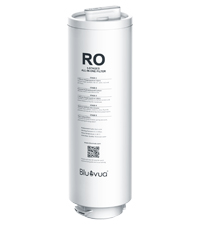
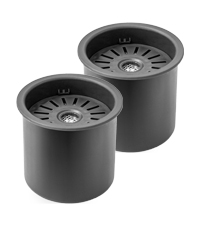
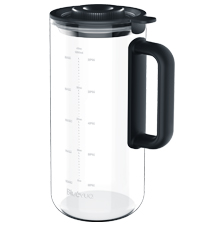
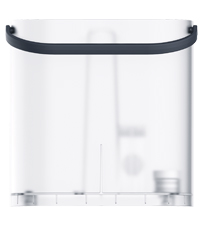
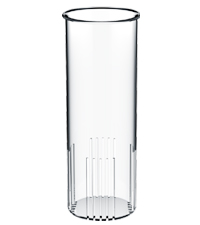
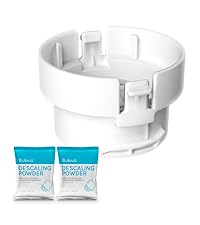
Image Description: Individual images of the RO filter, mineral filter, glass carafe, water tank, infuser basket, and cleaning tools included with the system.
Setup Instructions
- Unpack and Clean: Carefully unpack all components. For first-time use, wash the water tank and the glass carafe with clean water.
- Assemble: Ensure the 6-in-1 filter is correctly assembled within the system.
- Plug In: Plug the power cord into a standard electrical outlet.
- Fill Water Tank: Fill the water tank with tap water up to the maximum volume line and place it securely back into the system. Ensure both the water tank and the glass carafe are stably placed.
- Initial Flush: Touch the 'Flush' button on the control panel to automatically flush water through the system. This process removes protective liquid from the filter.
- Discard Water: Pour out the water from the carafe and the remaining water from the water tank after each flush cycle.
- Repeat Flush: Repeat the flushing process 4 times. The water is not drinkable during this initial flushing process.
Video Description: A step-by-step guide on how to set up the ROPOT-Lite system, including initial cleaning, filling, and flushing procedures.
Operating Instructions
The Bluevua RO100ROPOT-Lite(UV) features an intuitive LED control panel for easy operation.
- Fill Water Tank: Ensure the water tank is filled with tap water.
- Place Carafe: Position the glass carafe under the water dispenser.
- Select Volume: Touch the 'Volume' button on the control panel to select your desired water volume (half or full carafe).
- Start Purification: Touch the 'Water-making' button (water drop icon) to begin the filtration process. The system will produce pure, clean water into the carafe.
- Monitor: The LED display shows real-time TDS levels and filter life.
- Discard Reject Water: To extend service life and maintenance intervals, regularly discard the RO reject water from the water tank when the water level drops below the separator.
Fruit-Infused Water Feature:
To make fruit-infused water, place your prepared fruits into the glass infuser basket, then insert the basket into the glass carafe. Secure the carafe under the water filter and follow the steps above to dispense purified water into the carafe. Store the closed carafe in the fridge for about 2 hours for optimal infusion.

Image Description: Close-up of the Bluevua RO100ROPOT-Lite(UV) control panel, showing the touch buttons for volume, water-making, flush, and digital display for TDS and filter life.

Image Description: A visual representation of the control panel with labels for TDS Monitor, UV Status Monitor, Filter Lifespan Display, Water Volume Display, Auto Self-cleaning, Volume, and Flush buttons.
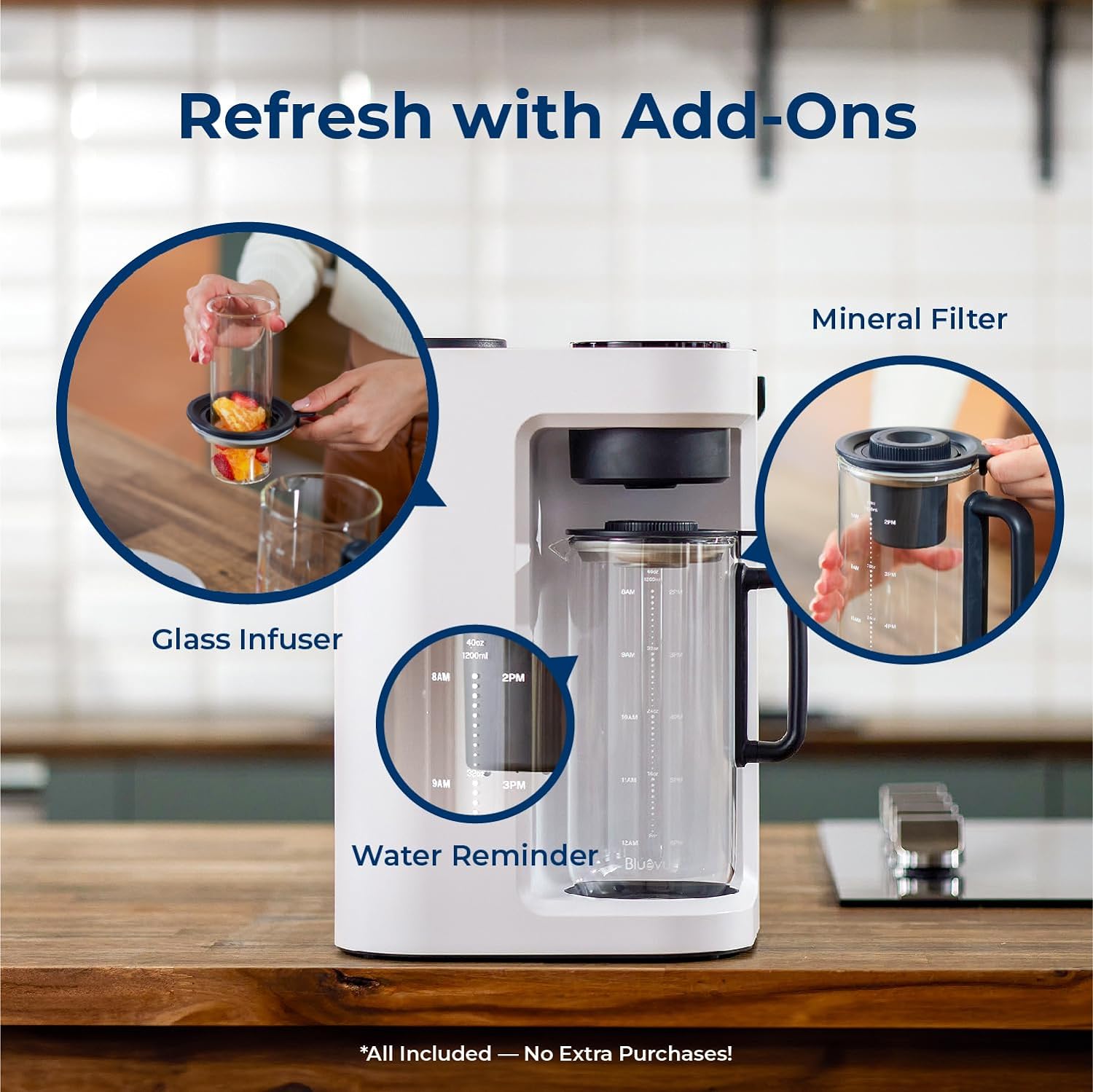
Image Description: The Bluevua RO100ROPOT-Lite(UV) system shown with the glass infuser basket inserted into the carafe, ready for fruit-infused water.

Image Description: A split image showing the glass carafe with plain purified water and another with fruit-infused water, emphasizing the versatility of the system.
Maintenance
Regular maintenance ensures optimal performance and longevity of your Bluevua RO100ROPOT-Lite(UV) system.
Filter Replacement:
The ROPOT-Lite(UV) system requires filter replacement approximately once a year. The system's smart LED display will provide filter alerts, indicating when a replacement is needed. Replacing the filter is a simple 3-second twist installation.

Image Description: A person replacing the filter in the Bluevua RO100ROPOT-Lite(UV) system, demonstrating the ease of the process.
Video Description: A user demonstrating the step-by-step process of replacing the Reverse Osmosis water filter in the system.
Cleaning:
Regularly clean the water tank and carafe to prevent buildup. Use the provided cleaning tools for thorough maintenance.
Troubleshooting
If you encounter any issues with your Bluevua RO100ROPOT-Lite(UV) system, please refer to the following common solutions:
- No Water Dispensing: Ensure the power cord is securely plugged in and the water tank is filled above the minimum level. Check if the carafe is correctly positioned.
- Unusual Taste/Odor: Perform a flush cycle as described in the Setup section. If the issue persists, it may be time to replace the filter.
- Filter Alert: If the LED display shows a filter alert, replace the filter as soon as possible to maintain water quality.
- Leaking: Ensure all components, especially the water tank and filter, are correctly seated and tightened.
- TDS Reading High: If the TDS reading remains high after purification, ensure the filter is not expired and is properly installed.
For further assistance, please contact customer support.
Specifications
Key technical details for the Bluevua RO100ROPOT-Lite(UV) Countertop Reverse Osmosis Water Filter.
| Feature | Detail |
|---|---|
| Brand | Bluevua |
| Model Name | RO100ROPOT-Lite(UV) |
| Purification Method | Reverse Osmosis (7-Stage with UV and Remineralization) |
| Installation Type | Countertop |
| Product Dimensions | 9.7"L x 9.5"W x 14.1"H |
| Capacity | 1200 Milliliters (Carafe) |
| Material | Borosilicate Glass (Carafe) |
| Power Source | Corded Electric |
| Special Features | Portable, Reduce TDS, Built-In TDS Meter, UV Light, Remineralization |
| Supported Water TDS Level Maximum | 500 PPM |
| Maximum Flow Rate | 0.26 Liters Per Minute |
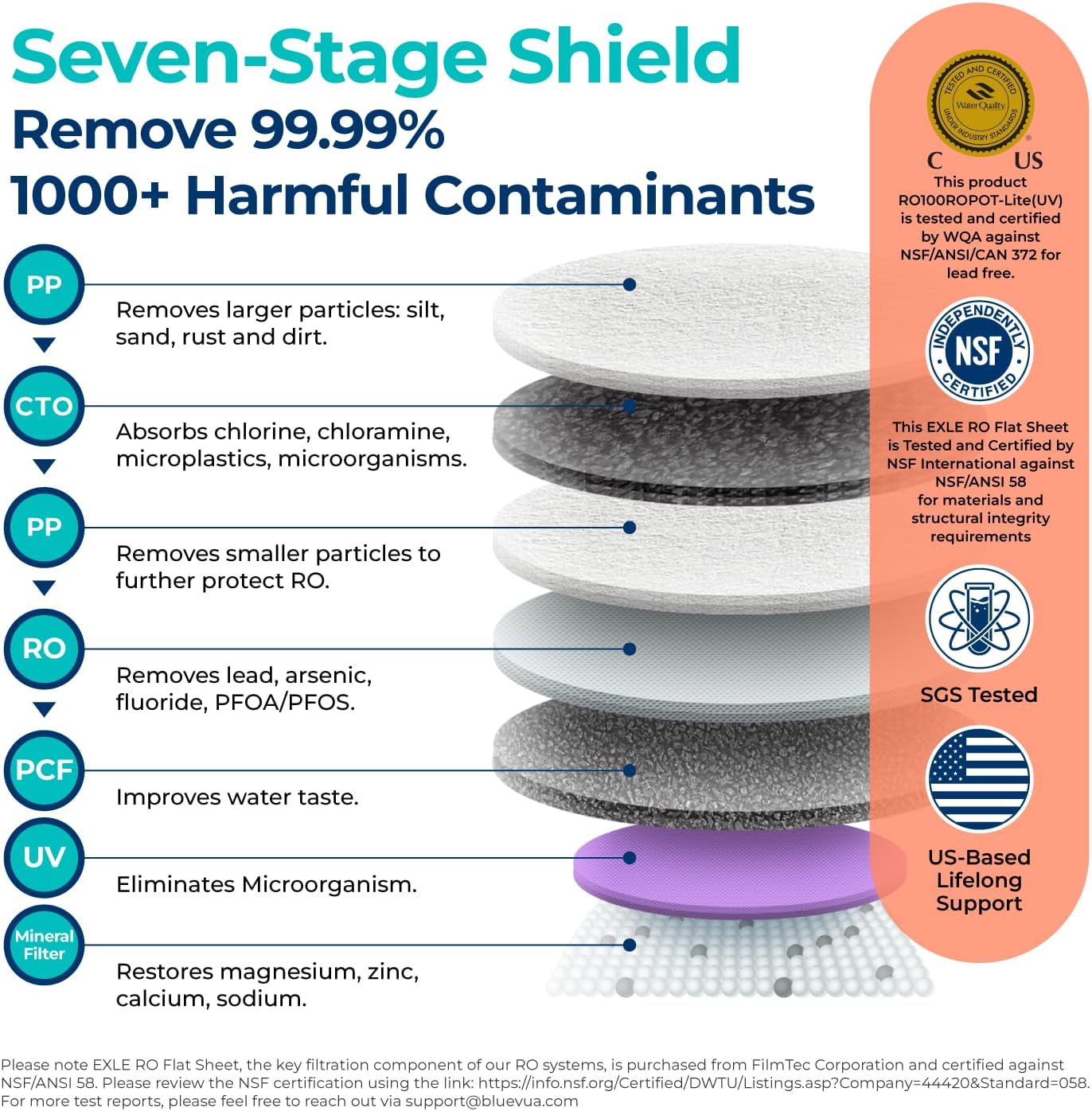
Image Description: A detailed diagram illustrating the 7-stage filtration process, including PP, CTO, RO, PCF, UV, and Mineral Filter layers, with certifications shown.

Image Description: An artistic rendering of the multi-stage filter layers, emphasizing the 0.1µm Post Carbon Filter, 0.0001µm Reverse Osmosis Membrane, 1µm Polypropylene, 0.5µm Coconut Shell Activated Carbon, 5µm Polypropylene, Ultraviolet (UV) Light, and Remineralization Filter.

Image Description: An image displaying SGS test reports and a QR code for certification details, highlighting official third-party certification for safe drinking water. Link: https://qrco.de/bej4qL
Warranty & Support
Bluevua is committed to providing excellent customer service and product reliability.
Warranty:
Your Bluevua RO100ROPOT-Lite(UV) system comes with a 1-Year Warranty, ensuring peace of mind and support for any manufacturing defects.
Customer Support:
If you have any questions, require technical assistance, or need to claim your warranty, please reach out to our dedicated support team:
- Phone: 1-888-637-0009
- Email: support@bluevua.com
- Hours: Monday - Friday, 9:00 AM - 5:00 PM PST


