
Introduction
Thank you for choosing the MOUNTO AF600 Large Air Purifier. This device is designed to improve indoor air quality by effectively filtering airborne particles, allergens, odors, and volatile organic compounds (VOCs). Featuring H13 True HEPA filtration and a high Clean Air Delivery Rate (CADR), it is suitable for large spaces such as homes, offices, and classrooms. This manual provides essential information for safe operation, maintenance, and troubleshooting.
Important Safety Instructions
Please read and follow all safety instructions before using this appliance to prevent fire, electric shock, or injury.
- Always unplug the air purifier before moving it, opening the grille, changing filters, or performing any maintenance.
- Do not operate the unit if the power cord or plug is damaged, or if the connection to the wall outlet is loose.
- Keep the power cord away from heated surfaces.
- Do not use the air purifier in wet or damp environments, such as bathrooms or laundries.
- Do not insert fingers or foreign objects into the air inlets or outlets.
- Ensure the air purifier is placed on a firm, level surface.
- This appliance is not intended for use by persons (including children) with reduced physical, sensory, or mental capabilities, or lack of experience and knowledge, unless they have been given supervision or instruction concerning use of the appliance by a person responsible for their safety.
- Children should be supervised to ensure they do not play with the appliance.
- Do not block air openings.
- Use only MOUNTO genuine replacement filters.
Package Contents
Verify that all items are present in the package:
- MOUNTO AF600 Air Purifier Unit
- H13 True HEPA Filter Set (pre-installed)
- Remote Control
- User Manual (this document)
Product Overview
Familiarize yourself with the components and control panel of your MOUNTO AF600 Air Purifier.
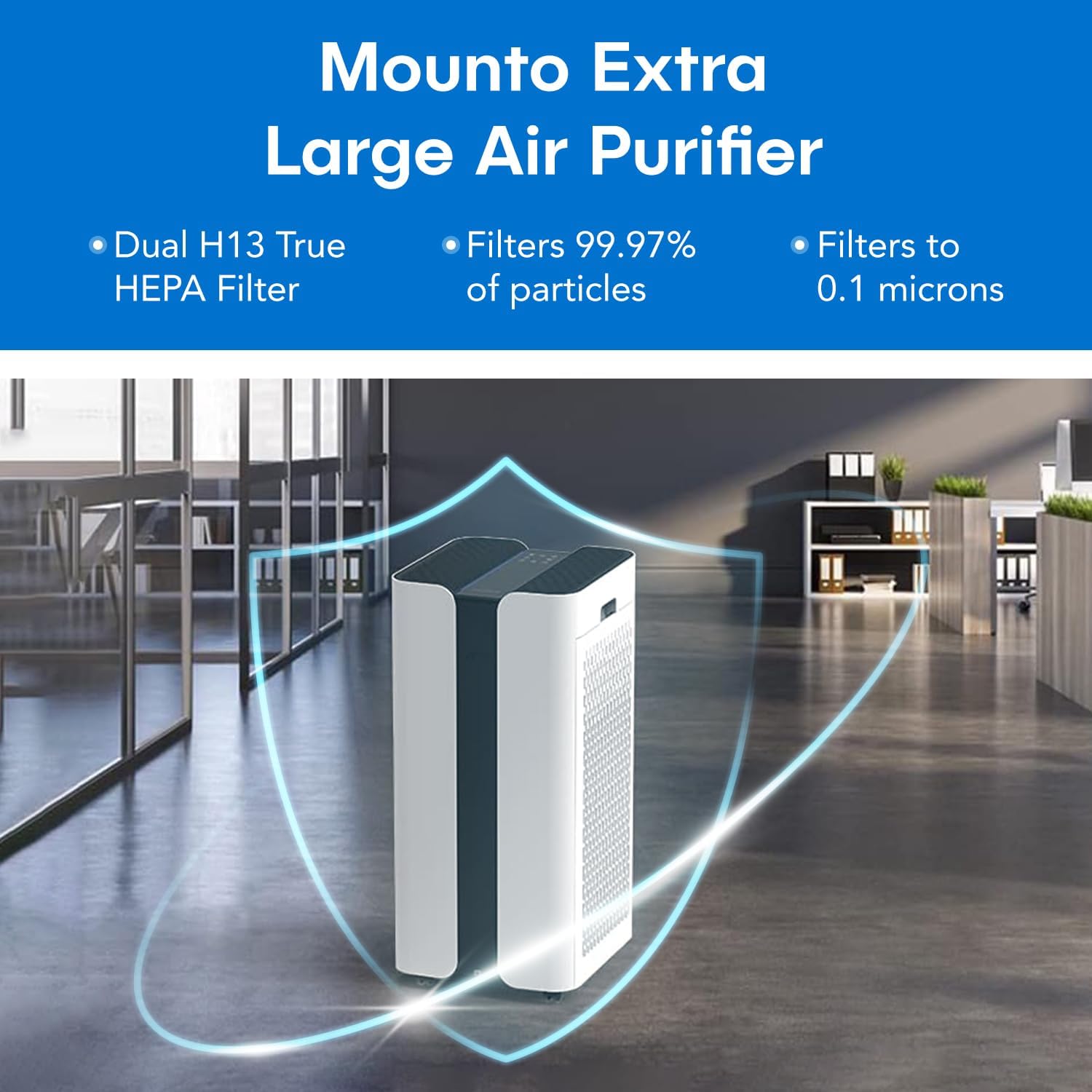
Figure 1: Front view of the MOUNTO AF600 Air Purifier, highlighting its sleek design and dual air intake.

Figure 2: Detailed view of the touchscreen control panel, showing various function buttons and the air quality display.
Control Panel Functions:
- Power Button: Turns the unit on or off.
- Fan Speed Button: Cycles through 4 fan speeds (Low, Medium, High, Turbo).
- Auto Mode Button: Activates intelligent mode where fan speed adjusts automatically based on air quality.
- Sleep Mode Button: Reduces fan speed to the lowest setting and dims display lights for quiet operation.
- Timer Button: Sets the operating timer for 1-12 hours.
- Child Lock Button: Locks the control panel to prevent accidental changes.
- Filter Reset Indicator: Lights up when filters need replacement. Press and hold to reset after filter change.
- Air Quality Display: LED indicator shows real-time air quality (Poor, Moderate, Good, Very Good).
Setup
1. Unpacking
- Carefully remove the air purifier from its packaging.
- Remove all packaging materials, including any protective films or tapes.
2. Filter Installation (Pre-installed)
The H13 True HEPA filter set comes pre-installed in the unit. Before first use, ensure that any plastic packaging around the filters is removed. If replacing filters, follow these steps:
- Unplug the air purifier from the power outlet.
- Locate the filter compartments on the sides of the unit.
- Open the filter covers.
- Remove the old filters.
- Unwrap new filters and insert them into the compartments, ensuring correct orientation.
- Close the filter covers securely.
3. Placement
Place the air purifier on a firm, level surface. For optimal air circulation, ensure there is at least 1 foot (30 cm) of space around all sides of the unit, away from walls or furniture. The unit features 360-degree caster wheels for easy movement.

Figure 3: Proper placement of the air purifier in a large room to maximize air circulation and purification effectiveness.
4. Power Connection
Plug the power cord into a standard electrical outlet (AC 120V/60Hz). The unit will enter standby mode.
Operating Instructions
1. Power On/Off
Press the Power Button on the control panel or remote control to turn the unit on or off.
2. Fan Speed Adjustment
Press the Fan Speed Button repeatedly to cycle through Low, Medium, High, and Turbo fan speeds. The current speed will be indicated on the display.
3. Auto Mode
Press the Auto Mode Button to activate. In Auto Mode, the air purifier's built-in sensor detects real-time air quality and automatically adjusts the fan speed to optimize purification.
4. Sleep Mode
Press the Sleep Mode Button. The unit will operate at the lowest fan speed, and all display lights will dim or turn off to ensure a quiet environment for sleep. The noise level can be as low as 35dB.
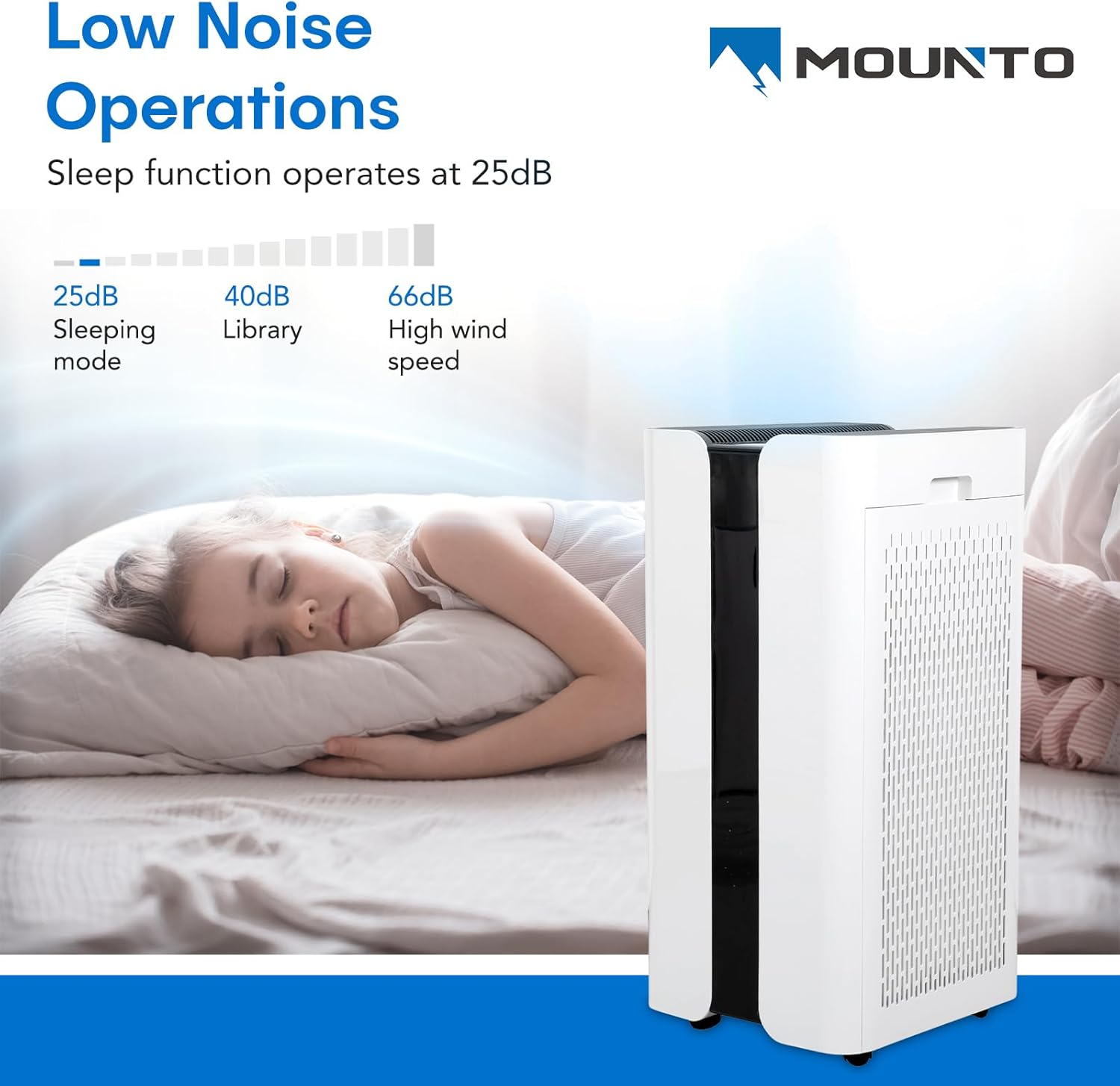
Figure 4: The air purifier operating in a bedroom, demonstrating its low noise level suitable for sleeping environments.
5. Timer Function
Press the Timer Button repeatedly to set the operating time from 1 to 12 hours. The unit will automatically turn off once the set time expires.
6. Child Lock
Press and hold the Child Lock Button for 3 seconds to activate or deactivate the child lock. When activated, the control panel buttons will be unresponsive to prevent accidental changes.
7. Air Quality Display
The LED display on the control panel indicates the current air quality using four colors:
- Red: Poor Air Quality
- Yellow: Moderate Air Quality
- Green: Good Air Quality
- Blue: Very Good Air Quality
8. Remote Control
The included remote control allows for convenient operation of all functions from a distance. Ensure the remote has working batteries and point it towards the unit's control panel.
Maintenance
Regular maintenance ensures optimal performance and extends the lifespan of your air purifier.
1. Filter Replacement
The filter replacement indicator light will illuminate when it's time to replace the filters, typically every 6-8 months, depending on usage and air quality. Using dirty filters reduces efficiency and can damage the unit.
- Unplug the air purifier.
- Open the filter covers on both sides of the unit.
- Remove the used filters and dispose of them properly.
- Insert new MOUNTO genuine replacement filters, ensuring they are unwrapped and correctly oriented.
- Close the filter covers.
- Plug in the air purifier.
- Press and hold the Filter Reset Button for 3 seconds until the indicator light turns off.
Note: Replacement filters can be purchased from authorized MOUNTO retailers or online.
2. Cleaning the Unit
- Always unplug the unit before cleaning.
- Wipe the exterior of the air purifier with a soft, dry cloth.
- Do not use abrasive cleaners, waxes, or solvents.
- The pre-filter layer of the H13 HEPA filter can be gently vacuumed to remove large dust particles between replacements, but the HEPA and activated carbon layers are not washable.
Troubleshooting
Refer to the following table for common issues and their solutions.
| Problem | Possible Cause | Solution |
|---|---|---|
| Unit does not turn on. |
|
|
| Airflow is weak or purification is ineffective. |
|
|
| Unusual noise. |
|
|
| Filter replacement indicator remains on after changing filters. |
|
|
Specifications
| Feature | Detail |
|---|---|
| Model Number | AF600 |
| Brand | MOUNTO |
| Dimensions (D x W x H) | 22" x 22" x 35" (55.88 cm x 55.88 cm x 88.9 cm) |
| Item Weight | 36.4 Pounds (16.5 kg) |
| Power Source | AC (120V/60Hz) |
| Filtration Type | H13 True HEPA, Activated Carbon, Pre-filter |
| CADR (Clean Air Delivery Rate) | 1000 m³/h (approx. 600 CFM) |
| Coverage Area | Up to 4650 sqft in 1 hour, 2325 sqft in 30 minutes |
| Noise Level | As low as 35dB (Sleep Mode) |
| Features | Smart Auto Mode, 4 Fan Speeds, 12-Hour Timer, Sleep Mode, LED Air Quality Display, Child Lock, Remote Control, 360° Caster Wheels |
Warranty and Support
For warranty information or technical support, please contact MOUNTO customer service. Keep your purchase receipt as proof of purchase for warranty claims.
For further assistance, please visit the official MOUNTO website or contact their customer support team.