
1. Introduction
Thank you for choosing the LEADZM Mobile Air Cooler FL-1702R. This 4-in-1 device functions as an air cooler, humidifier, air purifier, and fan, designed to provide a comfortable environment. Please read this manual carefully before use to ensure proper operation and maintenance.
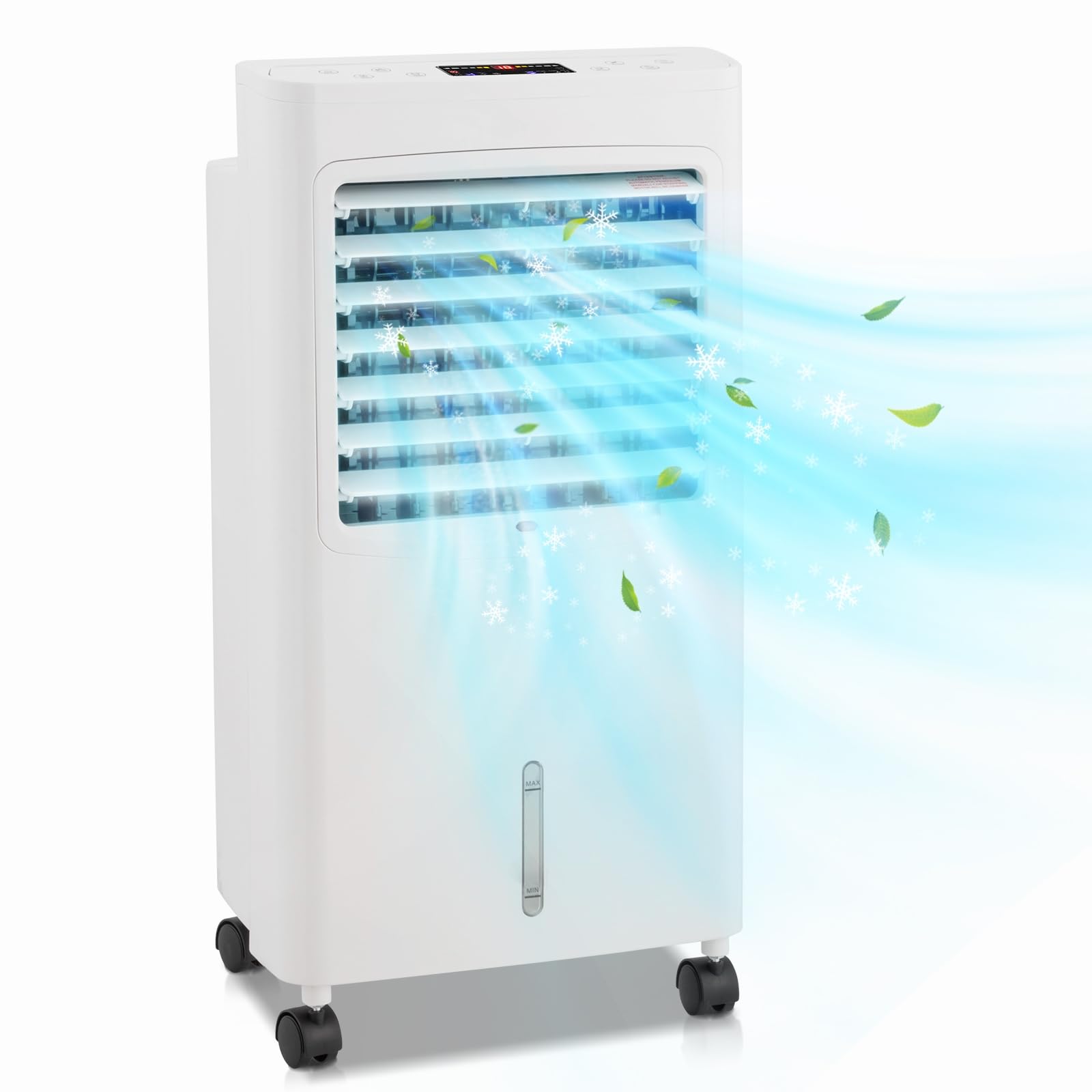
Figure 1: LEADZM Mobile Air Cooler with remote control and ice packs, emitting cool air.
2. Safety Instructions
- Ensure the power supply matches the voltage specified on the product label.
- Do not immerse the appliance, cord, or plug in water or other liquids.
- Unplug the appliance from the outlet when not in use, before cleaning, or before moving.
- Keep the appliance out of reach of children.
- Do not block the air inlets or outlets.
- Place the unit on a stable, level surface to prevent tipping.
- Do not operate the appliance with a damaged cord or plug.
- Only use original accessories and spare parts.
3. Product Overview
The LEADZM Mobile Air Cooler FL-1702R is designed for versatile use, offering cooling, humidification, and air purification. It features an 8-liter water tank, a touch control panel, and a remote control for ease of use. The unit is equipped with 360-degree wheels for easy portability.
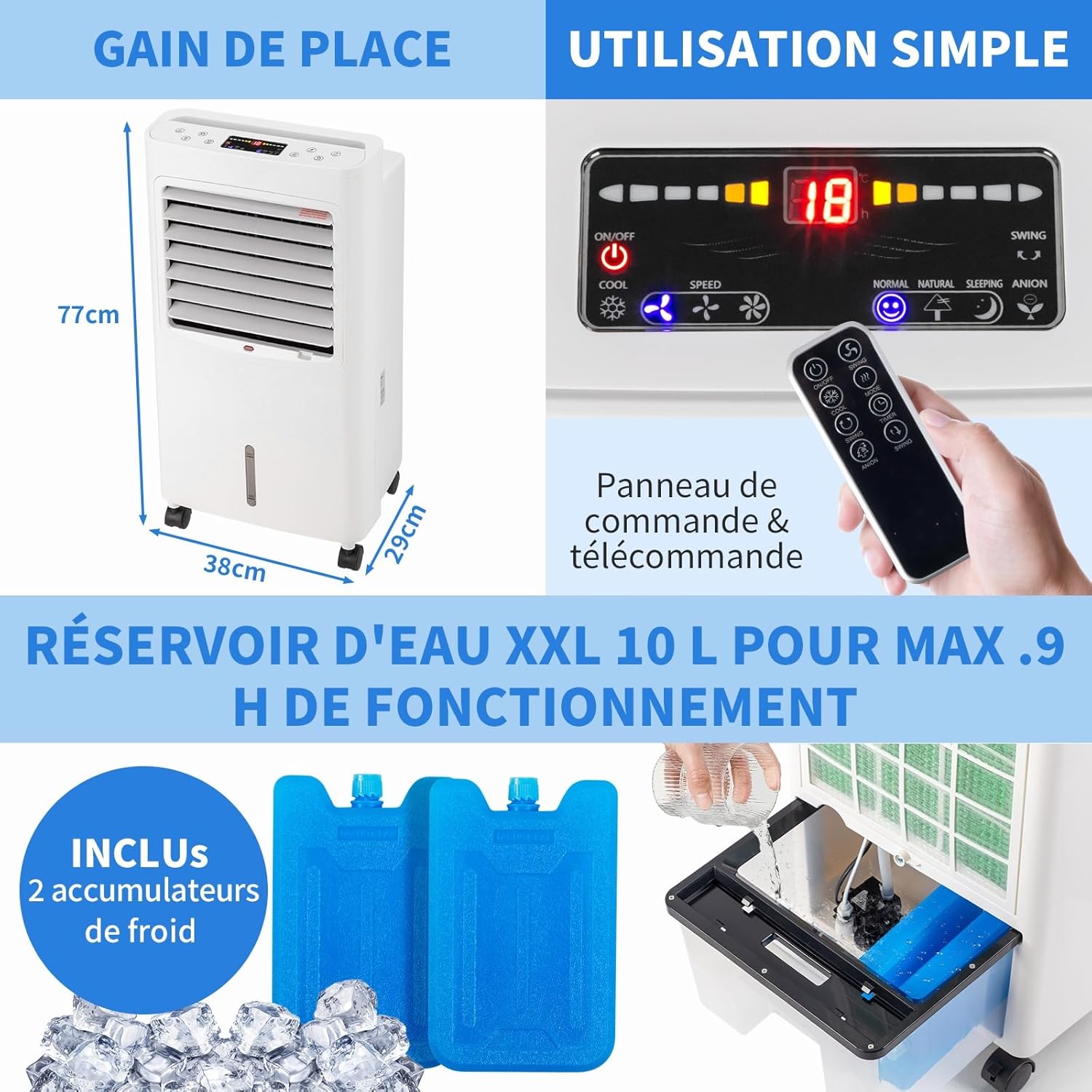
Figure 2: Air cooler dimensions and control panel layout.

Figure 3: The 4-in-1 functions of the air cooler.
4. Setup
4.1 Unpacking and Placement
- Carefully remove the air cooler from its packaging.
- Place the unit on a flat, stable surface. The 360-degree wheels allow for easy movement.
- Ensure there is adequate space around the unit for proper airflow.
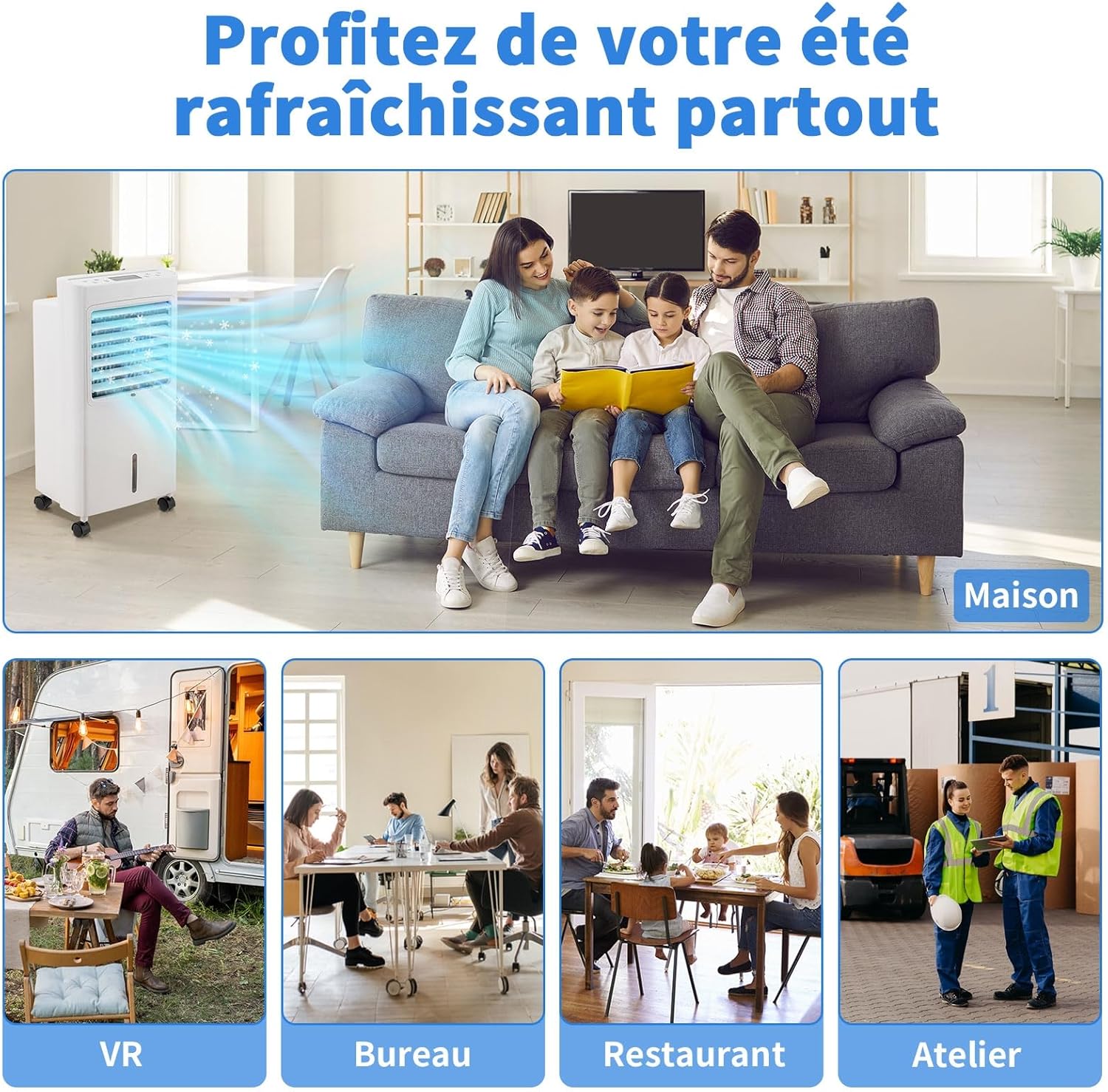
Figure 4: The air cooler is suitable for various indoor and outdoor environments.
4.2 Filling the Water Tank
For cooling and humidification, the water tank needs to be filled. The 8-liter capacity ensures several hours of operation.
- Pull out the water tank from the bottom rear of the unit.
- Fill the tank with clean water. Do not exceed the 'MAX' level indicated on the water level indicator.
- For enhanced cooling, place the provided ice packs (or ice cubes) into the water tank before filling with water.
- Carefully push the water tank back into the unit until it clicks into place.

Figure 5: Adding water to the reservoir.

Figure 6: Adding ice packs for extra coolness.
Video 1: Demonstration of adding ice packs and water to the air cooler's reservoir, and operating the control panel.
5. Operating Instructions
The air cooler can be operated via the touch control panel on top of the unit or with the included remote control.
5.1 Control Panel and Remote Control

Figure 7: LED touch control panel and remote control.
5.2 Functions
- Power On/Off: Press the power button to turn the unit on or off.
- Speed Settings: Choose from 3 fan speeds (low, medium, high) to adjust airflow intensity.
- Modes: Select from 4 operating modes: Normal, Natural, Sleep, and Cooling (Evaporative).
- Normal Wind: Consistent airflow.
- Natural Wind: Simulates natural breeze with varying speeds.
- Sleep Wind: Gentle, quiet airflow for undisturbed sleep.
- Cooling: Activates the evaporative cooling function, using water and ice for colder air.
- Oscillation: Activate the 60-degree oscillation function to distribute cool air evenly across the room.
- Timer: Set the operating time for up to 7.5 hours.
- Anion Function: Emits negative ions to help purify the air.
Figure 8: Different wind modes and speed settings.
6. Maintenance
Regular maintenance ensures optimal performance and longevity of your air cooler.
6.1 Water Tank Cleaning
The 8-liter water tank should be cleaned regularly to prevent mold and mildew growth, especially if using the humidification or cooling functions frequently. The drain hole at the back facilitates easy water drainage.
- Unplug the unit from the power outlet.
- Pull out the water tank.
- Drain any remaining water through the drain hole.
- Clean the tank with a mild detergent and water. Rinse thoroughly.
- Allow the tank to air dry completely before reinserting it into the unit.
6.2 Filter Cleaning
The removable and washable filter should be cleaned periodically.
- Unplug the unit.
- Remove the filter from the back of the unit.
- Rinse the filter under running water to remove dust and debris. For stubborn dirt, use a soft brush and mild detergent.
- Ensure the filter is completely dry before placing it back into the unit.
7. Troubleshooting
If you encounter any issues with your air cooler, please refer to the following common problems and solutions:
- Unit does not power on:
- Check if the power cord is securely plugged into a working outlet.
- Ensure the power button on the control panel or remote is pressed.
- No cool air:
- Check if the water tank is filled and the cooling function is activated.
- Ensure ice packs or ice are added for maximum cooling effect.
- Clean the filter if it is clogged.
- Weak airflow:
- Increase the fan speed setting.
- Check for any obstructions in the air inlets or outlets.
- Unusual noise:
- Ensure the unit is placed on a flat, stable surface.
- Check if the water tank is properly seated.
If the problem persists after trying these solutions, please contact customer support.
8. Specifications
| Feature | Specification |
|---|---|
| Brand | LEADZM |
| Model Number | FL-1702R |
| Material | Polyvinyl Chloride (PVC) |
| Mounting Type | Freestanding |
| Special Features | Digital Display, Removable Washable Filter, Quiet Operation, Low Water Level Indicator, Timer |
| Airflow Capacity | 324 Cubic Feet Per Minute |
| Controls Type | Touch Control, Remote Control |
| Water Tank Capacity | 8 Liters |
| Item Weight | 6.64 Kilograms |
| Recommended Uses | Indoor and outdoor climate control, humidification, portable air circulation |
| Form Factor | Portable |
| Wattage | 75 Watts |
| Noise Level | 1 Sone |
| Number of Speeds | 3 |
| Voltage | 220 Volts |
| Item Dimensions (D x W x H) | 37D x 32W x 73H Centimeters |
9. Warranty and Support
According to the product information, warranty details are not applicable. For any product inquiries, technical assistance, or support, please contact your retailer or the manufacturer directly. Keep your purchase receipt as proof of purchase.