1. Introduction
This manual provides instructions for the USARemote B102P replacement transponder chip key. This key is designed as an aftermarket replacement for specific vehicle models and requires professional cutting to function with your vehicle's ignition.

Image 1: A close-up view of the USARemote B102P replacement key, featuring a black plastic head and an uncut metal blade.
Key Features:
- Replacement Part: Designed to replace original equipment manufacturer (OEM) part number B102.
- Transponder Chip: Includes an uncut transponder chip for vehicle security systems.
- No Programming Required: Once cut, the key does not require electronic programming for most compatible vehicles.

Image 2: An informational graphic detailing the key's features, including that it is an uncut key, a new replacement part, requires no programming after cutting, and lists compatible part numbers B102, BB86, P1113, 690683, 15033286.
Compatible Part Numbers:
- Replaces P/N: B102
- For IC/Other: BB86, P1113, 690683, 15033286
2. Vehicle Compatibility
The USARemote B102P key is compatible with a wide range of vehicles. Please verify your vehicle's make, model, and year against the list below to ensure proper fitment.

Image 3: A detailed list of compatible vehicle makes, models, and years for the USARemote B102P key, organized by brand.
Detailed Compatibility List:
Chevrolet:
- 1999-2005 Astro
- 2002-2006 Avalanche
- 1999-2005 Blazer
- 1999-2007 Express
- 2000-2005 Impala
- 1999-2005 Kodiak
- 1997-2005 Malibu (2004-2005 Classic Only)
- 1999-2006 S10
- 1999-2007 Silverado (2007 Classic Only)
- 2003-2006 SSR
- 2000-2006 Suburban
- 2000-2006 Tahoe
- 2002-2009 Trailblazer
GMC:
- 2002-2009 Envoy
- 1999-2005 Jimmy
- 1999-2005 Safari
- 1999-2007 Savana
- 1999-2007 Sierra (2007 Classic Only)
- 1999-2004 Sonoma
- 2004-2005 Topkick
- 2000-2006 Yukon
Cadillac:
- 1999-2005 Escalade
Buick:
- 2004-2007 Rainier
Hummer:
- 2003-2007 H2
Isuzu:
- 2003-2007 Ascender
- 1999-2000 Hombre
Oldsmobile:
- 1999-2004 Alero
- 1999-2004 Bravada
- 1997-1999 Cutlass
Pontiac:
- 1996-2005 Grand Am
- 2006 Torrent
3. Setup and Installation
The USARemote B102P key is provided with an uncut blade. To use this key with your vehicle, it must be professionally cut to match your existing vehicle key.
Cutting Instructions:
- Locate a Professional: Take the uncut USARemote B102P key and your original working vehicle key to a qualified locksmith or a hardware store that offers key cutting services.
- Key Duplication: Request that the new key be cut to precisely match the blade pattern of your original key.
- No Programming Required: For this specific key model, no electronic programming is necessary after the physical cutting process. The integrated transponder chip is designed to function upon correct cutting and insertion into the ignition.
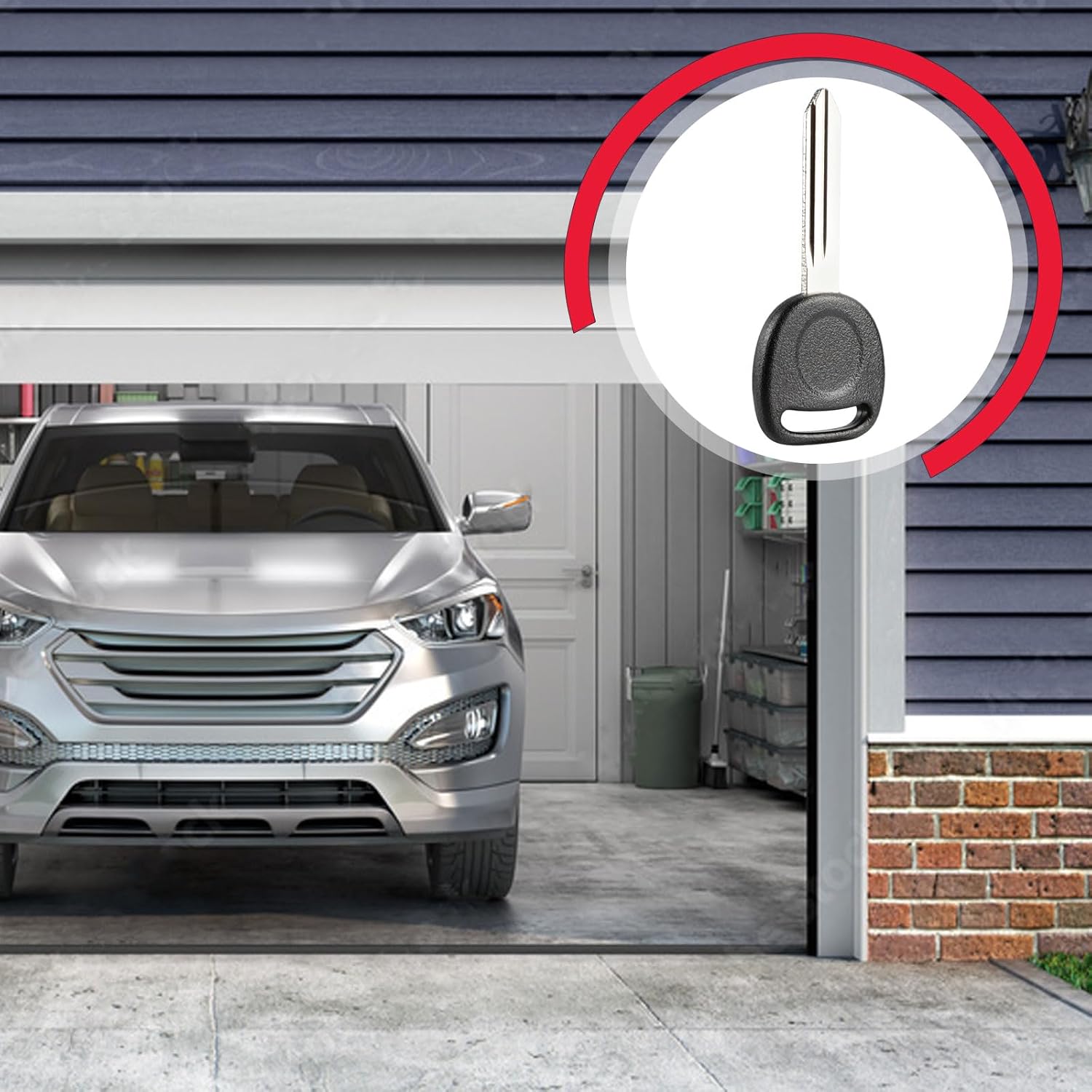
Image 4: The USARemote B102P key is shown in a circular inset, superimposed over a background of a car parked in a garage, illustrating its intended use for vehicle access and ignition.
4. Operation
Once the USARemote B102P key has been professionally cut, its operation is identical to your original vehicle key.
Using the Key:
- Door Locks: Insert the key into the vehicle's door lock cylinder and turn to unlock or lock the doors manually.
- Ignition: Insert the key into the ignition switch. Turn the key to the 'ACC' (Accessory), 'ON' (Ignition), and 'START' positions to operate the vehicle. The integrated transponder chip will communicate with your vehicle's immobilizer system, allowing the engine to start.
5. Maintenance
Proper care of your USARemote replacement key will ensure its longevity and reliable performance.
Care Guidelines:
- Keep Clean: Periodically wipe the key with a soft, dry cloth to remove dirt and debris.
- Avoid Damage: Do not expose the key to excessive force, bending, or impact, which could damage the blade or the internal transponder chip.
- Protect from Elements: Avoid prolonged exposure to extreme temperatures, moisture, or corrosive substances.
- Secure Storage: Store the key in a safe place when not in use to prevent loss or damage.
6. Troubleshooting
If you encounter issues with your USARemote B102P key after it has been cut, consider the following:
Common Issues and Solutions:
- Key Does Not Turn in Ignition/Door:
- Incorrect Cut: The most common reason is an inaccurate key cut. Return to the locksmith or key cutting service to verify the cut against your original key. A precise match is crucial.
- Debris in Lock: Ensure the lock cylinder is free of obstructions.
- Engine Cranks but Does Not Start:
- Transponder Chip Issue: Although programming is not typically required for this key, a damaged or faulty transponder chip could prevent the vehicle's immobilizer system from recognizing the key. Contact USARemote support if this issue persists after verifying the key cut.
- Vehicle Battery: Ensure your vehicle's battery is adequately charged.
7. Specifications
| Feature | Detail |
|---|---|
| Brand | USARemote |
| Model Number | USAR-VALET-B102-1X |
| Manufacturer Part Number | USAR-VALET-B102-1X |
| Item Weight | 0.634 ounces |
| Package Dimensions | 6.02 x 4.57 x 0.39 inches |
| Vehicle Service Type | Car |
| Number of Buttons | 1 (referring to the key's function, not physical buttons) |
| Automotive Fit Type | Universal Fit (within specified compatible models) |
8. Warranty and Support
For any questions, concerns, or support regarding your USARemote B102P replacement key, please contact USARemote directly.
Contact Information:
Please refer to the seller's information on your purchase platform or visit the official USARemote store for support.
USARemote Store: Visit the USARemote Store on Amazon


