
1. Introduction
This manual provides essential information for the safe and efficient use of your Bosch PIJ631HC1E Induction Hob. Please read these instructions carefully before installation and operation, and retain them for future reference. This appliance is designed for domestic use only.
2. Safety Information
Observe the following safety precautions to prevent personal injury or damage to the appliance:
- Electrical Safety: Ensure the appliance is correctly earthed and connected to a suitable power supply. Do not use adapters or extension cords.
- Burn Hazard: The hob surface becomes hot during operation. Do not touch hot surfaces. Always use oven mitts.
- Overheating: Never leave cooking unattended. Overheated fats and oils can ignite.
- Foreign Objects: Do not place metallic objects such as knives, forks, spoons, or lids on the hob surface as they can become hot.
- Children and Vulnerable Persons: This appliance can be used by children aged 8 years and above and persons with reduced physical, sensory or mental capabilities or lack of experience and knowledge if they have been given supervision or instruction concerning use of the appliance in a safe way and understand the hazards involved.
- Pacemakers: Persons with pacemakers should consult their doctor before using an induction hob.
- Cleaning: Disconnect the appliance from the power supply before cleaning.
3. Setup and Installation
Proper installation is crucial for the safe and efficient operation of your induction hob. Installation should be performed by a qualified technician.
3.1 Product Dimensions
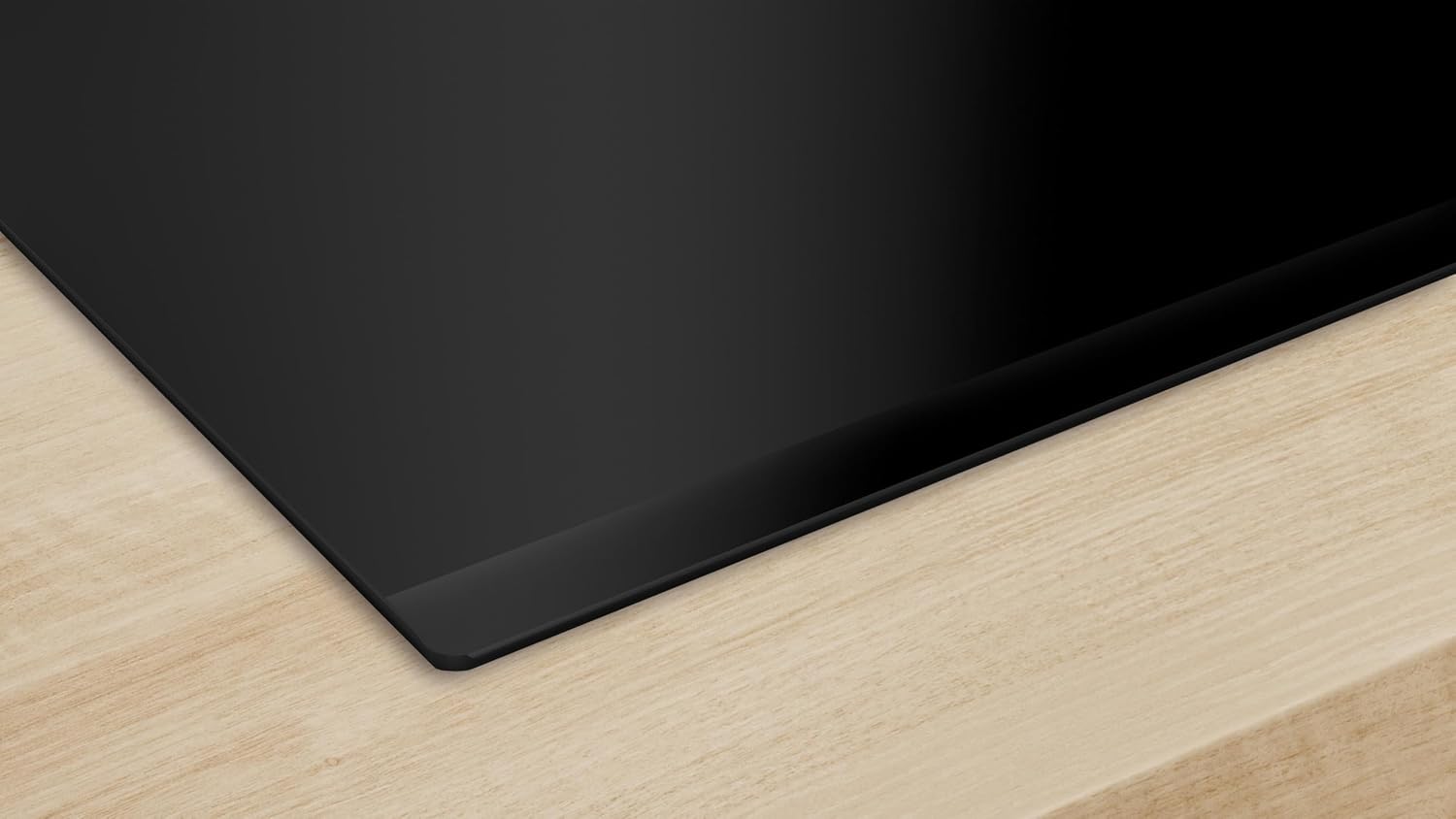
The Bosch PIJ631HC1E Induction Hob measures 52.5 cm (depth) x 59.2 cm (width) x 5.1 cm (height).

3.2 Installation Niche Requirements
An installation niche of 5.1 cm (height) x 56 cm (width) x 49-50 cm (depth) is required. Ensure adequate ventilation space around the appliance.

3.3 Electrical Connection
The hob operates at 230 Volts and has a maximum power consumption of 7400 watts. It features a maximum power limit to 7.4 kW to prevent tripping circuit breakers in households with limited set power.
4. Operating Instructions
Your Bosch PIJ631HC1E Induction Hob is designed for intuitive cooking with advanced features.

4.1 DirectSelect Controls
The DirectSelect electronics provide easy and direct access to all settings and 17 power levels with a single touch. Simply select the desired cooking zone and adjust the power level.

4.2 Cooking Zones
The hob features three induction cooking zones:
- One 28 cm zone
- Two 21 cm zones
- One 15 cm zone
Ensure that cookware is suitable for induction hobs and covers the cooking zone adequately for optimal performance.
4.3 PerfectFry Plus Function
The PerfectFry Plus function helps maintain the oil temperature throughout the cooking process, preventing food from burning and promoting healthier cooking results. The display will show the current temperature setting.
4.4 Home Connect Integration
Connect your induction hob to the Home Connect app to control the hob and a compatible cooker hood simultaneously. The app offers additional functions and allows for remote diagnostics in case of a malfunction, potentially speeding up service.
4.5 Additional Functions
The hob includes several convenient features:
- PowerMove: Allows for quick changes in power levels by moving cookware.
- Automatic Start: Detects cookware and activates the corresponding zone.
- Sprint Function: Provides a temporary power boost for rapid heating.
- Memory Function: Recalls previous cooking settings.
- Keep Warm Function: Maintains food at a serving temperature.
- Clean Function: Locks the control panel for easy cleaning without changing settings.
- Child Lock: Prevents accidental operation.
- Residual Heat Indicator: Shows which zones are still hot after use.
- Automatic Shut-off: Enhances safety by turning off the hob after a period of inactivity.
- Cooking Time Programming: Set specific cooking durations for each zone.
- Stopwatch: A convenient timer function.
5. Maintenance and Cleaning
Regular cleaning and maintenance will ensure the longevity and optimal performance of your hob.
- Daily Cleaning: After each use, wipe the hob surface with a soft cloth and a mild detergent. Rinse with clean water and dry thoroughly.
- Stubborn Stains: For burnt-on food or stubborn stains, use a specialized ceramic hob scraper or cleaner. Follow the product instructions carefully.
- Avoid Abrasives: Do not use abrasive cleaners, scouring pads, or harsh chemicals, as these can scratch or damage the glass surface.
- Control Panel: Clean the control panel with a damp cloth. Ensure it is dry before operating the hob.
- Inspection: Periodically check the hob for any signs of damage or wear. If any issues are found, contact customer service.
6. Troubleshooting
If you encounter issues with your hob, refer to the following common solutions before contacting service.
- Hob Not Turning On: Check if the appliance is properly connected to the power supply. Ensure the child lock is not activated.
- No Heat from Cooking Zone: Verify that the cookware is suitable for induction and correctly positioned on the zone.
- Error Codes: If an error code appears on the display, consult the full appliance manual or contact Bosch customer service for specific guidance.
- Unusual Noises: A faint humming or buzzing sound is normal during induction cooking, especially at higher power levels. This is due to the electromagnetic field.
- Hob Shuts Off Unexpectedly: This could be due to overheating (e.g., if a pan boils dry) or an automatic safety shut-off. Allow the hob to cool down before attempting to restart.
7. Specifications
| Brand | BOSCH |
| Model Number | PIJ631HC1E |
| Product Dimensions (D x W x H) | 52.5 x 59.2 x 5.1 cm |
| Item Weight | 10.7 Kilograms |
| Material | Glass |
| Heater Surface Material | Glass |
| Power / Wattage | 7400 watts |
| Voltage | 230 Volts |
| Heating Elements | 3 |
| Burner Type | Induction |
| Special Features | Adjustable Temperature, Beveled Edge, Programmable, Safety Lock |
8. Warranty Information
Your Bosch PIJ631HC1E Induction Hob comes with a manufacturer's warranty. Please refer to the warranty card included with your purchase for specific terms, conditions, and duration. Keep your proof of purchase for any warranty claims.
9. Customer Support
For further assistance, technical support, or to schedule a service appointment, please contact Bosch customer service. You can find contact details on the official Bosch website or in the documentation provided with your appliance.
Online resources and FAQs may also be available on the Bosch website: www.bosch-home.com