
BOYA BY-V4U
BOYA BY-V4U Wireless Lavalier Microphone User Manual
Model: BY-V4U | Brand: BOYA
1. Introduction
The BOYA BY-V4U is a 4-channel wireless microphone system designed for seamless audio recording with USB Type-C compatible smartphones, tablets, and computers, including iPhone 15/16 series. It features omnidirectional sound pickup, one-click noise cancellation, and a portable charging case for extended battery life, making it ideal for video recording, podcasting, live streaming, and interviews.

Image: The BOYA BY-V4U wireless microphone system, showing the charging case, four transmitters, and the USB-C receiver.
2. What's in the Box
- 4x BY-V4U-TX Transmitters
- 1x BY-V4U-RXU Receiver
- 4x Foam Windscreen
- 1x V4U Charging Case
- 1x USB-A to USB-C Cable
- 1x Pairing Pin
- 1x Sticker List
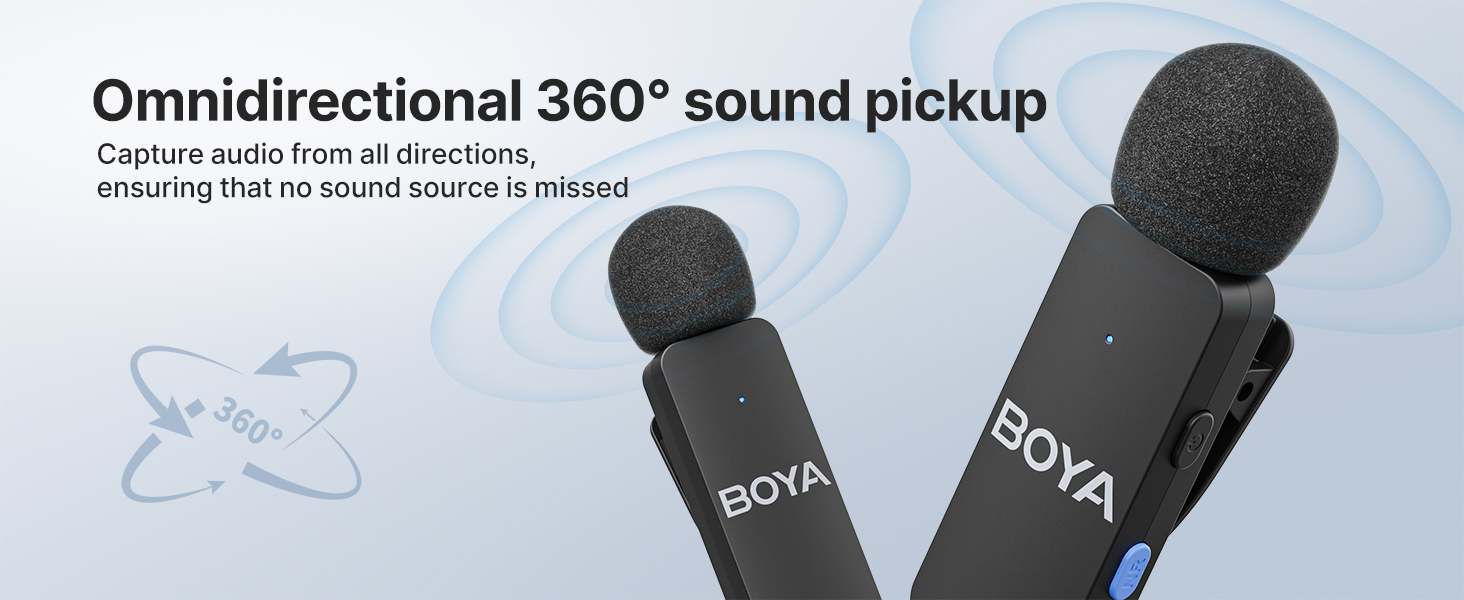
Image: A visual representation of all items included in the BOYA BY-V4U package, neatly arranged on a grey background.
3. Setup & Installation
3.1 Initial Charging
Before first use, ensure the charging case and all transmitters are fully charged. The compact charging case can fully charge the entire set twice, providing up to 18 hours of total battery life. Charging the case takes approximately 2 hours.

Image: Diagram illustrating the 18-hour extended duration of the BOYA BY-V4U system, with 2 hours charging time, 6 hours continuous podcasting, and 18 hours usage time with the charging case.
3.2 Plug and Play Connection
The BY-V4U system offers a hassle-free plug-and-play setup. No adapters, Bluetooth, or additional apps are needed. Simply remove the transmitters from the charging case and plug the receiver into your compatible device.
Compatibility: Compatible with Android smartphones, iPhones (including iPhone 15/16 series), iPads, laptops, and computers that feature a USB Type-C port. Note: Enable "OTG" on your Android device before using. Not compatible with Go-Pro or other cameras.

Image: Infographic showing wide compatibility of the BOYA BY-V4U with various Type-C smartphone devices, tablets, laptops, and iOS system devices including iPhone 15/16 series and MacBooks.
Video: An official BOYA video demonstrating the plug-and-play setup and basic features of the BY-V4 series wireless lavalier microphone.
4. Operating Instructions
4.1 Power On/Off & Pairing
Transmitters automatically power on when removed from the charging case. The receiver powers on when plugged into your device. They are pre-paired at the factory for immediate use. A steady blue light on both the transmitter and receiver indicates a successful connection.
4.2 One-Click Noise Cancellation
To activate or deactivate noise cancellation, simply press the dedicated button on the side of the transmitter. This feature helps to reduce ambient noise and enhance clarity, especially in noisy environments.

Image: Visual showing the one-click noise cancellation feature of the BOYA BY-V4U, with a microphone highlighting the noise reduction button and waveforms indicating sound clarity before and after reduction.
4.3 Multi-Channel Recording
The BY-V4U supports 4-channel mono output, allowing you to record up to four individual audio sources simultaneously. This is ideal for interviews with multiple participants, panel discussions, or group content creation.
4.4 Playback Without Unplugging
Thanks to exclusive audio analysis technology, the BY-V4U allows uninterrupted audio playback directly through your phone's built-in speaker without needing to unplug the receiver. This is convenient for reviewing recordings on the go.
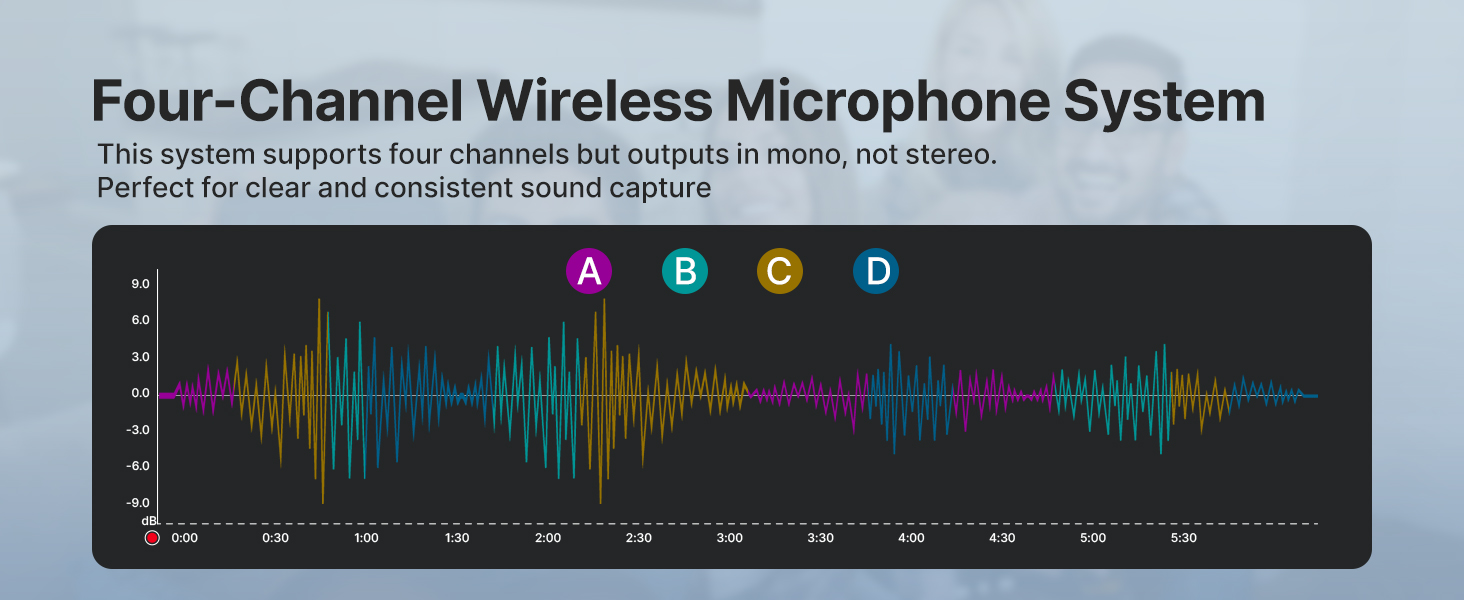
Image: An image demonstrating the ability of the BOYA BY-V4U to support smartphone speakers, allowing audio playback directly from the phone without unplugging the receiver.
Video: An official BOYA video showcasing the features and benefits of the BY-V4U wireless lavalier microphone, including its multi-channel capabilities and ease of use.
5. Maintenance
Keep the microphones and charging case clean and dry. Use a soft, dry cloth for cleaning. Avoid exposing the devices to extreme temperatures, humidity, or corrosive substances. Store the microphones in their charging case when not in use to ensure they remain charged and protected.
6. Troubleshooting
6.1 Microphones Not Charging
- Ensure the charging case is charged. Check the LED indicators on the case.
- Verify that the transmitters are correctly seated in their charging slots within the case.
- Check for any debris or obstructions in the charging contacts of the transmitters or the case.
6.2 No Sound or Poor Sound Quality
- Ensure the receiver is fully plugged into your device's USB-C port. Some phone cases might interfere with a proper connection; try removing the phone case.
- Verify that both the transmitters and receiver are powered on and successfully paired (indicated by a steady blue light).
- Check if noise cancellation is enabled. While useful, it might alter sound characteristics in quiet environments.
- Ensure the microphone is positioned correctly, ideally clipped close to the sound source.
- For Android devices, ensure "OTG" function is enabled in your phone settings.
6.3 Intermittent Connection or Short Range
- Ensure there are no significant physical obstructions between the transmitter and receiver.
- Avoid environments with strong wireless interference (e.g., crowded Wi-Fi areas, other 2.4GHz devices).
- The system offers stable transmission up to 650 feet (200 meters) in open environments without obstacles or interference. Performance may vary indoors or with obstructions.

Image: A visual representation of the BOYA BY-V4U's long-range transmission capability, showing a person recording with a smartphone and microphone from a distance of 200 meters in an open environment.
7. Specifications
| Feature | Specification |
|---|---|
| Brand | BOYA |
| Model Name | BY-V4U |
| Connectivity Technology | Wireless 2.4GHz |
| Connector Type | USB Type-C |
| Microphone Form Factor | Lavalier |
| Polar Pattern | Omnidirectional |
| Number of Channels | 4 |
| Frequency Range | 20Hz-20kHz |
| Signal-to-Noise Ratio | 80 dB |
| Battery Life (Transmitter) | Up to 6 hours |
| Battery Life (with Charging Case) | Up to 18 hours |
| Item Weight | 7.1 ounces (200 Grams) |
| Product Dimensions | 6.69 x 6.69 x 6.69 inches |
8. Warranty & Support
For warranty information and technical support, please refer to the documentation included in your product packaging or visit the official BOYA website. Protection plans are available for purchase separately through authorized retailers.
Related documentsBY-V4U


Ask a question about this manual
Ask about setup, troubleshooting, compatibility, parts, safety, or missing instructions. Manuals+ will review the question and use this page’s manual context to help answer it.