
Introduction
Thank you for choosing the Realspace Koru 2-Drawer Lateral File Cabinet. This manual provides important information regarding the assembly, operation, maintenance, and specifications of your new file cabinet. Please read these instructions carefully before assembly and use to ensure safe and proper functionality. Keep this manual for future reference.
The Realspace Koru Lateral File Cabinet is designed for organizing documents in an office environment, featuring full-extension legal/letter file drawers and a durable engineered wood construction.
Safety Information
- Assembly: Assembly is required. Always follow the separate assembly instructions provided with the product. Ensure all parts are present and securely fastened before use.
- Weight: This product is heavy and/or oversized (approximately 72.6 pounds) and may require more than one person to handle during assembly and relocation.
- Stability: The cabinet features an interlocking mechanism that allows only one drawer to open at a time. This is a safety feature designed to help maintain stability and prevent accidents, such as tipping. Do not attempt to force open both drawers simultaneously.
- Weight Capacity: Do not overload drawers. Distribute weight evenly to maintain stability.
- Placement: Place the cabinet on a level surface to prevent instability.
Setup and Assembly
The Realspace Koru 2-Drawer Lateral File Cabinet requires assembly. Please refer to the dedicated assembly guide included in your product packaging for detailed, step-by-step instructions. Ensure you have all necessary tools and components before beginning assembly.
- Unpack all components and verify against the parts list in the assembly guide.
- Assemble the cabinet frame according to the instructions.
- Install the ball-bearing drawer slides, ensuring smooth operation.
- Attach the brushed silver handles to the drawer fronts.
- Insert the hang rails into the drawers for letter or legal-sized filing.
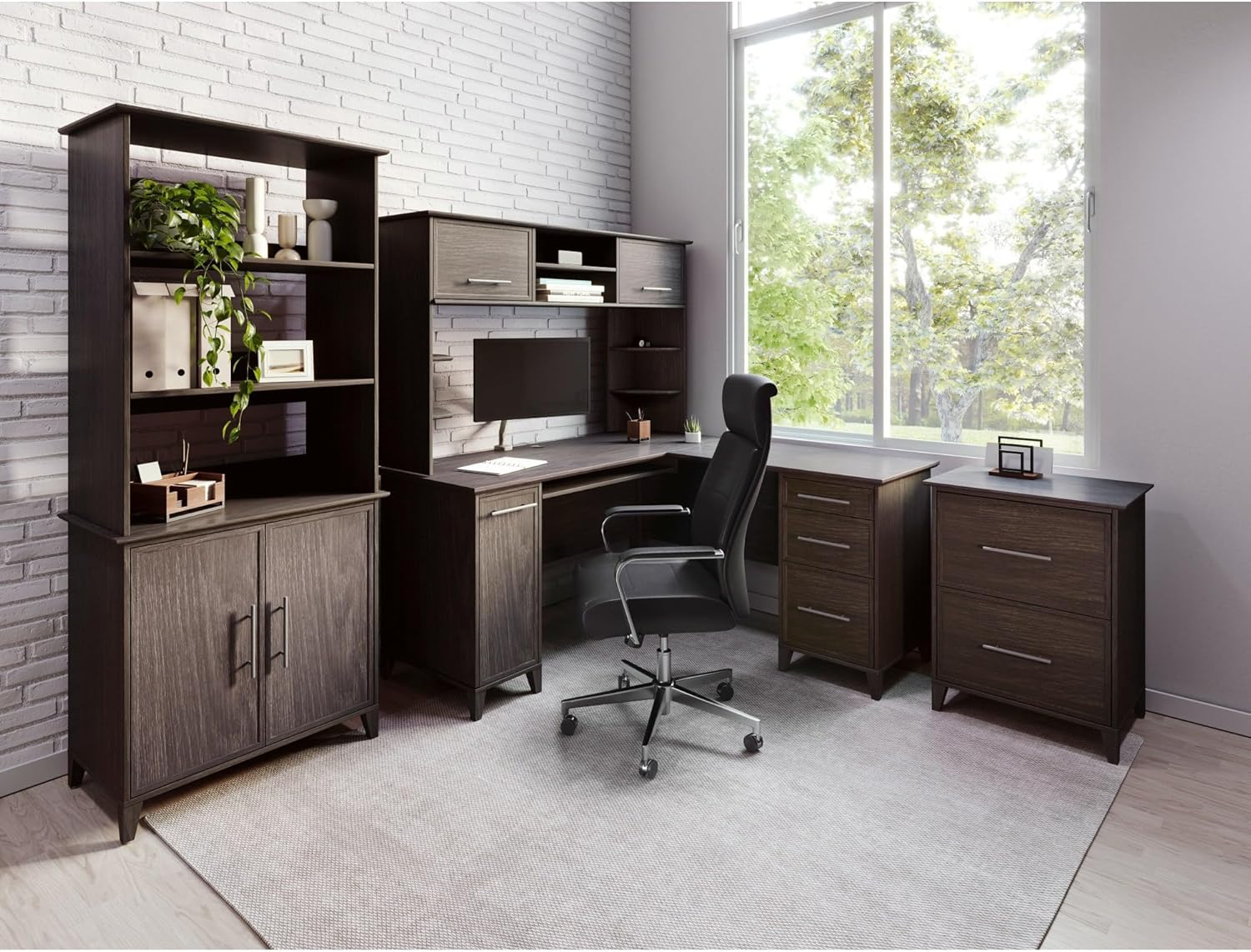
Image: The Realspace Koru collection, including the lateral file cabinet, integrated into a complete office setup. This image provides context for how the file cabinet fits within a larger office furniture arrangement.
Operating Instructions
The Realspace Koru Lateral File Cabinet is designed for efficient and secure document storage.
- Drawer Operation: The cabinet features two full-extension drawers. To open a drawer, gently pull the brushed silver handle. The ball-bearing slides ensure smooth and quiet operation.
- Interlocking Mechanism: For safety and stability, the cabinet is equipped with an interlocking mechanism. This system prevents more than one drawer from being opened at a time. If one drawer is open, the other drawer will be locked. Do not attempt to force the second drawer open while the first is extended, as this can damage the mechanism and compromise stability.
- Filing Documents: The drawers are designed to accommodate both legal and letter-sized documents using the included hang rails. Adjust the hang rails as needed for your preferred document size.
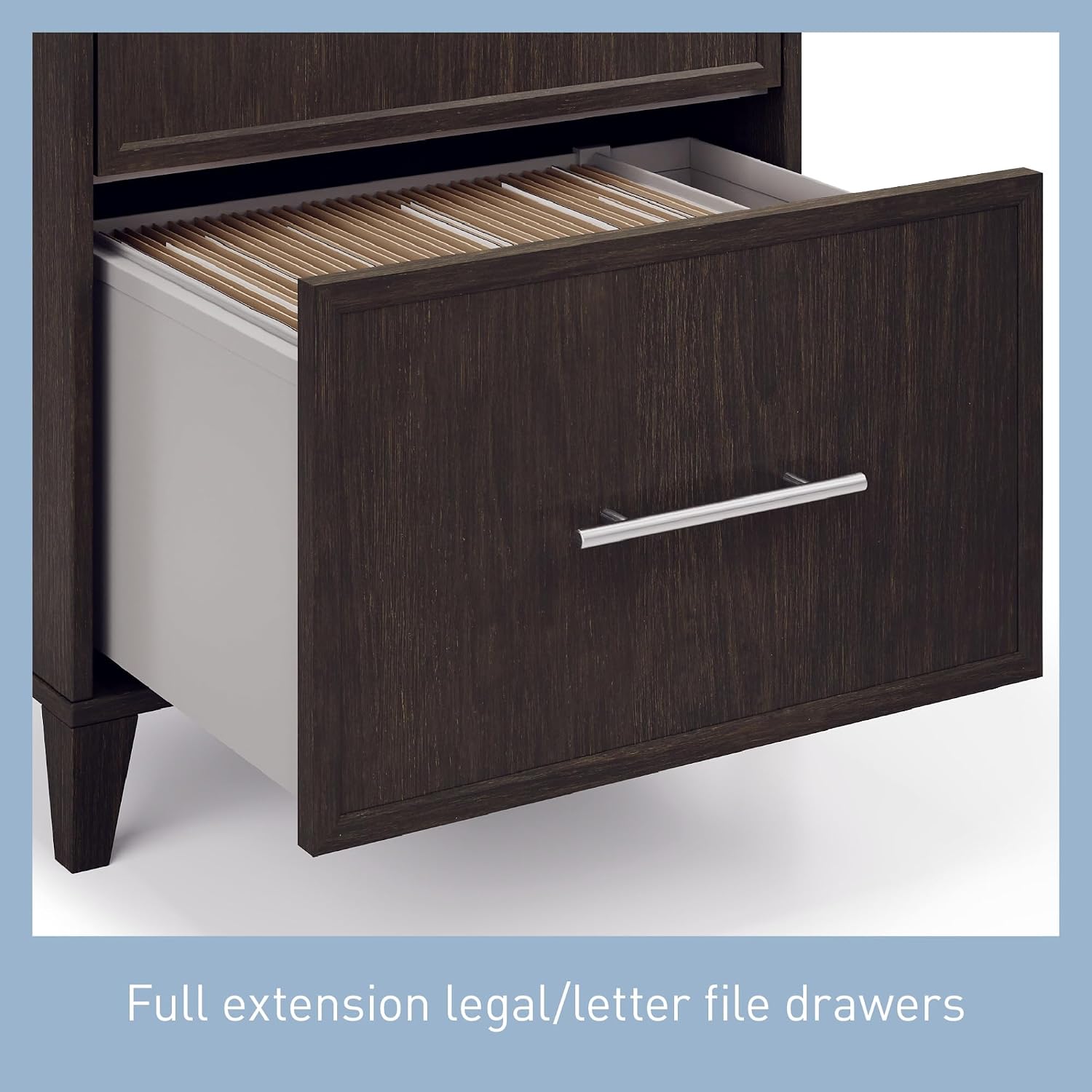
Image: A close-up view of an open drawer in the Realspace Koru file cabinet, showing hanging files. This illustrates the full-extension capability and how documents are stored.

Image: A detailed view of the brushed silver handle on the Realspace Koru file cabinet. This highlights the design and material of the drawer pulls.
Maintenance
Proper care and maintenance will extend the life and appearance of your Realspace Koru Lateral File Cabinet.
- Cleaning: To clean the cabinet, wipe with a damp cloth. Avoid using harsh chemicals, abrasive cleaners, or polishes that may damage the finish.
- Spills: Immediately wipe up any spills to prevent staining or damage to the engineered wood material.
- Hardware: Periodically check all screws and fasteners to ensure they remain tight. Retighten if necessary.
Troubleshooting
If you encounter issues with your Realspace Koru Lateral File Cabinet, consider the following common solutions:
- Drawers not opening/closing smoothly:
- Check for obstructions in the drawer slides.
- Ensure the cabinet is on a level surface. Uneven surfaces can affect drawer alignment.
- Verify that the drawer slides are properly installed and all fasteners are tight.
- Interlocking mechanism not working:
- Ensure only one drawer is fully extended. The mechanism is designed to prevent the second drawer from opening if the first is out.
- Do not force the drawers. If the mechanism appears stuck, gently push the open drawer fully closed before attempting to open the other.
- Cabinet wobbles:
- Confirm all assembly hardware is securely tightened.
- Place the cabinet on a flat, stable surface. Use shims if necessary to level the cabinet.
Specifications
Detailed specifications for the Realspace Koru 2-Drawer Lateral File Cabinet:
- Product Dimensions: 23.5"W x 17.4"D x 30"H (approx. 34 x 20.55 x 10.23 inches packaged)
- Item Weight: 72.6 pounds
- Material: Engineered wood materials
- Drawer Slides: Ball-bearing for smooth operation
- Handles: Brushed silver metal
- Drawer Capacity: Full-extension, accommodates legal/letter files
- Compliance: BIFMA Compliant (tested and verified for performance and safety standards)
- Care Instructions: Wipe with damp cloth

Image: A technical diagram illustrating the key dimensions of the Realspace Koru 2-Drawer Lateral File Cabinet, including width, depth, and height, as well as internal drawer measurements.
Customer Support
For further assistance, missing parts, or questions not covered in this manual, please refer to the contact information provided with your purchase documentation or visit the Realspace official website for support resources.
