
Lefant PJ05
Lefant HEPA Filter Replacement Manual for M310 Robot Vacuum Cleaner
Model: PJ05 | Brand: Lefant
Introduction
This manual provides comprehensive instructions for the installation and maintenance of your Lefant PJ05 HEPA Filter Replacement Accessories, specifically designed for the Lefant M310 Robot Vacuum Cleaner. Proper filter maintenance is crucial for ensuring the optimal performance and longevity of your robot vacuum. Please read this manual thoroughly before replacing the filters.
Product Contents

Figure 1: The package includes 4 HEPA filter replacements.
The Lefant PJ05 HEPA filters are designed to effectively capture dust, dirt, pollen, pet dander, and other airborne particles as small as 0.3 micrometers, ensuring clean air and efficient vacuum operation.
Installation Guide
Replacing the HEPA Filter
- Turn off your Lefant M310 Robot Vacuum Cleaner and place it on a flat surface.
- Open the top cover of the robot vacuum to access the dustbin compartment.
- Remove the dustbin by pulling it upwards.
- Locate the existing HEPA filter within the dustbin. It is typically positioned behind a mesh pre-filter.
- Carefully remove the old HEPA filter.
- Insert a new Lefant PJ05 HEPA filter into the designated slot within the dustbin, ensuring it is properly seated.
- Close the dustbin lid and reinsert the dustbin back into the robot vacuum until it clicks into place.
- Close the top cover of the robot vacuum.
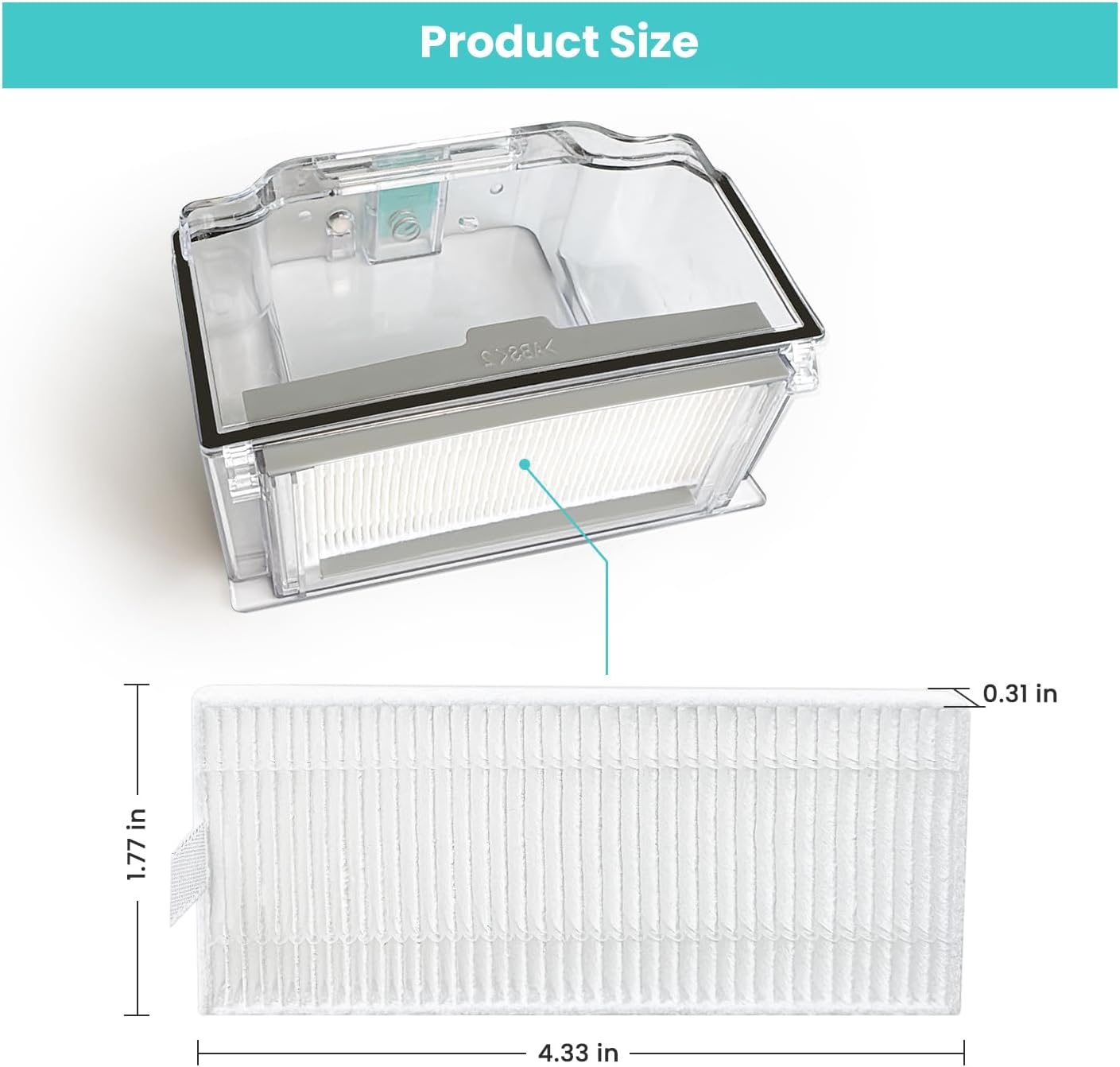
Figure 2: Visual guide for replacing the HEPA filter in your robot vacuum's dustbin.

Figure 3: The dustbin of the Lefant M310, showing the filter compartment.
Maintenance and Care
- Replacement Frequency: It is recommended to replace the HEPA filter every 2-3 months, depending on the frequency of use and the amount of debris collected. Regular replacement ensures optimal filtration and prevents reduced suction power.
- Cleaning the Filter: The HEPA filter itself is not washable. Use the provided cleaning brush to gently brush off any accumulated dust and debris from the filter pleats. The metal pre-filter (if present in your dustbin) can be washed with water, but ensure it is completely dry before reinserting.
Video 1: Demonstrates the flexibility of the HEPA filter and how to clean it with a brush.
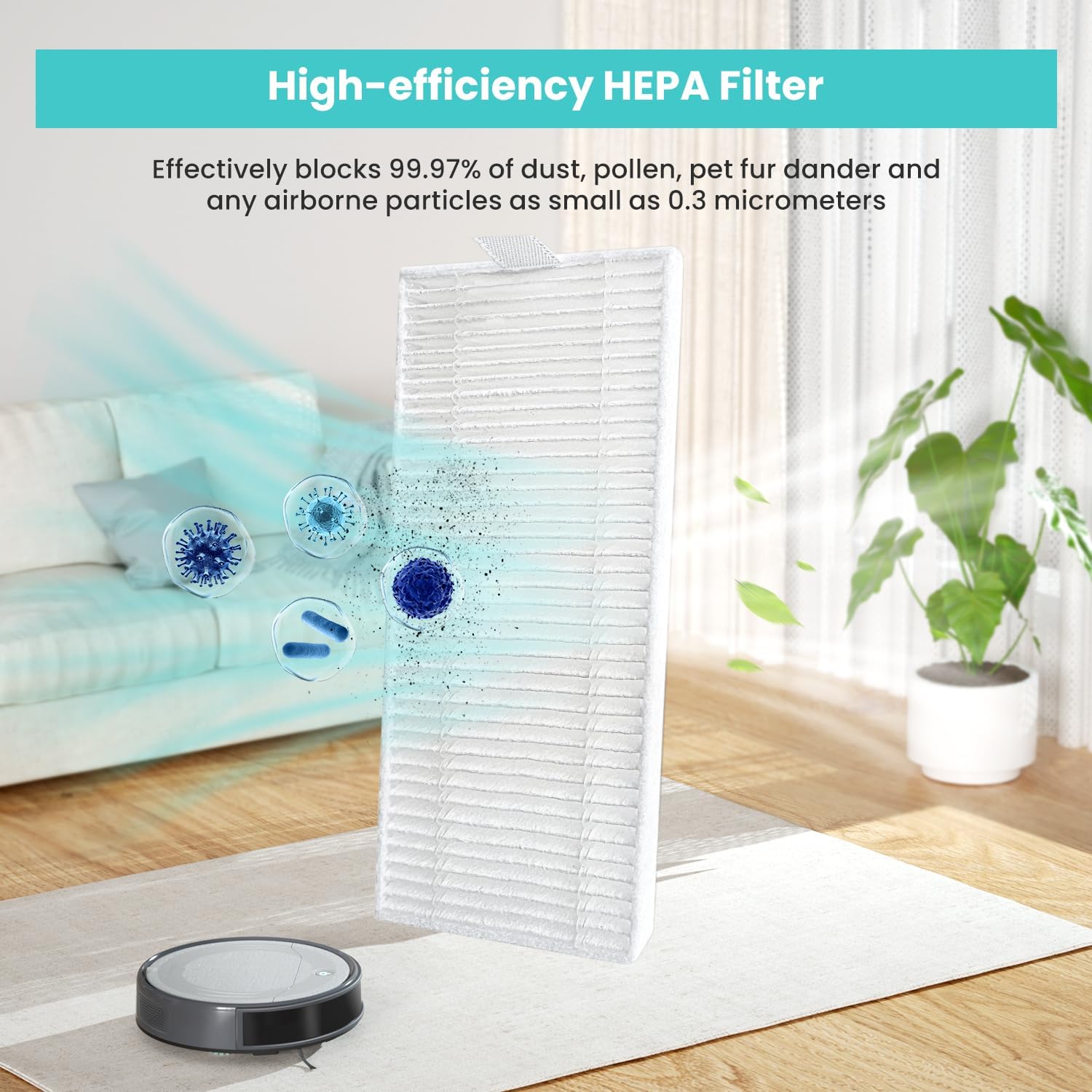
Figure 4: A close-up view of the HEPA filter's pleated structure, designed for efficient particle capture.
Troubleshooting (Filter Related)
- Reduced Suction Power: If your robot vacuum experiences reduced suction, the HEPA filter may be clogged. Replace the filter as per the instructions in the "Installation Guide" section.
- Unusual Odors: A dirty or old filter can sometimes cause unpleasant odors. Replace the HEPA filter to resolve this issue.
- Dust Escaping Vacuum: If you notice dust escaping the vacuum, ensure the HEPA filter is correctly installed and not damaged. Replace if necessary.
Specifications
| Feature | Detail |
|---|---|
| Brand | Lefant |
| Model Number | PJ05 |
| Compatible Device | Lefant M310 Robot Vacuum Cleaner |
| Material Type | HEPA |
| Item Weight | 1.44 ounces (for the 4-pack) |
| Product Dimensions (each filter) | 1.77 x 0.33 x 4.33 inches |
| Included Components | 4 x HEPA Filters |
| Recommended Replacement | Every 2-3 months (based on usage) |
Customer Support
If you have any questions about your Lefant PJ05 HEPA Filter Replacement Accessories or need assistance, please feel free to contact our customer service team. We are committed to providing support and will respond to your inquiries within 24 hours.
For further assistance, please visit the official Lefant Store on Amazon: Lefant Store
Related documentsPJ05


Ask a question about this manual
Ask about setup, troubleshooting, compatibility, parts, safety, or missing instructions. Manuals+ will review the question and use this page’s manual context to help answer it.