
Introduction
This manual provides essential information for the safe and effective use of your Roland PSB7-120 12V Power Supply. The PSB7-120 is designed as a replacement power supply for various Roland keyboards and recorders, ensuring reliable operation of your compatible musical instruments and audio equipment. Please read this manual thoroughly before use and retain it for future reference.
Safety Information
To prevent electric shock, fire, or other hazards, always observe the following safety precautions:
- Use only with the specified voltage and current ratings. Connecting to an incompatible power source may damage the unit or connected device.
- Do not expose the power supply to rain, moisture, or extreme temperatures.
- Do not disassemble or modify the power supply. Refer all servicing to qualified personnel.
- Ensure the power cord is not pinched, walked on, or otherwise damaged.
- Unplug the power supply from the wall outlet when not in use for extended periods or during electrical storms.
- Keep out of reach of children.
Setup
Follow these steps to properly set up your Roland PSB7-120 power supply:
- Verify Compatibility: Confirm that your Roland device (keyboard, recorder, etc.) requires a 12V power supply and is compatible with the PSB7-120. This power supply is a replacement for PSB-120, ACB-120, ACF-120, ACK-120, and ACI-120 models, and is compatible with devices such as C-30, FP80, RP700 series digital pianos, BK5, BR, CD-2, FP-7, FP-30, FP-50, FR-3X, Prelude, RP-201, and RP-301.
- Connect to Device: Insert the barrel connector of the PSB7-120 firmly into the DC IN jack of your Roland device. Ensure a secure connection.
- Connect to Power Outlet: Plug the AC power cord of the PSB7-120 into a standard, grounded electrical outlet.
- Power On: Once connected, you can power on your Roland device according to its specific instructions.
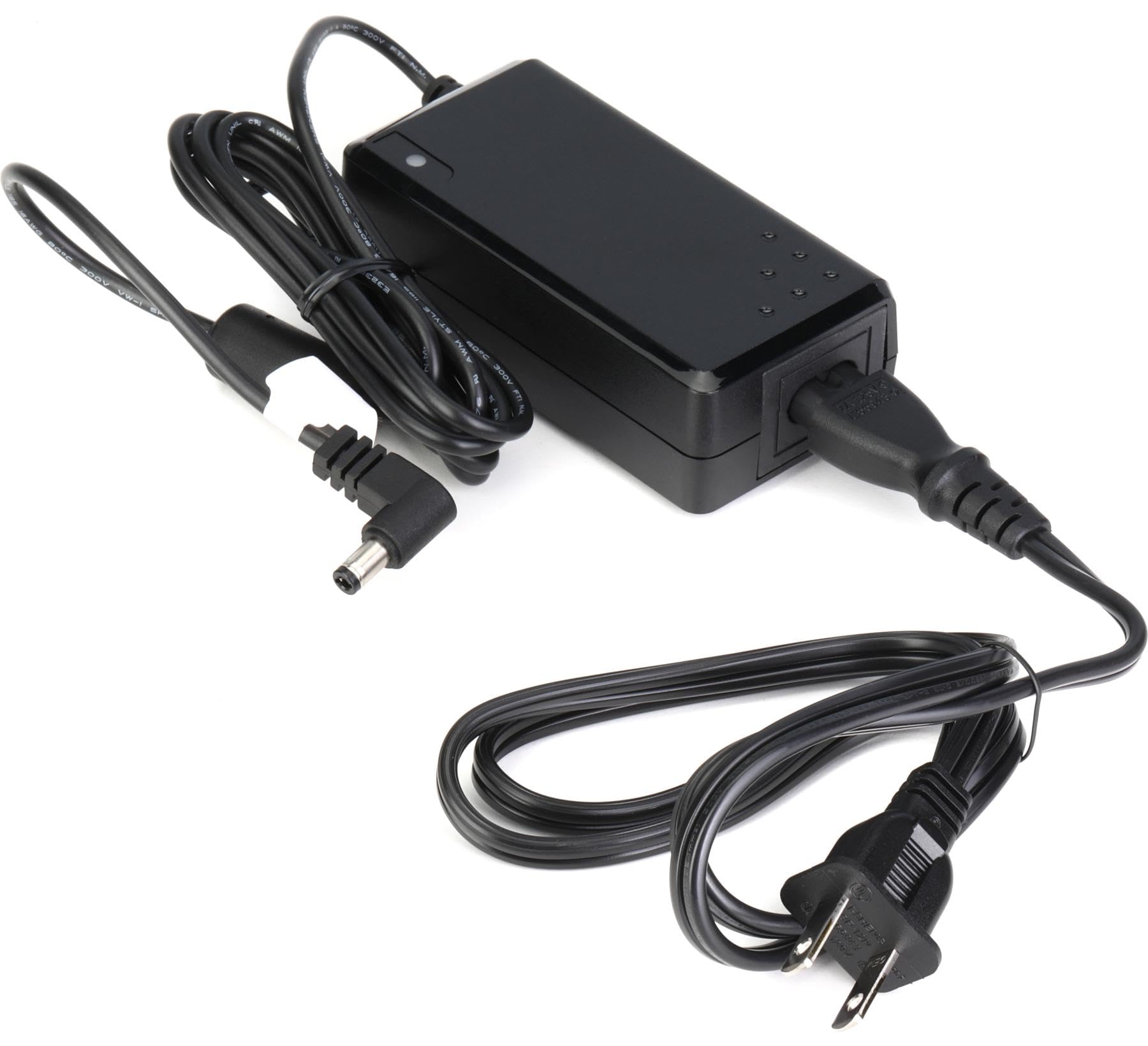
Image showing the Roland PSB7-120 12V Power Supply, a black rectangular unit with a power cord and a barrel connector. This illustrates the general appearance of the power supply.
Operating
The Roland PSB7-120 power supply operates automatically once connected to a compatible device and a power outlet. It provides the necessary 12V DC power to your Roland equipment.
- To power on your device, ensure the PSB7-120 is properly connected and then use the power switch on your Roland instrument or recorder.
- To power off, turn off your Roland device first, then you may unplug the power supply from the wall outlet if not in use for an extended period.
Maintenance
Proper care will ensure the longevity of your power supply:
- Cleaning: Wipe the unit with a soft, dry cloth. Do not use abrasive cleaners, waxes, or solvents.
- Storage: Store the power supply in a cool, dry place away from direct sunlight and extreme temperatures.
- Cable Care: Avoid sharp bends or kinks in the power cord. Do not place heavy objects on the cord.
Troubleshooting
If you encounter issues, refer to the following common troubleshooting steps:
- No Power to Device:
- Ensure the power supply is securely plugged into both the wall outlet and your Roland device.
- Check if the wall outlet is functional by plugging in another device.
- Verify that your Roland device's power switch is in the "ON" position.
- Confirm that the PSB7-120 is the correct power supply for your specific Roland device model.
- Intermittent Power:
- Check all connections for looseness.
- Inspect the power cord and barrel connector for any visible damage. If damaged, discontinue use and replace the power supply.
If problems persist after attempting these steps, contact Roland customer support or a qualified service technician.
Specifications
The following are the technical specifications for the Roland PSB7-120 12V Power Supply:
| Model Number | PSB7-120 |
| Output Voltage | 12V |
| Item Weight | 11.8 ounces |
| Product Dimensions | 5.2 x 4.85 x 1.9 inches |
| Connector Type | Barrel Connector |
| Material Type | Plastic |
| Color | Black |
Warranty and Support
Roland products are manufactured to high-quality standards and typically come with a limited warranty. For specific warranty terms and conditions applicable to your region and product, please refer to the warranty card included with your purchase or visit the official Roland website.
For technical support, service, or inquiries regarding your Roland PSB7-120 power supply, please contact Roland customer support through their official website or the contact information provided in your product documentation. When contacting support, please have your product model number (PSB7-120) and purchase details ready.
Note: This manual provides general information. Specific operational details for your Roland device should be found in its respective user manual.


