
1. Introduction and Overview
The NUSTE Portable Air Compressor is a versatile and compact device designed for quick and efficient inflation of various items, including car, bicycle, and motorcycle tires, as well as sports balls. Featuring an upgraded dual-screen display, it provides accurate real-time pressure readings and supports multiple pressure units. Its cordless design, long-lasting battery, and auto shut-off function ensure convenience and safety for all your inflation needs.

Figure 1: NUSTE Portable Air Compressor and its applications.
2. Product Features
- 1-Minute Fast Inflation: Capable of inflating a standard car tire from 30-36 PSI in approximately 1 minute, with a maximum pressure of 150 PSI.
- Upgraded Dual-Screen Precision: Simultaneous display of real-time and preset pressure values, supporting PSI, KPA, BAR, and KG/CM² units.

Figure 2: Dual-screen display for accurate pressure monitoring.
- Durable & Long-Lasting Battery Life: Inflates up to 4 car tires on a single charge, ensuring reliable performance.

Figure 3: Battery capacity for various inflation tasks.
- User-Friendly Design with Auto Shut-Off: Automatically stops inflation once the preset pressure is reached, preventing over-inflation.

Figure 4: Auto shut-off feature for precise inflation.
- Portable, Versatile & Emergency-Ready: Lightweight and compact, includes 3 lighting modes (constant, strobe, SOS) and can charge phones or headphones.

Figure 5: Compact and portable design.

Figure 6: Integrated LED light for emergencies.
3. Package Contents
Please check the package for the following items:
- NUSTE Portable Air Compressor (Model CZK-5646)
- Inflation Hose
- USB Charging Cable
- Various Nozzles (e.g., Presta valve adapter, ball needle, swimming ring nozzle)
- Storage Bag
- User Manual

Figure 7: Included accessories.
4. Setup
- Initial Charge: Before first use, fully charge the air compressor using the provided USB charging cable. The battery indicator on the screen will show charging status.
- Attach Inflation Hose: Screw the inflation hose securely into the designated port on the top of the air compressor.
- Select Nozzle: Choose the appropriate nozzle for the item you wish to inflate (e.g., Schrader valve for car/motorcycle tires, Presta valve adapter for some bicycle tires, needle for balls). Attach it to the end of the inflation hose.
5. Operating Instructions
5.1 Basic Operation Steps
- Connect the Nozzle: Securely connect the chosen nozzle to the item you intend to inflate (e.g., tire valve). The current pressure will be displayed on the screen.
- Power On: Press and hold the power button (usually the central button) for 3 seconds to turn on the tire inflator.
- Select Mode: Press the mode button (often indicated by a car, bike, motorcycle, or ball icon) to cycle through the preset inflation modes. Each mode has a default pressure setting.
- Adjust Preset Pressure: Use the "+" and "-" buttons to adjust the target pressure to your desired PSI, KPA, BAR, or KG/CM².
- Start Inflation: Press the power button again to begin inflation. The compressor will automatically stop once the preset pressure is reached.
- Disconnect: Once inflation is complete, quickly disconnect the nozzle from the item.
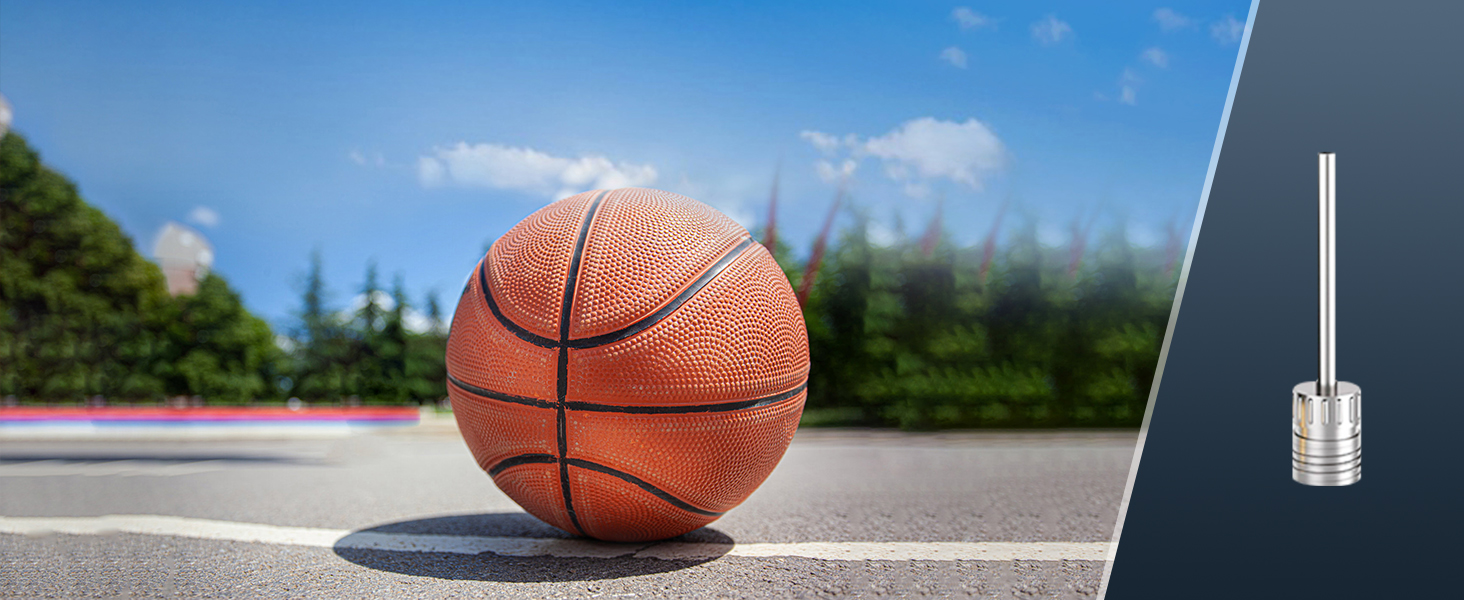
Figure 8: Easy-to-follow operating steps.
5.2 Changing Pressure Units
While the device is on, press the unit button (often labeled "M" or with unit symbols) to cycle through the available pressure units: PSI, KPA, BAR, KG/CM².
5.3 Using the LED Light
The built-in LED light has multiple modes for convenience and emergencies:
- Constant Light: Press the light button once for a steady flashlight.
- Strobe Light: Press the light button a second time for a flashing strobe light.
- SOS Signal: Press the light button a third time for an SOS flashing pattern.
- Turn Off: Press the light button a fourth time to turn off the light.
6. Maintenance
- Cleaning: Wipe the device with a soft, dry cloth. Do not use harsh chemicals or immerse the device in water.
- Storage: Store the air compressor and its accessories in the provided storage bag in a cool, dry place, away from direct sunlight and extreme temperatures.
- Battery Care: To prolong battery life, charge the device at least once every three months if not in regular use. Avoid fully discharging the battery frequently.
- Hose and Nozzle Inspection: Regularly check the inflation hose and nozzles for any signs of wear, cracks, or blockages. Replace if necessary.
7. Troubleshooting
| Problem | Possible Cause | Solution |
|---|---|---|
| Device does not turn on. | Low battery or no charge. | Charge the device fully. |
| No inflation or slow inflation. | Hose not securely connected; nozzle blocked; target pressure too low/high; item already at target pressure. | Ensure hose and nozzle are tightly connected. Check for blockages. Adjust target pressure. |
| Inaccurate pressure reading. | Loose connection; unit setting incorrect. | Ensure a tight connection to the valve. Verify the correct pressure unit (PSI, KPA, BAR, KG/CM²) is selected. |
| Device overheats. | Continuous operation for too long. | Allow the device to cool down for at least 10-15 minutes before resuming use. Avoid prolonged continuous operation. |
8. Specifications
| Feature | Detail |
|---|---|
| Model Name | CZK-5646 |
| Brand | NUSTE |
| Maximum Pressure | 150 PSI |
| Air Flow Capacity | 35 LPM |
| Power Source | Battery Powered |
| Product Dimensions (L x W x H) | 2.76" x 1.96" x 4.72" |
| Material | Plastic |
| Color | Orange |
| Operation Mode | Automatic |
| Included Components | Battery, Pressure Gauge |
9. Safety Information
Please read and understand all safety instructions before using the NUSTE Portable Air Compressor:
- Do not leave the inflator unattended while in operation.
- Keep out of reach of children. This is not a toy.
- Do not operate the inflator in wet conditions or near flammable liquids or gases.
- Avoid prolonged continuous operation to prevent overheating. Allow the device to cool down between uses if it becomes hot.
- Ensure the correct pressure is set for the item being inflated to prevent over-inflation and potential damage or injury. Refer to the item's manufacturer recommendations for proper pressure.
- Do not point the inflation nozzle at people or animals.
- Use only the provided charging cable and accessories.
- If the device shows signs of damage or malfunction, discontinue use immediately and contact customer support.
10. Warranty and Support
NUSTE products are manufactured to high-quality standards. For warranty information, technical support, or any inquiries regarding your NUSTE Portable Air Compressor, please refer to the contact details provided on the product packaging or visit the official NUSTE website.
Please retain your purchase receipt as proof of purchase for warranty claims.