1. Product Overview
The Oraimo Watch 2R is a versatile smartwatch designed for daily use and fitness tracking. It features a 1.39-inch high-definition display, Bluetooth calling capabilities, over 120 sports modes, and comprehensive health monitoring functions including heart rate tracking. The watch also supports quick SMS replies and an SOS emergency function for enhanced safety.

Image: Oraimo Watch 2R Smartwatch, black, displaying watch face with time, date, weather, steps, and calories.
2. Setup Guide
2.1 Charging the Device
Before initial use, fully charge your Oraimo Watch 2R. Connect the magnetic charging cable to the charging points on the back of the watch and plug the USB end into a power adapter (not included) or a computer's USB port. The watch display will indicate charging status.

Image: Oraimo Watch 2R Smartwatch connected to its magnetic charging cable.
2.2 Pairing with Your Smartphone
- Download the official Oraimo Health app from your smartphone's app store (Google Play Store for Android, Apple App Store for iOS).
- Ensure Bluetooth is enabled on your smartphone.
- Open the Oraimo Health app and follow the on-screen instructions to create an account or log in.
- Select 'Add Device' or 'Pair New Device' within the app.
- The app will search for nearby devices. Select 'Oraimo Watch 2R' from the list.
- Confirm the pairing request on both your smartphone and the smartwatch.
- Once paired, the watch will synchronize data with the app.
3. Operating Instructions
3.1 Screen and Navigation
The Oraimo Watch 2R features a 1.39-inch TFT screen with 500 nits brightness for clear visibility. Navigate the interface by swiping left, right, up, or down, and tap to select options. The side button typically serves as a home/back button or to access the app menu.

Image: Close-up of the Oraimo Watch 2R's 1.39-inch high-definition screen displaying a colorful health tracking interface.
3.2 Bluetooth Calling
With Bluetooth calling, you can answer, make, and reject calls directly from your wrist. The watch provides HD audio quality for clear conversations. Ensure your watch is connected to your smartphone via Bluetooth to use this feature.

Image: Oraimo Watch 2R Smartwatch displaying an incoming call screen with options to accept or reject.
3.3 SMS Quick Reply and Contacts
The watch allows you to send quick, customized replies to incoming calls with a single tap (for Android users only). You can also add up to 100 common contacts to your watch for easy access and quick callback functionality.
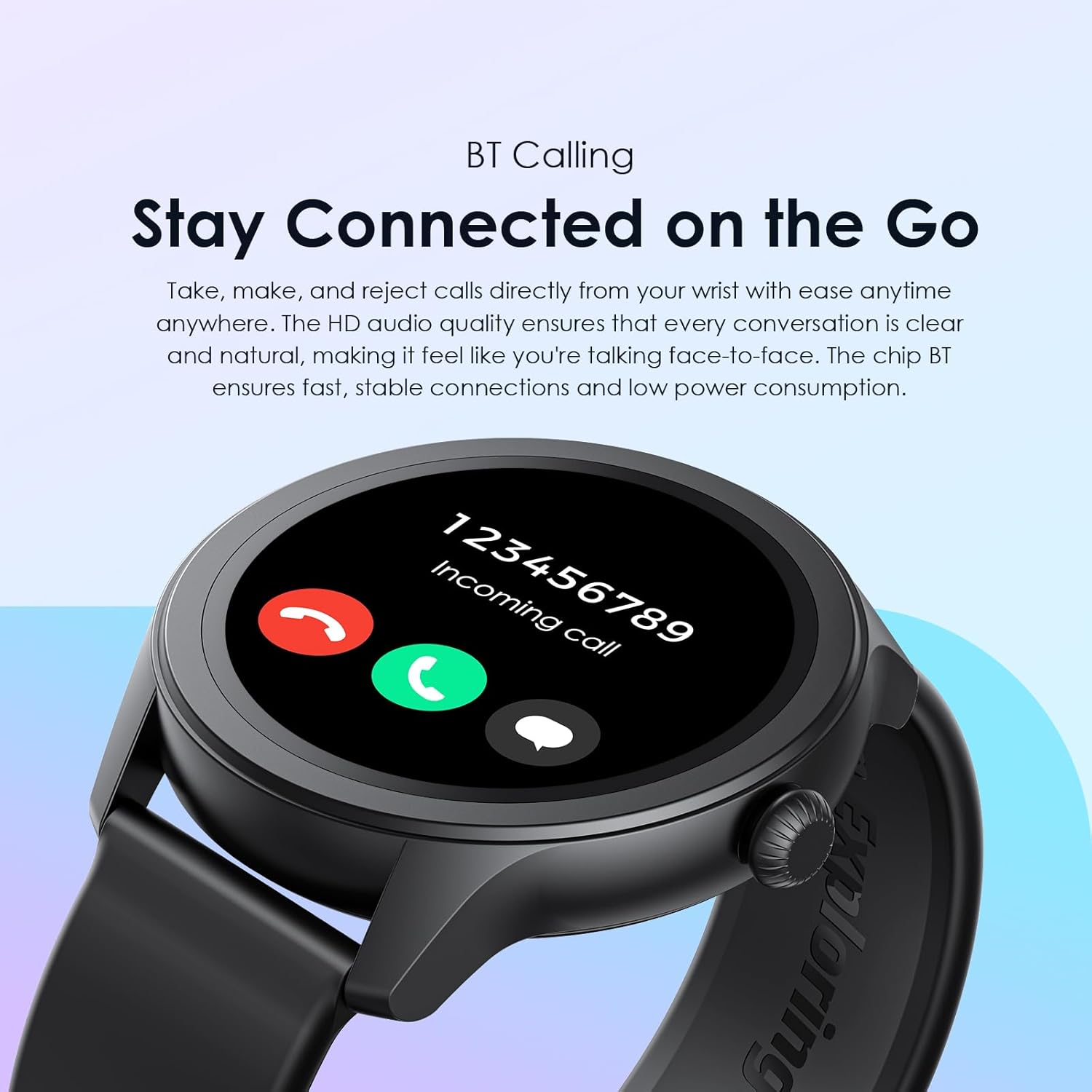
Image: Oraimo Watch 2R Smartwatch showing screens for contact list, dial pad, and quick reply messages.
3.4 Sports Modes
The Oraimo Watch 2R supports over 120 sports modes. Select your desired activity from the watch menu to track your exercise status, including duration, calories burned, and heart rate. This data helps you monitor progress and adjust your fitness goals. You can also control music playback on your phone during workouts.

Image: A person holding a medicine ball, wearing the Oraimo Watch 2R Smartwatch, illustrating its sports tracking capabilities.
3.5 Health Monitoring
The watch provides 24-hour health monitoring, including heart rate tracking and a stepping meter. Access detailed health data through the Oraimo Health app on your smartphone.
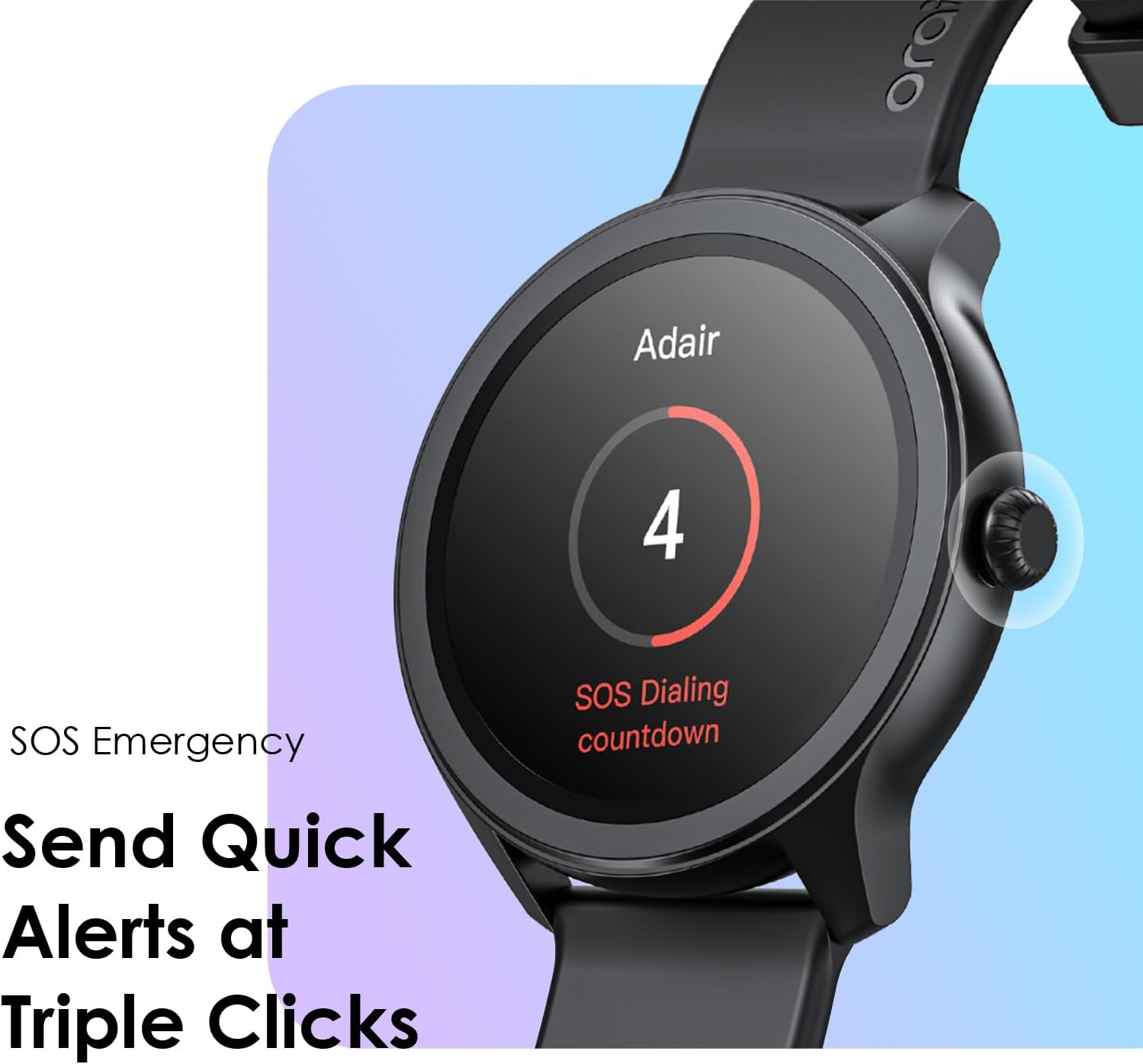
Image: A wrist wearing the Oraimo Watch 2R Smartwatch, displaying a heart rate reading of 150 bpm.
3.6 SOS Emergency Function
In an emergency, quickly alert a pre-set contact by triple-clicking the side button. Ensure your emergency contact is configured in the Oraimo Health app.

Image: Oraimo Watch 2R Smartwatch displaying an SOS dialing countdown screen.
3.7 Daily Reminders and Personal Assistant Features
Set up reminders for daily health and wellness, such as sedentary alerts to encourage movement and hydration reminders. The watch acts as a personal assistant, providing notifications and useful gadgets.
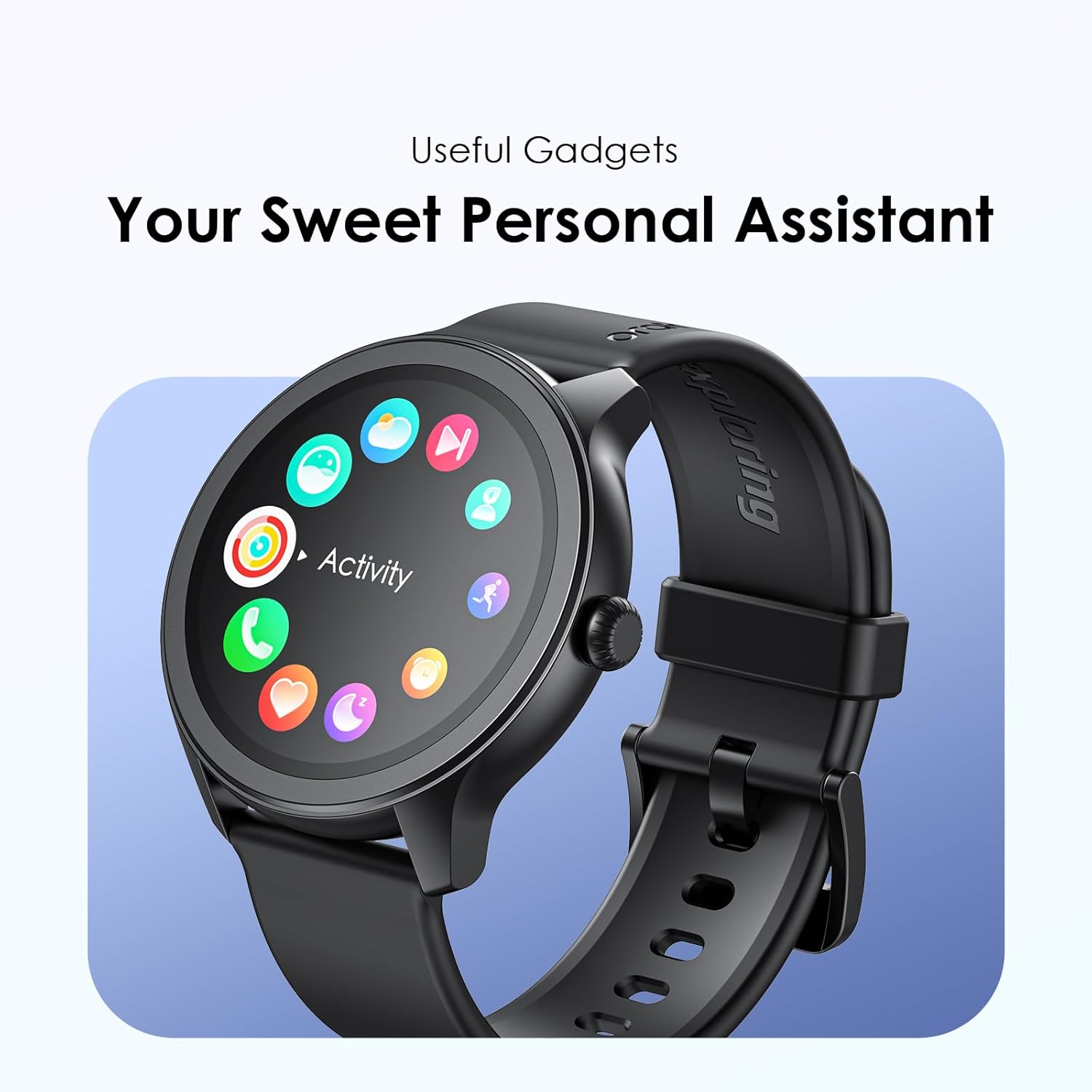
Image: Oraimo Watch 2R Smartwatch displaying icons for 'Have a cup of water' and 'Get up and move' reminders.
3.8 Customizable Watch Faces
Personalize your watch with a variety of watch faces available through the Oraimo Health app. You can choose from many designs to match your style.

Image: Multiple customizable watch faces displayed on the Oraimo Watch 2R Smartwatch.
3.9 Product Demonstration Video
Video: A short video demonstrating the Oraimo Watch 2R Smartwatch features, including its 1.39-inch high-definition screen, support for over 120 sports modes, and Bluetooth calling with quick reply functionality.
4. Maintenance
- Cleaning: Regularly clean your watch and strap with a soft, dry cloth. If necessary, use a slightly damp cloth and dry thoroughly. Avoid harsh chemicals or abrasive materials.
- Water Resistance: The Oraimo Watch 2R has an IP68 rating, meaning it is resistant to dust and water. It can withstand immersion in water up to 1.5 meters for up to 30 minutes. However, it is not suitable for hot water, saunas, or diving. Avoid pressing buttons underwater.
- Storage: Store the watch in a cool, dry place when not in use.
5. Troubleshooting
| Issue | Possible Solution |
|---|---|
| Watch not turning on | Ensure the watch is fully charged. Press and hold the side button for several seconds. |
| Unable to pair with smartphone | Check if Bluetooth is enabled on your phone. Ensure the watch is within range. Restart both the watch and your phone. Try unpairing and re-pairing through the Oraimo Health app. |
| Inaccurate health data | Ensure the watch is worn snugly on your wrist, not too tight or too loose. Clean the sensor on the back of the watch. |
| Notifications not received | Verify that notifications are enabled in the Oraimo Health app and in your phone's settings for the app. Ensure the watch is connected via Bluetooth. |
| Short battery life | Reduce screen brightness, disable unnecessary features, and limit frequent heart rate monitoring. Ensure background app usage is optimized on your phone. |
6. Specifications
- Model: OSW-30
- Screen: 1.39-inch TFT (360x360 px), 500 nits brightness
- Connectivity: Bluetooth
- Battery: 1 Lithium Ion battery (included), 260 mAh capacity
- Battery Life: Up to 7 days (typical usage)
- Water Resistance: IP68
- Dimensions: 4.6 x 4.6 x 1.1 cm
- Weight: 39.8 g
- Operating System: Android (as per product specifications)
- Special Features: Activity Tracker, Alarm Clock, Always On Display, Calendaring, Custom Activity Tracking
7. Warranty and Support
The Oraimo Watch 2R comes with a 1-year (365-day) warranty from the date of purchase. For warranty claims, technical support, or any product-related inquiries, please contact Oraimo customer service through their official website or the Oraimo Health app. Keep your proof of purchase for warranty validation.


