
Introduction
This manual provides detailed instructions for the setup, operation, maintenance, and troubleshooting of your eufy L50 Robot Vacuum. The eufy L50 is designed to provide efficient floor cleaning with its 4,000 Pa powerful suction and precise iPath Laser Navigation. This unit is a certified refurbished product, professionally inspected and restored to meet performance standards, though it may show minor cosmetic imperfections.

Image: The eufy L50 Robot Vacuum, a circular black device, shown alongside a smartphone displaying its mapping and control interface.
What's Included
Verify that all components are present in the package:
- 1 x eufy L50 Robotic Vacuum Cleaner
- 1 x Charging Base
- 1 x Charging Adapter
- 1 x Cleaning Tool
- 1 x Side Brush
- 1 x Safety Book (this manual)
Setup
- Unpacking: Carefully remove all components from the packaging. Remove any protective films or stickers from the robot and charging base.
- Charging Base Placement: Place the charging base against a wall in an open, uncluttered area. Ensure there is at least 0.5 meters (1.6 feet) of clear space on either side and 1.5 meters (4.9 feet) in front of the charging base. Connect the charging adapter to the base and plug it into a power outlet.
- Initial Charge: Place the eufy L50 onto the charging base. Ensure the charging contacts on the robot align with those on the base. The robot will begin charging. For optimal battery life, fully charge the robot before its first use.
- Download the eufy Clean App: Search for "eufy Clean" in your smartphone's app store (iOS or Android) and download the application. Follow the in-app instructions to connect your L50 robot vacuum to your home Wi-Fi network and complete the initial setup. This app enables advanced features like mapping and scheduling.
Operating Instructions
Starting and Stopping Cleaning
- Manual Start: Press the power button on the robot once to start a cleaning cycle.
- Manual Stop/Pause: Press the power button again to pause cleaning. Press and hold the power button to stop the cleaning cycle and send the robot back to its charging base.
- App Control: Use the eufy Clean app to start, pause, or stop cleaning, and to send the robot back to its charging base.
iPath Laser Navigation and Mapping
The L50 uses iPath Laser Navigation (LiDAR technology) to scan your rooms and create accurate maps. This allows for efficient cleaning routes and comprehensive coverage of your home.
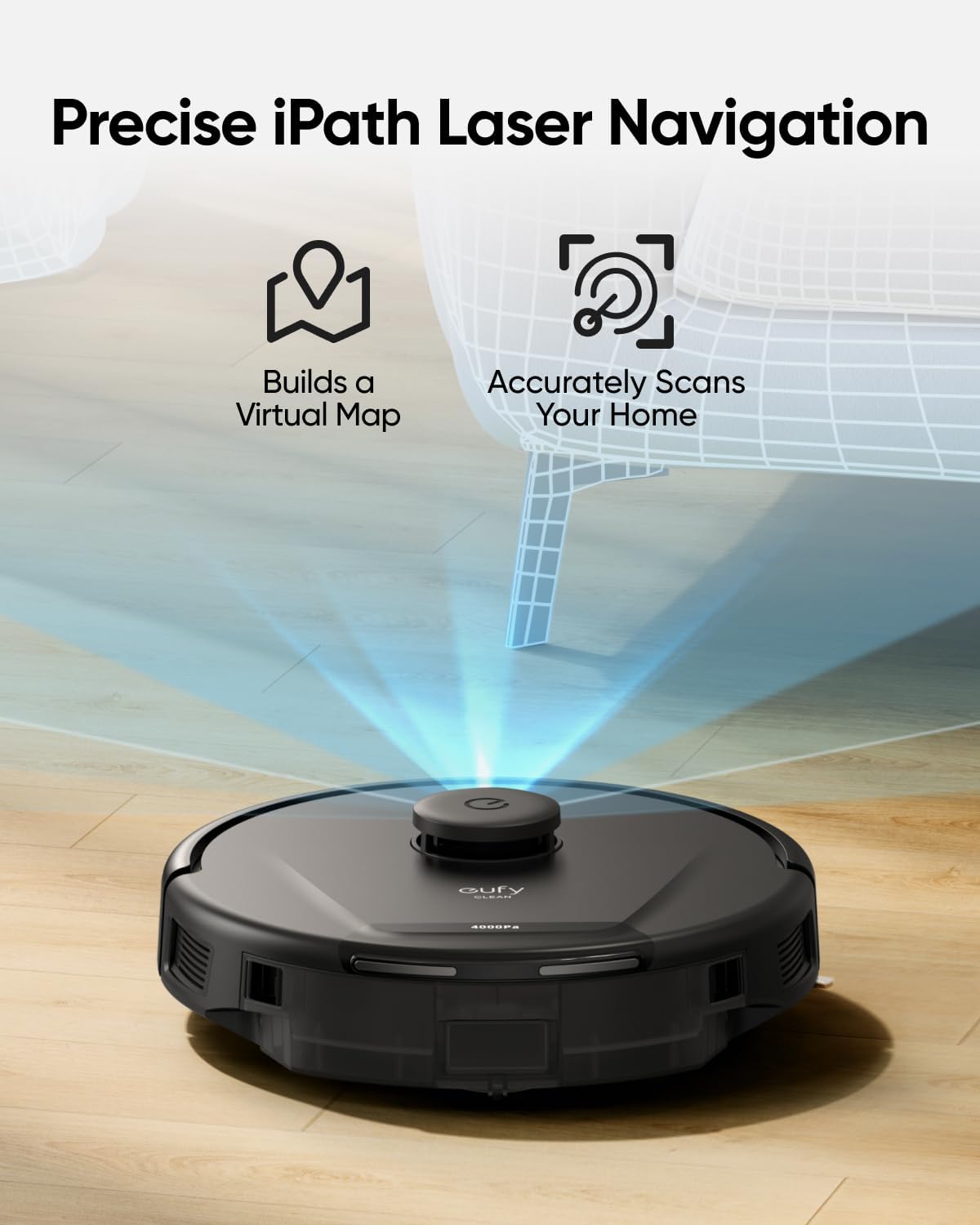
Image: The eufy L50 Robot Vacuum emitting a laser beam to build a virtual map and accurately scan the home environment.
Customizable AI.Map 2.0
Through the eufy Clean app, you can customize your cleaning experience with AI.Map 2.0:
- No-Go Zones: Define areas the robot should avoid.
- Room Selection: Choose specific rooms for cleaning.
- Zone Cleaning: Designate particular zones for focused cleaning.
- Multi-Floor Mapping: Store maps for different levels of your home.
- 4 Suction Levels: Adjust suction power as needed.

Image: A smartphone screen displaying the eufy Clean app with a detailed floor plan, highlighting features like No-Go Zones, room selection, and scheduled zone cleaning.
Automatic Suction Adjustment
The L50 automatically detects carpeted areas and increases its suction power to 4,000 Pa for more effective deep cleaning, then reduces it on hard floors to conserve battery.
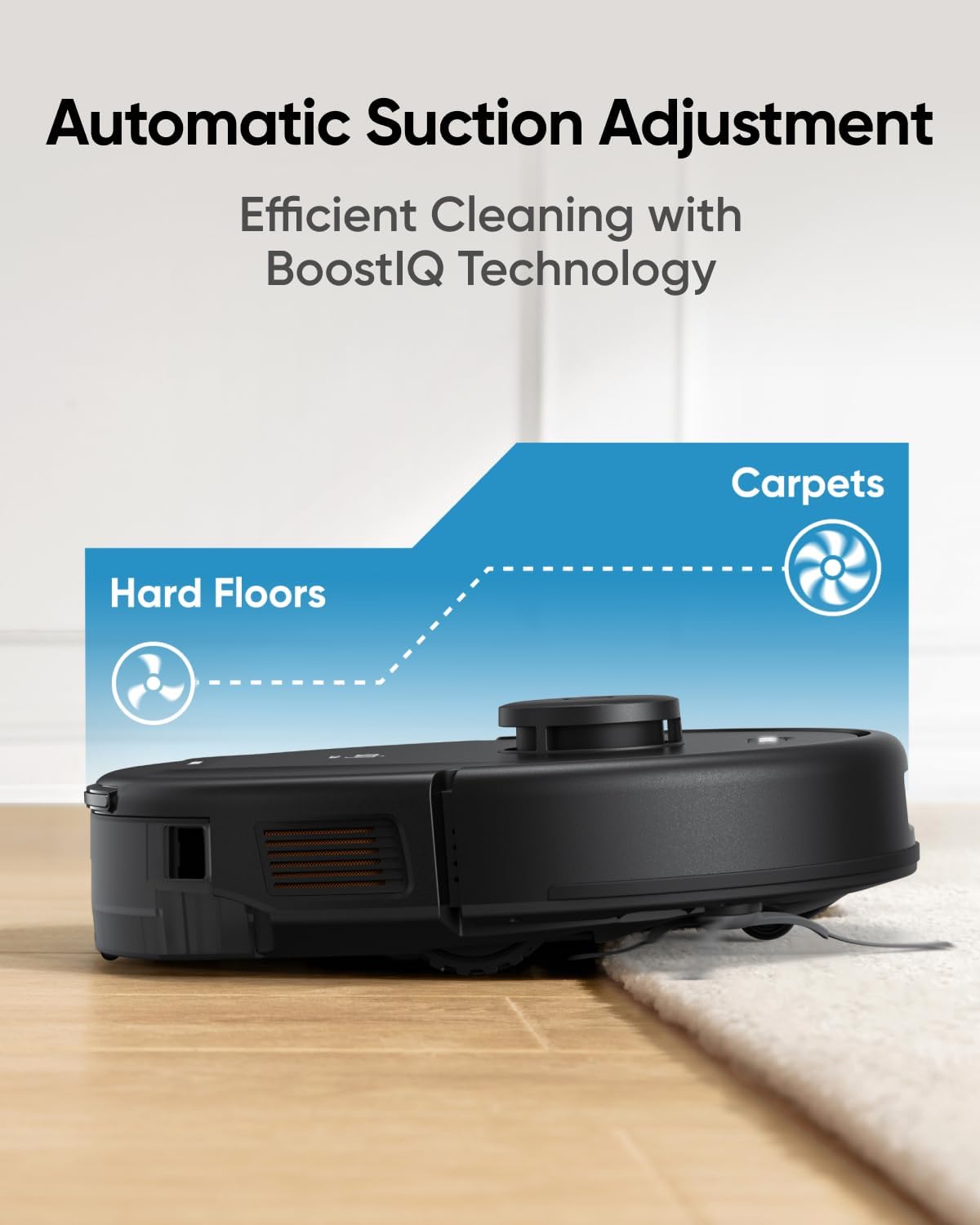
Image: The eufy L50 Robot Vacuum transitioning from a hard floor to a carpet, illustrating its BoostIQ Technology for automatic suction adjustment.
Threshold Climbing Capability
The robot can climb over obstacles and thresholds up to 20 mm (0.78 inches) high, allowing it to navigate between different floor types and rooms without getting stuck.

Image: The eufy L50 Robot Vacuum demonstrating its ability to climb over a 20 mm high threshold between two floor surfaces.
Additional Features
- Pet Hair Cleaning Mode: Optimized for collecting pet hair, dander, and dust.
- Smart Voice Control: Compatible with Amazon Echo. Use voice commands to start cleaning.
- Child Lock: Prevents accidental activation by children.
Maintenance
Regular maintenance ensures optimal performance of your eufy L50 Robot Vacuum.
- Emptying the Dustbin: After each cleaning cycle, or when indicated by the app, remove and empty the dustbin.
- Cleaning the Filter: The L50 features a washable filter. Remove the filter from the dustbin and rinse it under running water. Allow it to air dry completely before reinserting. Do not use a brush or other tools to clean the filter, as this may damage it.
- Cleaning the Main Brush: Periodically remove the main brush and use the provided cleaning tool to remove any tangled hair or debris.
- Cleaning Side Brushes: Check side brushes for wear or tangles. Use the cleaning tool to remove debris. Replace if worn.
- Cleaning Sensors and Charging Contacts: Use a dry cloth to gently wipe the sensors (cliff sensors, anti-collision sensors) and the charging contacts on both the robot and the charging base.
Troubleshooting
If your eufy L50 Robot Vacuum encounters an issue, refer to the following common solutions. For more detailed troubleshooting, consult the eufy Clean app or contact customer support.
- Robot not charging: Ensure the charging contacts on both the robot and the base are clean and making proper contact. Verify the charging base is plugged into a working power outlet.
- Robot stuck: Clear obstacles from the robot's path. If it frequently gets stuck in certain areas, consider setting up No-Go Zones in the app.
- Poor cleaning performance: Empty the dustbin, clean the filter, and remove any tangled hair from the main brush and side brushes. Ensure the suction level is appropriate for the floor type.
- App connectivity issues: Ensure your robot is within Wi-Fi range and your Wi-Fi network is stable. Restart both the robot and your router if necessary.
- Unusual noises: Check the main brush and side brushes for any foreign objects or debris that might be causing the noise.
Specifications
| Feature | Detail |
|---|---|
| Brand | eufy |
| Model Name | eufy Renewed L50 |
| Model Number | T2265Z11-F0 |
| Special Features | 4,000 Pa Ultra Strong Suction, BoostIQ, Customizable Mapping, HEPA Filtration |
| Color | Black |
| Product Dimensions | 12.79"L x 12.79"W x 3.81"H |
| Filter Type | Washable |
| Battery Life | 120 minutes |
| Dustbin Capacity | 350 Milliliters |
| Power Source | Battery Powered (1 Lithium Ion battery included) |
| Compatible Devices | Amazon Echo |
| Form Factor | Robotic |
| Item Weight | 4.8 pounds |
| UPC | 194644039820 |
Warranty and Support
Your eufy L50 Robot Vacuum (Renewed) comes with the following:
- Limited Warranty: A 90-day (3-month) limited warranty covering manufacturing defects. This warranty excludes misuse or accidental damage.
- Lifetime Technical Support: Free lifetime technical support is provided, including software updates, troubleshooting assistance, and product guidance, even after the warranty period.
For warranty claims or technical assistance, please contact eufy customer support. Refer to the eufy Clean app or the eufy website for contact information.