
1. Introduction
This manual provides essential information for the safe and efficient installation, operation, and maintenance of your Sonos Sonance 8-inch In-Ceiling Speakers, model INCL8WW1. Please read this manual thoroughly before beginning installation or use to ensure optimal performance and longevity of your speakers.
2. Safety Information
Observe the following safety precautions to prevent damage to the speakers or injury to yourself:
- Professional Installation Recommended: Installation of in-ceiling speakers requires knowledge of building codes, wiring, and structural integrity. If you are unsure, consult a qualified installer.
- Power Off: Always disconnect power to the amplifier or receiver before making any speaker connections.
- Proper Wiring: Use appropriate gauge speaker wire for your installation length and speaker impedance. Ensure correct polarity (+ to + and - to -).
- Avoid Moisture: Do not install speakers in areas where they may be exposed to water or excessive moisture.
- Secure Mounting: Ensure speakers are securely mounted to prevent them from falling, which could cause injury or damage.
- Ventilation: Ensure adequate ventilation around any connected audio equipment to prevent overheating.
3. Package Contents
Verify that all items are present in the package:
- Sonos Sonance 8-inch In-Ceiling Speaker (1 or 2, depending on purchase)
- Magnetic Grille
- Installation Template (typically included, though not explicitly shown)
- Instruction Manual (this document)

Image: Front view of the retail packaging for the Sonos Sonance 8-inch In-Ceiling Speaker, displaying the brand names and speaker size.
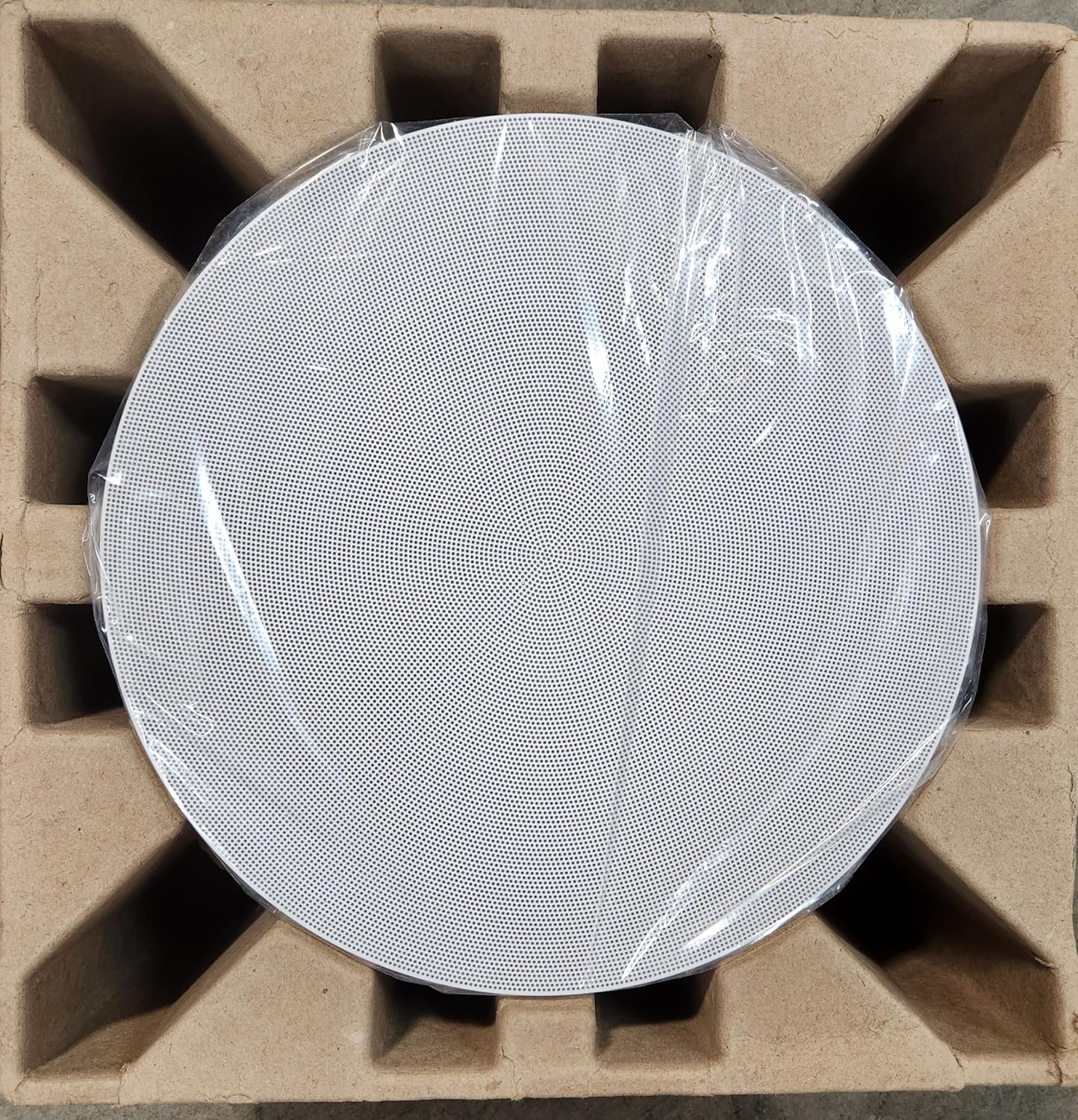
Image: The white magnetic grille of the Sonos Sonance 8-inch In-Ceiling Speaker, protected by plastic film, resting within its cardboard packaging.

Image: Front view of the Sonos Sonance 8-inch In-Ceiling Speaker, showing the black speaker cone and mounting frame, nestled in its protective cardboard insert.
4. Setup and Installation
Proper installation is crucial for optimal sound performance and safety. Follow these general steps:
- Planning:
- Determine the ideal placement for your speakers to achieve desired sound coverage. Consider room acoustics and listening positions.
- Ensure there are no obstructions (e.g., electrical wires, plumbing, studs) in the ceiling area where you plan to install the speakers.
- Cutting the Opening:
- Use the provided template (if applicable) to trace the cutout shape onto the ceiling.
- Carefully cut the opening using a drywall saw or appropriate tool.
- Wiring:
- Run speaker wire from your amplifier/receiver to each speaker opening. Ensure sufficient length for connections.
- Strip approximately 1/2 inch (12 mm) of insulation from the ends of the speaker wires.
- Connect the speaker wires to the binding posts on the back of the speaker. Match positive (+) to positive (red) and negative (-) to negative (black).
- Mounting the Speaker:
- Insert the speaker into the ceiling opening.
- Tighten the mounting clamps (usually by turning screws on the front baffle) until the speaker is securely fastened to the ceiling. Do not overtighten.
- Attaching the Grille:
- Once the speaker is mounted, carefully place the magnetic grille over the speaker. It will snap into place.
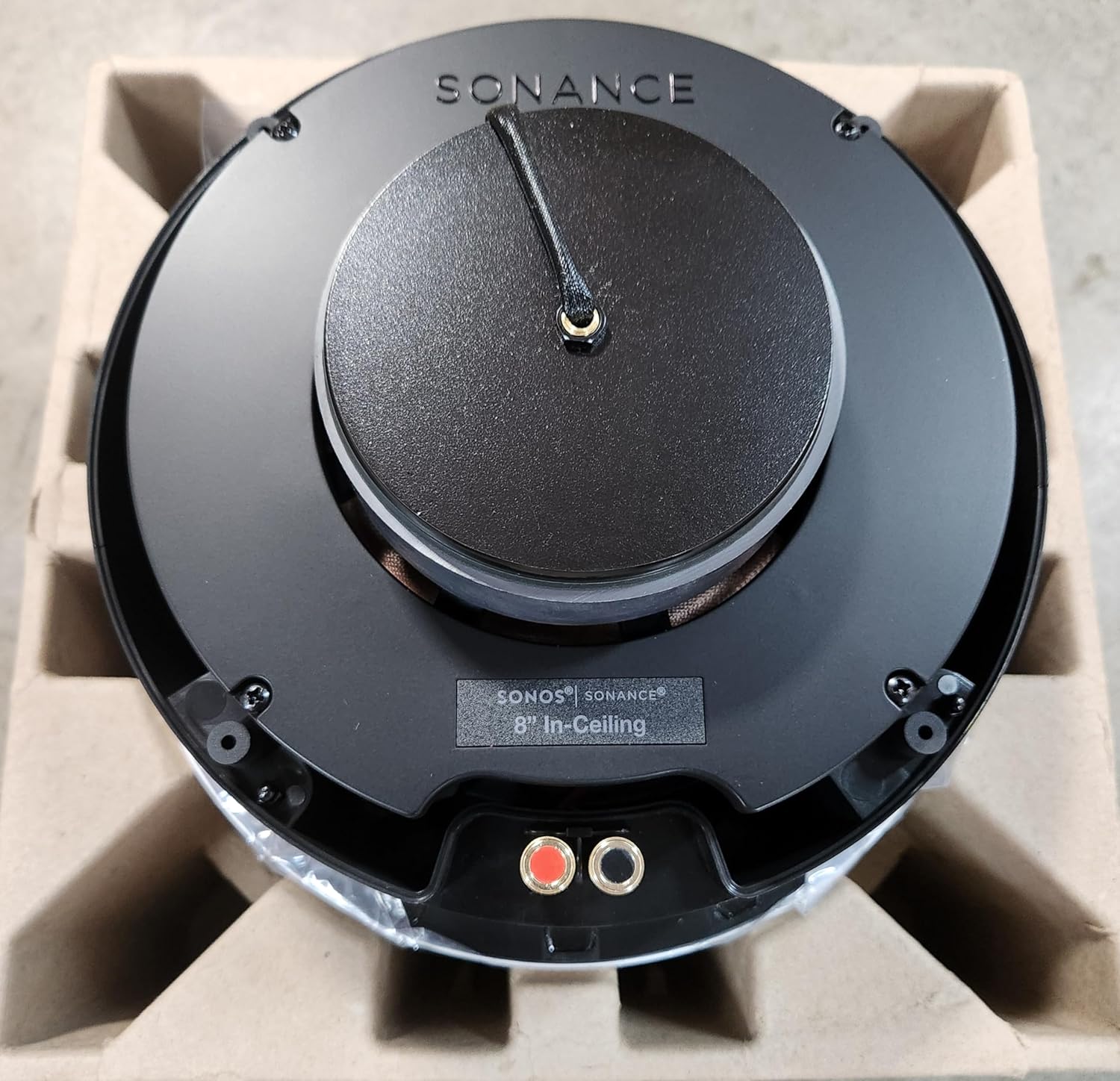
Image: Rear view of the Sonos Sonance 8-inch In-Ceiling Speaker, showing the red and black binding posts for speaker wire connection, along with the 'SONOS | SONANCE 8" In-Ceiling' label.
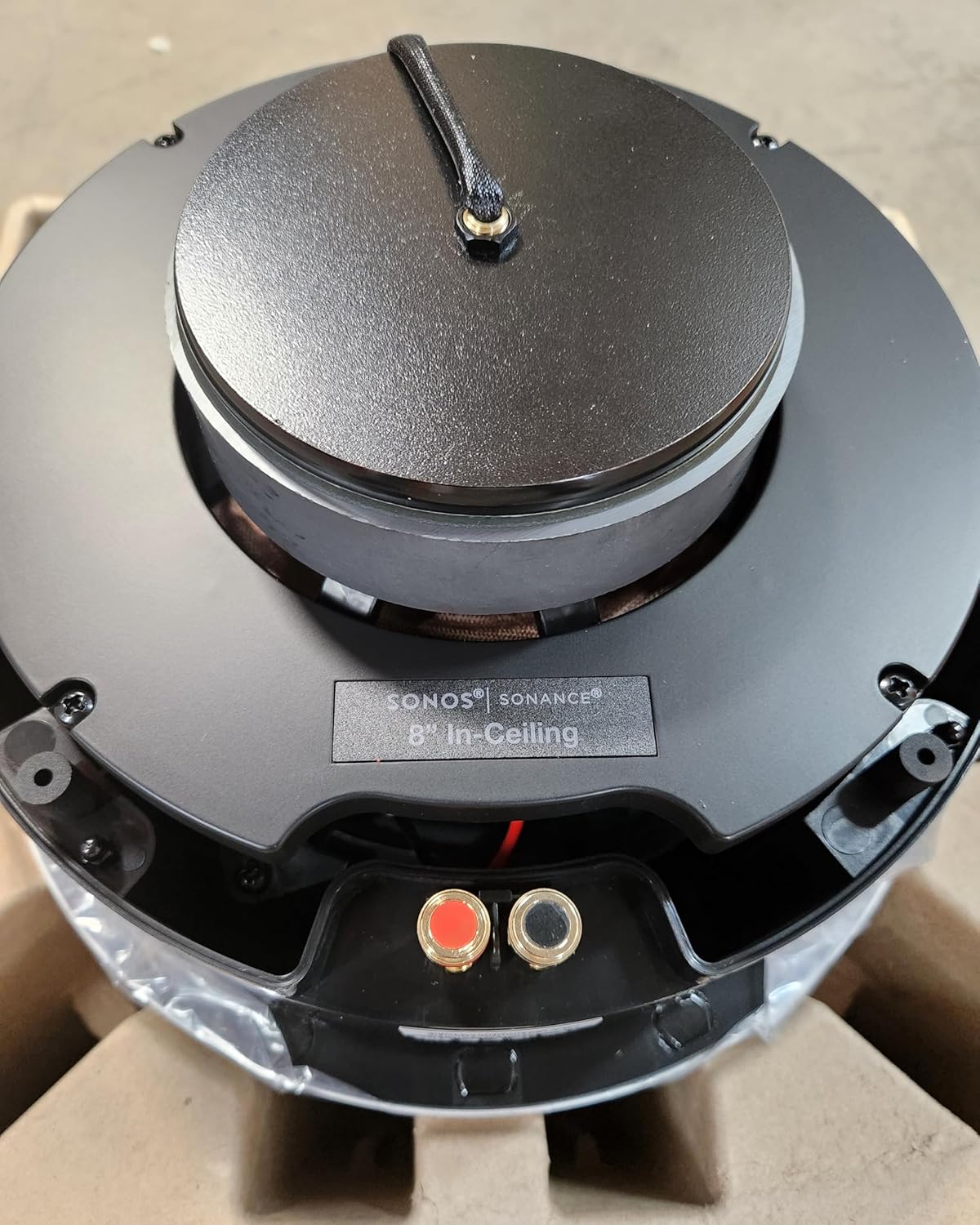
Image: A close-up view of the speaker's rear, highlighting the red and black spring-loaded terminals for connecting speaker wires, and the 'SONOS | SONANCE' branding.
5. Operating Instructions
Once the speakers are installed and wired to your amplifier or receiver, follow these steps to begin operation:
- Connect to Amplifier/Receiver: Ensure your amplifier or receiver is powered off. Connect the other ends of the speaker wires to the corresponding speaker outputs on your audio equipment, maintaining correct polarity.
- Power On: Power on your amplifier/receiver and select the appropriate input source.
- Adjust Volume: Start with the volume at a low level and gradually increase it to a comfortable listening level.
- Sound Optimization: If your amplifier/receiver has room correction or equalization features, run them to optimize the sound for your listening environment.
6. Maintenance
These speakers require minimal maintenance:
- Cleaning: Gently wipe the speaker grilles with a soft, dry cloth to remove dust. Do not use harsh chemicals or abrasive cleaners.
- Grille Removal: If necessary, the magnetic grilles can be carefully removed for cleaning or painting. Use a thin, flat tool to gently pry them off.
- Inspection: Periodically check speaker connections to ensure they remain secure.
7. Troubleshooting
If you encounter issues with your speakers, refer to the following common troubleshooting steps:
- No Sound:
- Ensure the amplifier/receiver is powered on and the correct input source is selected.
- Check all speaker wire connections at both the speaker and the amplifier/receiver for proper seating and polarity.
- Verify that the volume is not muted or set too low on your audio equipment.
- Test with another audio source or speaker if possible to isolate the issue.
- Distorted Sound:
- Reduce the volume level on your amplifier/receiver.
- Check speaker wire connections for any loose strands that might be shorting.
- Ensure the amplifier/receiver is not being overdriven.
- Uneven Sound or One Speaker Not Working:
- Check the balance settings on your amplifier/receiver.
- Verify connections for the affected speaker.
- Swap speaker wires at the amplifier/receiver to determine if the issue follows the speaker or the amplifier channel.
8. Specifications
Key technical specifications for the Sonos Sonance 8-inch In-Ceiling Speakers (INCL8WW1):
| Feature | Specification |
|---|---|
| Brand | Sonos |
| Speaker Maximum Output Power | 225 Watts |
| Frequency Response | 22 KHz |
| Connectivity Technology | Wired |
| Audio Output Mode | Stereo |
9. Warranty and Support
Sonos products are designed for reliability and performance. For specific warranty details, please refer to the warranty card included with your purchase or visit the official Sonos website. For technical support, troubleshooting assistance, or service inquiries, please contact Sonos customer support through their official channels.
You can typically find support information and contact details on the Sonos Support Website.


