
1. Introduction
This manual provides essential information for the safe and efficient use of your Candy Smart Pro Inverter Washing Machine, model CSO 6106TWMC6/1-S. Please read these instructions carefully before installation, operation, and maintenance. Keep this manual for future reference.
2. Safety Information
Always follow basic safety precautions when using electrical appliances to reduce the risk of fire, electric shock, or injury to persons.
- Electrical Safety: Ensure the appliance is properly grounded. Do not use extension cords or adapters. Disconnect from power before cleaning or maintenance.
- Water Connections: Connect the water inlet hose to a cold water tap. Ensure all connections are tight to prevent leaks.
- Children and Vulnerable Persons: This appliance is not intended for use by persons with reduced physical, sensory or mental capabilities, or lack of experience and knowledge, unless they have been given supervision or instruction. Keep children away from the appliance.
- Installation: Install the appliance on a firm, level floor. Remove all transit bolts before use.
- Flammable Materials: Do not wash items that have been cleaned in, washed in, soaked in, or spotted with combustible or explosive substances.
3. Product Overview
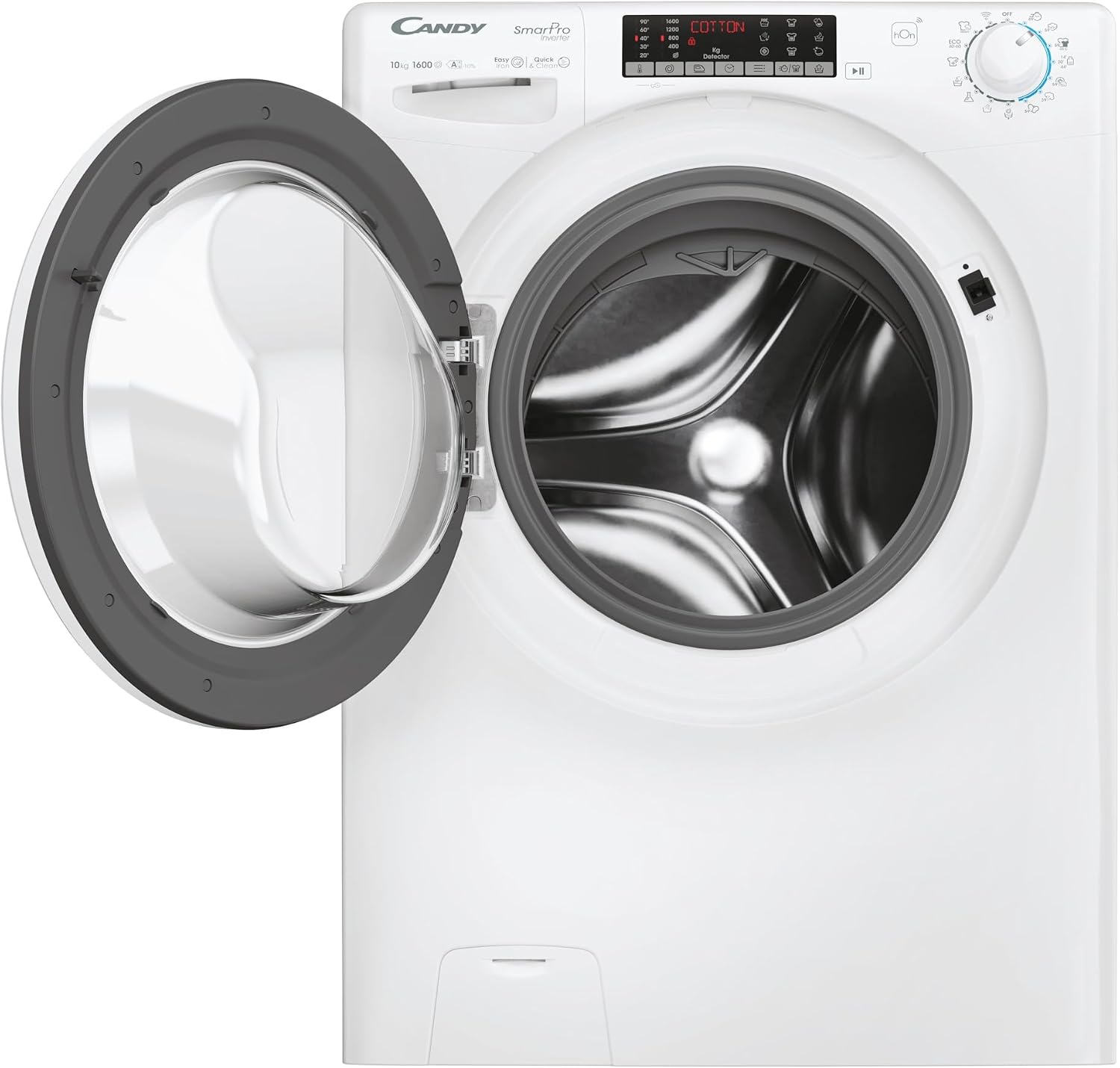
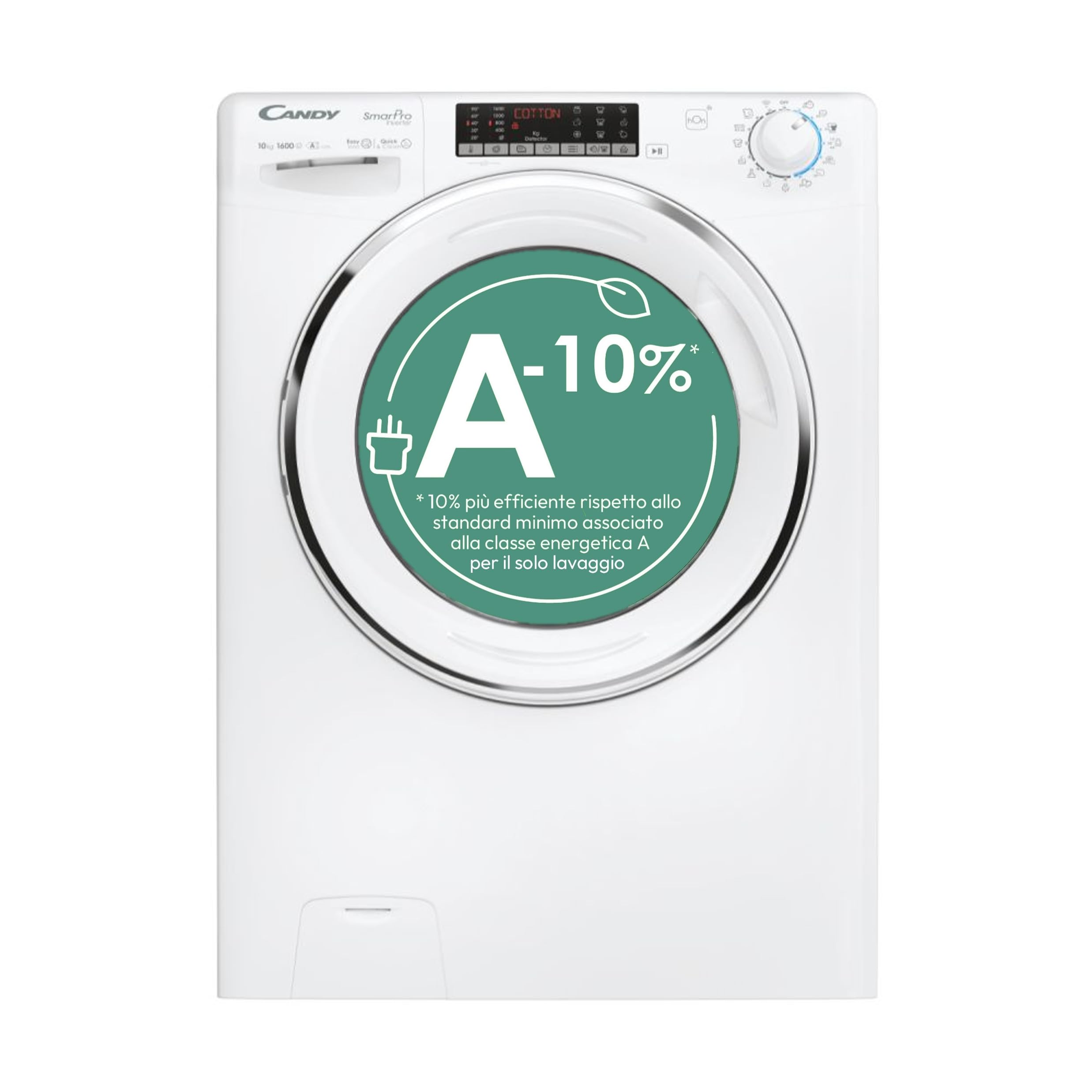
The Candy Smart Pro Inverter Washing Machine is designed for efficient and convenient laundry care. Key features include:
- 10 KG Capacity: Accommodates large loads, saving time and energy.
- Speed-Drive Inverter Motor: Ensures quiet, reliable, and durable performance with enhanced energy efficiency.
- Wi-Fi + Bluetooth Connectivity: Manage the washing machine remotely via the hOn App, access extra programs, and receive personalized washing advice.
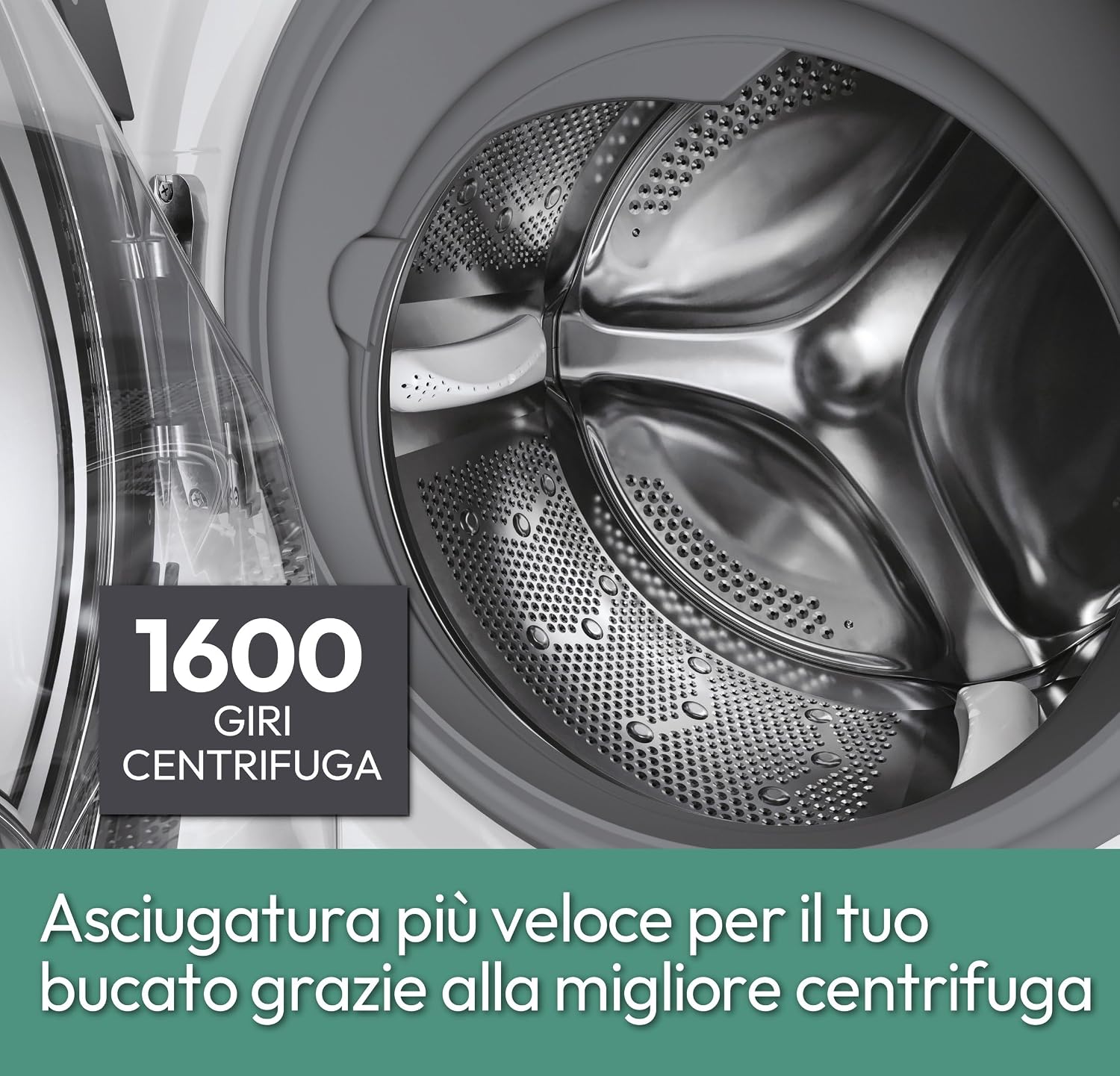
- Up to 1600 RPM Spin Speed: Achieves excellent drying results, reducing overall drying time.
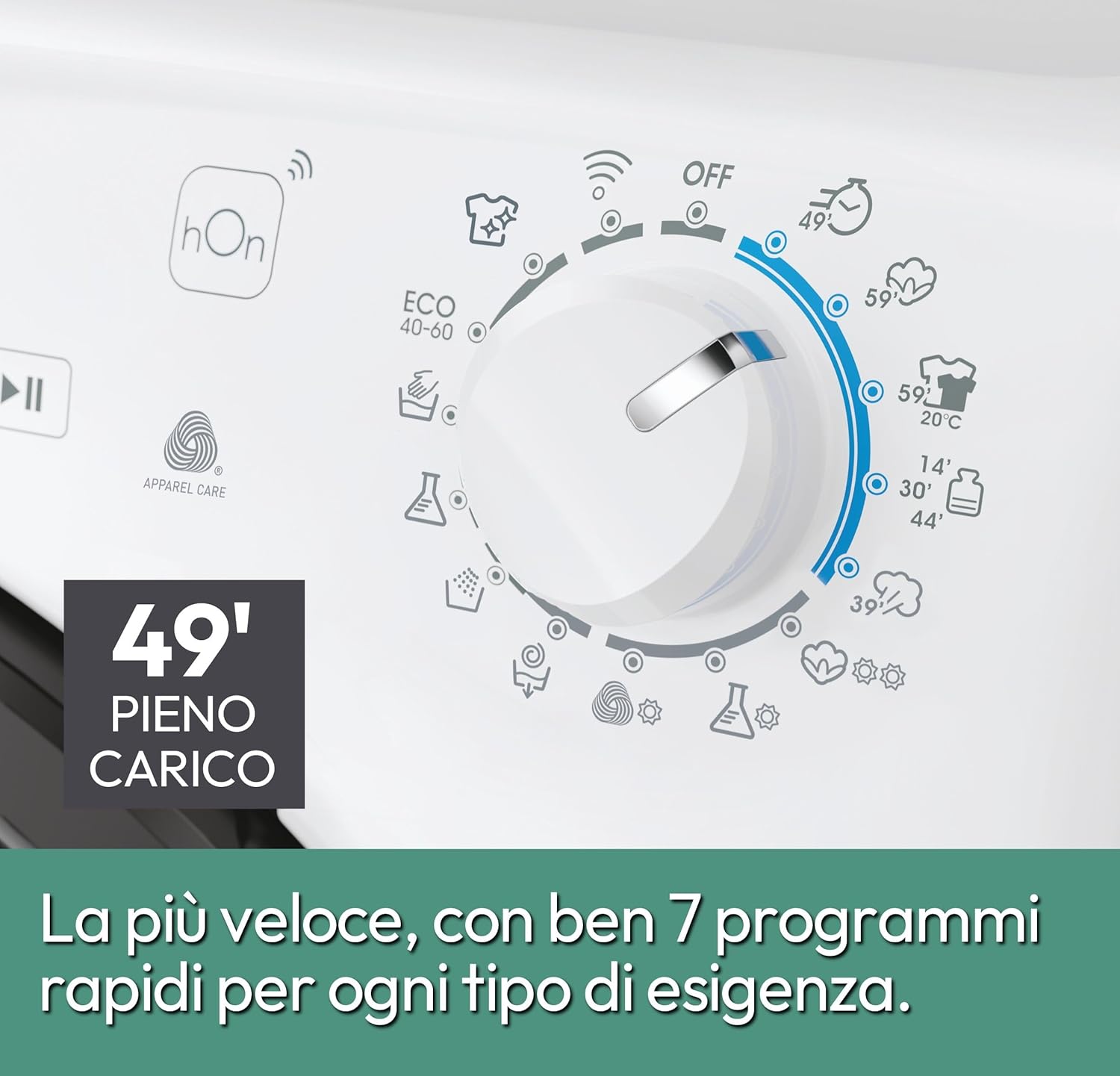
- Rapid Programs & Easy Iron Plus 39': Offers quick wash cycles for daily needs and a steam function to reduce wrinkles and simplify ironing.
- Mix Power System Technology: Enhances detergent effectiveness by spraying the mixture directly onto fabrics, ensuring deep cleaning even at low temperatures.
Included Components:
- Filling Hose
- Drain Hose
Product Views:


4. Setup
4.1 Unpacking
Carefully remove all packaging materials. Ensure all transit bolts, typically located at the back of the machine, are removed before use. Failure to do so can cause severe damage during operation.
4.2 Positioning and Leveling
Place the washing machine on a stable, flat surface. Adjust the feet to ensure the appliance is perfectly level. This prevents excessive vibration and noise during cycles.
4.3 Water Connection
Connect the provided filling hose to the cold water tap and the corresponding inlet on the back of the washing machine. Ensure a tight seal to prevent leaks. The drain hose should be securely placed into a standpipe or connected to a suitable drain outlet, ensuring it is not kinked or obstructed.
4.4 Electrical Connection
Plug the power cord into a grounded electrical outlet. Ensure the voltage and frequency match the specifications of your appliance. Do not use adapters or extension cords.

5. Operating Instructions
5.1 Loading Laundry
Open the washing machine door and load laundry into the drum. Do not overload the machine; leave enough space for clothes to tumble freely. Close the door firmly.
5.2 Adding Detergent
Pull out the detergent drawer, usually located on the top left of the control panel. Add the appropriate amount of detergent and fabric softener to the designated compartments. Refer to your detergent packaging for dosage recommendations.
5.3 Program Selection
Turn the program selector dial to choose the desired wash program. The display will show the program details. You can adjust temperature and spin speed using the corresponding buttons.
5.4 Special Functions
- Rapid Cycles: The machine offers 7 rapid programs for quick washes. Select based on load size and desired speed.
- Easy Iron Plus (Steam): Activate this function to reduce wrinkles and make ironing easier.
- Delayed Start: Set a timer for the wash cycle to begin at a later time.

5.5 hOn App Connectivity
Download the hOn app on your smartphone to connect to your washing machine via Wi-Fi or Bluetooth. The app allows you to:
- Start, pause, and monitor wash cycles remotely.
- Access additional wash programs and features.
- Receive personalized tips and optimize energy consumption.

6. Maintenance
Regular maintenance ensures the longevity and optimal performance of your washing machine.
6.1 Cleaning the Detergent Drawer
Periodically remove and clean the detergent drawer to prevent residue buildup. Rinse it under running water and use a brush if necessary.
6.2 Cleaning the Drum
Run a maintenance wash cycle (e.g., a hot wash with no laundry and a descaling agent) regularly to clean the drum and prevent odors.
6.3 Cleaning the Filter
Locate the filter, usually at the bottom front of the machine. Place a shallow container underneath to catch any water. Unscrew the filter, clean it of lint and debris, and then screw it back in securely.
6.4 Exterior Care
Wipe the exterior of the machine with a soft, damp cloth. Avoid abrasive cleaners or solvents.
7. Troubleshooting
Before contacting customer service, refer to the following common issues and solutions:
| Problem | Possible Cause / Solution |
|---|---|
| Machine does not start | Check if the power cord is plugged in, the door is closed properly, and the start/pause button has been pressed. Ensure the delayed start function is not active. |
| No water filling | Check if the water tap is open and the water inlet hose is not kinked or blocked. Ensure water pressure is sufficient. |
| Water leaks | Check all hose connections for tightness. Ensure the detergent drawer is not overflowing and the drain hose is correctly positioned. |
| Excessive vibration/noise | Ensure all transit bolts have been removed. Check if the machine is level and the load is balanced inside the drum. |
| Clothes not spinning | An unbalanced load can prevent spinning. Redistribute the laundry. Check if the drain hose is blocked. |
| Error codes on display | Refer to the hOn app or the full user manual for specific error code meanings and solutions. |
8. Specifications
| Feature | Specification |
|---|---|
| Brand | CANDY |
| Model Name | CSO 6106TWMC6/1-S |
| Capacity | 10 Kilograms |
| Dimensions (DxWxH) | 58P x 60l x 85H cm |
| Maximum Spin Speed | 1600 Revolutions per minute |
| Noise Level | 78 Decibels |
| Number of Standard Cycles | 16 |
| Voltage | 230 Volts |
| Installation Type | Freestanding |
| Loading Position | Front Load |
| Drum Material | Stainless Steel |
| Special Features | Delayed Start, Active Steam, Wi-Fi + Bluetooth Connectivity |
9. Warranty and Support
9.1 Product Warranty
This Candy Smart Pro Inverter Washing Machine comes with a 2-year warranty. Please retain your proof of purchase for any warranty claims. The warranty covers manufacturing defects under normal use conditions.
9.2 Customer Support
For technical assistance, spare parts, or further information, please contact Candy customer support. You can find contact details on the official Candy website or in the documentation provided with your appliance. When contacting support, please have your model number (CSO 6106TWMC6/1-S) and serial number ready.


