
Introduction
The flymory F1 Bone Conduction Swimming Headphones are designed to provide audio for various activities, including swimming, running, and cycling. These open-ear headphones feature IPX8 waterproofing, a built-in 32GB MP3 player, and Bluetooth 5.3 connectivity. This manual provides instructions for setup, operation, and maintenance to ensure optimal performance and longevity of your device.
Package Contents
- Bone Conduction Swimming Headphones (1 unit)
- User Manual (1 copy)
- Charging Cables (2 units)
- Earplugs (1 pair)
- USB Adapter (1 unit)

Image: The complete package contents of the flymory F1 headphones, showing the headphones, two charging cables, a pair of earplugs, and the user manual.
Product Overview and Controls
The flymory F1 headphones feature an open-ear design for comfort and situational awareness. The main controls are located on the right side of the device.

Image: A detailed diagram illustrating the control buttons and magnetic charging port on the flymory F1 headphones.
Control Functions:
- MFB (Multi-Function Button):
- Power On/Off: Press and hold for 3 seconds.
- Switch BT/MP3 Mode: Double click.
- Answer/End Call: Click once.
- Reject Call: Double click.
- Play/Pause Music: Click once.
- Activate Voice Command: Quick triple click.
- Previous Track / Volume Down:
- Previous Track: Press and hold for 3 seconds.
- Volume Down: Click once.
- Next Track / Volume Up:
- Next Track: Press and hold for 3 seconds.
- Volume Up: Click once.
- Magnetic Charging Port: For charging the device.
Setup Guide
Initial Charge:
Before first use, fully charge the headphones. Connect the magnetic charging cable to the charging port on the headphones and the USB adapter to a power source. A full charge takes approximately 2 hours.

Image: A close-up view of the magnetic charging port on the headphones, showing the charging cable connected.
Bluetooth Pairing:
- Ensure the headphones are powered off.
- Press and hold the MFB until the indicator light flashes blue and red, indicating pairing mode.
- On your Bluetooth-enabled device (smartphone, tablet, laptop), search for available devices.
- Select "flymory F1" from the list to connect.
- Once connected, the indicator light will flash blue slowly.
Loading Music (MP3 Mode):
The headphones have a built-in 32GB memory for MP3 playback. To load music:
- Connect the headphones to your computer using the provided USB cable.
- The headphones will appear as a removable disk drive.
- Drag and drop your desired audio files (MP3, FLAC, WMA, AAC, WAV, APE, M4A formats are supported) into the headphone's storage.
- Safely eject the device from your computer before disconnecting the cable.
Note: Transferring a large number of files may take time. Organize your music as desired, as playback order is sequential.
Operating Modes
Switching Modes:
Double-click the MFB to switch between Bluetooth mode and MP3 mode.
Bluetooth Mode:
- Connects wirelessly to your smartphone or other Bluetooth-enabled devices.
- Ideal for daily activities like running, cycling, or hiking where your phone is nearby.
- Important: Bluetooth mode does not function underwater.
MP3 Mode:
- Plays music directly from the built-in 32GB memory.
- Suitable for underwater activities where carrying a mobile phone is impractical.
- Supports various audio formats including MP3, FLAC, WMA, AAC, WAV, APE, and M4A.
Charging and Battery Life
The flymory F1 headphones are equipped with a 180mAh high-capacity battery.
- Charging Time: Approximately 2 hours for a full charge.
- Battery Life: Up to 7-8 hours of continuous use at 60% volume.
Use the provided magnetic charging cable and USB adapter for charging. Ensure the charging contacts are clean and dry before connecting.
Usage Scenarios
Swimming:
The headphones are designed for swimming with an IP68 waterproof rating, allowing use up to 2-3 meters underwater. For the best audio experience underwater, switch to MP3 mode and wear the included earplugs to reduce water noise.
Video: A demonstration of the flymory F1 Bone Conduction Headphones being used while swimming, highlighting their waterproof capabilities and secure fit.

Image: A woman submerged in a pool, wearing the flymory F1 headphones, illustrating their IP68 waterproof design for aquatic activities.

Image: A swimmer wearing the flymory F1 headphones and earplugs, emphasizing the recommended use of earplugs for an optimal underwater listening experience.
Running, Cycling, and Hiking:
The open-ear design allows you to enjoy music while remaining aware of your surroundings, enhancing safety during outdoor activities. The silicone wrapping ensures a secure and comfortable fit for extended wear.
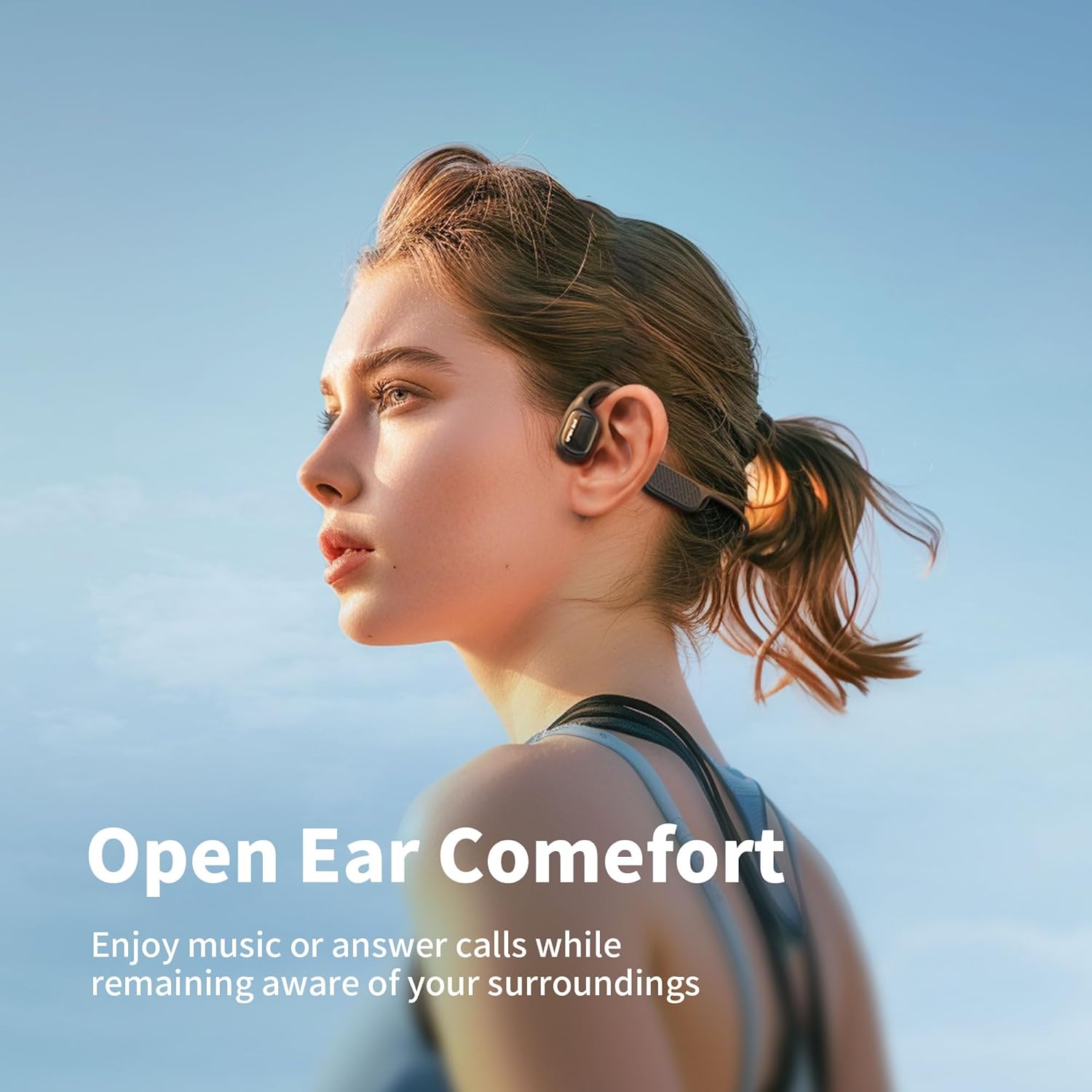
Image: A woman wearing the flymory F1 open-ear headphones outdoors, highlighting the comfort and ability to hear ambient sounds.
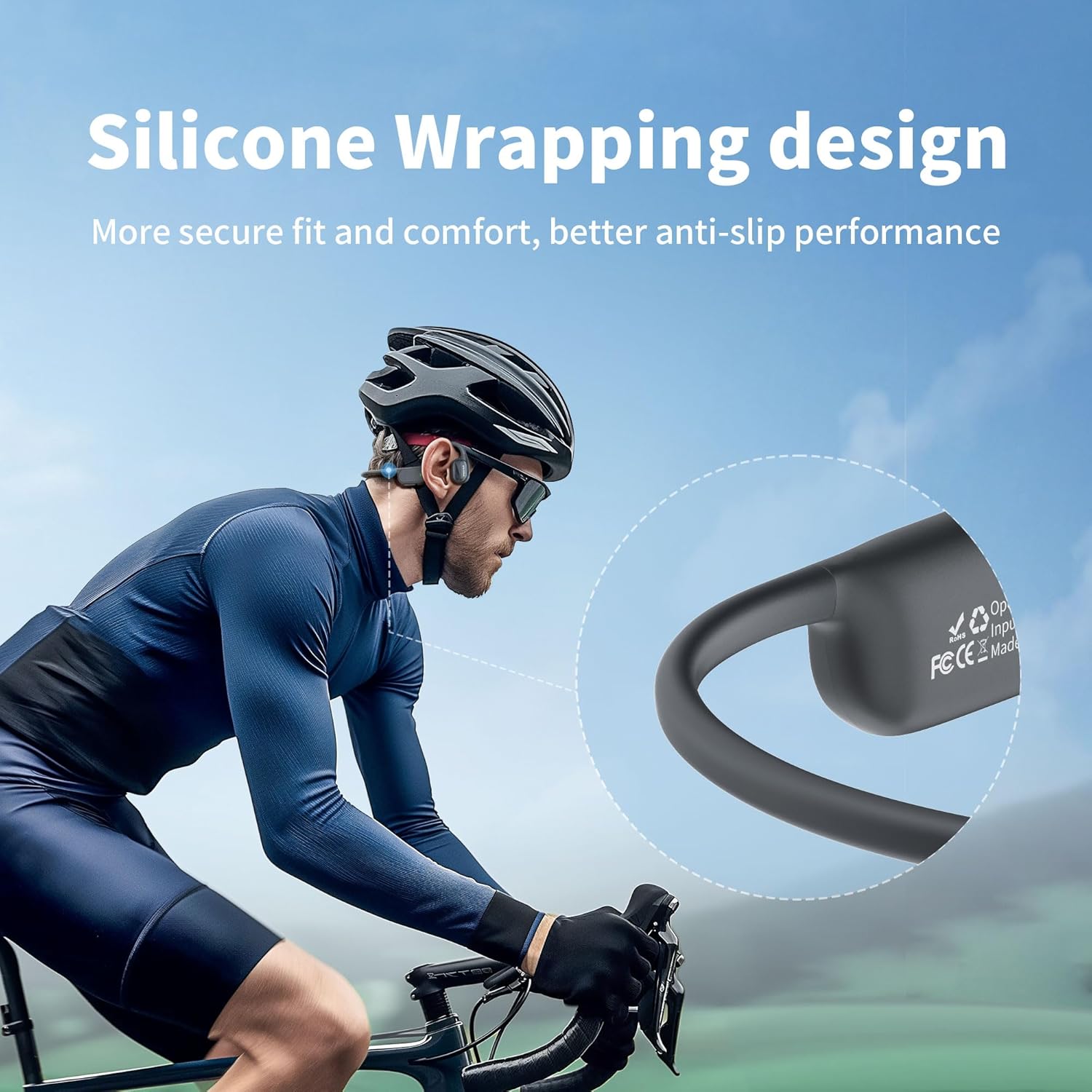
Image: A man cycling while wearing the flymory F1 headphones, illustrating the secure fit provided by the silicone wrapping design.
Maintenance
- Cleaning: After use, especially after swimming, rinse the headphones with clean fresh water and wipe them dry with a soft cloth. Ensure the charging port is completely dry before charging.
- Storage: Store the headphones in a cool, dry place away from direct sunlight and extreme temperatures.
- Charging Cables: Use only the provided charging cables to prevent damage to the device.
Troubleshooting
| Problem | Possible Cause | Solution |
|---|---|---|
| No power | Low battery | Charge the headphones fully (approx. 2 hours). |
| Cannot pair via Bluetooth | Headphones not in pairing mode; device too far; interference. | Ensure headphones are in pairing mode (flashing blue/red). Keep device within 10m. Restart both devices. |
| No sound in Bluetooth mode underwater | Bluetooth signal does not transmit effectively through water. | Switch to MP3 mode for underwater listening. |
| Poor sound quality underwater | Water interference; earplugs not used. | Ensure earplugs are worn to block water noise and enhance bone conduction audio. |
| Cannot transfer music files | Incorrect connection; incompatible file format. | Ensure headphones are properly connected to computer. Check if files are supported formats (MP3, FLAC, WMA, AAC, WAV, APE, M4A). |
| Audio dropouts or connectivity issues (on land) | Bluetooth interference; device firmware issue. | Try restarting the headphones and the connected device. Ensure no strong interference sources are nearby. If issues persist, contact customer support. |
Technical Specifications
| Model Name | F1 |
| Brand | flymory |
| Connectivity Technology | Wireless (Bluetooth) |
| Wireless Communication Technology | Bluetooth 5.3 |
| Audio Driver Type | Bone Conduction Driver |
| Ear Placement | Open Ear |
| Water Resistance Level | IPX8 Waterproof |
| Built-in Memory | 32GB (MP3 Player) |
| Supported Audio Formats | MP3, FLAC, WMA, AAC, WAV, APE, M4A |
| Battery Capacity | 180mAh |
| Charging Time | 2 Hours |
| Battery Life | 7-8 Hours (at 60% volume) |
| Control Type | Button |
| Item Weight | 3.52 ounces |
| Material | Plastic |
Warranty and Customer Support
flymory is committed to product quality. Each headphone undergoes testing to ensure functionality. For any questions, concerns, or assistance with your flymory F1 headphones, please contact our customer support team. We aim to respond and assist within 24 hours.
Please refer to your purchase documentation for specific warranty details and contact information.