
1. Introduction
This manual provides detailed instructions for the installation and care of your Lamshaw 9H Tempered Glass Screen Protector, designed specifically for the SOUYIE SW-7 1.43" AMOLED Smart Watch. Please read these instructions carefully before proceeding with installation to ensure optimal performance and protection for your device.
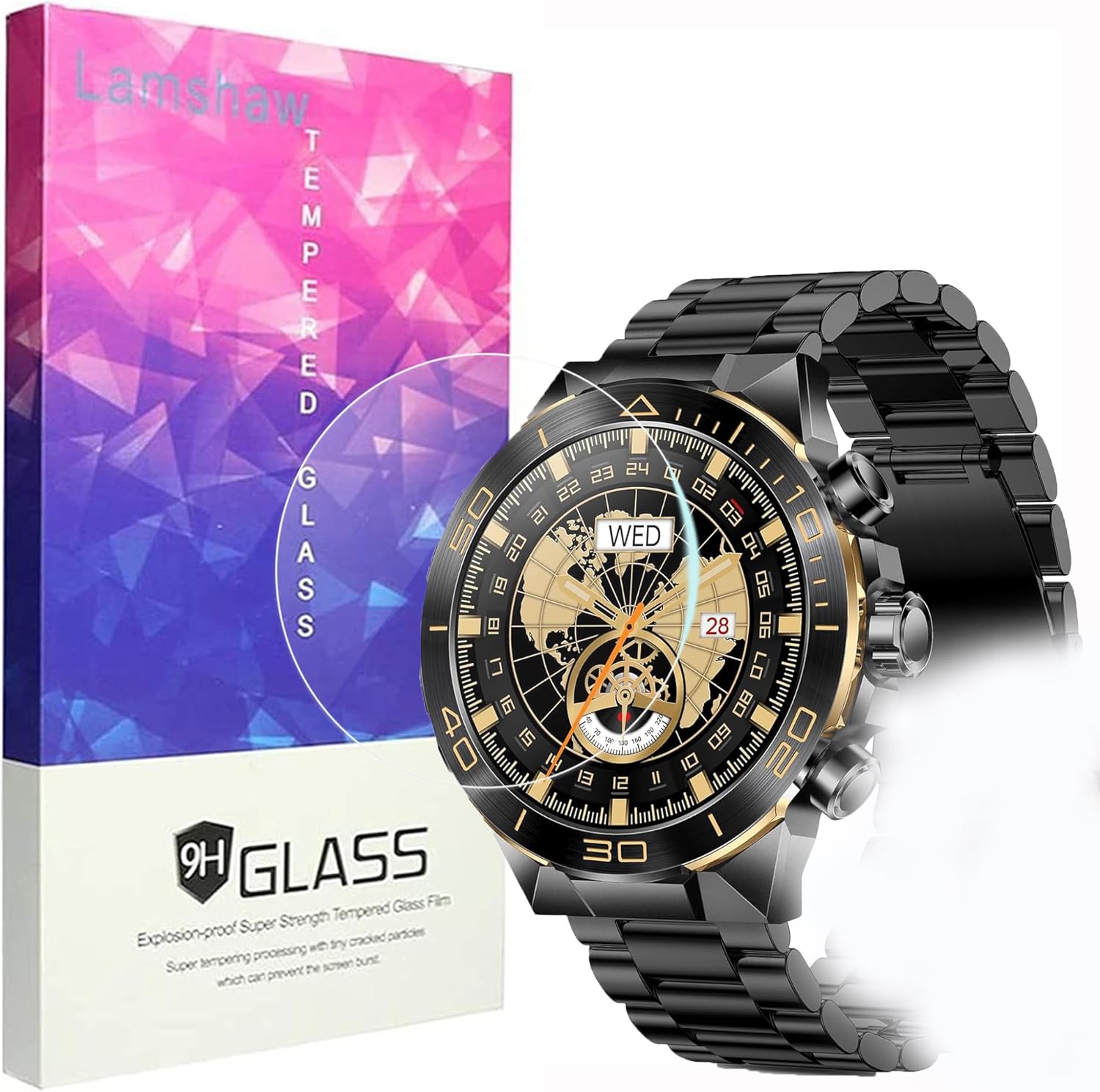
Image 1: Lamshaw 9H Tempered Glass Screen Protector packaging and compatible SOUYIE SW-7 Smart Watch.
Product Overview
- High Definition: Crafted from AGC glass material, offering 99% light transmittance to preserve the watch's true color and display clarity.
- Enhanced Protection: Features 0.2mm explosion-proof design with 9H surface hardness to guard against accidental drops, scratches, dirt, and dust.
- Touch Sensitivity: Engineered to maintain the original touch-screen accuracy and responsiveness of your SOUYIE SW-7 Smart Watch.
- Easy Installation: Includes a smart guide sticker system for a simple, accurate, hassle-free, and bubble-free application process.
2. Package Contents
Verify that all items listed below are included in your package:
- 3x Lamshaw 9H Tempered Glass Screen Protectors
- 3x Wet Wipes (labeled 'Wipes 1')
- 3x Dry Wipes (labeled 'Wipes 2')
- 3x Dust Absorber Stickers
- 1x Microfiber Cleaning Cloth

Image 2: Typical contents of the screen protector package.
3. Installation Guide
Follow these steps carefully for a bubble-free installation:
3.1. Preparation
- Ensure your SOUYIE SW-7 Smart Watch is powered off.
- Clean the watch screen thoroughly using the Wet Wipe (labeled 'Wipes 1') to remove any smudges or oils.
- Immediately follow with the Dry Wipe (labeled 'Wipes 2') to dry the screen completely.
- Use the Dust Absorber Sticker to gently dab the screen and remove any remaining dust particles. Ensure no dust is visible before proceeding.
3.2. Applying the Screen Protector
- Carefully peel off the protective film from the adhesive side of the tempered glass screen protector. Avoid touching the adhesive surface.
- Align the screen protector precisely with the edges of your SOUYIE SW-7 Smart Watch screen. Ensure it is centered and straight.
- Gently lower the screen protector onto the watch screen. It will begin to adhere automatically.
- If any small bubbles appear, gently push them towards the edges of the screen using your finger or the provided microfiber cleaning cloth.
- Once applied, lightly press down on the edges of the screen protector to ensure full adhesion.
3.3. Installation Video Guide
Video 1: Official installation method for screen protectors, demonstrating the cleaning and application process.
4. Care and Maintenance
- To clean the screen protector, use a soft, lint-free cloth. For stubborn smudges, a slightly damp cloth with water can be used.
- Avoid using harsh chemicals, abrasive cleaners, or solvents, as these can damage the screen protector's coating.
- While the screen protector is highly durable, extreme impacts can still cause damage. Handle your watch with care.
5. Troubleshooting
5.1. Bubbles After Installation
- Small Bubbles: Most small bubbles will disappear naturally within 24-48 hours. Gently push them towards the edges with a microfiber cloth.
- Large Bubbles/Dust: If a large bubble persists or is caused by a dust particle, carefully lift the nearest corner of the screen protector using a thin card (like a credit card) and a piece of tape to remove the dust. Reapply slowly.
5.2. Adhesion Issues
- Ensure the screen was completely clean and dry before application. Any moisture or oil can prevent proper adhesion.
- Apply firm, even pressure across the entire surface after placement to ensure the adhesive bonds fully.
6. Specifications
| Feature | Detail |
|---|---|
| Brand | Lamshaw |
| Compatible Device | SOUYIE SW-7 Smart Watch |
| Screen Size | 1.43 Inches |
| Material | Tempered Glass (AGC) |
| Item Hardness | 9H Surface Hardness |
| Light Transmittance | 99% |
| Finish Type | Clear / Glossy |
| Product Dimensions | 0.5"L x 0.5"W (approximate, specific to 1.43" round screen) |
| Item Weight | 2.89 ounces (package weight) |
7. Warranty and Support
For any defective items, please contact us immediately. We offer a replacement or refund for all quality-related issues within 30 days from the date of purchase.
For further assistance or inquiries, please refer to the contact information provided with your purchase or visit the official Lamshaw support channels.