
SYLVOX 40 Vehicle Smart
SYLVOX 40-inch Smart RV TV User Manual
Model: 40 Vehicle Smart | Brand: SYLVOX
1. Introduction
Thank you for choosing the SYLVOX 40-inch Smart RV TV. This television is designed for versatile use, offering both DC and AC power options, making it ideal for RVs, campers, and home environments. Featuring the Android 11.0 system, it provides a smart and intuitive viewing experience with access to a wide range of applications, Google Assistant, and built-in Chromecast.
This manual provides detailed instructions for setting up, operating, and maintaining your SYLVOX Smart RV TV. Please read it thoroughly before use to ensure proper functionality and longevity of your device.
2. What's in the Box
Upon opening your SYLVOX Smart RV TV package, please verify that all the following components are included:
- SYLVOX 40-inch Smart RV TV
- Remote Control (2 AAA batteries required, often included)
- Power Cord (for AC power)
- Car Charger Cable (for DC power)
- Power Adapter
- Instructions Manual
- Base Stands (2 pieces)
- Screws for Base Stands
- Screwdriver

Contents of the SYLVOX Smart RV TV package.
3. Setup
3.1 Unpacking and Initial Placement
Carefully remove the TV from its packaging. Place the TV on a stable, flat surface or prepare for wall mounting. Ensure adequate ventilation around the TV.

Front view of the SYLVOX Smart RV TV.
3.2 Attaching the Base Stands (Optional)
If you are not wall-mounting the TV, attach the included base stands to the bottom of the TV using the provided screws and screwdriver. Ensure they are securely fastened.
3.3 Power Connection
Your SYLVOX RV TV supports both DC and AC power supply:
- DC Power (10.5V-28V): For RVs, campers, or yachts, connect the provided car charger cable directly to your vehicle's 12V/24V power outlet. The TV features wide voltage protection and shock resistance for mobile environments.
- AC Power (110V): For home use, connect the power adapter to the TV and then plug the power cord into a standard 110V AC wall outlet.
3.4 Remote Control Setup
Insert the two AAA batteries into the remote control, observing the correct polarity. The remote is pre-paired and ready for use.
4. Operating Your Smart RV TV
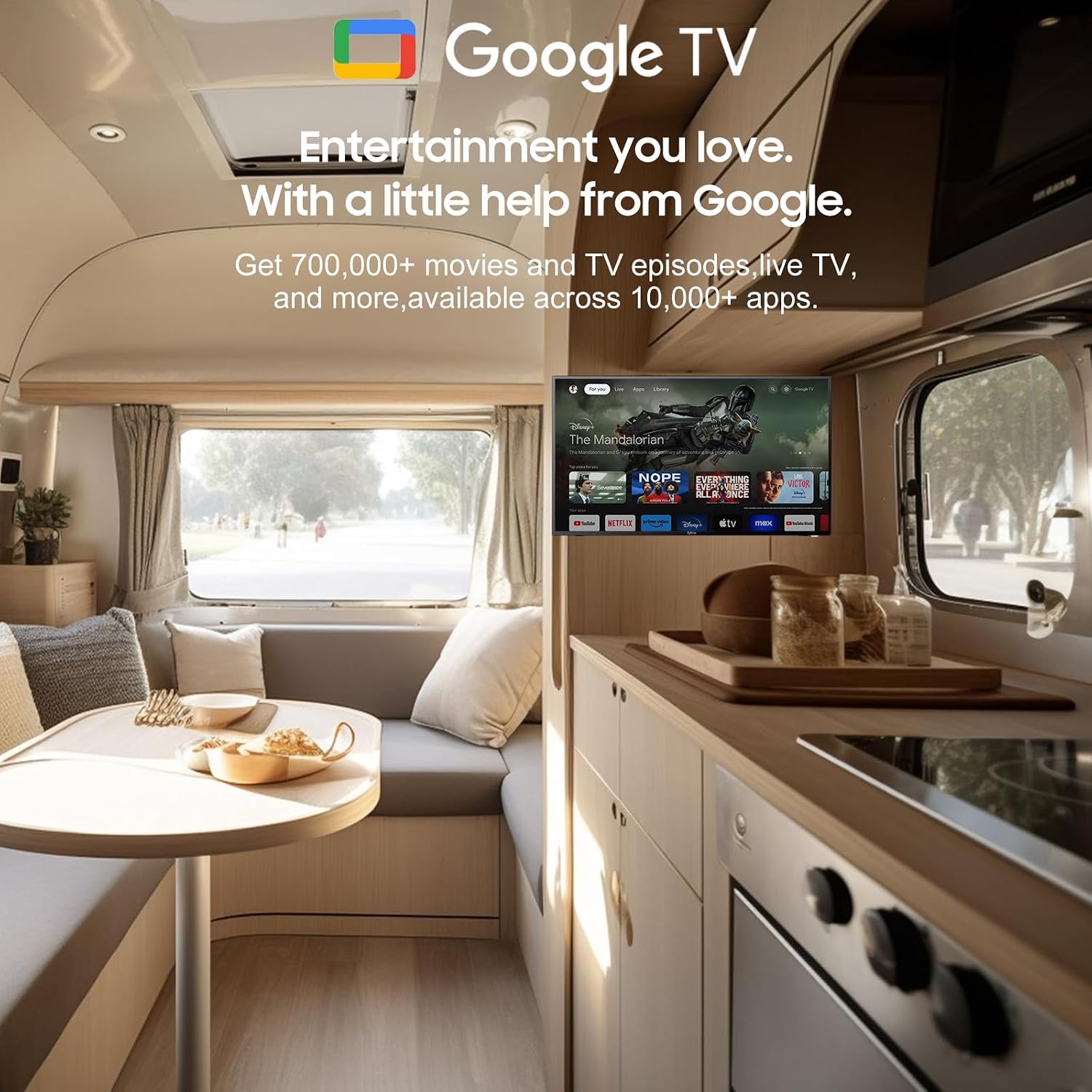
4.1 Smart Android 11.0 System
The TV runs on the Android 11.0 operating system, providing a user-friendly interface and access to a vast ecosystem of apps. Upon first power-on, follow the on-screen prompts to set up your language, Wi-Fi connection, and Google account.
4.2 Google Assistant
Your remote control includes a dedicated Google Assistant button. Press this button and speak your commands to easily search for content, control smart home devices, get answers, and more.

Utilize Google Assistant for voice commands.
4.3 Google Play Store
Access the Google Play Store directly from your TV to browse and download a wide variety of applications, games, and media streaming services, expanding your entertainment options.
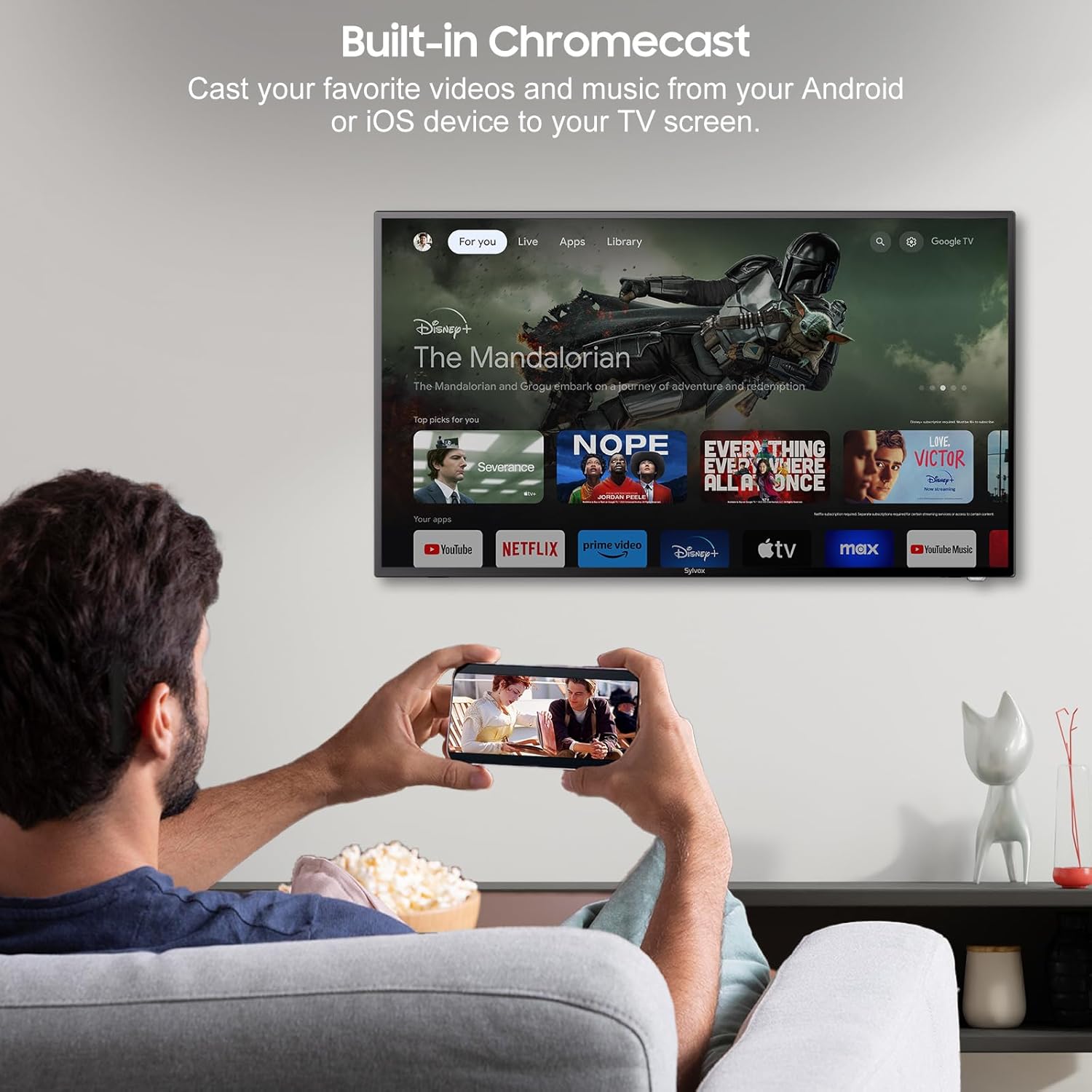
4.4 Built-in Chromecast
With built-in Chromecast, you can effortlessly stream and display content (videos, photos, music) from your compatible mobile devices (Android or iOS) or computers directly onto the TV screen.

Stream content with built-in Chromecast.
5. Connectivity
Your SYLVOX Smart RV TV offers a comprehensive range of connectivity options for various devices:
- HDMI Ports: Connect external devices such as gaming consoles, Blu-ray players, or set-top boxes.
- USB Ports: Play media files directly from USB drives or connect USB peripherals.
- RJ45 (Ethernet) Port: For a stable wired internet connection.
- Optical Audio Output: Connect to soundbars or home theater systems for enhanced audio.
- RF Input: For connecting an antenna to receive over-the-air broadcasts.
- AV Input (Mini AV): For connecting older devices with composite video and stereo audio outputs.
- Earphone Jack: For private listening.
5.1 Wireless Connectivity
- Wi-Fi: Connect to your wireless network for internet access and smart TV features.
- Bluetooth: Pair with Bluetooth-enabled devices such as headphones, speakers, or game controllers.
Wireless and wired connectivity options.

Rear panel connectivity ports.
6. Picture and Sound Quality
6.1 1080P Full HD Display
Experience stunning visuals with the 1080P Full HD resolution, providing crisp, clear, and immersive picture quality for all your content.
1080P Full HD picture quality comparison.
6.2 Built-in HiFi Speakers
The TV is equipped with two built-in HiFi speakers, delivering rich and immersive audio to complement your viewing experience. For enhanced sound, external audio systems can be connected via the available audio output ports or Bluetooth.
7. Maintenance
7.1 Cleaning
- Screen: Gently wipe the screen with a soft, lint-free cloth. For stubborn marks, use a screen-specific cleaning solution applied to the cloth, not directly to the screen.
- Cabinet: Wipe the TV cabinet with a soft, dry cloth. Avoid using abrasive cleaners or solvents.
7.2 Storage
If storing the TV for an extended period, disconnect it from power, clean it, and store it in a cool, dry place, preferably in its original packaging to protect it from dust and physical damage.
8. Troubleshooting
If you encounter issues with your SYLVOX Smart RV TV, please refer to the following common problems and solutions:
| Problem | Possible Cause | Solution |
|---|---|---|
| No Power | Power cable not connected; outlet malfunction; vehicle battery low (for DC) | Ensure power cable is securely connected. Test outlet with another device. Check vehicle battery charge. |
| No Picture, but Sound is Present | Incorrect input source selected; external device issue | Press the 'Input' or 'Source' button on the remote to select the correct input. Check connections to external devices. |
| No Sound, but Picture is Present | Volume muted or too low; external audio system issue | Unmute volume or increase level. Check connections to external speakers/soundbar. |
| Remote Control Not Responding | Dead batteries; obstruction between remote and TV | Replace batteries. Remove any obstructions. Ensure you are within range. |
| Cannot Connect to Wi-Fi | Incorrect password; router issue; TV too far from router | Double-check Wi-Fi password. Restart router. Move TV closer to router or use Ethernet. |
| Apps Not Loading or Crashing | Insufficient memory; app specific issue; outdated app version | Clear app cache/data. Update the app. Restart the TV. |
If the problem persists after trying these solutions, please contact SYLVOX customer support for further assistance.
9. Specifications
Detailed technical specifications for the SYLVOX 40-inch Smart RV TV:
| Feature | Specification |
|---|---|
| Brand | SYLVOX |
| Model Number | 40 Vehicle Smart |
| Screen Size | 40 Inches (102 cm diagonal) |
| Display Technology | LED |
| Resolution | 1080p (Full HD) |
| Refresh Rate | 60 Hz |
| Operating System | Android 11.0 |
| Power Supply | DC 10.5V-28V, AC 110V |
| Wattage | 84 watts |
| Connectivity | Bluetooth, WiFi, Ethernet (RJ45), HDMI, USB, Wireless |
| Ports | HDMI, USB, RJ45, Optical, RF, AV, Earphone |
| Speaker Type | Built-In HiFi Speakers |
| Item Weight | 14.33 pounds |
| Product Dimensions (DxWxH) | 8.32 x 35.7 x 22.11 inches |
| Aspect Ratio | 16:9 |
| Special Features | DC/AC, 12V, Wide voltage protection, Vibration protection, Google Assistant, Chromecast |
10. Warranty and Support
SYLVOX is committed to providing high-quality products and excellent customer service. Your SYLVOX Smart RV TV comes with the following:
- 12-Month Free Defect Protection: Covers manufacturing defects for one year from the date of purchase.
- Free Returns for Quality Issues: If you experience quality-related problems, returns are free of charge.
- 30-Day Hassle-Free Returns: Enjoy a 30-day return period for your convenience.
Please note that original packaging may be required for returns. For any technical assistance, warranty claims, or product inquiries, please contact SYLVOX customer support through the official SYLVOX website or your purchase platform.
Related documents40 Vehicle Smart


Ask a question about this manual
Ask about setup, troubleshooting, compatibility, parts, safety, or missing instructions. Manuals+ will review the question and use this page’s manual context to help answer it.