
Introduction
This manual provides detailed instructions for the Jectse 4K 64MP Digital Camera, model Jectsehepzkagus3-11. Please read this manual thoroughly before using the camera to ensure proper operation and to maximize your user experience. This compact digital camera is designed for capturing high-quality photos and videos, and also features an integrated MP3 player.
Setup
1. Unboxing and Initial Inspection
Carefully remove all components from the packaging. Verify that all items listed in the package contents are present and undamaged. The package should include: 1 Digital Camera, 1 Carrying Rope, 1 User Manual, 1 USB Cable.
2. Battery Installation and Charging
The camera comes with a built-in BL-01 Li-Ion 650mAh battery. To charge the camera, connect the provided USB cable to the camera's USB port and to a power source (e.g., computer USB port or a USB wall adapter). The charging indicator light will typically show the charging status.
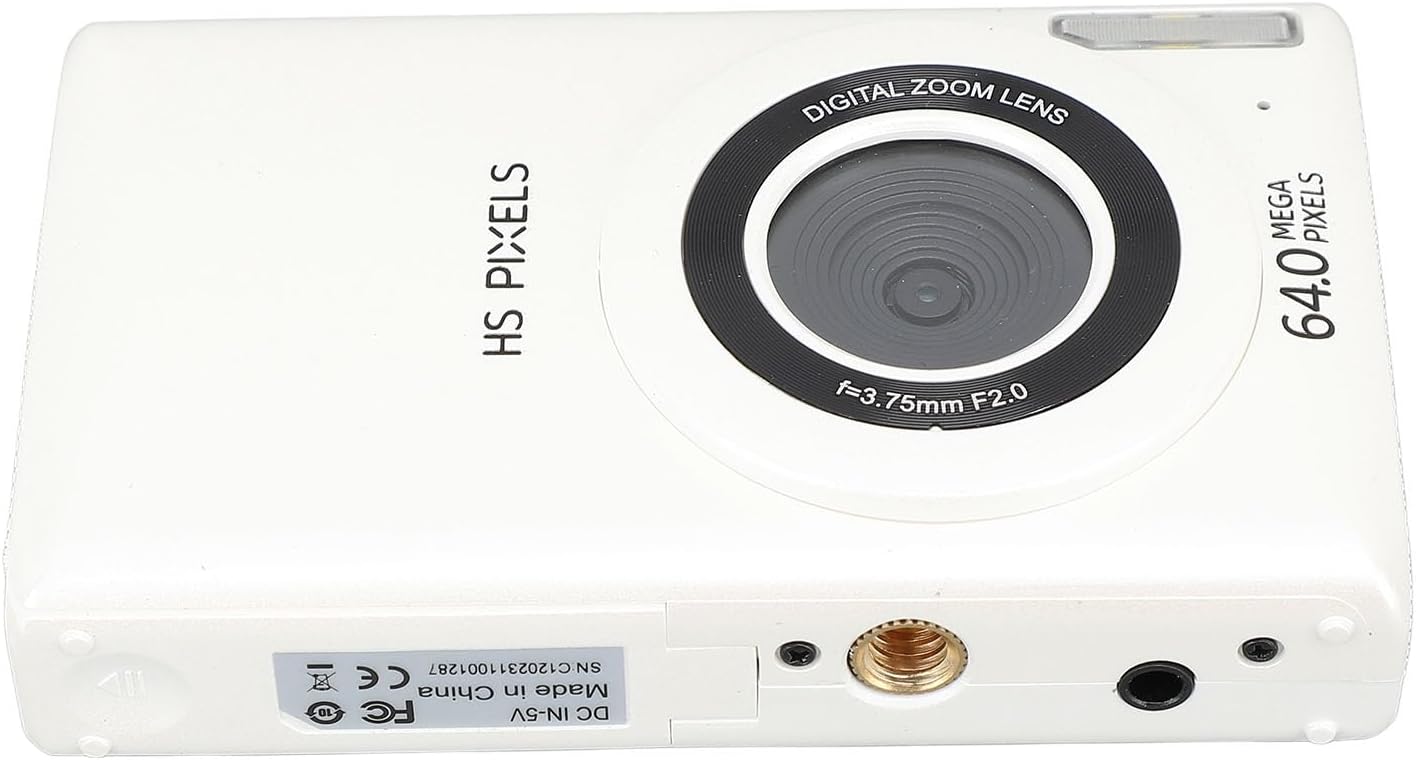
Image: The Jectse digital camera shown with its included USB charging cable and carrying rope.
3. Memory Card Insertion
This camera supports a maximum of 128GB small memory card (not included). Locate the memory card slot, usually on the side or bottom of the camera. Insert the memory card with the metal contacts facing the correct direction until it clicks into place. Ensure the camera is powered off before inserting or removing the memory card.

Image: A close-up view of the open memory card slot on the side of the Jectse digital camera, ready for card insertion.
4. Initial Power On
Press and hold the power button to turn on the camera. Follow any on-screen prompts for initial setup, suchs as setting the date and time.
Operating Instructions
1. Basic Photography
Power On/Off: Press the power button to turn the camera on or off.
Taking Photos: Frame your shot using the 2.8-inch display. Press the shutter button halfway down to activate autofocus. The screen border will turn green when focus is achieved. Press the shutter button fully to capture the image.
Zoom: Use the 'W' (Wide) and 'T' (Telephoto) buttons to zoom in or out (16x digital zoom).
Fill Light: The camera features a built-in fill light for low-light conditions. Activate it via the menu or a dedicated button if available.
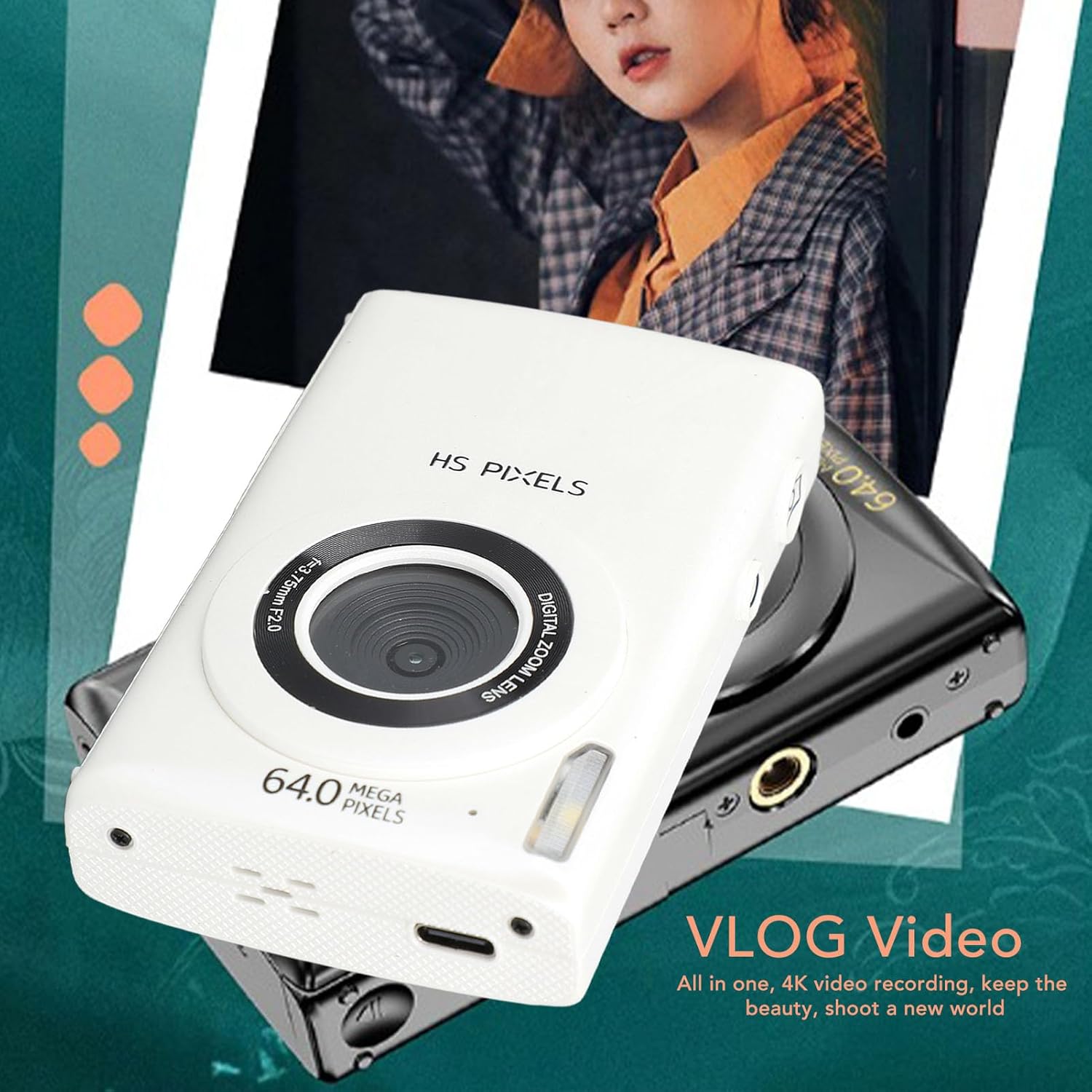
Image: Front and rear views of the Jectse digital camera, highlighting the lens, flash, and the 2.8-inch display showing a captured image.
2. Video Recording
Start/Stop Recording: Switch to video mode (if applicable) and press the shutter button to start recording. Press again to stop. The camera records 4K video at 30 FPS.
Video Pause Function: This feature allows you to pause and resume video recording within a single file.
3. MP3 Player Functionality
The camera includes an MP3 player. Transfer MP3 files to the memory card. Access the MP3 player mode through the camera's menu system. Use the navigation buttons to select and play music.
4. Advanced Features
- Filters: Choose from 10 available filters to enhance your photos.
- Time-Lapse Video: Capture sequences of images over time to create time-lapse videos.
- Timer: Set a delay before taking a photo.
- Slow Motion: Record videos in slow motion.
- Continuous Shooting: Take multiple photos in quick succession.
- Auto Photo: Automated photo capture settings.
5. Connecting to a Computer (Vlogging Camera Function)
Connect the camera to your computer using the supplied USB cable. The camera can function as a webcam for live streaming or video calls. It also allows for easy file transfer and charging.
Maintenance
1. Cleaning the Camera
Use a soft, dry, lint-free cloth to clean the camera body. For the lens and screen, use a specialized lens cleaning cloth and solution. Avoid using harsh chemicals or abrasive materials.
2. Battery Care
To prolong battery life, avoid extreme temperatures. Charge the battery fully before extended storage and recharge periodically if not used for a long time.
3. Storage
Store the camera in a cool, dry place away from direct sunlight and excessive humidity. Use a protective case to prevent scratches and impacts.
Troubleshooting
| Problem | Possible Cause | Solution |
|---|---|---|
| Camera does not power on. | Battery is depleted or not properly inserted. | Charge the battery. Ensure the battery is correctly installed. |
| Cannot take photos/videos. | Memory card is full, not inserted, or corrupted. | Insert a memory card. Delete unnecessary files. Format the memory card (this will erase all data). |
| Images are blurry. | Autofocus failed, lens is dirty, or camera shake. | Ensure autofocus activates (green border). Clean the lens. Hold the camera steady. |
| MP3 player not working. | No MP3 files on the memory card or incorrect file format. | Transfer compatible MP3 files to the memory card. |
Specifications
- Model: Jectsehepzkagus3-11
- Material: Plastic
- Maximum Image Resolution: 64 MP
- Maximum Video Resolution: 4K 30 FPS
- Screen Size: 2.8 inches
- Digital Zoom: 16x
- Storage: Supports up to 128GB Micro SD card (not included)
- Battery: Built-in BL-01 Li-Ion, 650mAh
- Weight: Approximately 210g
- Package Dimensions: 16 x 12 x 6 cm
- Connectivity: USB
- Features: Autofocus, Built-in Fill Light, MP3 Player, 10 Filters, Time-Lapse, Timer, Slow Motion, Continuous Shooting, Auto Photo, Microphone, Speaker.
Warranty & Support
Warranty Information: Specific warranty details are not provided in the product description. Please refer to the warranty card included with your product or contact the manufacturer directly for warranty terms and conditions.
Customer Support: For technical assistance, troubleshooting beyond this manual, or inquiries regarding your product, please contact Jectse customer support. Contact information can typically be found on the manufacturer's website or on the product packaging.
Online Resources: Visit the official Jectse store on Amazon for additional product information and support: Jectse Amazon Store.