
1. Introduction
Thank you for choosing the TEMOLA TS10 Handheld Cordless Vacuum Cleaner. This manual provides essential information for the safe and efficient operation, maintenance, and troubleshooting of your new device. Please read it thoroughly before first use and retain it for future reference.
The TEMOLA TS10 is designed for versatile cleaning, offering powerful suction in a lightweight and portable form factor. Its brushless motor ensures strong performance with reduced noise, making it ideal for quick cleanups in various environments, including your car, home, office, or pet areas.

Figure 1: TEMOLA TS10 Handheld Cordless Vacuum Cleaner
2. What's in the Box
Upon unpacking, please ensure all items listed below are present and in good condition:
- 1 x TEMOLA TS10 Cordless Handheld Vacuum
- 1 x Extra HEPA Filter
- 1 x Crevice Tool
- 1 x Dust Brush
- 1 x Drawstring Bag
- 1 x User Manual (this document)
- 1 x Charging Cable (Type-C)
- 1 x Filter Cleaning Brush

Figure 2: All included components of the TEMOLA TS10 package.
3. Setup
3.1 Initial Charging
Before first use, fully charge the vacuum cleaner. Use the provided Type-C charging cable with a 5V/1A, 5V/2A, or 5V/3A charger. Other chargers may not work correctly.
- Connect the Type-C cable to the charging port on the vacuum.
- Plug the other end into a compatible USB power adapter.
- The indicator light will show charging status (e.g., red for charging, off for fully charged).

Figure 3: Connect the Type-C cable to charge the vacuum cleaner.
3.2 Attaching Accessories
Select the appropriate attachment for your cleaning task:
- Crevice Tool: Ideal for reaching tight spaces, corners, and gaps in car seats or furniture.
- Dust Brush: Suitable for cleaning delicate surfaces, car parts, keyboards, and pet hair.
To attach, simply push the desired tool firmly onto the vacuum's nozzle until it clicks into place.

Figure 4: The vacuum cleaner shown with its crevice tool and dust brush attachments.
4. Operating Instructions
4.1 Power On/Off
To turn on the vacuum, slide the power switch to the 'ON' position. To turn it off, slide the switch to 'OFF'.
4.2 Cleaning with the Vacuum
The TEMOLA TS10 features an upgraded high-speed brushless motor, providing powerful 12000Pa suction for effective removal of trash and dust. Its lightweight design (0.8 lbs) and ergonomic handle ensure comfortable use for extended periods.

Figure 5: The TEMOLA TS10 in action, demonstrating its powerful suction on a carpeted surface.
Use the appropriate attachment for the surface you are cleaning. The compact size allows for easy maneuverability in small areas like car interiors, office desktops, or between sofa cushions.

Figure 6: The lightweight design and ergonomic handle of the TEMOLA TS10 for comfortable use.
4.3 Anti-Clogging Protection
The vacuum is equipped with an anti-clogging feature. If the high-efficiency air filter becomes clogged and air cannot pass through, the appliance will automatically stop running to protect the motor and extend its lifespan. It will resume operation once the filter is cleaned and dry.

Figure 7: Illustration of the anti-clogging protection, showing the filter and cleaning process.
4.4 Product Demonstration Video
Watch this video for a demonstration of the TEMOLA Handheld Car Vacuum Cleaner:
Video 1: A demonstration of the TEMOLA Handheld Car Vacuum Cleaner by Manso US.
5. Maintenance
5.1 Emptying the Dustbin
Regularly empty the dustbin to maintain optimal suction power. The dustbin is transparent, allowing you to monitor its fill level.
- Ensure the vacuum is turned off.
- Locate the release button or latch for the dustbin.
- Detach the dustbin and empty its contents into a waste receptacle.
5.2 Cleaning the Filter
The TEMOLA TS10 features a washable and reusable high-efficiency steel HEPA filter. Regular cleaning (every 2-3 months or as needed) is crucial for maintaining performance.
- Remove the dustbin.
- Carefully remove the HEPA filter from the dustbin.
- Use the provided small cleaning brush to remove loose debris from the filter.
- Rinse the filter under running water until clean.
- Allow the filter to air dry completely before reinserting it into the dustbin. Ensure it is fully dry to prevent damage to the motor.
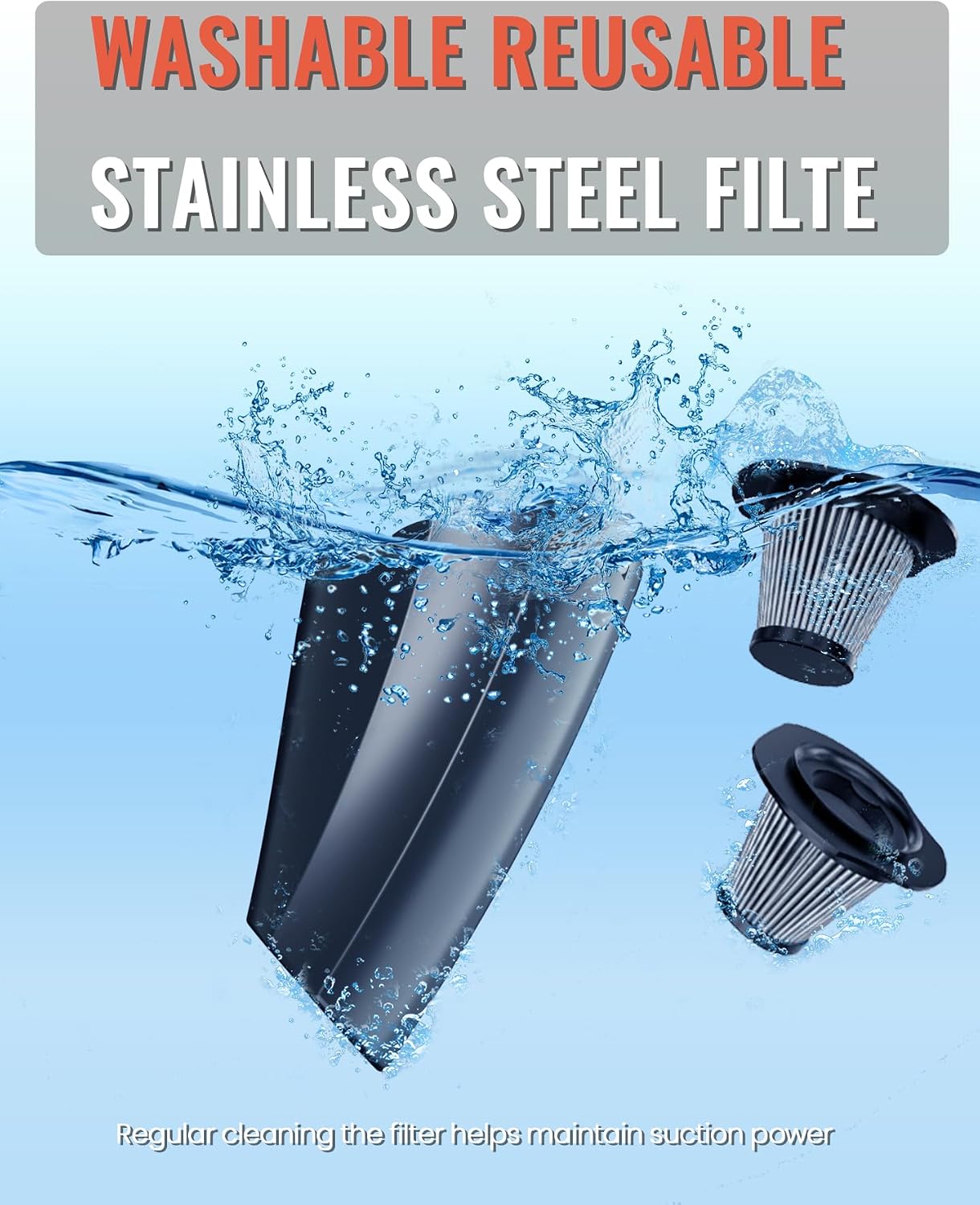
Figure 8: The washable and reusable HEPA filter being cleaned under water.
6. Troubleshooting
If you encounter issues with your TEMOLA TS10, please refer to the following common problems and solutions:
| Problem | Possible Cause | Solution |
|---|---|---|
| Vacuum does not turn on. | Battery is depleted. | Charge the vacuum fully using the provided Type-C cable and a compatible charger. |
| Low suction power. | Dustbin is full or filter is clogged. | Empty the dustbin and clean the HEPA filter thoroughly. Ensure the filter is completely dry before reinserting. |
| Vacuum stops unexpectedly. | Anti-clogging protection activated due to a clogged filter. | Clean the HEPA filter as described in the Maintenance section. The vacuum will resume once the filter is clean and dry. |
| Charging indicator not working. | Incorrect charger used or cable is faulty. | Ensure you are using a 5V/1A, 5V/2A, or 5V/3A charger. Try a different Type-C cable if available. |
7. Specifications
| Feature | Detail |
|---|---|
| Brand | TEMOLA |
| Model Name | TS10BS Handheld Vacuum Cordless |
| Special Feature | Portable, Lightweight, Cordless, Compact |
| Filter Type | HEPA Filter |
| Is Cordless? | Yes |
| Capacity | 350 Grams |
| Form Factor | Handheld |
| Color | Black Cordless |
| Product Dimensions | 11"L x 4"W x 4"H |
| Battery Description | Lithium-Ion (1 required, included) |
| Noise Level | 75 Decibels |
| Connectivity Technology | USB |
| Item Weight | 1 pounds |
| UPC | 797417731534 |
8. Warranty and Support
For warranty information or technical support, please refer to the product packaging or contact TEMOLA customer service directly. Keep your purchase receipt as proof of purchase.