Introduction
This manual provides instructions for the safe and effective use of your CFTGIW 168Por Digital Battery Capacity Tester. This device is designed to quickly and accurately test the capacity of various battery types without requiring its own power source.
Please read this manual thoroughly before using the product and retain it for future reference.
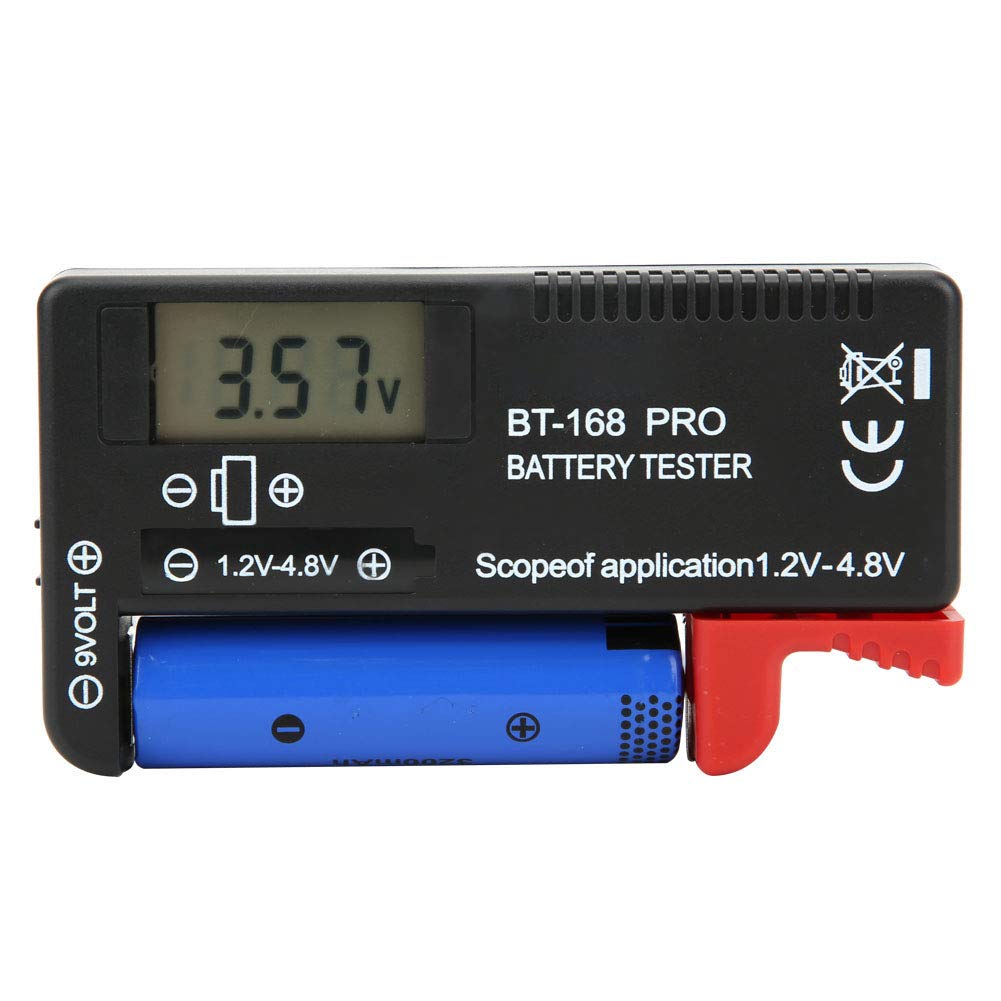
Figure 1: CFTGIW 168Por Digital Battery Capacity Tester in operation.
Key Features
- Battery-Free Operation: The tester operates without requiring its own internal battery.
- Wide Compatibility: Suitable for testing 1.2V-4.8V and 9V batteries, including lithium batteries.
- Supported Battery Types: CR2032, LR44, L736, 6F22 (9V), AAA, AA, D, C, 18650, 16340, 14500, 10440.
- Instant Digital Display: Directly shows measurement results on an LCD screen for easy reading.
- Compact and Portable: Lightweight design for convenient storage and transport.
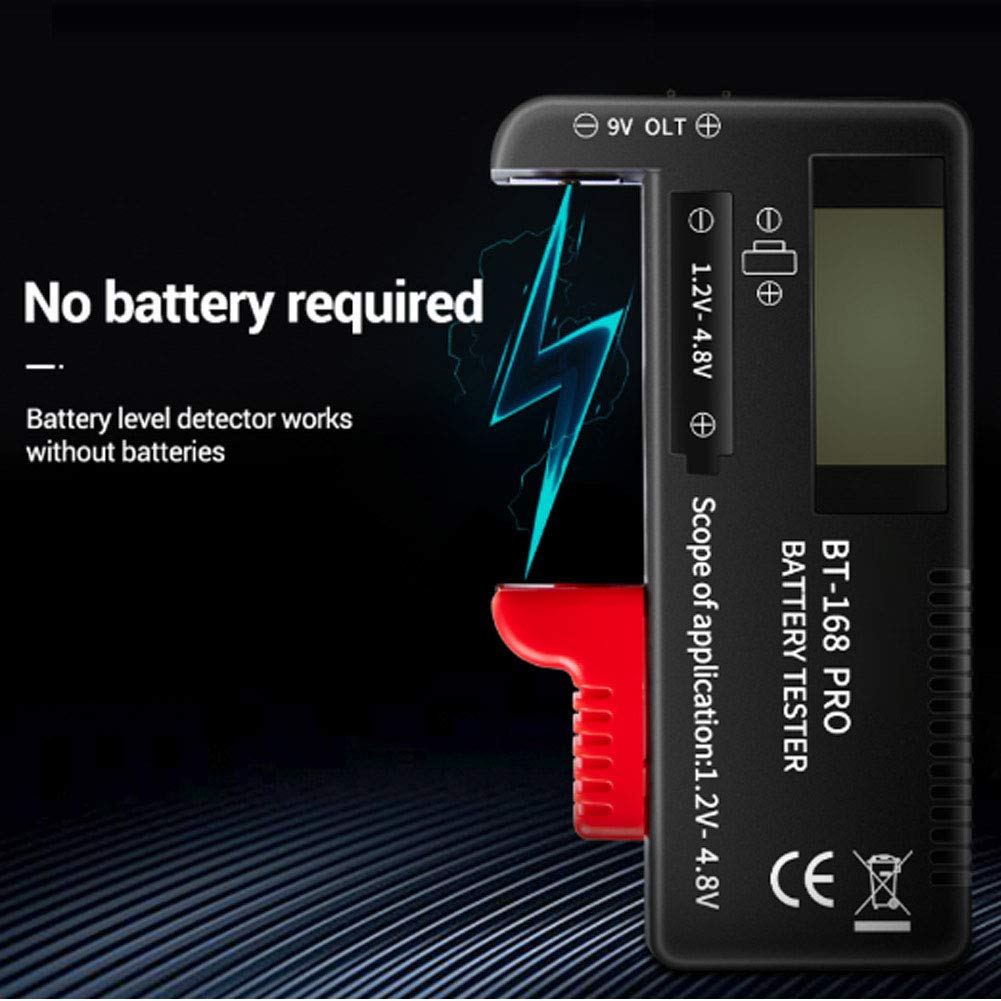
Figure 2: The CFTGIW 168Por Battery Tester operates without an internal battery.
Setup
The CFTGIW 168Por Digital Battery Capacity Tester requires no assembly or external power source. It is ready for use directly out of the packaging.
- Unpack the battery tester from its packaging.
- Familiarize yourself with the different testing slots and the LCD display.
Operating Instructions
Follow these steps to test your batteries:
- Identify Battery Type: Determine if your battery is a 9V type or a 1.2V-4.8V cylindrical/button cell type.
- Insert Battery:
- For 9V batteries, connect the battery terminals to the two pins on the side labeled "9VOLT". Ensure correct polarity (+ to + and - to -).
- For 1.2V-4.8V batteries (e.g., AA, AAA, C, D, 18650, CR2032), place the battery between the two adjustable contacts on the main body, labeled "1.2V-4.8V". The red sliding arm can be adjusted to fit different battery lengths. Ensure correct polarity.
- Read Display: Once the battery is correctly inserted, the LCD screen will immediately display the battery's voltage level.
- Remove Battery: Carefully remove the battery after reading the result.

Figure 3: Location for testing 9V batteries.

Figure 4: Main slot for testing 1.2V-4.8V batteries.
Maintenance
- Keep the tester clean and dry. Wipe with a soft, dry cloth if necessary.
- Avoid exposing the device to extreme temperatures, direct sunlight, or high humidity.
- Store the tester in a safe place when not in use to prevent physical damage.
Troubleshooting
| Problem | Possible Cause | Solution |
|---|---|---|
| No display or incorrect reading |
|
|
| Tester appears damaged | Physical impact or misuse. | Discontinue use and contact customer support. |
Specifications
| Model Number | 168Por (Item Model Number: CFTGIWvuy2kge43x) |
| Brand | CFTGIW |
| Application | 1.2V-4.8V and 9V Battery Testing, Lithium Battery Testing |
| Supported Battery Types | CR2032, LR44, L736, 6F22 (9V), AAA, AA, D, C, 18650, 16340, 14500, 10440 |
| Material | ABS |
| Product Size (Approx.) | 110.8 x 60.5 x 25.5 mm / 4.4 x 2.4 x 1 inch |
| Weight (Approx.) | 1.66 ounces |
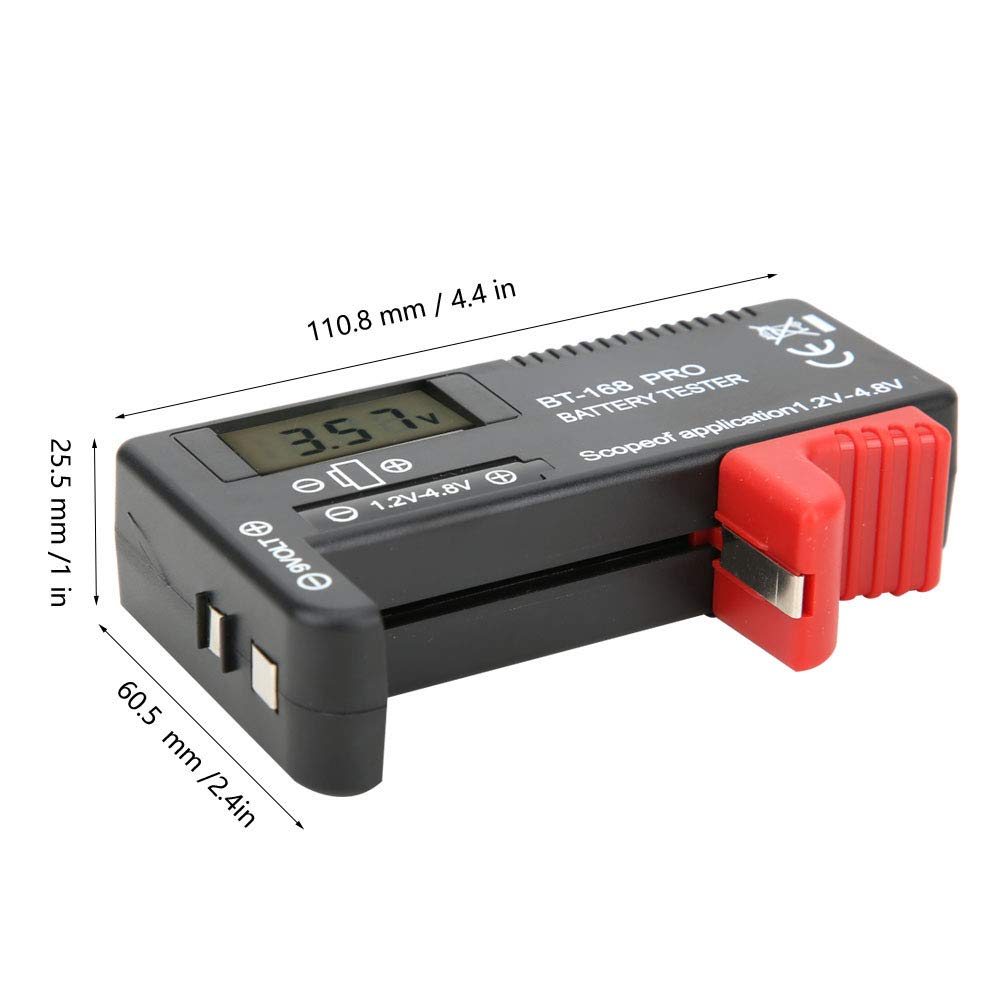
Figure 5: Dimensions of the CFTGIW 168Por Digital Battery Capacity Tester.
Warranty and Support
For warranty information or technical support, please refer to the product packaging or contact your retailer. You may also visit the official CFTGIW store on Amazon for further assistance: CFTGIW Store.