
1. Introduction
Thank you for choosing the DYNASONIC B52 Portable Karaoke Speaker. This device combines a Bluetooth speaker with two wireless microphones, offering a versatile audio experience for various occasions. This manual provides detailed instructions for setup, operation, and maintenance to ensure optimal performance and longevity of your product.
The DYNASONIC B52 is designed for portability and ease of use, featuring multiple connectivity options and a rechargeable battery for extended entertainment.
2. Package Contents
- 1 x DYNASONIC B52 Karaoke Speaker
- 2 x Wireless Microphones
- 1 x USB Type-C Charging Cable
- 1 x User Manual (this document)

Image: The DYNASONIC B52 karaoke speaker unit shown with its two accompanying wireless microphones.
3. Product Overview
3.1 Speaker Controls and Ports
The main speaker unit features various controls and ports for connectivity and operation.

Image: Close-up of the speaker's top panel, highlighting the AUX-IN interface, USB interface, TF card slot, and USB Type-C charging port. Central controls include power, play/pause, volume, and track navigation.
- Power Button: Press and hold to turn the speaker on or off.
- Play/Pause Button: Press to play or pause audio.
- Volume Controls (+/-): Adjust the speaker's volume.
- Track Navigation Buttons: Skip to the next or previous track.
- AUX-IN Interface: For connecting external audio devices via a 3.5mm audio cable (not included).
- USB Interface: For playing audio from a USB flash drive.
- TF Interface (MicroSD Card Slot): For playing audio from a TF (MicroSD) card.
- Charging Port (USB Type-C): For charging the speaker's internal battery.
3.2 Microphone Controls
Each wireless microphone features controls for power, volume, and voice effects.
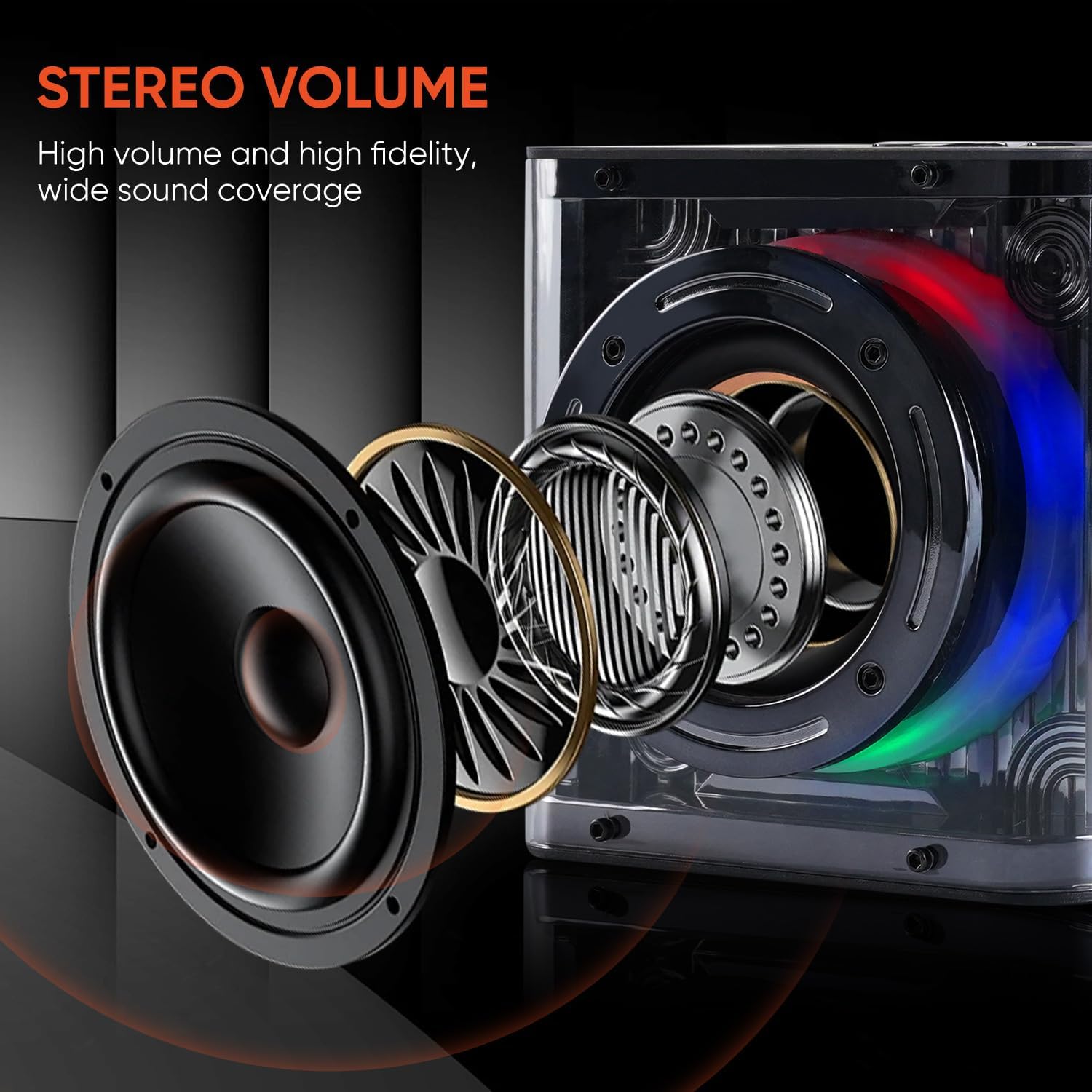
Image: A close-up of one of the wireless microphones, illustrating the power button, volume adjustment buttons, and a button for cycling through four voice changing modes.
- Power Button: Press and hold to turn the microphone on or off. Press briefly to connect to the speaker.
- Volume Controls (+/-): Adjust the microphone's volume.
- Voice Changing Button: Press to cycle through four different voice effects: Original, Monster Sound, Male, and Female.
4. Setup
4.1 Charging the Speaker and Microphones
Before first use, fully charge the speaker and both microphones.
- Connect the supplied USB Type-C cable to the charging port on the speaker and to a standard USB power adapter (not included).
- Connect the USB Type-C cable to the charging port on each microphone and to a standard USB power adapter.
- The charging indicator lights will show charging status (refer to product for specific light behavior). Once fully charged, the indicator light will change or turn off.
4.2 Bluetooth Pairing
To connect your speaker to a Bluetooth-enabled device:
- Turn on the DYNASONIC B52 speaker by pressing and holding the power button. The speaker will enter Bluetooth pairing mode, indicated by a flashing light or an audible prompt.
- On your smartphone, tablet, or other Bluetooth device, navigate to the Bluetooth settings.
- Search for available devices and select "B52" from the list.
- Once connected, the speaker will provide an audible confirmation, and the indicator light will become solid.

Image: A smartphone displaying its Bluetooth settings, showing the "B52" device successfully connected, illustrating the Bluetooth pairing process.
4.3 Connecting Microphones
The microphones are designed to automatically connect to the speaker when powered on.
- Ensure the DYNASONIC B52 speaker is powered on.
- Press and hold the power button on each microphone to turn them on.
- The microphones will automatically attempt to pair with the speaker. A successful connection is usually indicated by a stable light on the microphone.
5. Operating Instructions
5.1 Playing Audio
The speaker supports multiple audio playback modes:
- Bluetooth Mode: After successful pairing (Section 4.2), play music from your connected device.
- USB Mode: Insert a USB flash drive containing MP3 audio files into the USB interface. The speaker will automatically switch to USB mode and begin playback.
- TF Card Mode: Insert a TF (MicroSD) card containing MP3 audio files into the TF interface. The speaker will automatically switch to TF card mode and begin playback.
- AUX-IN Mode: Connect an external audio source (e.g., MP3 player, computer) to the AUX-IN port using a 3.5mm audio cable. The speaker will switch to AUX-IN mode.
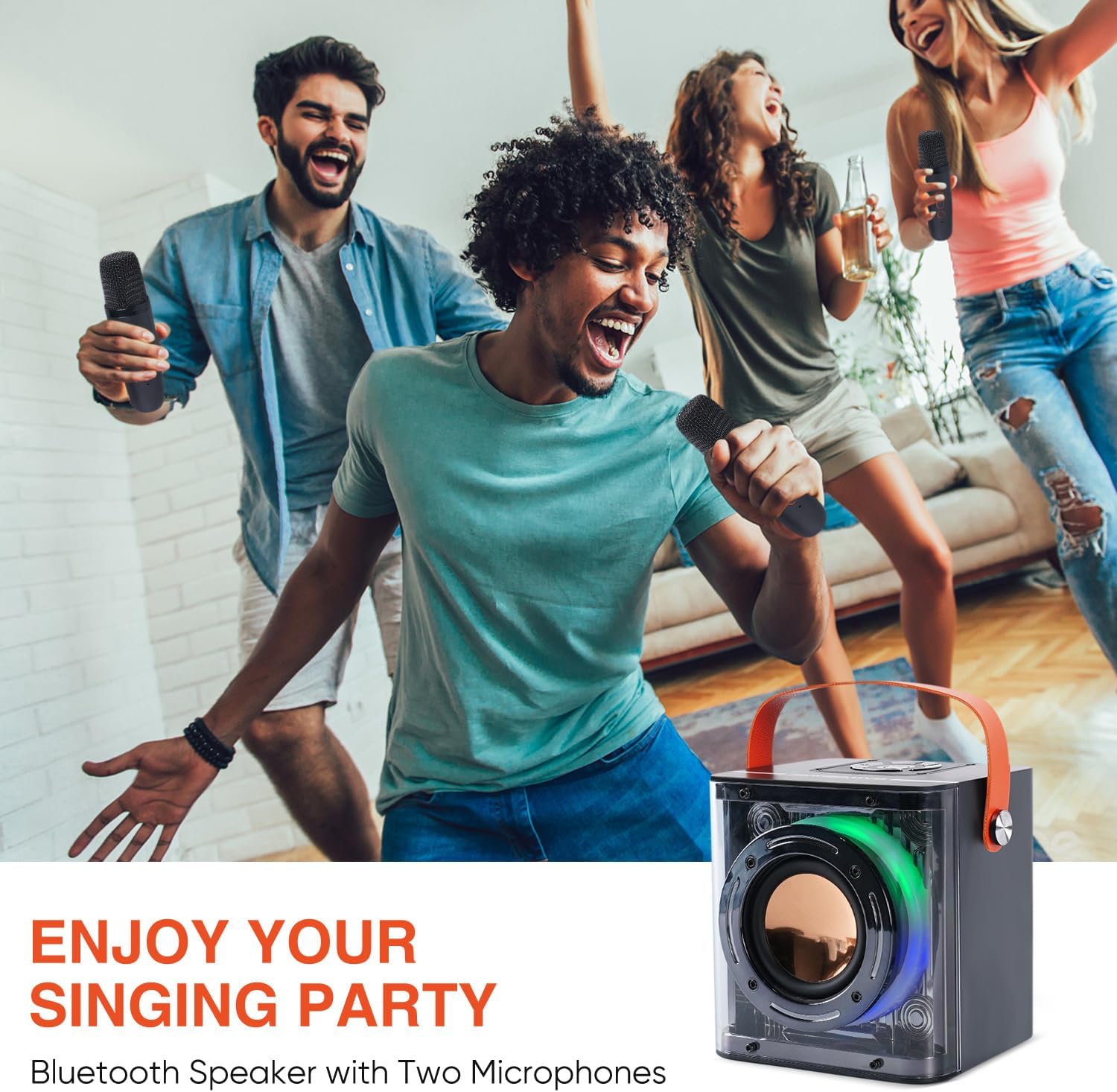
Image: An exploded view diagram of the speaker's internal components, illustrating its design for stereo volume and wide sound coverage.
5.2 Using the Microphones for Karaoke
Once the microphones are connected to the speaker (Section 4.3) and music is playing:
- Sing into the microphone. Your voice will be amplified through the speaker along with the music.
- Adjust the microphone's volume using the +/- buttons on the microphone itself.
- Press the voice changing button on the microphone to cycle through different voice effects (Original, Monster Sound, Male, Female).
5.3 Connecting to a Television
You can connect the DYNASONIC B52 speaker to a television for an enhanced karaoke experience.

Image: A visual guide demonstrating two methods to connect the speaker to a television: Method 1 for TVs with Bluetooth support, and Method 2 for TVs without Bluetooth using an AUX cable.
- Method 1: Bluetooth Connection (if TV supports Bluetooth)
- Ensure your TV's Bluetooth is enabled.
- Follow the Bluetooth pairing steps (Section 4.2) to connect the speaker to your TV.
- Method 2: AUX Cable Connection (if TV does not support Bluetooth)
- Connect one end of a 3.5mm audio cable (not included) to the AUX-IN port on the speaker.
- Connect the other end of the audio cable to the audio output port on your TV.
6. Maintenance
- Cleaning: Use a soft, dry cloth to clean the speaker and microphones. Do not use abrasive cleaners or solvents.
- Storage: Store the device in a cool, dry place away from direct sunlight and extreme temperatures.
- Battery Care: To prolong battery life, avoid fully discharging the battery frequently. Charge the device regularly, even if not in use for extended periods.
- Water Exposure: This product is not waterproof. Avoid exposure to water or high humidity.
7. Troubleshooting
| Problem | Possible Cause | Solution |
|---|---|---|
| No power | Battery is discharged. | Charge the speaker/microphones using the USB Type-C cable. |
| No sound from speaker | Volume is too low; device not connected; incorrect input mode. | Increase volume; ensure Bluetooth is paired or AUX/USB/TF is correctly inserted; switch to correct input mode. |
| Microphone not working | Microphone is off; battery is low; not paired with speaker. | Turn on microphone; charge microphone; ensure microphone is within range and paired. |
| Bluetooth connection unstable | Device is too far from speaker; interference. | Move device closer to speaker; avoid obstacles; turn off other Bluetooth devices. |
| Echo or poor sound quality (from reviews) | Microphone sensitivity too high; proximity to speaker; environmental factors. | Reduce microphone volume; maintain a reasonable distance between microphone and speaker; try in a different environment. |
8. Specifications
- Brand: DYNASONIC
- Model Number: B52
- Color: Black
- Connectivity Technology: Bluetooth
- Connector Type: USB Type-C (for charging)
- Compatible Devices: Personal Computer, Laptop, Smartphone, Tablet, Television
- Battery Composition: Lithium-ion
- Rechargeable Battery: Yes
- Power Source: Battery Powered
- Number of Speakers: 1
- Included Components: Karaoke Speaker, 2 Microphones
9. Warranty and Support
DYNASONIC provides comprehensive support and assistance for its products. If you encounter any issues or require further information, please contact DYNASONIC customer service. Refer to your purchase documentation for specific warranty terms and contact details.
For support, please reach out to the seller or manufacturer directly.