
Introduction
The First Alert SMICO100 Battery-Operated Combination Smoke & Carbon Monoxide Alarm is equipped with First Alert's Precision Detection advanced sensing technology and meets new industry standards. This 2-in-1 smoke and carbon monoxide alarm provides reliable protection against both threats and is easy to install and maintain.

Image: The First Alert SMICO100 alarm highlighting its dual smoke and carbon monoxide detection capabilities.
Important Safety Information
Please read and understand all instructions before installing and operating your alarm. Keep this manual for future reference.
- WARNING! Carbon monoxide cannot be seen or smelled but can kill you.
- IF ALARM SOUNDS:
- Operate Test/Silence button.
- Call your emergency services (Fire Department or 911).
- Immediately move to fresh air - outdoors or by an open door/window.
- IMPORTANT! This unit can only be interconnected with other compatible smoke, CO, and/or heat alarms up to a maximum limit of 18 total, of which 12 can be smoke alarms. See user's manual for details.
- IMPORTANT! This smoke alarm contains a maximum of 1.0 microcuries (37KBq) of Americium 241, a radioactive material. Distributed under U.S. NRC License No. 15-23869-01E and is made in compliance with U.S. NRC Safety Criteria 10CFR32.27. The purchaser is exempt from any regulatory requirements.
- Replace alarm 10 years after installation.
Key Features
- First Alert's Precision Detection advanced sensing technology complies with new industry standards to reduce cooking nuisance alarms and provides early warning in the event of a home fire emergency.
- Provides reliable 2-in-1 protection against both smoke and carbon monoxide.
- End-of-life warning lets you know when it’s time to replace the alarm.
- Battery-operated alarm allows for easy installation and maintenance.
- Test/silence button for efficient testing to ensure alarm is working properly.

Image: The battery-operated alarm installed on a ceiling, indicating its power source.
Setup and Installation
The First Alert SMICO100 is a battery-operated unit designed for easy installation. No complex wiring is required.
Recommended Placement
Install alarms on every level of your home and in every bedroom for optimal protection.

Image: A house diagram illustrating ideal locations for smoke and carbon monoxide alarms.
Installation Steps
- Prepare the Mounting Bracket: Use the provided mounting bracket, screws, and anchors to secure the bracket to the ceiling or wall.
- Install Battery: Open the battery compartment and insert the battery, ensuring correct polarity. The alarm will activate once the battery is properly installed.
- Attach Alarm to Bracket: Align the alarm with the mounting bracket and twist clockwise until it locks securely into place.
- Test the Alarm: Press and hold the Test/Silence button until the alarm sounds. This confirms the unit is functioning correctly.
Image: Components of the First Alert SMICO100 alarm, including the main unit, mounting bracket, and battery.
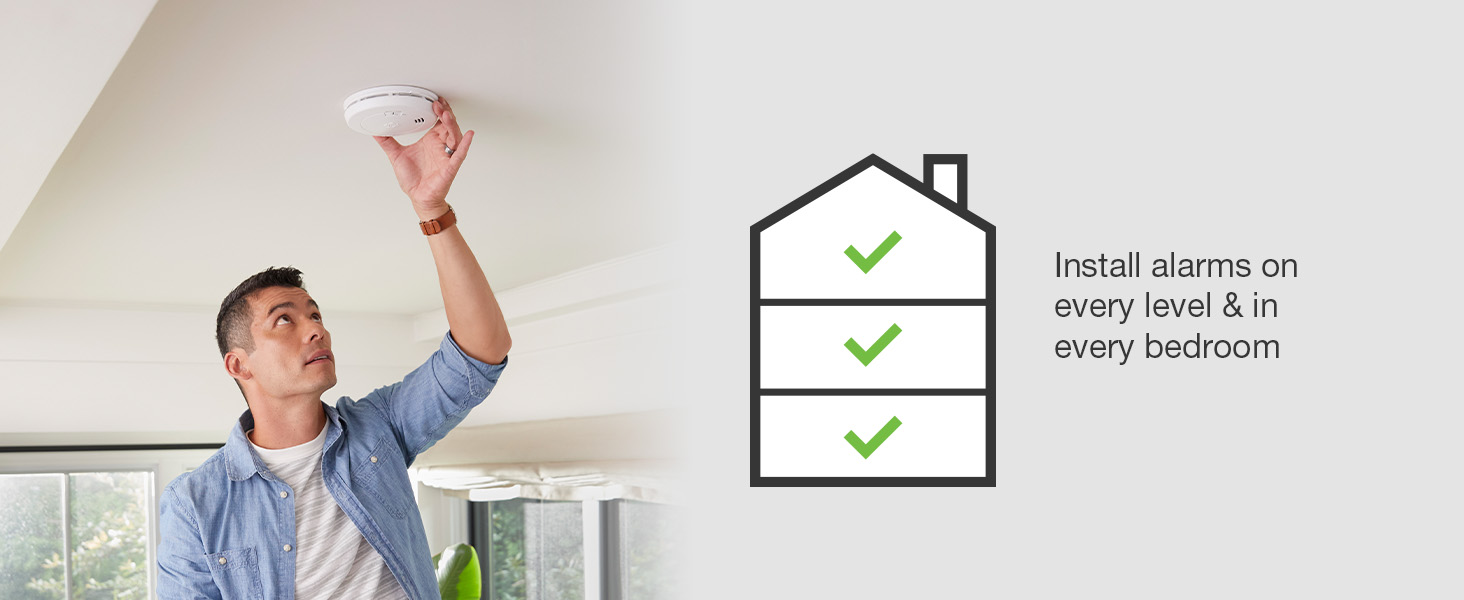
Image: A person demonstrating the installation of the alarm on a ceiling.
Operating the Alarm
Test/Silence Button
Press the Test/Silence button to test the alarm's functionality or to temporarily silence a nuisance alarm.
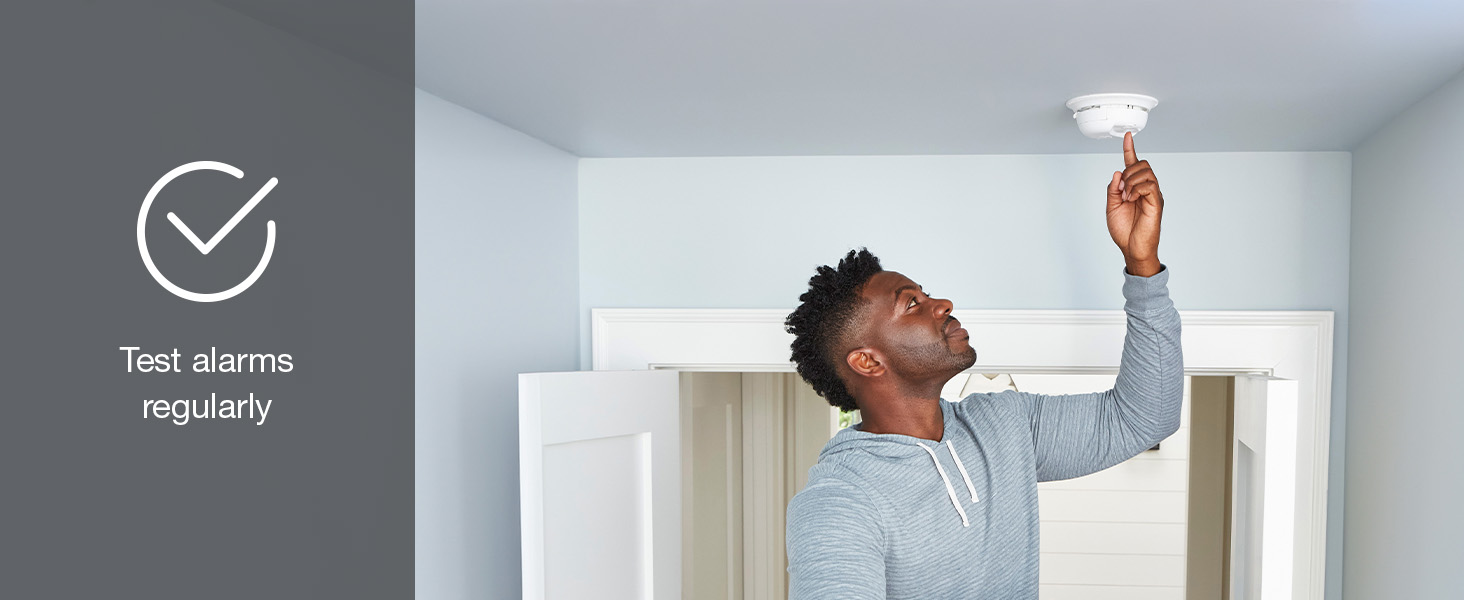
Image: A person testing the alarm by pressing its central button.
Alarm Guide
- 3 Beeps: Smoke Alarm
- 4 Beeps: CO Alarm
- 1 "Chirp" every minute: Low Battery - Replace Battery
- 3 "Chirps" every minute: Malfunction - Replace Alarm
- 5 "Chirps" every minute: End of Life - Replace Alarm
Maintenance
Cleaning
Gently vacuum or use clean compressed air to remove accumulated dust monthly. Never use water, cleaners, or solvents, since they may damage the unit. Press the test button after installation, weekly and after cleaning to check all alarm functions.
Battery Replacement
When the alarm chirps once every minute, it indicates a low battery. Replace the battery immediately to ensure continuous protection.
End-of-Life Warning
The alarm will chirp five times every minute when it reaches the end of its operational life (typically 10 years from the manufacture date). Replace the alarm immediately.
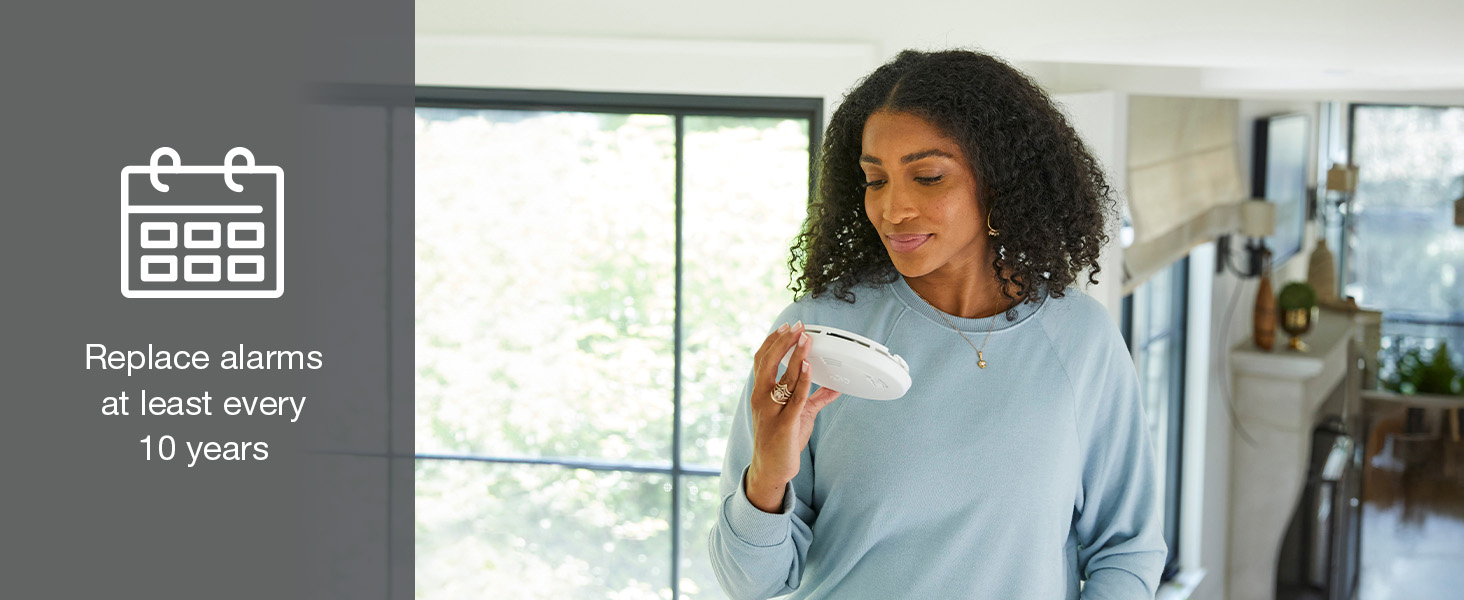
Image: A woman holding the alarm, emphasizing the 10-year replacement recommendation.
Troubleshooting
If your alarm is not functioning as expected, refer to the full user's manual for detailed troubleshooting steps. Common issues include low battery, dust accumulation, or improper installation. Ensure the battery is fresh and the unit is clean. If the problem persists, replace the unit.
Specifications
| Brand | First Alert |
| Model Number | SMICO100 |
| Power Source | Battery Powered |
| Alarm Type | Smoke and CO Alarm |
| Sensor Type | Ionization |
| Product Dimensions | 5.6"D x 5.6"W x 2"H |
| Operating Humidity | 10-95% RH |
| UPC | 029054022950 |
Warranty Information
For detailed warranty information, please refer to the documentation included with your product or visit the official First Alert website.
Customer Support
If you have any questions or require assistance, please contact First Alert Customer Service:
- Customer Service Team: 1-800-323-9005
- Website: firstalert.com


