
Introduction
This manual provides essential instructions for the safe and efficient operation, maintenance, and troubleshooting of your Oster OCAF900 Digital Espresso Coffee Machine. Please read all instructions carefully before first use and keep this manual for future reference.
Important Safety Information
Always follow basic safety precautions when using electrical appliances to reduce the risk of fire, electric shock, and/or injury to persons, including the following:
- Read all instructions.
- Do not touch hot surfaces. Use handles or knobs.
- To protect against electric shock, do not immerse cord, plugs, or appliance in water or other liquid.
- Close supervision is necessary when any appliance is used by or near children.
- Unplug from outlet when not in use and before cleaning. Allow to cool before putting on or taking off parts, and before cleaning the appliance.
- Do not operate any appliance with a damaged cord or plug or after the appliance malfunctions, or has been damaged in any manner.
- The use of accessory attachments not recommended by the appliance manufacturer may result in fire, electric shock, or injury to persons.
- Do not use outdoors.
- Do not let cord hang over edge of table or counter, or touch hot surfaces.
- Do not place on or near a hot gas or electric burner, or in a heated oven.
- Always attach plug to appliance first, then plug cord into the wall outlet. To disconnect, turn any control to "off", then remove plug from wall outlet.
- Do not use appliance for other than intended use.
- Extreme caution must be used when moving an appliance containing hot liquids.
Product Overview
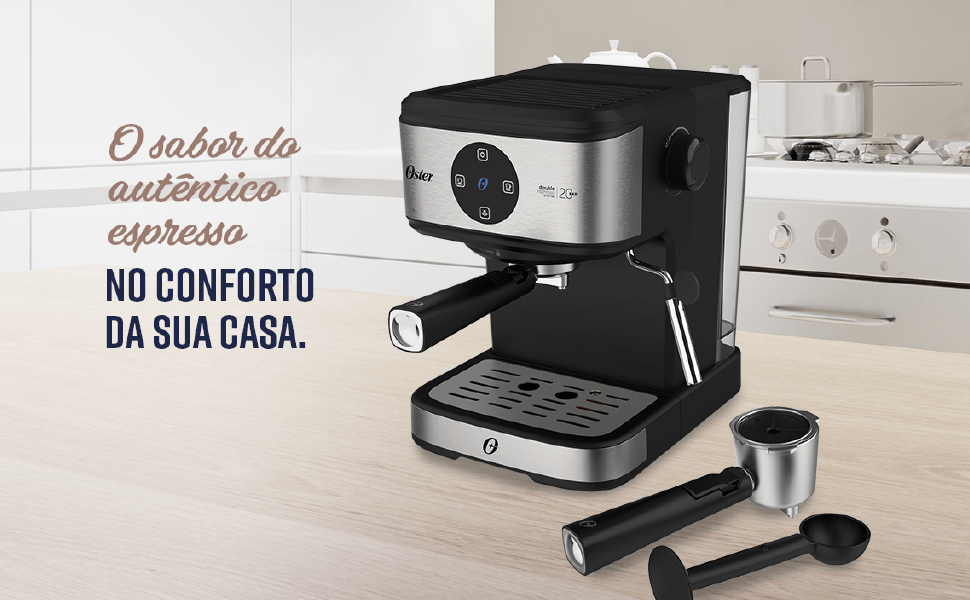
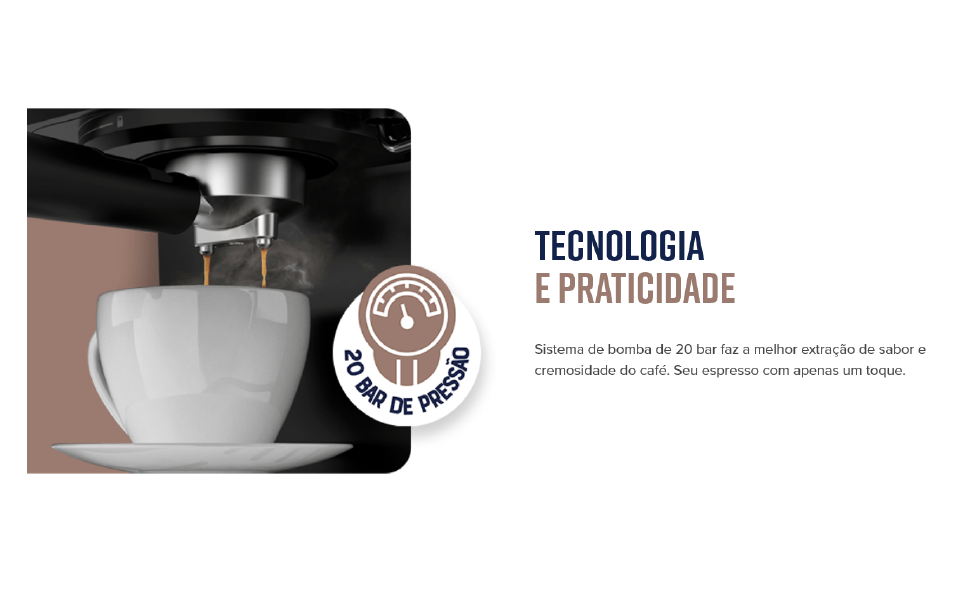
The Oster OCAF900 is a digital espresso coffee machine designed for both ground coffee and Nespresso-compatible capsules. It features a 20-bar pump for optimal extraction, a milk frother, and programmable functions.
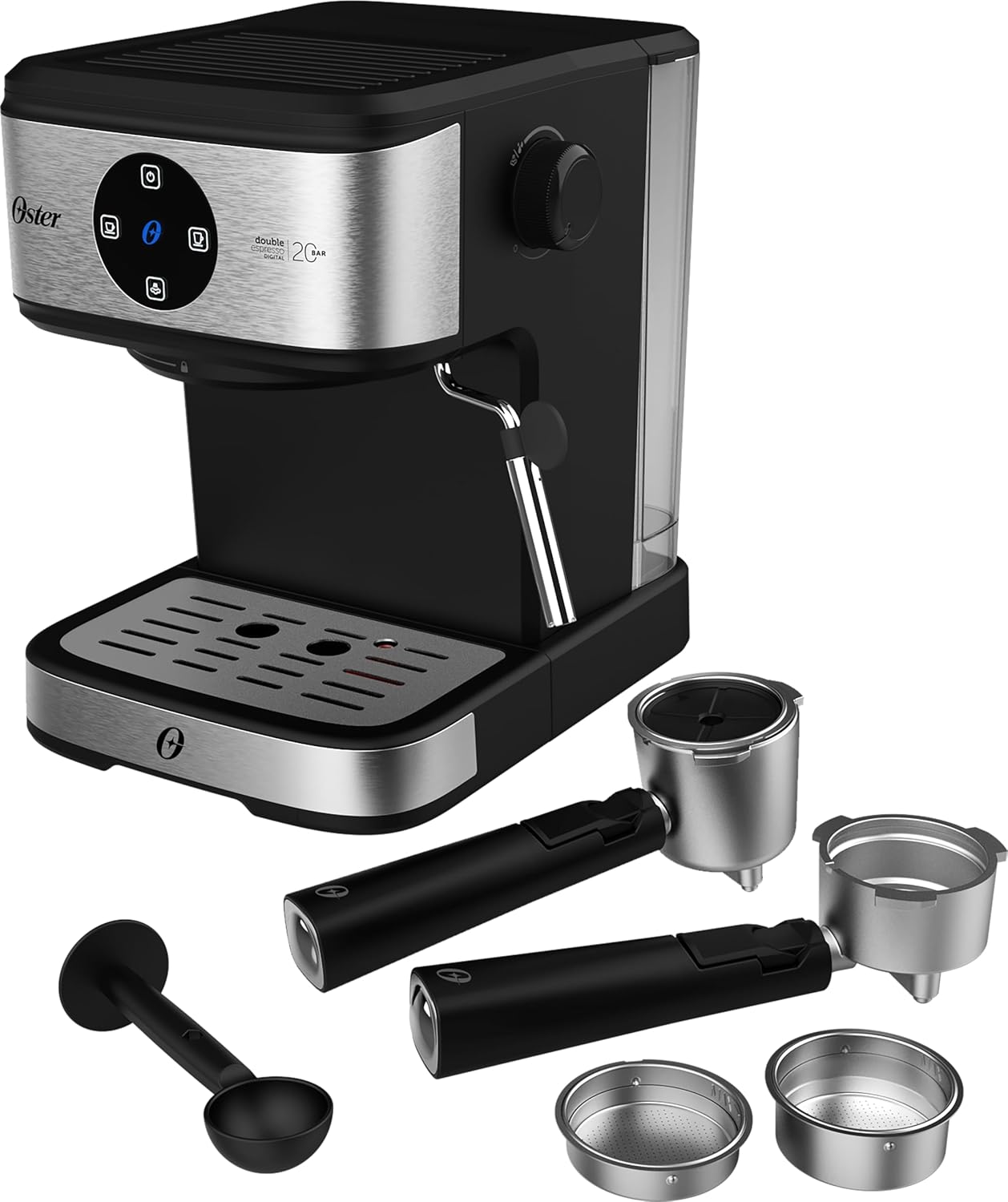
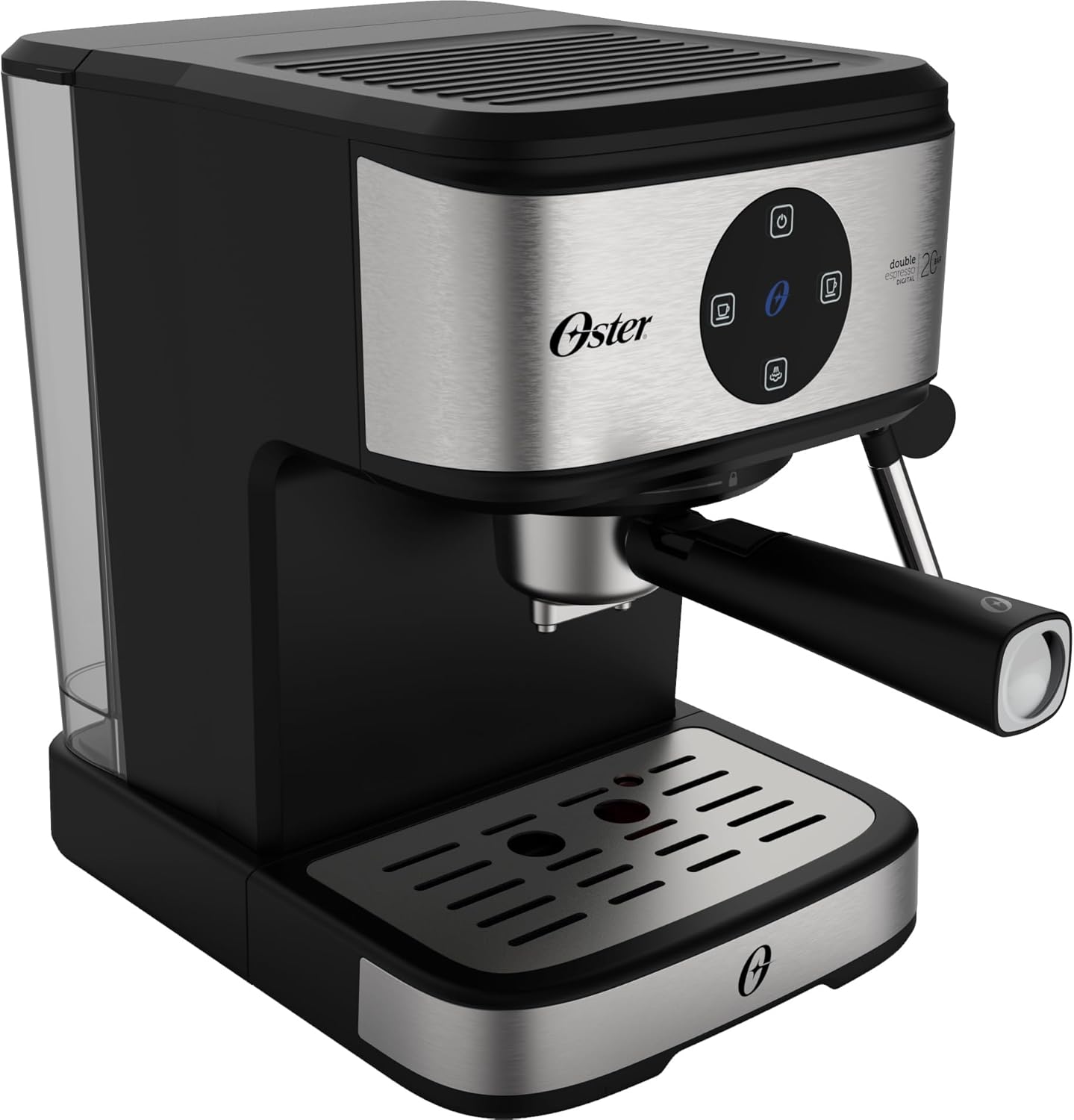
Front view of the Oster OCAF900 Digital Espresso Coffee Machine, showcasing its sleek design and digital control panel.

Included accessories: portafilters for single and double espresso, a measuring spoon/tamper, and a capsule adapter.
Overview of key features: 1.6L capacity, anti-heating system, 1100W power, milk and water frother, single/double espresso portafilter, and 4 pre-programmed/customizable functions.
Setup and First Use
- Unpacking: Carefully remove all packaging materials and ensure all parts are present.
- Initial Cleaning: Before first use, wash the water tank, portafilters, and drip tray with warm, soapy water. Rinse thoroughly and dry. Wipe the exterior of the machine with a damp cloth.
- Fill Water Tank: Fill the removable water tank with fresh, cold water up to the MAX level indicator. Ensure the tank is properly seated in the machine.
- Power Connection: Plug the power cord into a grounded 220V electrical outlet.
- Digital Panel Operation:
- Remove any protective sticker from the digital control panel.
- To turn on the machine, simply touch the power command button (usually the top button).
- To turn off the machine, press and hold the power command button for 5 seconds.
- Prime the Pump: Before making coffee, run a cycle with only water to prime the pump and rinse the internal components. Place a cup under the coffee outlet, select a coffee function (without coffee), and let water flow through.
Visual guide for operating the digital panel: removing the sticker, turning on with a simple touch, and turning off by pressing for 5 seconds.
Operating Instructions
Making Espresso with Ground Coffee
- Ensure the machine is on and the water tank is filled.
- Select the appropriate filter basket for single or double espresso and place it into the portafilter.
- Add finely ground espresso coffee to the filter basket. Do not overfill; the coffee level should be slightly below the rim to ensure proper sealing.
- Lightly tamp the coffee grounds with the measuring spoon's flat end.
- Attach the portafilter to the brewing head by aligning it and twisting firmly to the right until secure.
- Place your espresso cup(s) on the drip tray under the portafilter spouts.
- Select your desired espresso shot (single or double) from the digital control panel. The machine will begin brewing.
- Once brewing is complete, carefully remove the portafilter. Always remove the portafilter with the coffee grounds immediately after use to prevent steam buildup and potential damage to electronic components.
The Oster OCAF900 brewing a rich espresso shot into a cup, demonstrating the 20-bar pressure extraction.
Using Nespresso-Compatible Capsules
- Ensure the machine is on and the water tank is filled.
- Insert the capsule adapter into the portafilter.
- Place a Nespresso-compatible capsule into the adapter.
- Attach the portafilter to the brewing head by aligning it and twisting firmly to the right until secure.
- Place your cup under the portafilter spout.
- Select your desired coffee shot from the digital control panel.
- Once brewing is complete, carefully remove the portafilter and dispose of the used capsule.

Illustration of the machine's 2-in-1 compatibility, allowing use of both ground coffee and Nespresso-compatible capsules.
Frothing Milk / Hot Water Dispensing
- Ensure the machine is on and has reached operating temperature.
- Fill a frothing pitcher with cold milk (dairy or non-dairy) to just below the spout.
- Position the steam wand into the milk, just below the surface.
- Turn the steam control knob to the steam/hot water position.
- Move the pitcher up and down to create foam. Once desired foam is achieved, turn off the steam.
- For hot water, place a cup under the steam wand and turn the steam control knob to the hot water position.
- After frothing, always clean the steam wand immediately by wiping it with a damp cloth and briefly releasing steam to clear any milk residue.

The Oster OCAF900 using its steam wand to froth milk, creating a creamy texture for lattes and cappuccinos.
Video Demonstration
This video demonstrates the general operation and features of the Oster OCAF900 Digital Espresso Coffee Machine, including brewing espresso and frothing milk. Note: This is a preview video.
Care and Maintenance
Daily Cleaning
- Portafilter: After each use, remove the portafilter and discard the coffee grounds. Rinse the portafilter and filter basket under warm water.
- Steam Wand: Immediately after frothing milk, wipe the steam wand with a damp cloth. Briefly activate the steam function to clear any internal milk residue.
- Drip Tray: Empty and clean the drip tray regularly to prevent overflow and bacterial growth.
- Water Tank: Empty and rinse the water tank daily. Refill with fresh water for each use.
- Exterior: Wipe the exterior of the machine with a soft, damp cloth. Do not use abrasive cleaners or scourers.
Descaling
Over time, mineral deposits (limescale) can build up in your machine, affecting performance and coffee taste. Descale your machine regularly, depending on your water hardness and frequency of use (e.g., every 2-3 months).
- Prepare a descaling solution according to the descaler manufacturer's instructions (or use a mixture of white vinegar and water).
- Fill the water tank with the descaling solution.
- Place a large container under the coffee spout and steam wand.
- Run several brewing cycles (without coffee) and steam cycles until the water tank is empty.
- Rinse the water tank thoroughly and refill with fresh water.
- Run several cycles with fresh water to rinse out any remaining descaling solution.
Troubleshooting
| Problem | Possible Cause | Solution |
|---|---|---|
| Coffee does not brew or flows slowly. |
|
|
| Coffee tastes burnt. |
|
|
| Touch panel issues (e.g., turns off randomly). |
|
|
| Milk does not froth properly. |
|
|
Specifications
| Feature | Detail |
|---|---|
| Model | OCAF900 |
| Brand | Oster |
| Voltage | 220 Volts |
| Power | 1100 Watts |
| Pressure | 20 Bar |
| Water Tank Capacity | 1.6 Liters |
| Material | Stainless Steel |
| Color | Black Inox |
| Dimensions (Product) | 28.9P x 21.8L x 27.3A cm (28.9 x 21.8 x 27.3 cm) |
| Special Features | Cup warmer, Milk frother, Permanent filter, Automatic cleaning function, Programmable |
| GTIN | 7898742840014 |
Warranty Information
Your Oster OCAF900 Digital Espresso Coffee Machine comes with a standard manufacturer's warranty. Please refer to the warranty card included with your product for specific terms and conditions, including the warranty period and coverage details.
Extended warranty options may be available for purchase. For more information on extended warranty plans, please consult your retailer or the Oster official website.
Customer Support
If you encounter any issues not covered in the troubleshooting section, or require further assistance, please contact Oster customer support. You can find contact information on the official Oster website or on your product's packaging.
When contacting support, please have your product model (OCAF900) and serial number (if applicable) ready.


