1. Introduction
This manual provides detailed instructions for the installation, operation, and maintenance of your Sanpyl Video Doorbell Camera. Please read this manual thoroughly before using the product to ensure proper function and safety. Keep this manual for future reference.
The Sanpyl Video Doorbell Camera is designed to enhance your home security with features such as remote video calls, two-way audio, wide-angle HD viewing, and advanced night vision capabilities. Its IP67 rating ensures durability for both indoor and outdoor environments.
2. Safety Information
Please observe the following safety precautions to prevent damage to the product or injury to yourself and others:
- Do not expose the device to extreme temperatures, direct sunlight, or excessive moisture.
- Ensure the power source is stable and meets the device's requirements.
- Do not attempt to disassemble or repair the device yourself. Refer all servicing to qualified personnel.
- Keep the device and its accessories out of reach of children.
- Use only the provided or recommended accessories.
- The device has an IP67 rating, indicating protection against dust and temporary immersion in water. However, avoid prolonged submersion or high-pressure water jets.
3. Package Contents
Carefully unpack the box and ensure all items listed below are present and in good condition. If any items are missing or damaged, please contact customer support.
- 1 x Doorbell Camera
- 1 x Doorbell Receiver
- 1 x Charging Cable (Micro USB)
- 1 x User Manual
- 1 x Adhesive Sticker
- 2 x Wall Anchors
- 2 x Screws
- 1 x Small Screw

Image: Contents of the Sanpyl Video Doorbell Camera package, including the doorbell unit, receiver, charging cable, and mounting hardware.
4. Specifications
The following table details the technical specifications of the Sanpyl Video Doorbell Camera:
| Feature | Description |
|---|---|
| Item Type | Doorbell Camera |
| Material | ABS+Metal |
| Lens Angle | 80° |
| Night Vision Mode | Supported (Built-in high power infrared lights with ICR filter) |
| Connection Method | Smartphone APP (Wi-Fi) |
| Pickup Distance | Approx. 3 meters / 9.8 feet |
| Storage Method | Memory Card (up to 128GB, not included) |
| Doorbell Camera Battery Type | Lithium-ion Battery (built-in) |
| Doorbell Camera Battery Capacity | 1000mAh |
| Charging Interface Type | Micro USB |
| APP Name | for Smart Life |
| Wi-Fi Version | 2.4GHZ |
| Supported Mobile Systems | for Android 4.3 or for iOS 9.0 and above |
| Receiver Type | USB |
| Indoor/Outdoor Usage | Indoor, Outdoor (IP67 rated) |
| Compatible Devices | Smartphone |
| Power Source | AC/DC |
| Connectivity Protocol | Wi-Fi |
| Mounting Type | Wall Mount |
| Item Weight | 7.4 ounces |
| Model Number | Sanpylk9m34180gp |
5. Setup
5.1 Initial Charging
Before first use, fully charge the doorbell camera using the provided Micro USB charging cable. The charging port is located on the device. Ensure the doorbell is switched on after charging.
5.2 App Download and Installation
- Scan the QR code provided in the physical user manual (included in the package) to download the for Smart Life app. Alternatively, search for "Smart Life" in your mobile app store (Google Play Store for Android, Apple App Store for iOS).
- Install the app on your smartphone.
- Register or log in to your Smart Life account.
5.3 Device Pairing
- Open the for Smart Life app.
- Click on "Add Device" or the "+" icon in the top right corner.
- Select "Smart Doorbell" from the device list.
- Follow the on-screen instructions within the app to connect the doorbell to your Wi-Fi network. This typically involves putting the doorbell into pairing mode and entering your Wi-Fi credentials.

Image: Diagram illustrating the Wi-Fi connection process between the doorbell and a mobile application for remote viewing.
5.4 Physical Installation
The doorbell camera can be installed using the provided screws and wall anchors or the adhesive sticker.
- Wall Mount: Choose a suitable location near your door. Mark the drilling points, drill holes, insert wall anchors, and then secure the doorbell using the screws.
- Adhesive Sticker: For smooth, clean surfaces, you may use the adhesive sticker for quick installation. Ensure the surface is dry and free of dust before applying.

Image: A detailed front view of the Sanpyl Video Doorbell Camera, showing the lens, motion sensor, and doorbell button.

Image: A close-up shot of the wide-angle lens on the Sanpyl Video Doorbell Camera.

Image: A close-up view of the doorbell button and the speaker grille located at the bottom of the Sanpyl Video Doorbell Camera.
6. Operating Instructions
6.1 Remote Video Call
When a visitor presses the doorbell, your smartphone will receive a notification via the Smart Life app. You can then enter the mobile video call interface to view the situation outside your door in real-time and communicate with the visitor.

Image: A smartphone displaying the live feed from the doorbell camera, demonstrating remote viewing capabilities.
6.2 Two-Way Audio
The doorbell camera is equipped with a high-performance microphone and a high-power speaker, enabling clear and smooth two-way communication with visitors. You can speak to and hear visitors directly through the app. Sound settings can be adjusted within the app.
6.3 Night Vision
Built-in high-power infrared night vision lights combined with an ICR infrared filter allow the camera to automatically switch between day and night modes. This ensures clear visibility even in low-light or complete darkness.

Image: A visual representation showing how the camera automatically switches between day mode (brightly lit hallway) and night mode (dark hallway with infrared illumination).
6.4 PIR Motion Detection
The integrated PIR motion detection sensor accurately distinguishes between humans and animals, reducing false alarms. When motion is detected, the camera can send notifications to your smartphone.
6.5 Ultra Clear Wide-Angle Lens
The new generation wide-angle ultra-clear lens captures extensive details of the surroundings, minimizing blind spots and providing rich image details to clearly identify visitors.
6.6 Battery Life
The doorbell features a built-in battery design that allows it to continue operating for a period even during power outages. It is designed for extra-long battery life, reducing the need for frequent charging or disassembly for battery replacement.

Image: A graphic illustrating the concept of extended battery life, indicating less frequent charging.
6.7 Key Features Overview
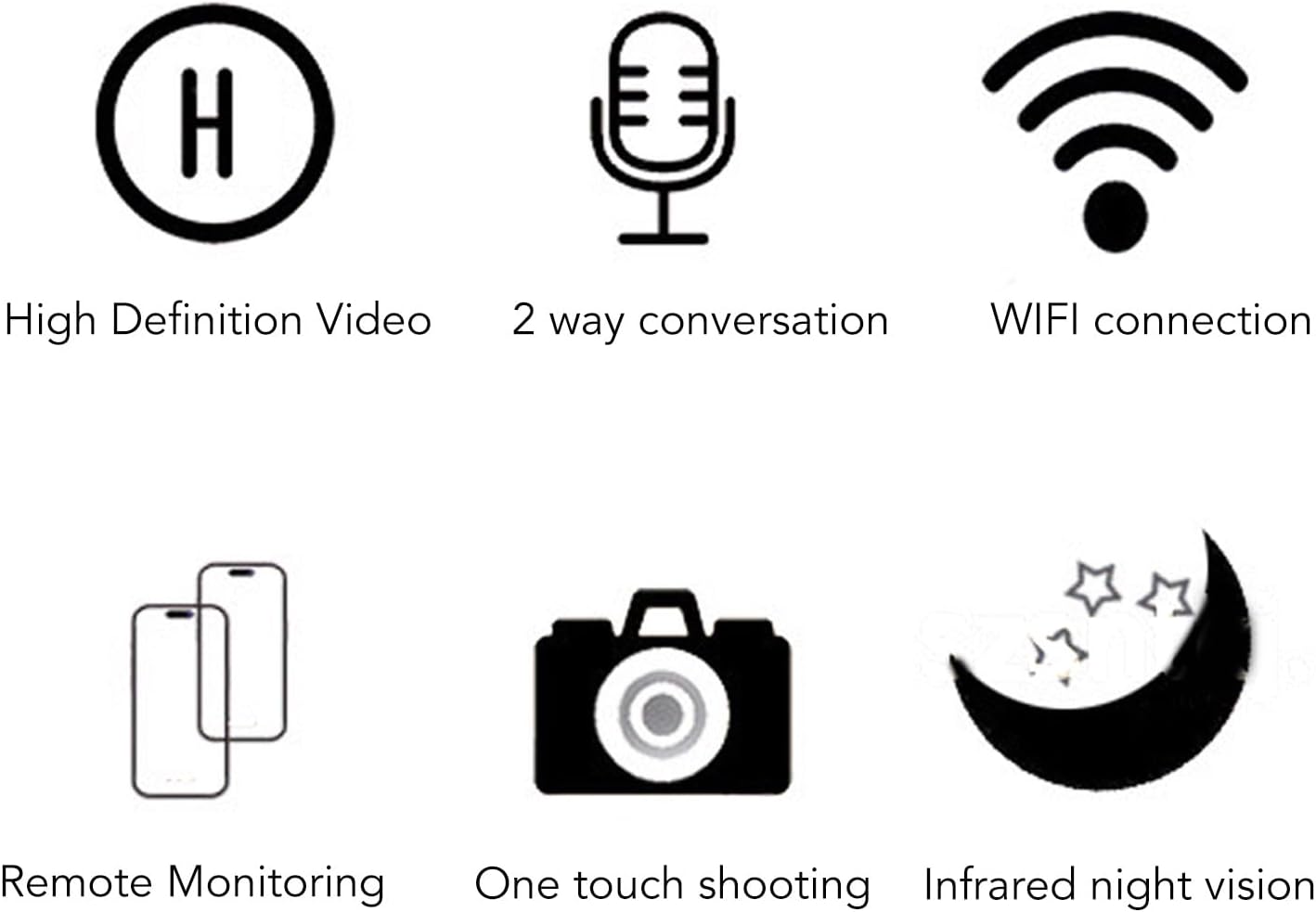
Image: Icons visually representing the doorbell's key features: High Definition Video, 2-way conversation, WiFi connection, Remote Monitoring, One touch shooting, and Infrared night vision.
7. Maintenance
To ensure the longevity and optimal performance of your Sanpyl Video Doorbell Camera, follow these maintenance guidelines:
- Cleaning: Gently wipe the camera lens and body with a soft, dry cloth. Do not use harsh chemicals, solvents, or abrasive cleaners.
- Battery Care: Avoid completely draining the battery frequently. For long-term storage, charge the battery to about 50% and store the device in a cool, dry place.
- Firmware Updates: Periodically check the Smart Life app for any available firmware updates for your doorbell camera. Keeping the firmware updated ensures optimal performance and security.
- Environmental Protection: While IP67 rated, it is advisable to install the doorbell in a location that offers some protection from direct, prolonged exposure to extreme weather conditions (e.g., under an overhang).
8. Troubleshooting
If you encounter issues with your Sanpyl Video Doorbell Camera, refer to the following common problems and solutions:
- Device not powering on: Ensure the doorbell is fully charged. Check the charging cable and adapter.
- Cannot connect to Wi-Fi:
- Ensure your Wi-Fi network is 2.4GHz. The doorbell does not support 5GHz Wi-Fi.
- Check your Wi-Fi password for accuracy.
- Move the doorbell closer to your Wi-Fi router during setup.
- Restart your router and try pairing again.
- No notifications on phone:
- Check app notification settings on your phone and within the Smart Life app.
- Ensure your phone has a stable internet connection.
- Poor video quality or night vision:
- Clean the camera lens.
- Ensure adequate Wi-Fi signal strength at the doorbell's location.
- Two-way audio issues:
- Check microphone and speaker permissions for the Smart Life app on your phone.
- Ensure there are no obstructions blocking the doorbell's microphone or speaker.
If the problem persists, please contact Sanpyl customer support for further assistance.
9. Warranty and Support
Sanpyl products are designed for reliability and performance. For information regarding warranty coverage, technical support, or service, please refer to the warranty card included with your product or visit the official Sanpyl website. Please have your model number (Sanpylk9m34180gp) and purchase details ready when contacting support.
For the latest information and support resources, please visit the Sanpyl Store on Amazon.