1. Introduction
Thank you for choosing the G-Lab Keyz Hydrogen Gaming Keyboard. This manual provides essential information for setting up, operating, and maintaining your new keyboard. The Keyz Hydrogen is a compact 60% membrane keyboard designed for gaming, featuring multi-colored backlighting, anti-ghosting technology, and broad compatibility.
2. Product Overview and Features
The Keyz Hydrogen keyboard is engineered for performance and durability in a compact form factor.
- 60% Compact Design: Optimizes desk space and allows for greater mouse movement, ideal for gaming setups.
- Multi-colored Backlight: Features a fixed multi-colored RGB backlight for an immersive gaming atmosphere and improved visibility in low-light conditions.
- Reactive & Quiet Keys: High-quality membrane keys provide precise and responsive keystrokes while maintaining a quiet operation, suitable for extended gaming sessions without disturbing others.
- Anti-Ghosting Technology: Supports up to 19 simultaneous key presses without conflict, ensuring accuracy and responsiveness during intense gameplay.
- Broad Compatibility: Compatible with PC, PlayStation 4 (PS4), and PlayStation 5 (PS5) systems.
- Durability: Keys are rated for 12 million keystrokes, and the keyboard features a reinforced braided cable for long-term reliability.

Image 2.1: The G-Lab Keyz Hydrogen Gaming Keyboard, showcasing its compact design and vibrant multi-colored backlighting.

Image 2.2: Ultra-Compact Format. The keyboard's small footprint allows for more desk space and freedom of movement for the mouse.

Image 2.3: Rainbow Backlighting. Each key is illuminated with vibrant, fixed multi-colored RGB lighting, enhancing visibility and aesthetics.
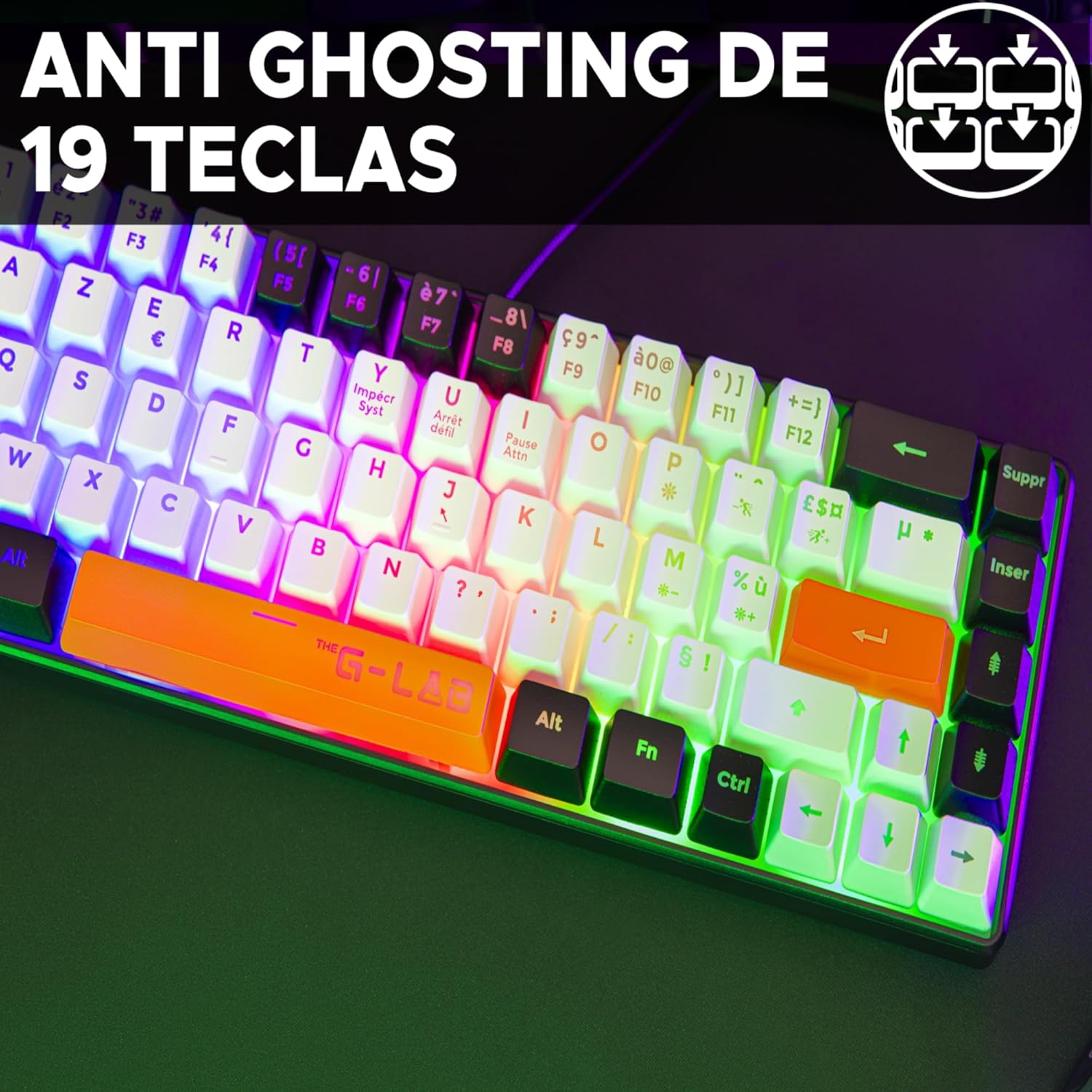
Image 2.4: 19-Key Anti-Ghosting. This technology ensures that up to 19 keys can be pressed simultaneously without any input conflicts, crucial for complex gaming commands.

Image 2.5: Precise and Silent Keystrokes. The membrane keys are designed for accurate and quiet operation, providing a comfortable typing and gaming experience.
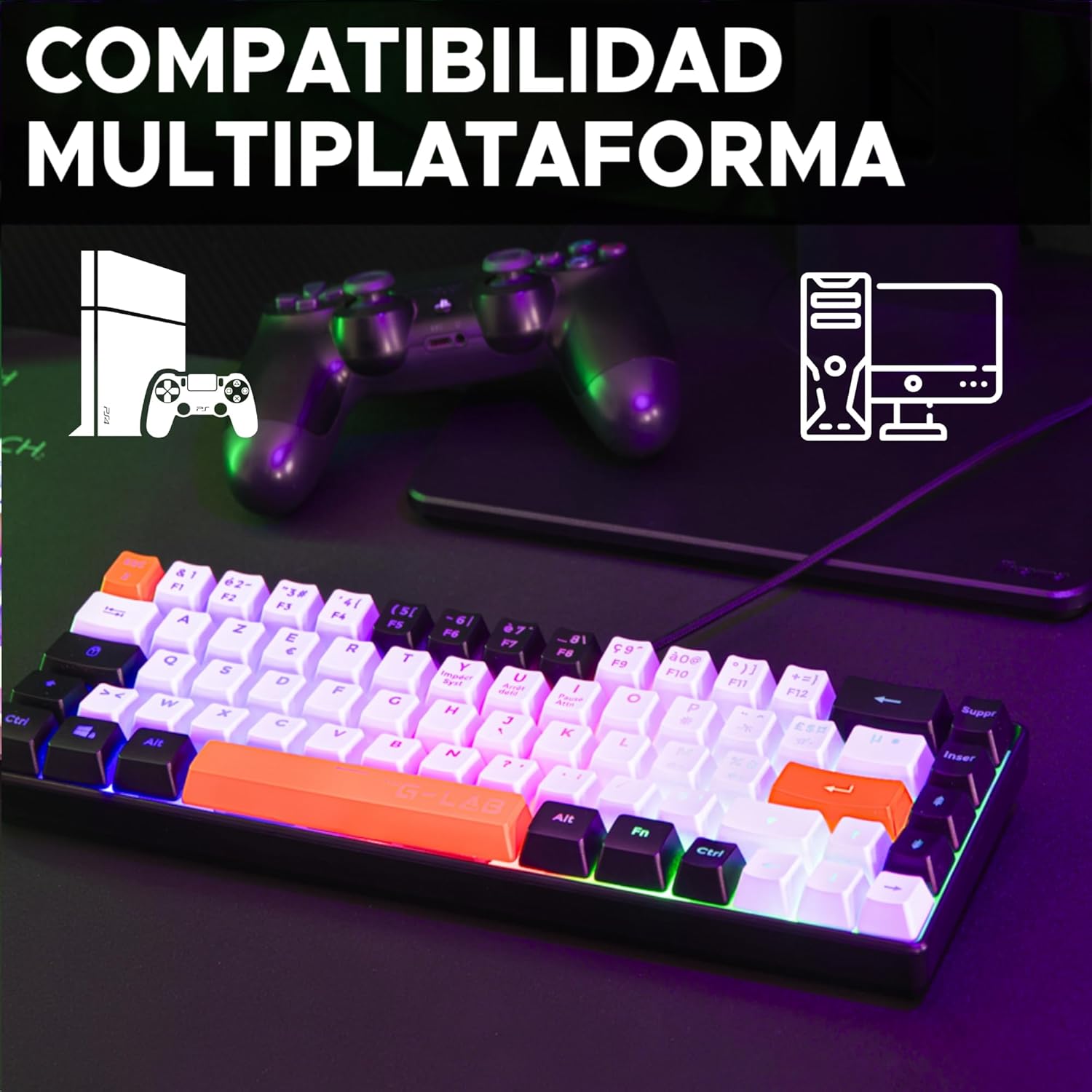
Image 2.6: Multiplatform Compatibility. The keyboard is compatible with PC, PS4, and PS5, offering versatility for different gaming setups.
3. Setup Instructions
The G-Lab Keyz Hydrogen keyboard is designed for simple plug-and-play functionality. No additional drivers or software are required for basic operation.
- Unpack the Keyboard: Carefully remove the keyboard from its packaging.
- Connect to Device: Plug the USB connector of the keyboard into an available USB port on your PC, PlayStation 4, or PlayStation 5 console.
- System Recognition: Your operating system or console should automatically detect and install the necessary drivers. This process usually takes a few seconds.
- Ready for Use: Once recognized, the keyboard's backlight will illuminate, and it will be ready for immediate use.
4. Operating Instructions
The Keyz Hydrogen keyboard offers straightforward operation with its standard QWERTY layout and gaming-specific features.
4.1 Basic Key Functions
- Standard Typing: Use the alphanumeric keys for typing text and commands.
- Function Keys (F1-F12): Access standard system functions. On a 60% keyboard, these are typically accessed via a combination with the Fn key. Refer to your device's operating system for specific Fn key combinations if not marked on the keycaps.
- Anti-Ghosting: The keyboard's anti-ghosting feature allows for up to 19 simultaneous key presses, ensuring all your commands are registered during fast-paced gaming.
4.2 Backlight Control
The Keyz Hydrogen features a fixed multi-colored RGB backlight. While the specific control keys are not detailed, typically, backlight brightness or modes can be adjusted using Fn key combinations, often with arrow keys or dedicated lighting keys if present. Experiment with Fn + Arrow Up/Down for brightness or Fn + specific keys (e.g., PrtSc, Scroll Lock, Pause Break) for mode changes.
5. Maintenance
Proper maintenance ensures the longevity and optimal performance of your keyboard.
- Cleaning: Regularly clean the keyboard to prevent dust and debris buildup. Use a soft, dry cloth for general cleaning. For stubborn dirt, a slightly damp cloth with mild soap can be used, ensuring no liquid enters the keyboard.
- Dust Removal: Use compressed air to remove dust and crumbs from between the keycaps.
- Avoid Liquids: Do not spill liquids on the keyboard. In case of accidental spills, immediately unplug the keyboard and allow it to dry completely before reconnecting.
- Storage: When not in use for extended periods, store the keyboard in a cool, dry place away from direct sunlight.
6. Troubleshooting
If you encounter issues with your G-Lab Keyz Hydrogen keyboard, refer to the following common troubleshooting steps:
- Keyboard Not Responding:
- Ensure the USB cable is securely plugged into both the keyboard and the computer/console.
- Try plugging the keyboard into a different USB port.
- Restart your computer or console.
- Test the keyboard on another computer/console to determine if the issue is with the keyboard or the original device.
- Backlight Not Working:
- Ensure the keyboard is properly connected and receiving power.
- Check if any backlight control keys (often Fn combinations) have been pressed to turn off the lighting.
- Keys Not Registering or Double-Typing:
- Clean the affected keys and the area around them to remove any debris that might be obstructing the key mechanism.
- Ensure the anti-ghosting feature is not being overloaded by pressing too many keys simultaneously beyond its 19-key limit.
If these steps do not resolve the issue, please contact customer support as detailed in the Warranty and Support section.
7. Specifications
| Brand | THE G-LAB |
| Model Number | KEYZ-HYDRO-BKWO/SP |
| Product Dimensions | 31.6 x 4 x 10.4 cm |
| Item Weight | 433 g |
| Color | Black/White/Orange |
| Power Source | Corded Electric (USB) |
| Connectivity Technology | USB |
| Keyboard Description | Gaming (60% Membrane) |
| Compatible Devices | PC, PlayStation 4, PlayStation 5 |
| Special Features | 3 colors, Backlit, Compact 60%, Lightweight, Portable |
| Keyboard Backlight Color Support | RGB (Fixed Multi-colored) |
| Key Durability | 12 million keystrokes |
8. Warranty and Support
The G-Lab Keyz Hydrogen Gaming Keyboard comes with a 2-year warranty from the date of purchase. This warranty covers manufacturing defects and ensures the product meets its specified performance standards under normal use.
For any questions, technical assistance, or warranty claims, please contact G-Lab customer service. Our support team aims to respond to inquiries within 24 hours to provide assistance.
Please retain your proof of purchase for warranty validation.


