
Introduction
This manual provides detailed instructions for the installation, use, and maintenance of your BoxWave ClearTouch ImpactShield screen protector, designed specifically for the Ancel A202 device. The ClearTouch ImpactShield offers robust protection against scratches, impacts, and daily wear while maintaining screen clarity and touch sensitivity.

Image: BoxWave ClearTouch ImpactShield screen protector on an Ancel A202 device, showcasing its clear application.
Package Contents
Your BoxWave ClearTouch ImpactShield package typically includes:
- Two (2) BoxWave ClearTouch ImpactShield Screen Protectors
- Microfiber Cleaning Cloth
- Dust Removal Sticker
- Squeegee Card (for bubble removal)

Image: The retail packaging for BoxWave ClearTouch ImpactShield, illustrating the inclusion of two screen protectors and key features like color brilliance, clarity, precision, and reusability.
Installation Instructions
Follow these steps carefully for optimal screen protector application:
- Prepare Your Workspace: Choose a clean, dust-free environment. Wash your hands thoroughly to avoid transferring oils or dirt to the screen.
- Clean the Device Screen:
- Use the provided microfiber cloth to gently wipe the Ancel A202 screen, removing any smudges or fingerprints.
- Utilize the dust removal sticker to lift any remaining dust particles from the screen. Ensure the screen is completely free of dust before proceeding.
- Align the Screen Protector:
- Carefully peel back a small portion of the protective film labeled "Step 1" or "Back" from one end of the screen protector.
- Align the exposed edge of the screen protector with the corresponding edge of your Ancel A202 screen. Pay close attention to cutouts for speakers, cameras, and sensors to ensure a perfect fit.

Image: A caliper measuring a device screen, emphasizing the precise manufacturing of the screen protector for an accurate fit on your Ancel A202.
- Apply the Screen Protector:
- Once aligned, slowly and steadily peel off the rest of the "Step 1" film while simultaneously lowering the screen protector onto the device screen.
- As you apply, use the squeegee card to gently push out any air bubbles towards the edges of the screen. Start from the center and work your way outwards.
- Remove Top Film: Once the screen protector is fully adhered and free of major bubbles, carefully peel off the top protective film, usually labeled "Step 2" or "Front".
- Final Touches: Use the microfiber cloth to wipe down the newly installed screen protector. Minor bubbles may disappear over 24-48 hours.
Operating and Features
The BoxWave ClearTouch ImpactShield is engineered to provide superior protection and maintain the functionality of your Ancel A202 screen. Key features include:
- 9H Hardness Rating: Offers robust resistance against scratches from keys, coins, and other sharp objects.
- Shock Absorption: An integrated TPU layer helps absorb impacts, protecting your device from accidental drops and bumps.
- Flexible Material: Unlike brittle glass protectors, the ClearTouch ImpactShield is flexible, preventing chipping and cracking.
- Crystal Clear Visibility: Provides 99% transparency, ensuring your screen's original brightness, color, and clarity are preserved without distortion.
- Precise Fit: Custom-designed for the Ancel A202, ensuring full accessibility to all ports, buttons, and sensors.
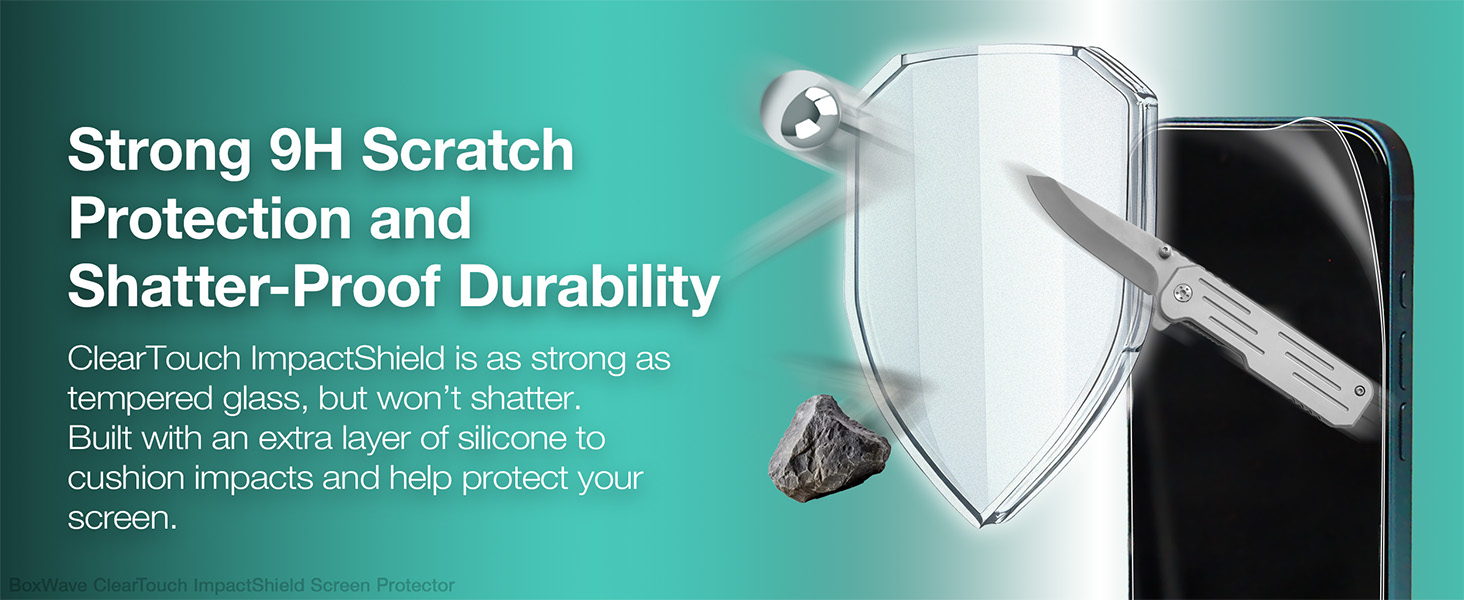
Image: Visual representation of the screen protector's 9H scratch protection and shatter-proof durability, showing resistance against sharp objects and impacts.
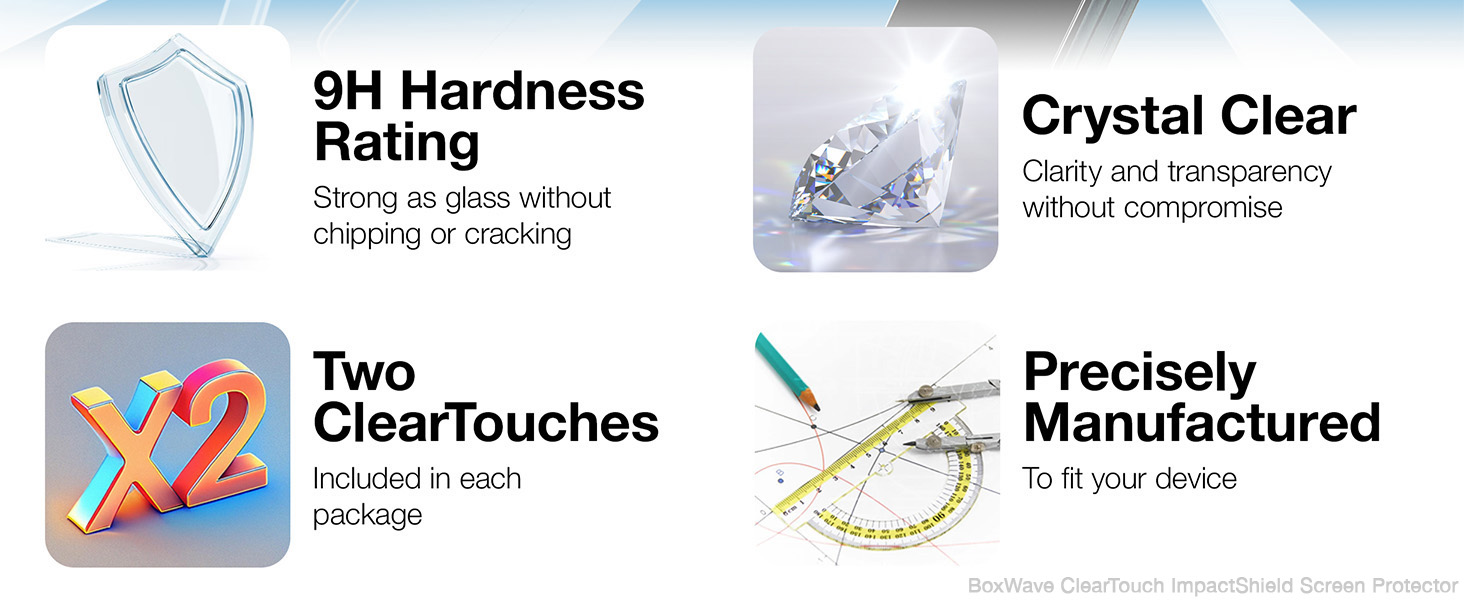
Image: An infographic detailing the screen protector's main attributes: 9H Hardness, Crystal Clear optics, two protectors per pack, and precise manufacturing.
Maintenance
To ensure the longevity and clarity of your ClearTouch ImpactShield screen protector:
- Cleaning: Use a soft, lint-free cloth (like the provided microfiber cloth) to wipe the screen. For stubborn smudges, slightly dampen the cloth with water or a screen-safe cleaner. Avoid harsh chemicals or abrasive materials.
- Avoid Sharp Objects: While the protector offers 9H hardness, extreme pressure or very sharp objects can still cause damage.
- Storage: If you remove the protector or have a spare, store it flat in a clean, dry place to prevent damage.
Troubleshooting
| Issue | Possible Cause | Solution |
|---|---|---|
| Bubbles after installation | Trapped air or dust particles. | Use the squeegee card to push bubbles towards the nearest edge. For small bubbles, they may dissipate within 24-48 hours. If dust is trapped, carefully lift the nearest edge of the protector, use a dust removal sticker to remove the particle, and reapply. |
| Screen protector not adhering properly | Oily residue or excessive dust on the screen. | Ensure the screen is thoroughly cleaned before application. If the issue persists, the protector may need to be replaced. |
| Misalignment | Incorrect positioning during initial application. | If caught early, gently lift and realign. If the adhesive has fully set, attempting to remove and reapply may damage the protector or introduce dust. Use the second protector if available. |
Specifications
- Product Name: BoxWave ClearTouch ImpactShield Screen Protector
- Compatibility: Ancel A202
- Material: Flexible Film with TPU layer
- Hardness Rating: 9H
- Transparency: 99%
- Package Quantity: 2 screen protectors
- Item Weight: 0.7 ounces (approximate, for the package)
- Manufacturer: BoxWave
Warranty and Support
BoxWave products are designed for quality and performance. For specific warranty information or technical support regarding your ClearTouch ImpactShield screen protector, please visit the official BoxWave website or contact their customer service directly. Keep your purchase receipt as proof of purchase.
For additional protection plans, please refer to options available at the point of purchase, such as those offered by Amazon.