
Introduction
This instruction manual provides essential information for the proper use and maintenance of your Oklar Wrist Blood Pressure Monitor. Please read this manual thoroughly before using the device to ensure accurate measurements and safe operation. This device is intended for home use by adults to measure systolic and diastolic blood pressure and pulse rate.
Setup
1. Battery Installation
The Oklar Blood Pressure Monitor requires two AAA batteries for operation. Locate the battery compartment on the device, typically on the underside or side. Insert the batteries according to the polarity indicators (+/-) inside the compartment. Close the battery cover securely.

Image: The Oklar Blood Pressure Monitor, showing its compact design and integrated wrist cuff.
2. Wearing the Monitor
Proper placement of the wrist cuff is crucial for accurate readings. The adjustable cuff fits wrists from 4.9 inches to 8.5 inches. Ensure the monitor is worn on your wrist with the display facing upwards. The device should be positioned at the same level as your heart during measurement. This typically means resting your arm on a table or supporting it with your other hand.
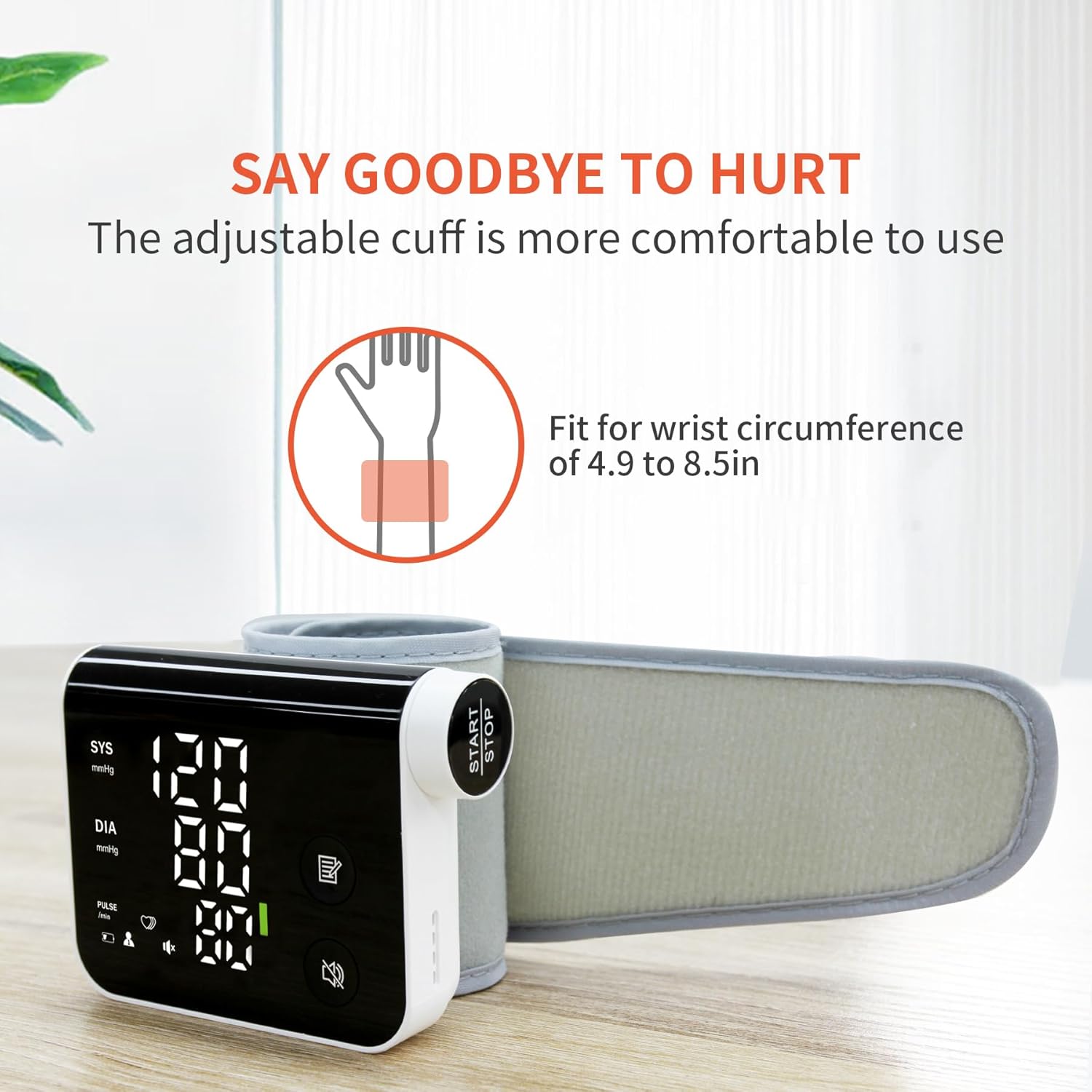
Image: A person demonstrating how to wear the adjustable wrist cuff of the blood pressure monitor.
Operating Instructions
1. Taking a Measurement
To begin a measurement, simply press the "Start/Stop" button. The device will automatically inflate the cuff and begin the measurement process. Remain still and silent during the measurement for optimal accuracy. The results will be displayed on the LED screen and announced via voice guidance.

Image: A close-up view highlighting the large 'Start/Stop' button and the rotating knob for easy operation.
2. Voice Guidance and Volume Control
The monitor features friendly voice guidance that announces measurement results, making it suitable for users with visual impairments. You can turn the voice function ON/OFF or choose from 3 volume levels by pressing the dedicated voice button on the device.
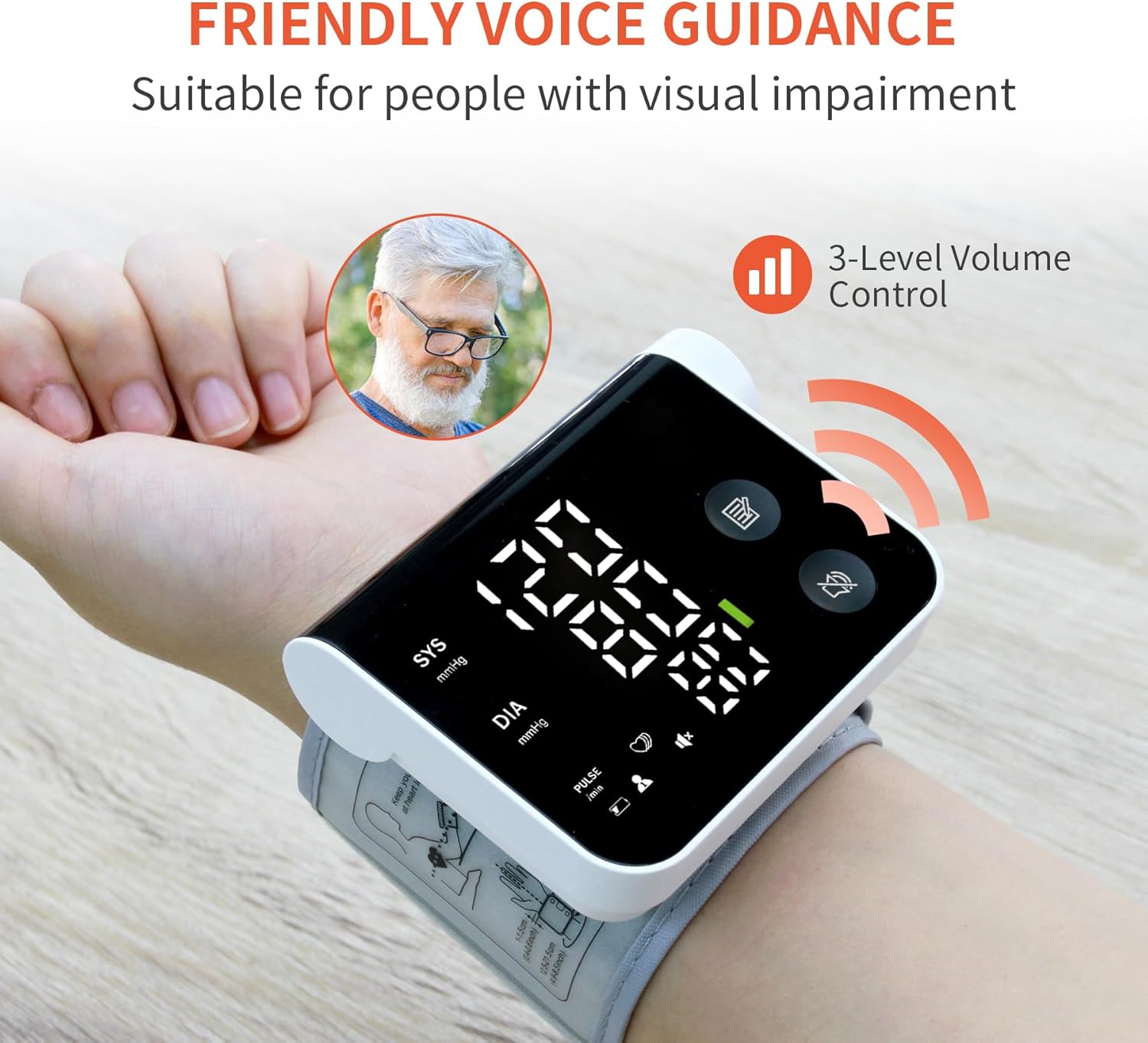
Image: The monitor on a wrist, illustrating the voice guidance feature and its volume control options.
3. Dual-User Mode and Memory
The device supports two user profiles, allowing each user to store up to 120 measurement records separately. This feature facilitates easy tracking of individual blood pressure trends over time.
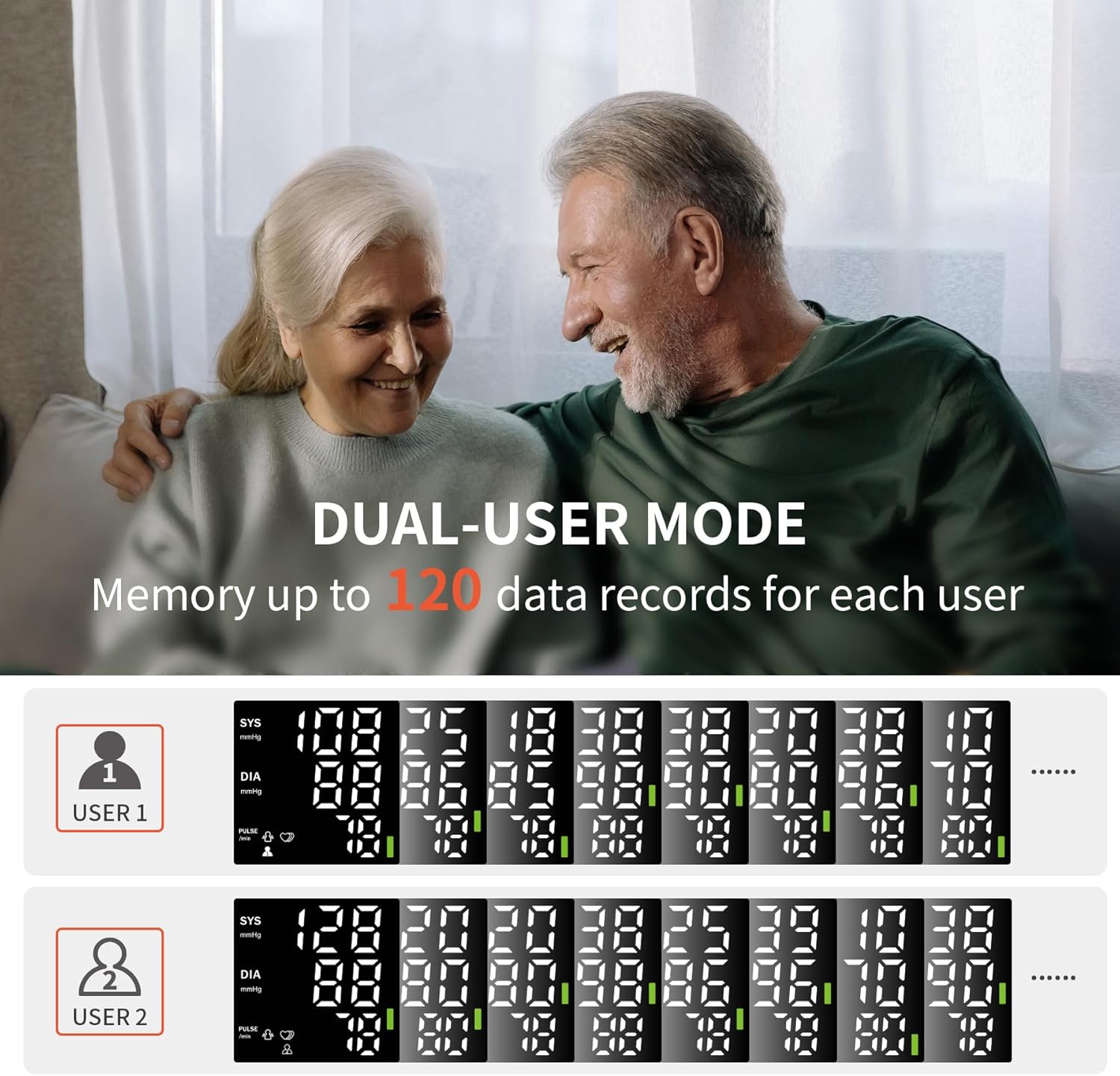
Image: A visual representation of the dual-user mode, displaying distinct memory logs for two different users.
4. Viewing Past Readings
You can quickly view stored measurement records by rotating the knob. Rotate the knob clockwise to see the latest records first, or counterclockwise to view from oldest to newest. This allows for convenient review of your historical data.
Video: A demonstration of the Oklar Blood Pressure Monitor's features, including how to take a measurement and navigate stored readings.
Maintenance
To ensure the longevity and accuracy of your Oklar Blood Pressure Monitor, follow these maintenance guidelines:
- Cleaning: Wipe the device and cuff with a soft, dry cloth. Do not use abrasive cleaners or immerse the device in water.
- Storage: Store the monitor in its portable storage bag in a cool, dry place, away from direct sunlight and extreme temperatures.
- Battery Replacement: Replace batteries when the low battery indicator appears on the display. Remove batteries if the device will not be used for an extended period.
- Avoid Damage: Do not drop the device or subject it to strong impacts. Avoid bending or twisting the cuff excessively.
Troubleshooting
If you encounter issues with your blood pressure monitor, refer to the following common problems and solutions:
| Problem | Possible Cause | Solution |
|---|---|---|
| "Er" Error Message | Movement during measurement, improper cuff placement, or arm not at heart level. | Remain still and silent. Re-adjust the cuff to ensure it's properly positioned and at heart level. Repeat the measurement. |
| Heart Symbol Flashing | Indicates an irregular heartbeat detected during measurement. | This symbol suggests an irregularity in your pulse. Consult your doctor if this occurs frequently. |
| No Display/Device Not Turning On | Batteries are low, incorrectly inserted, or missing. | Check battery polarity. Replace with new AAA batteries. |
Specifications
- Brand: Oklar
- Model Name: W05
- Item Model Number: W05
- Display Type: Digital LED Large Screen Display
- Band Size: Adjustable, fits wrists from 4.9 inches to 8.5 inches
- Memory: Up to 120 records per user (2 users)
- Included Components: Portable Storage Bag
- Material Feature: Durable
- Manufacturer: Shenzhen Jamr Technology Co., Ltd.
- UPC: 763971504907
Important Health Information
Statements regarding dietary supplements have not been evaluated by the FDA and are not intended to diagnose, treat, cure, or prevent any disease or health condition.
This blood pressure monitor is a tool for monitoring. It is not a substitute for professional medical advice, diagnosis, or treatment. Always consult with a qualified healthcare professional for any health concerns or before making any decisions related to your health or treatment.
Warranty & Support
For specific warranty information and customer support, please refer to the documentation included with your product packaging or contact Oklar customer service directly. Keep your purchase receipt as proof of purchase for any warranty claims.


