
1. Product Overview
The AWOL VISION 120" Motorized ALR Floor Rising Projector Screen is designed to enhance your home theater experience. Featuring advanced Ambient Light Rejecting (ALR) technology, this screen delivers vibrant and sharp images even in well-lit environments. Its motorized floor-rising mechanism offers convenience and a sleek, space-saving design.
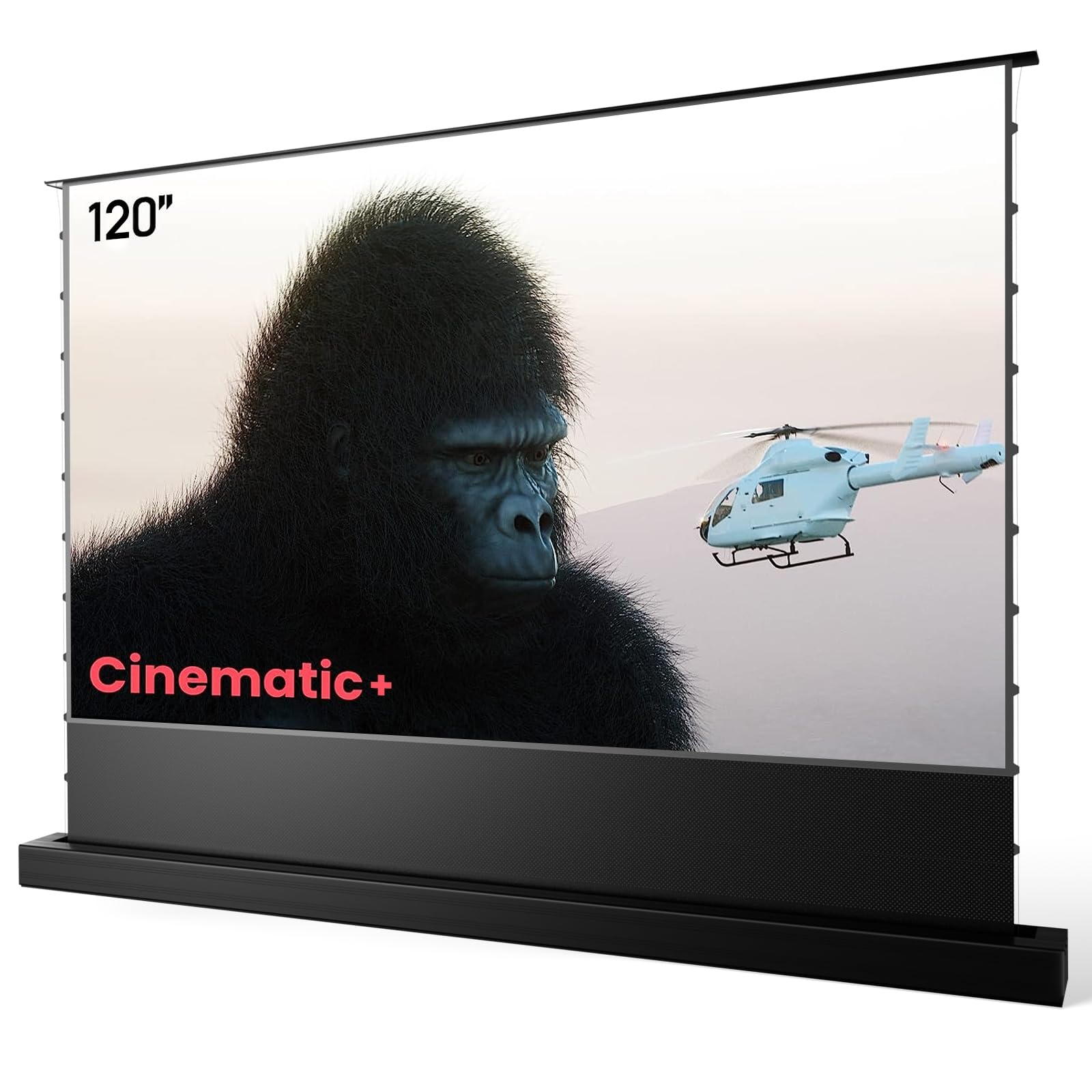
Figure 1.1: AWOL VISION 120" Motorized ALR Floor Rising Projector Screen in a home theater setup.
Key Features
- Premium HBSI ALR Screen Material: Offers over 50% enhanced gain compared to CBSP screens, supporting 4K/8K projections and active 3D. Features a 170° viewing angle, 0.8 peak gain, and acoustic transparent design.
- Intelligent Control with Memory Function: Allows easy setting of desired screen height limits. The motor and mechanism synchronize automatically within 30 seconds in adjustment mode, ensuring the screen reaches your preset limit effortlessly.
- USB Synchronization: Connect the USB Synchronized Trigger to your projector's USB port for automatic screen unfurling when the projector powers on and retraction when it powers off.
- 95% Ambient Light Rejection: The cirriform optical surface lens microstructure thwarts up to 95% of ambient light, ensuring vibrant hues and sharp contrasts.
- Acoustic Transparent Design: The 0.4mm sound hole allows for a surround sound experience.
- Fast and Easy Setup: Electric pop-up/floor-rising design sets up in minutes. Wire Tension Technology ensures a flat, wrinkle-free surface.
2. Setup
2.1 Unboxing and Component Check
Carefully unbox the projector screen. Verify that all components are present according to the packing list in your user manual. Handle the screen material with care to avoid creases or damage.

Figure 2.1: Comparison of screen materials, highlighting the superior HBSI TPU material used in this product.
2.2 Physical Placement
Place the screen on a flat, stable surface in your desired viewing area. Ensure there is adequate space for the screen to rise and retract without obstruction. The screen is designed for floor-standing use and does not require wall mounting for its primary function.

Figure 2.2: Detailed dimensions and specifications for the AWOL VISION Electric Tension Floor Screen.
2.3 Connecting to Power and Projector
Connect the screen to a power outlet using the provided power cord. For automatic synchronization with your projector, insert the USB Synchronized Trigger into your projector's USB port. This enables the screen to automatically deploy when the projector is turned on and retract when it's turned off.

Figure 2.3: USB synchronization allows the screen to rise and fall with your projector's power cycle.
2.4 Initial Screen Deployment and Limit Setting
Upon first use, the screen may feel slightly stiff. After a few cycles, the motor will run smoother. Use the remote control to deploy the screen. You can set your desired upper and lower height limits using the smart control box's memory function. Refer to the detailed instructions in the included user manual for precise limit setting procedures.
Video 2.4: Demonstrates the motorized floor-rising action and smart control features of the AWOL VISION ALR Screen.
3. Operating Instructions
3.1 Basic Operation
Use the provided remote control to raise or lower the screen. If USB synchronization is enabled, simply power on your projector, and the screen will automatically deploy to its preset upper limit. Powering off the projector will cause the screen to retract.
Video 3.1: Highlights the bright, automatic, and immersive experience with the AWOL VISION Projector Screen.
3.2 Optimizing Viewing Experience
The ALR screen material is designed to reject up to 95% of ambient light, allowing for clear viewing even in rooms with some lighting. For the best cinematic experience, minimize ambient light as much as possible.

Figure 3.2: The screen's 95% ambient light resistance and 0.8dB peak gain ensure a clear image in various lighting conditions.
The screen offers a wide 170° viewing angle, ensuring that viewers across the room can enjoy a consistent and high-quality image. The acoustic transparent design allows for optimal sound integration with your audio system.

Figure 3.3: The 170° wide viewing angle provides an immersive experience for a larger audience.
4. Maintenance
To maintain the quality and longevity of your projector screen, follow these guidelines:
- Cleaning the Screen Surface: Gently wipe the screen surface with a soft, lint-free cloth. For stubborn marks, use a mild soap solution diluted with water and apply it sparingly to the cloth, not directly to the screen. Avoid abrasive cleaners or harsh chemicals.
- Cleaning the Housing: Wipe the aluminum housing with a dry or slightly damp cloth to remove dust.
- Avoid Obstructions: Ensure no objects obstruct the screen's path during deployment or retraction to prevent damage to the motor or screen material.
- Regular Inspection: Periodically check the screen material for any signs of wear or damage. Inspect the power cable for fraying or damage.
5. Troubleshooting
If you encounter issues with your projector screen, refer to the following common troubleshooting steps:
- Screen Not Deploying/Retracting:
- Check if the power cable is securely connected to both the screen and the power outlet.
- Ensure the power switch on the screen's housing is in the 'On' position.
- Verify that the remote control batteries are functional.
- If using USB synchronization, confirm the USB trigger is correctly inserted into the projector and the projector is powered on.
- Screen Material Not Flat:
- The screen utilizes Wire Tension Technology to ensure flatness. If minor waves are observed, allow the screen to cycle up and down a few times.
- Ensure the screen is placed on a level surface.
- Image Quality Issues (e.g., dimness, poor contrast):
- Ensure your projector is correctly aligned with the screen.
- Minimize ambient light in the room for optimal contrast and brightness.
- Verify your projector settings are optimized for an ALR screen.
If problems persist, please contact AWOL VISION customer support.
6. Specifications
| Feature | Detail |
|---|---|
| Brand | AWOL VISION |
| Model Number | 120 inches |
| Screen Material | HBSI ALR (Ambient Light Rejecting) |
| Aspect Ratio | 16:9 |
| Viewing Angle | 170° |
| Peak Gain | 0.8 |
| Ambient Light Rejection | Up to 95% |
| Supported Resolution | 4K/8K Ultra HD, Active 3D |
| Mounting Type | Floor Mount |
| Material | Aluminum (Housing) |
| Item Weight | 30.8 pounds |
| Product Dimensions | 6.3"W x 4.6"H (Case) |
| Display Dimensions | 111.4"x6.3"x4.7" (Screen Area) |
7. Warranty and Support
The AWOL VISION 120" Motorized ALR Floor Rising Projector Screen comes with a 1-year warranty, backed by UL-certified excellence. For any inquiries, technical assistance, or warranty claims, please contact AWOL VISION customer support.
- Customer Support: Available 24/7
- Contact Information: Refer to the official AWOL VISION website or the contact details provided in your product packaging for the most up-to-date support options.