Introduction
This manual provides essential information for the setup, operation, and maintenance of your LG UT80 50-Inch 4K Smart UHD TV. Designed for optimal viewing and smart functionality, this television features a 4K resolution display, HDR10 and HLG technology for vibrant colors, and the α5 AI Processor 4K Gen7 for enhanced picture and sound. Please read this manual thoroughly before using your TV to ensure safe and proper operation.
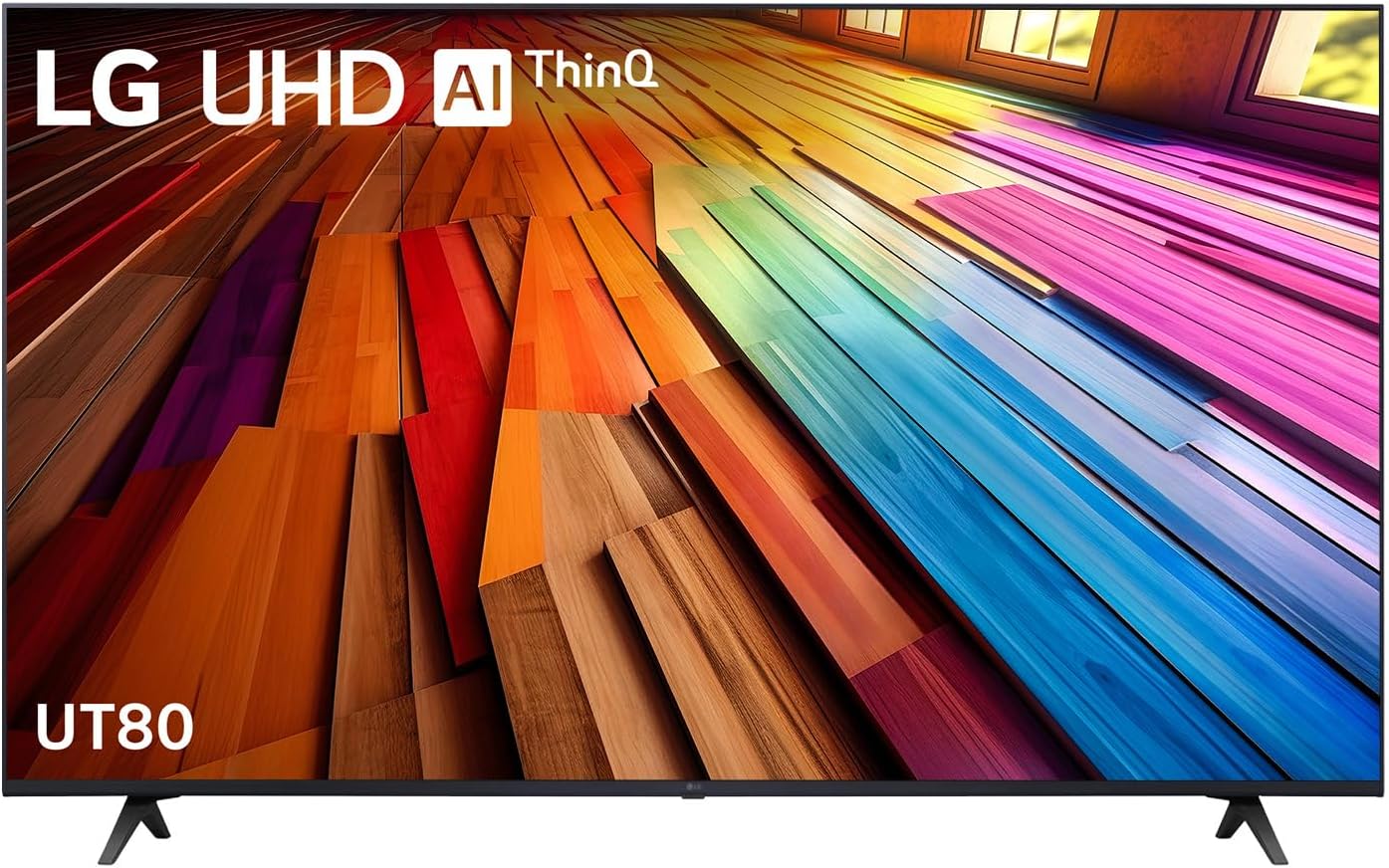
Image: Front view of the LG UT80 50-Inch 4K Smart UHD TV, showcasing its slim bezel and vibrant display.
Setup Guide
1. Unpacking and Component Check
Carefully remove the TV and all components from the packaging. Ensure all items listed below are present:
- LG UT80 50-Inch 4K Smart UHD TV
- Remote Control
- Power Cable
- TV Stand (2 pieces)
- Screws for Stand Installation
- User Manual (this document)
2. Stand Installation
To install the TV stand:
- Place the TV screen-down on a soft, flat surface to prevent damage.
- Align each stand piece with the corresponding slots on the bottom of the TV.
- Secure the stands using the provided screws. Ensure they are tightened firmly.
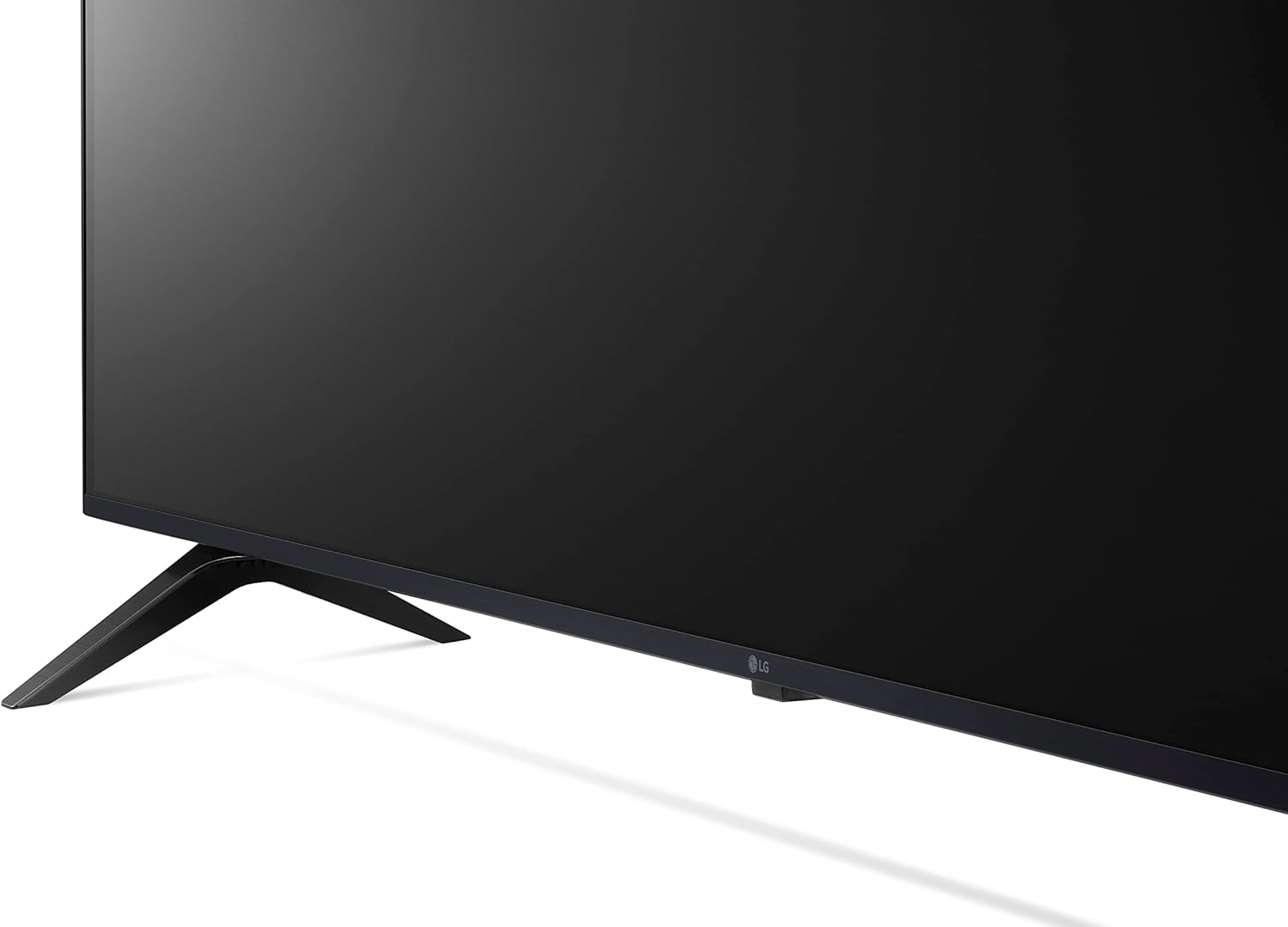
Image: Close-up view of the TV's bottom bezel and one of the stand feet, illustrating the design.
3. Initial Connections
Connect necessary cables before powering on the TV.
- Power: Connect the power cable to the TV's power input and then to a wall outlet.
- HDMI Devices: Connect external devices (e.g., Blu-ray player, game console) to the HDMI ports.
- Antenna/Cable: Connect your antenna or cable TV feed to the ANTENNA/CABLE IN port.
- Network: For smart features, connect an Ethernet cable to the LAN port or prepare for Wi-Fi setup.
Operating Your TV
1. Basic Operation
- Power On/Off: Press the Power button on the remote control or the TV.
- Volume Control: Use the Volume Up/Down buttons on the remote.
- Channel Selection: Use the Channel Up/Down buttons or the number pad.
- Input Source: Press the Input button to select between HDMI, TV, USB, etc.
2. Smart Features (webOS & ThinQ AI)
Your LG UT80 TV runs on webOS, providing access to a wide range of smart features and streaming services. ThinQ AI enhances your experience with intelligent voice control and personalized recommendations.
- Home Dashboard: Access all your connected devices, smart home appliances, and TV settings from one central hub.
- Streaming Apps: Easily access popular services like Netflix, Disney Plus, Prime Video, and Apple TV.
- AI Recommendations: The TV learns your viewing habits to suggest content you might enjoy.

Image: The LG ThinQ AI and webOS interface displayed on the TV screen, showing various streaming app icons and content suggestions.
3. Picture and Sound Optimization
The α5 AI Processor 4K Gen7 optimizes picture and sound quality in real-time.
- α5 AI Processor 4K Gen7: This processor intelligently boosts picture and sound for a more immersive experience.
- HDR10 Pro: Enjoy enhanced brightness and fine detail in compatible content.
- AI Brightness Control: The TV automatically adjusts screen brightness based on ambient light conditions for optimal viewing comfort.
- Filmmaker Mode: Preserves the director's original vision by disabling motion smoothing and other post-processing effects.
- AI Sound Pro: Experience sensational 9.1.2-channel virtual surround sound, remastered for clarity and impact.

Image: A visual representation of the LG α5 AI Processor 4K Gen7 chip, highlighting its role in enhancing picture and sound.

Image: A scene depicting Filmmaker Mode and HDR10 Pro, showing a person working in a studio with the TV displaying a high-quality image.
Maintenance
1. Cleaning Your TV
To maintain the clarity of your screen and the appearance of your TV:
- Always unplug the TV before cleaning.
- Use a soft, dry microfiber cloth to gently wipe the screen and cabinet.
- For stubborn marks, lightly dampen the cloth with water or a specialized screen cleaner (do not spray directly onto the screen).
- Avoid using abrasive cleaners, waxes, or solvents.
2. Software Updates
Your LG TV supports the webOS Re:New Program, which provides software updates to keep your TV's features and technologies current.
- Ensure your TV is connected to the internet to receive automatic updates.
- You can manually check for updates through the TV's settings menu (Settings > Support > Software Update).
- Regular updates improve performance, add new features, and enhance security.
Troubleshooting
Before contacting service, please refer to the following common issues and solutions:
| Problem | Possible Cause / Solution |
|---|---|
| No Power | Check if the power cable is securely plugged into the TV and the wall outlet. Try a different outlet. |
| No Picture / Distorted Picture | Verify input source is correct. Check HDMI/antenna cable connections. Adjust picture settings. If a white shadow appears, contact support. |
| No Sound | Check volume level. Ensure Mute is off. Verify audio cable connections. Check external audio device settings. |
| Smart Features are Slow / Unresponsive | Ensure a stable internet connection. Restart the TV by unplugging it for a few minutes. Close unused apps. Consider a factory reset if issues persist (note: this will erase settings). |
| Remote Control Not Working | Replace batteries. Ensure no obstructions between remote and TV. Re-pair the remote if it's a Magic Remote (refer to TV's on-screen guide for pairing instructions). |
Specifications
Key technical specifications for the LG UT80 50-Inch 4K Smart UHD TV (Model: 50UT8050PSB):
| Feature | Detail |
|---|---|
| Brand | LG |
| Model Name | UT80 |
| Model Number | 50UT8050PSB |
| Screen Size | 50 Inches |
| Display Technology | LED |
| Resolution | 4K (3840 x 2160 pixels) |
| Refresh Rate | 60 Hz |
| Operating System | WebOS |
| Processor | α5 AI Processor 4K Gen7 |
| Special Features | Bezel-Less Design, HDR10 Pro, AI Brightness Control, AI Sound Pro, Filmmaker Mode |
| Connectivity | Wi-Fi, USB, HDMI, Bluetooth |
| Product Dimensions (LxWxH) | 112.1 x 23.1 x 71.3 cm (with stand) |
| Item Weight | 15.2 kg |
Warranty and Support
LG provides comprehensive support for its products. For detailed warranty information, please refer to the warranty card included with your TV or visit the official LG website for your region.
- Online Support: Visit the LG support website for FAQs, troubleshooting guides, and software downloads.
- Customer Service: Contact LG customer service for technical assistance or warranty claims. Refer to your product documentation for regional contact numbers.
- Product Registration: Register your product online to receive important updates and support.
Keep your purchase receipt as proof of purchase for warranty purposes.