
1. Introduction
The CGRC Remote Control CAN 4 PIN is an essential accessory designed to enhance the control and safety of your CHIGEE AIO-5 lite or AIO-5 play system on compatible motorcycles. This device allows for safe and efficient operation of your AIO-5 unit without requiring you to remove your hands from the handlebars, ensuring a focused and secure riding experience.

Figure 1.1: The CGRC Remote Control CAN 4 PIN device.
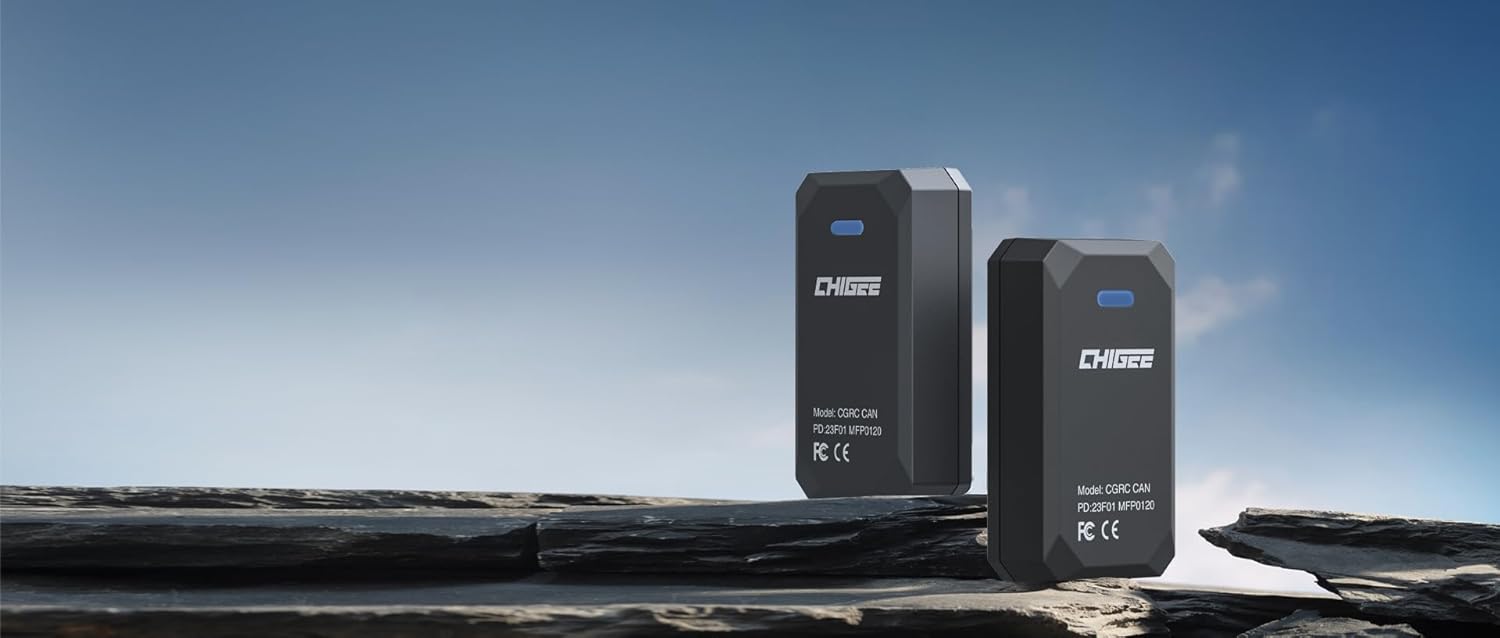
Figure 1.2: CGRC CAN devices in a natural setting.
2. Compatibility
This CGRC CAN remote control is compatible with motorcycle models equipped with a wheel controller, specifically designed for seamless integration with the CHIGEE AIO-5 lite and AIO-5 play systems.
2.1 Supported Models
- CHIGEE AIO-5 Series
- CHIGEE AIO-5 LITE
- CHIGEE AIO-5 Play
- BMW motorcycle models with a wheel controller that adhere to 4-pin or 8-pin compatibility specifications.
2.2 Non-Supported Models
Please note that the following models are currently not supported due to control integration conflicts with the TFT display or incompatible pin ports:
- 2022 K1600: Installation may result in a control integration conflict with the TFT display. For these models, the wireless remote control option is recommended.
- 2023 R 1250 RT: Similar to the K1600, installation may cause control integration conflicts. The wireless remote control option is advised.
- R1300 GS: Currently not compatible as the applicable pin port is not 4-pin or 8-pin.
CHIGEE is actively developing dedicated CGRC CAN solutions for the latest models, including the R 1300 GS. Please stay informed through official CHIGEE channels for updates.
3. Product Features
The CGRC Remote Control CAN 4 PIN offers several key features designed for convenience and safety:
- Safe Operation: Allows control of your AIO-5 system without removing hands from the handlebars.
- Original Switch Control: Integrates seamlessly with your motorcycle's existing wheel controller.
- Non-Destructive Installation: Designed for easy and reversible installation without permanent modifications.
- One-Click Answer: Provides quick access to call answering functionality (if supported by your AIO-5 system).
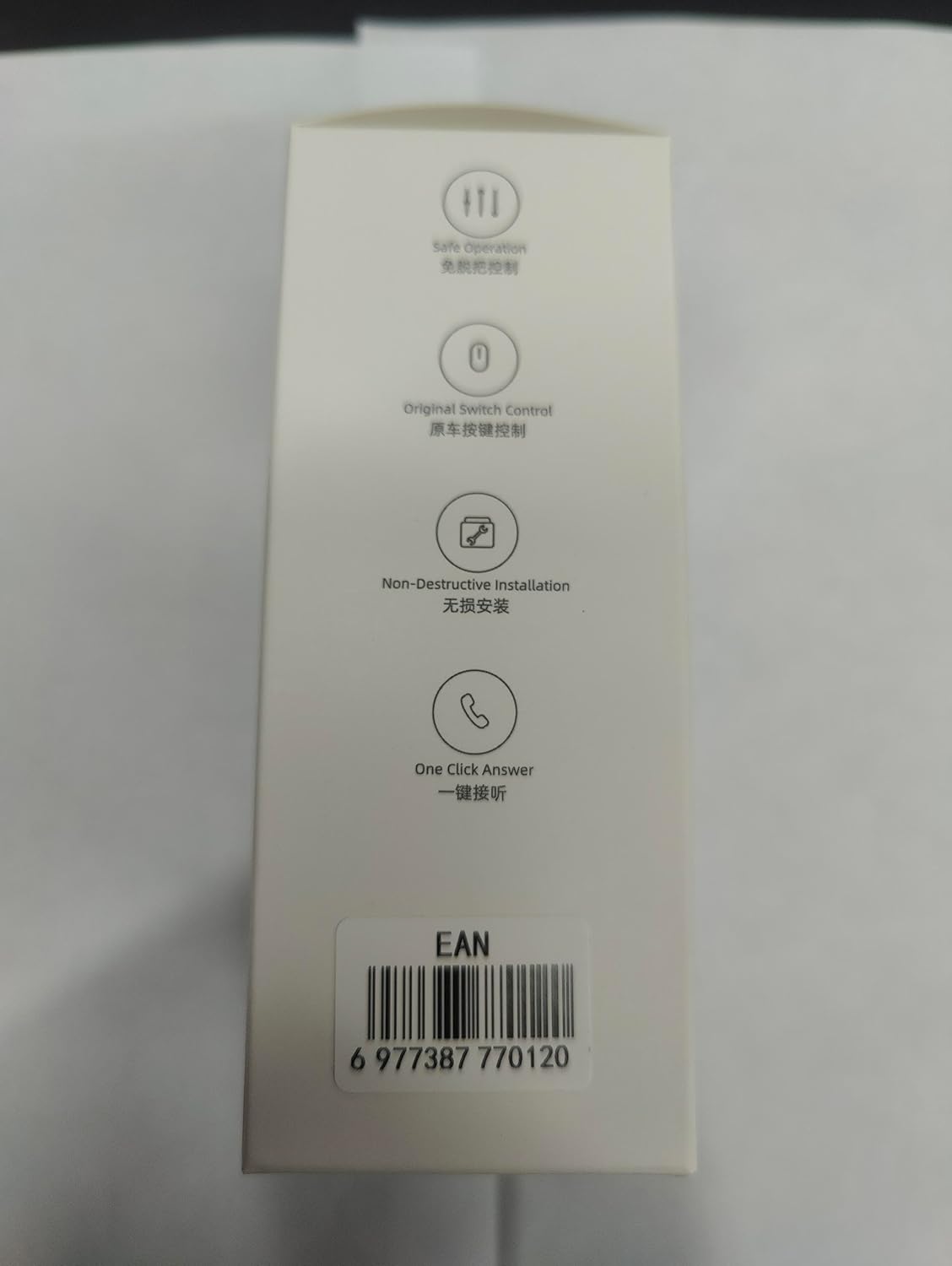
Figure 3.1: Key features highlighted on product packaging.
4. Specifications
| Attribute | Value |
|---|---|
| Model Number | MFP0042 |
| Package Dimensions | 1 x 1 x 1 inches (approximate) |
| Item Weight | 3.52 ounces |
| Color | Black |
| Max Number of Supported Devices | 1 (CHIGEE AIO-5 series) |
| Manufacturer | CHIGEE |
| ASIN | B0CXHQNTGX |

Figure 4.1: CGRC CAN device and cable dimensions.
5. Package Contents
Upon opening the package, please verify that all components are present and in good condition:
- 1 x CGRC Remote Control CAN 4 PIN device
- Necessary connection cables (as shown in Figure 4.1)

Figure 5.1: Overview of the product packaging.

Figure 5.2: Back of the product packaging, showing manufacturer information and warnings. The model number is MFP0120 and the ASIN is X0022K3ENT.

Figure 5.3: Left side of the product packaging.
6. Setup and Installation
The CGRC Remote Control CAN 4 PIN is designed for a plug-and-play fitment, particularly for BMW Nav Prep systems, ensuring an OEM-level fit and finish. This non-destructive installation means no awkward sight lines, blocked controls, or gauges.
6.1 Installation Steps
- Locate the Wheel Controller Port: Identify the appropriate 4-pin or 8-pin port on your motorcycle's wheel controller system. Refer to your motorcycle's manual for exact location.
- Connect the CGRC CAN: Carefully plug the CGRC CAN device's cable into the identified port. Ensure a secure and firm connection.
- Secure the Device: Mount the CGRC CAN device in a safe location, away from moving parts or excessive heat, using appropriate fasteners or ties if necessary.
- Test Functionality: After installation, power on your motorcycle and the CHIGEE AIO-5 system. Test the remote control's functions to ensure proper communication and operation.
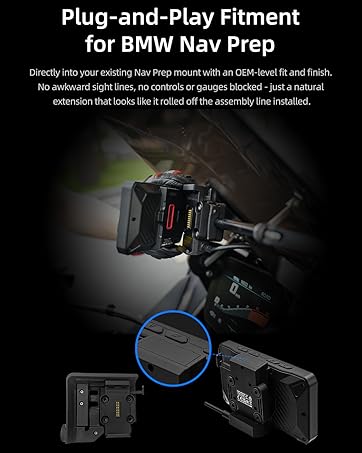
Figure 6.1: Illustration of plug-and-play fitment for BMW Nav Prep.

Figure 6.2: CHIGEE AIO-5 Lite integrated with a motorcycle's controls.
7. Operating Instructions
Once installed, the CGRC Remote Control CAN 4 PIN allows you to control your CHIGEE AIO-5 system directly from your motorcycle's wheel controller. Specific functions will depend on your AIO-5 model and its software version.
7.1 Basic Operation
- Navigation: Use the wheel controller to scroll through menus and select options on your AIO-5 display.
- Media Control: Adjust volume, skip tracks, or pause/play media if your AIO-5 system is connected to an audio source.
- Call Management: Utilize the