Introduction
Thank you for purchasing the Samsung WA21A3341GW Automatic Washing Machine. This manual provides essential information for the safe and efficient operation, maintenance, and troubleshooting of your appliance. Please read this manual thoroughly before using the washing machine and keep it for future reference.
Safety Information
Always follow basic safety precautions when using any electrical appliance to reduce the risk of fire, electric shock, or injury to persons.
- Ensure the washing machine is properly grounded.
- Do not operate the machine if the power cord is damaged.
- Keep flammable materials away from the appliance.
- Do not allow children to play on or in the appliance.
- Unplug the machine before cleaning or performing any maintenance.
Setup and Installation
Proper installation is crucial for the performance and safety of your washing machine.
- Unpacking: Carefully remove all packaging materials. Inspect the machine for any damage.
- Location: Place the washing machine on a firm, level surface. Ensure there is adequate space around the machine for ventilation and access. Avoid direct sunlight or extreme temperatures.
- Leveling: Adjust the leveling feet at the bottom of the machine to ensure it is perfectly stable and level. This prevents excessive vibration and noise during operation.
- Water Supply Connection: Connect the hot and cold water inlet hoses to the corresponding valves on the back of the machine and to your household water supply. Ensure connections are tight to prevent leaks.
- Drain Hose Installation: Securely attach the drain hose to a standpipe or laundry tub, ensuring it is properly positioned to prevent backflow.
- Power Connection: Plug the power cord into a grounded electrical outlet. Do not use extension cords.
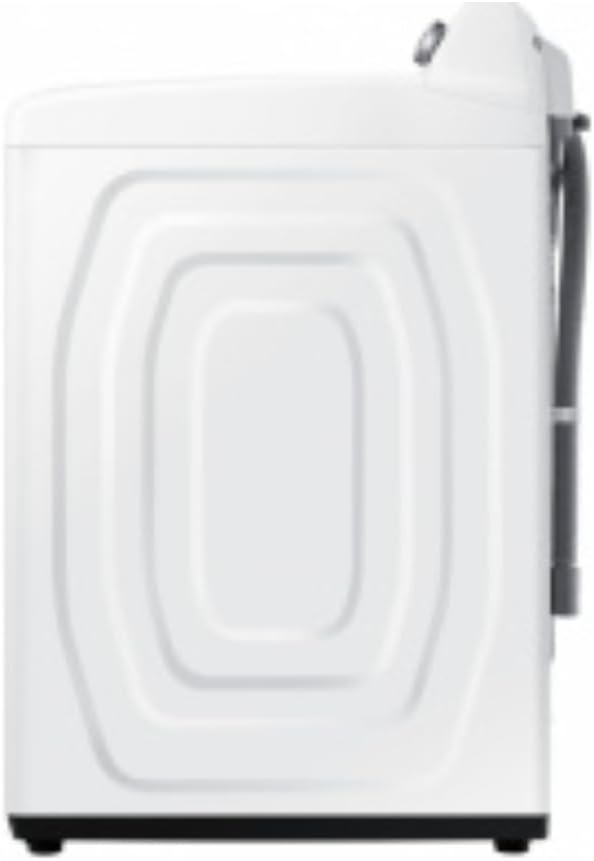
Image: Side view of the washing machine, illustrating the connection points for water supply and drain hoses.
Operating Instructions
This section guides you through the daily operation of your Samsung washing machine.
Loading Laundry
Open the top lid and load clothes loosely into the drum. Do not overload the machine. The 21 kg capacity allows for large loads, including bulky items like king-size comforters.

Image: Top view of the washing machine with the lid open, revealing the spacious drum and the ActiveWave agitator designed to prevent tangling.
Adding Detergent and Softener
Add the appropriate amount of detergent to the dispenser. For liquid fabric softener, pour it into the designated compartment. Refer to your detergent packaging for recommended amounts.
Selecting a Wash Cycle
Your washing machine offers 8 cycle options. Use the push-button controls to select the desired cycle based on the fabric type and soil level of your laundry.
- Normal: For everyday cottons and mixed fabrics.
- Heavy Duty: For sturdy fabrics and heavily soiled items.
- Delicates: For fragile items requiring gentle care.
- Quick Wash: For lightly soiled items that need a fast wash.
- Aqua Saving: This cycle is designed to save up to 25% more water compared to a Normal cycle by spraying water during rinsing to quickly remove foam and detergent.
- Additional cycles may vary by model.
Starting the Wash
Press the Start/Pause button to begin the wash cycle. The machine will automatically fill with water, wash, rinse, and spin.

Image: Front view of the washing machine, highlighting the control panel with its push-button interface and central dial for cycle selection.
Maintenance and Cleaning
Regular maintenance ensures the longevity and efficiency of your washing machine.
- Exterior Cleaning: Wipe the exterior with a soft, damp cloth. Do not use abrasive cleaners.
- Drum Cleaning: Run a 'Self Clean' or 'Tub Clean' cycle (if available) periodically to remove detergent residue and odors. Alternatively, run an empty cycle with hot water and a cup of white vinegar or baking soda.
- Detergent Dispenser: Clean the detergent and softener dispenser regularly to prevent buildup. Remove the dispenser drawer and rinse it under warm water.
- Lint Filter: Check and clean the lint filter (if applicable) after every few washes to maintain drainage efficiency.
- Water Inlet Filters: Periodically check the mesh filters in the water inlet hoses for blockages and clean them if necessary.
Troubleshooting
Before contacting service, try these solutions for common issues.
| Problem | Possible Cause | Solution |
|---|---|---|
| Machine does not start | Power cord unplugged; Lid not closed properly; No water supply. | Check power connection; Ensure lid is fully closed; Check water faucets. |
| Excessive vibration/noise | Machine not level; Load unbalanced; Shipping bolts not removed. | Adjust leveling feet; Redistribute laundry; Ensure shipping bolts are removed (if applicable). |
| Water leakage | Hose connections loose; Drain hose clogged or improperly installed. | Tighten hose connections; Clear drain hose; Ensure drain hose is correctly positioned. |
| Clothes not clean | Too much laundry; Insufficient detergent; Incorrect cycle selected. | Reduce load size; Use recommended detergent amount; Select appropriate cycle. |
Specifications
Technical details of your Samsung WA21A3341GW Automatic Washing Machine.
- Brand: SAMSUNG
- Model Number: WA21A3341GW
- Color: White
- Dimensions (W x D x H): 76 cm x 80 cm x 117 cm (approximately)
- Weight: 61 kg
- Capacity: 21 Kilograms
- Special Features: Timer, Aqua Saving Cycle, ActiveWave Agitator
- Access Location: Top Load
- Control Type: Push Button
- Operation Mode: Fully Automatic
- Number of Cycle Options: 8
Warranty and Support
For warranty information and technical support, please refer to the warranty card included with your purchase or visit the official Samsung website. Keep your proof of purchase for warranty claims.
Online Support: Visit www.samsung.com/support/ for FAQs, downloads, and service requests.
Customer Service: Contact Samsung customer service for assistance with product issues or to schedule a service appointment.