
1. Introduction
This manual provides essential information for the safe and efficient operation of your TCL 65V6B 65-inch 4K UHD HDR Smart Google TV. This television features 4K Ultra HD resolution, High Dynamic Range (HDR) for enhanced contrast and color, and is powered by Google TV for a smart entertainment experience. It includes Dolby Audio for immersive sound, Motion Clarity for smooth visuals, and integrated Google Assistant with voice control and Chromecast functionality.
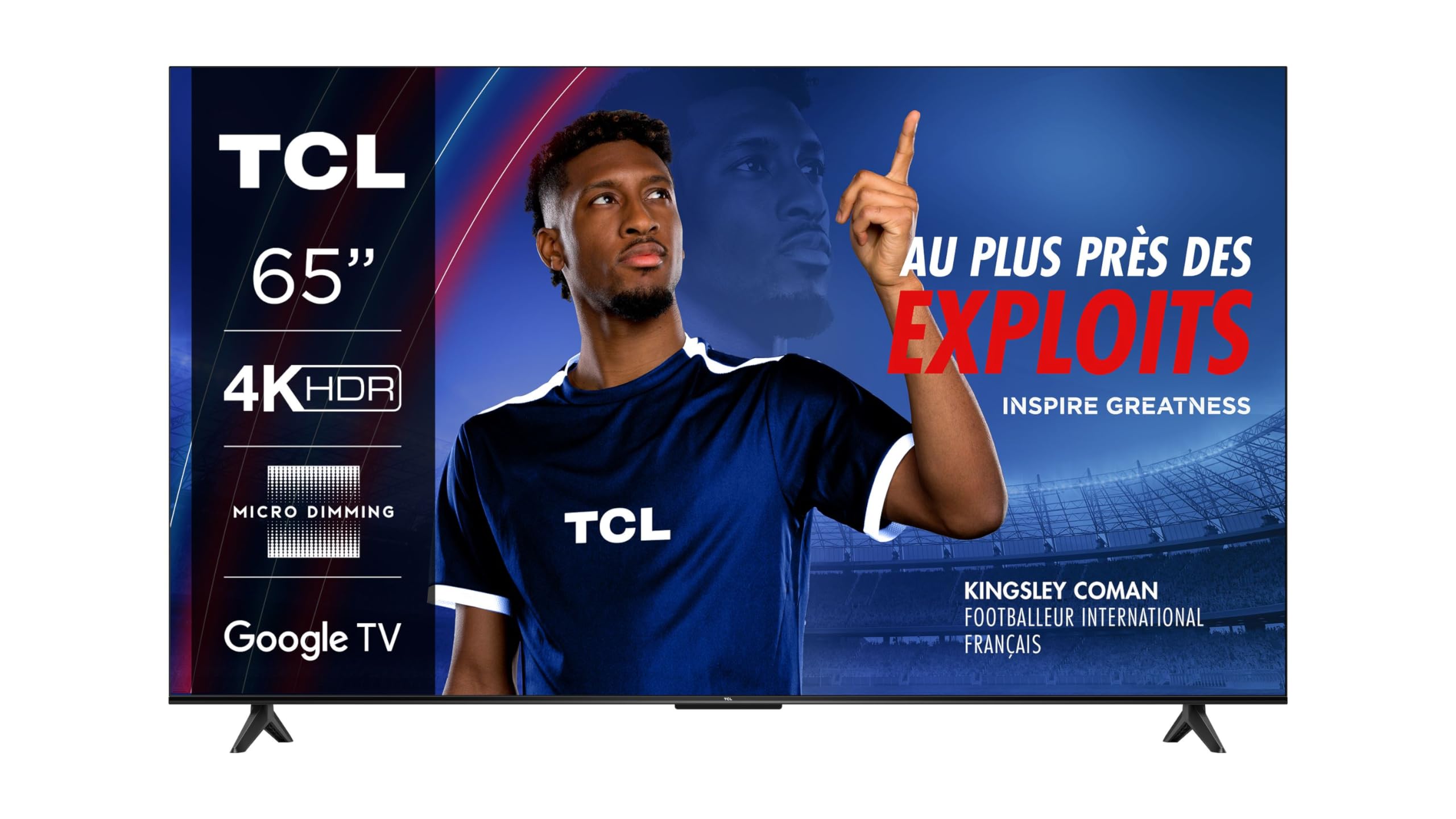
Image 1.1: Front view of the TCL 65V6B TV, showcasing its slim bezel and vibrant display.
2. Safety Information
Please read all safety instructions before operating the TV. Keep this manual for future reference.
- Power Source: Connect the TV only to an AC 100-240V, 50/60Hz power supply.
- Ventilation: Ensure adequate ventilation around the TV. Do not block ventilation openings.
- Water and Moisture: Do not expose the TV to rain or moisture. Do not place objects filled with liquids on the TV.
- Cleaning: Unplug the TV before cleaning. Use a soft, dry cloth. Do not use liquid or aerosol cleaners.
- Placement: Place the TV on a stable, level surface. Avoid placing it in direct sunlight or near heat sources.
- Batteries: Dispose of used batteries responsibly according to local regulations.
3. What's in the Box
Verify that all components are present in the packaging:
- TCL 65V6B 65-inch 4K UHD HDR Smart Google TV
- Remote Control
- AAA Batteries (2x)
- Power Cable
- User Manual (this document)
4. Setup
4.1. Stand Installation
To install the TV stand:
- Carefully place the TV face-down on a soft, flat surface to prevent screen damage.
- Align the stand legs with the corresponding screw holes on the bottom of the TV.
- Secure each leg with the provided screws. Ensure they are tightened firmly.

Image 4.1: Side view of the TCL 65V6B TV, illustrating the attached stand.
4.2. Wall Mounting (Optional)
If you choose to wall mount your TV, ensure you use a VESA-compatible wall mount (200 x 200 mm standard). Follow the instructions provided with your wall mount kit. It is recommended to have professional installation for wall mounting.

Image 4.2: Rear view of the TCL 65V6B TV, highlighting the VESA mounting pattern and various input ports.
4.3. Connecting Devices
- HDMI: Connect external devices like Blu-ray players, game consoles, or set-top boxes to the HDMI ports. This TV has 3 HDMI ports.
- USB: Connect USB storage devices for media playback to the USB 2.0 port.
- Antenna/Cable: Connect an antenna or cable TV signal to the RF input.
- Ethernet: For a wired internet connection, connect an Ethernet cable to the LAN port.
4.4. Power Connection
Plug the power cable into the TV's power input, then plug the other end into a wall outlet.
4.5. Initial Setup
Upon first power-on, the TV will guide you through the initial setup process. This includes selecting your language, connecting to a Wi-Fi network, and signing in with your Google account to access Google TV features.
5. Operating the TV
5.1. Remote Control
Insert the two AAA batteries into the remote control, ensuring correct polarity. The remote allows you to navigate the Google TV interface, adjust volume, change channels, and access various functions. It uses Bluetooth technology for connectivity.
5.2. Google TV Interface
Google TV organizes movies, shows, live TV, and more from your apps and subscriptions. Use the remote's directional pad and OK button to navigate through menus, select apps, and browse content.
5.3. Voice Control (Google Assistant)
Your TV supports voice control via Google Assistant. Press the dedicated Google Assistant button on your remote and speak your commands to search for content, control smart home devices, or get information.
5.4. Chromecast Built-in
Use Chromecast built-in to cast content (videos, photos, music) from your compatible mobile device or computer directly to your TV screen.
5.5. Gaming Features (Game Master 2.0)
The TCL 65V6B includes Game Master 2.0, optimizing your gaming experience. With HDMI 2.1 and Auto Low Latency Mode (ALLM), the TV automatically switches to the lowest latency settings for a smoother gaming experience when connected to compatible gaming consoles or PC gaming devices.
6. Maintenance
6.1. Cleaning the Screen
Gently wipe the screen with a soft, lint-free cloth. For stubborn marks, lightly dampen the cloth with water or a specialized screen cleaner (ensure it's safe for TV screens) and wipe gently. Do not apply pressure.
6.2. Cleaning the Frame
Wipe the TV frame and stand with a soft, dry cloth. Avoid using abrasive materials or chemical cleaners.
6.3. General Care
- Avoid exposing the TV to direct sunlight or extreme temperatures.
- Ensure proper ventilation to prevent overheating.
- Unplug the TV during lightning storms or when unused for extended periods.
7. Troubleshooting
If you encounter issues with your TV, refer to the following common solutions:
- No Power: Check if the power cable is securely plugged into both the TV and the wall outlet. Try a different outlet.
- No Picture/Sound: Ensure the correct input source is selected. Check all cable connections (HDMI, antenna). Restart connected devices.
- Remote Not Responding: Replace the AAA batteries in the remote control. Ensure there are no obstructions between the remote and the TV.
- Network Connection Issues: Restart your Wi-Fi router. Check network settings on the TV. For wired connections, ensure the Ethernet cable is properly connected.
- Poor Picture/Sound Quality: Check the signal source. For streaming, ensure a stable internet connection. Adjust picture and sound settings in the TV menu.
If problems persist, consult the TCL support website or contact customer service.
8. Specifications

Image 8.1: Dimensions of the TCL 65V6B TV and included remote control.
| Feature | Detail |
|---|---|
| Model Number | 65V6B |
| Screen Size | 65 Inches |
| Display Technology | LED |
| Resolution | 4K (3840 x 2160) |
| Refresh Rate | 60 Hz |
| Supported HDR Format | HDR10, HDR HLG, HDR10+, Dolby Vision |
| Operating System | Google TV |
| Connectivity Technology | HDMI, USB, Wi-Fi, Ethernet |
| Total HDMI Ports | 3 |
| Total USB Ports | 1 (USB 2.0) |
| Audio Output Mode | Stereo (Dolby Audio 2.0 channels) |
| Integrated Surround Sound Format | Dolby Digital |
| Control Method | Voice, Remote Control |
| Remote Control Battery Size | AAA (2 required) |
| VESA Mount Standard | 200 x 200 mm |
| Item Dimensions (D x W x H) | 30P x 144.5l x 87.8H centimeters |
| Item Weight | 12.4 Kilograms |
| Model Year | 2024 |
9. Warranty and Support
9.1. Warranty Information
This product comes with an Extended Warranty. For specific terms and conditions, please refer to the warranty card included with your product or visit the official TCL website.
9.2. Customer Support
For technical assistance, troubleshooting, or service inquiries, please visit the official TCL support website or contact their customer service hotline. Have your TV model number (65V6B) and serial number ready when contacting support.


